A dual-PC streaming setup uses one computer to play the game and a second to encode and send the stream, connected by a capture card. It was once the standard way to stream without hurting game performance. Today, most graphics cards include a dedicated video encoder, and a single PC is enough for many streamers. This comparison is based on NVIDIA's OBS encoding guide and Elgato's capture card setup guide. Forge PC hasn't measured streaming performance for this article, and we don't quote frame-rate results.
The short version
Single PC suits most people: it's cheaper, simpler and uses your graphics card's built-in encoder.
Dual PC makes sense if you want the stream completely separate from your gaming PC, run a heavy production with lots of scenes and effects, or already have a spare PC.
How single-PC streaming works now
The key is the hardware encoder on your graphics card. NVIDIA says GeForce RTX GPUs have dedicated hardware encoders (NVENC) that let you capture and stream "without impacting GPU or CPU performance". Treat that as NVIDIA's own claim rather than a measured result, but it's why a separate streaming PC is no longer essential for many people.
NVIDIA's guide gives these OBS starting points:
Twitch: Hardware (NVENC, H.264)
YouTube: Hardware (NVENC, AV1) on an RTX 40 Series card, otherwise Hardware (NVENC, HEVC)
Preset: P6: Slower (Better Quality) for most users, lowered if you run several encodes at once
Our guide to setting up a PC for streaming covers the rest of a single-PC setup, and OBS Studio vs Streamlabs helps you choose the software.
How dual-PC streaming works
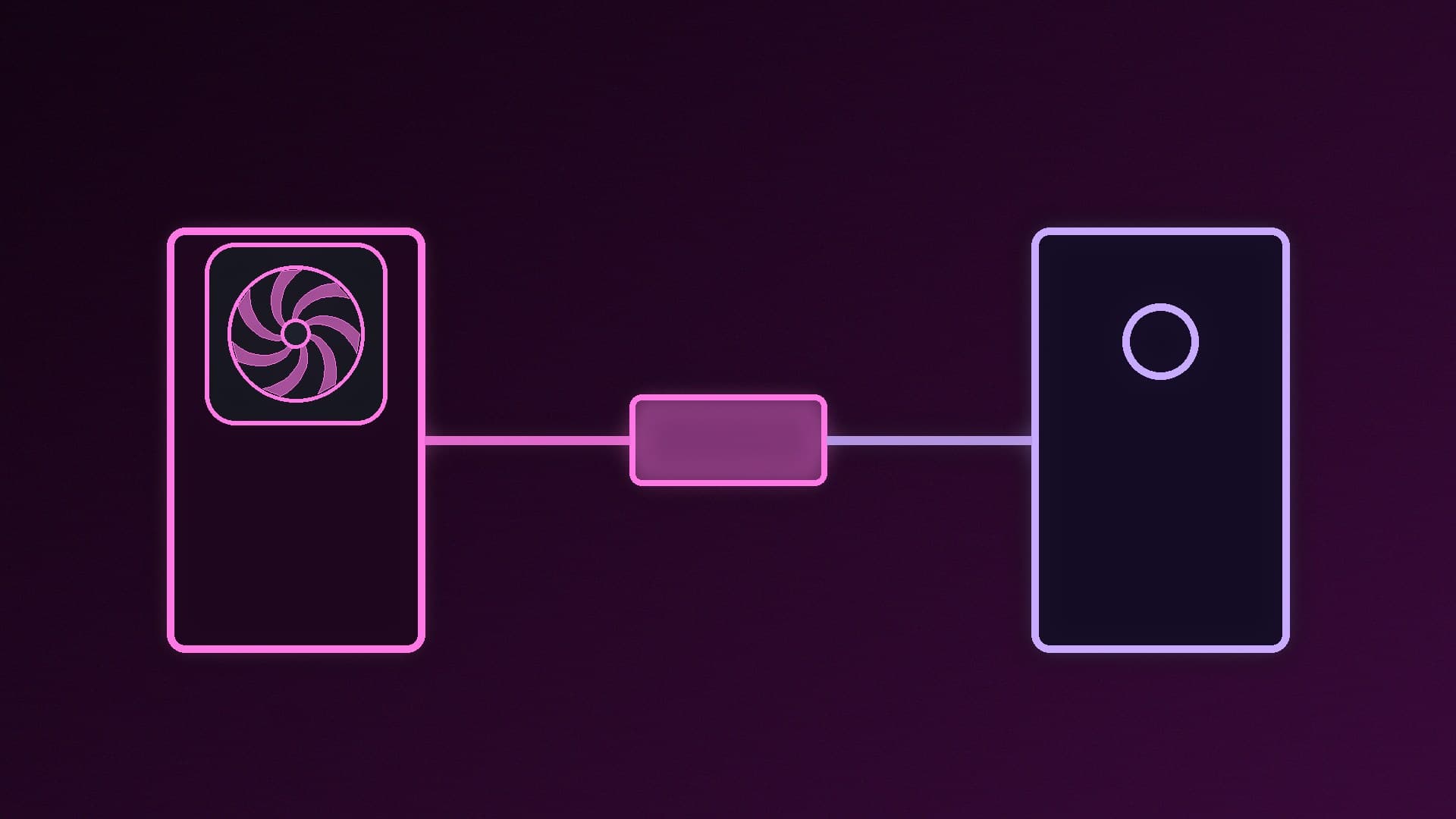
A dual-PC setup adds a capture card to the streaming PC. Elgato's setup guide describes the basic wiring for its capture cards:
Run an HDMI cable from the source (here, your gaming PC's graphics card) to the capture card's HDMI In.
Run a second HDMI cable from the card's HDMI Out to your monitor. Elgato calls this passthrough, which lets you keep playing on your main screen "with zero latency" while the card captures in the background.
Connect the capture card to the streaming PC. Elgato says the Game Capture 4K S needs a USB 3.0 (5Gbps) port and the 4K X a USB 3.2 Gen 2 (10Gbps) port for full performance, while its 4K Pro is a PCIe card that goes inside a desktop.
Then add the capture card as a video source in OBS or Streamlabs on the streaming PC. You'll also need to get your microphone and game audio onto the streaming PC, which adds cables or audio software. For card recommendations, see our best capture card guide.
Pros and cons
| Single PC | Dual PC |
|---|
Cost | Your existing PC (plus mic and camera) | Second PC plus a capture card |
Setup | One machine, one OBS install | Capture card, extra cables and audio routing |
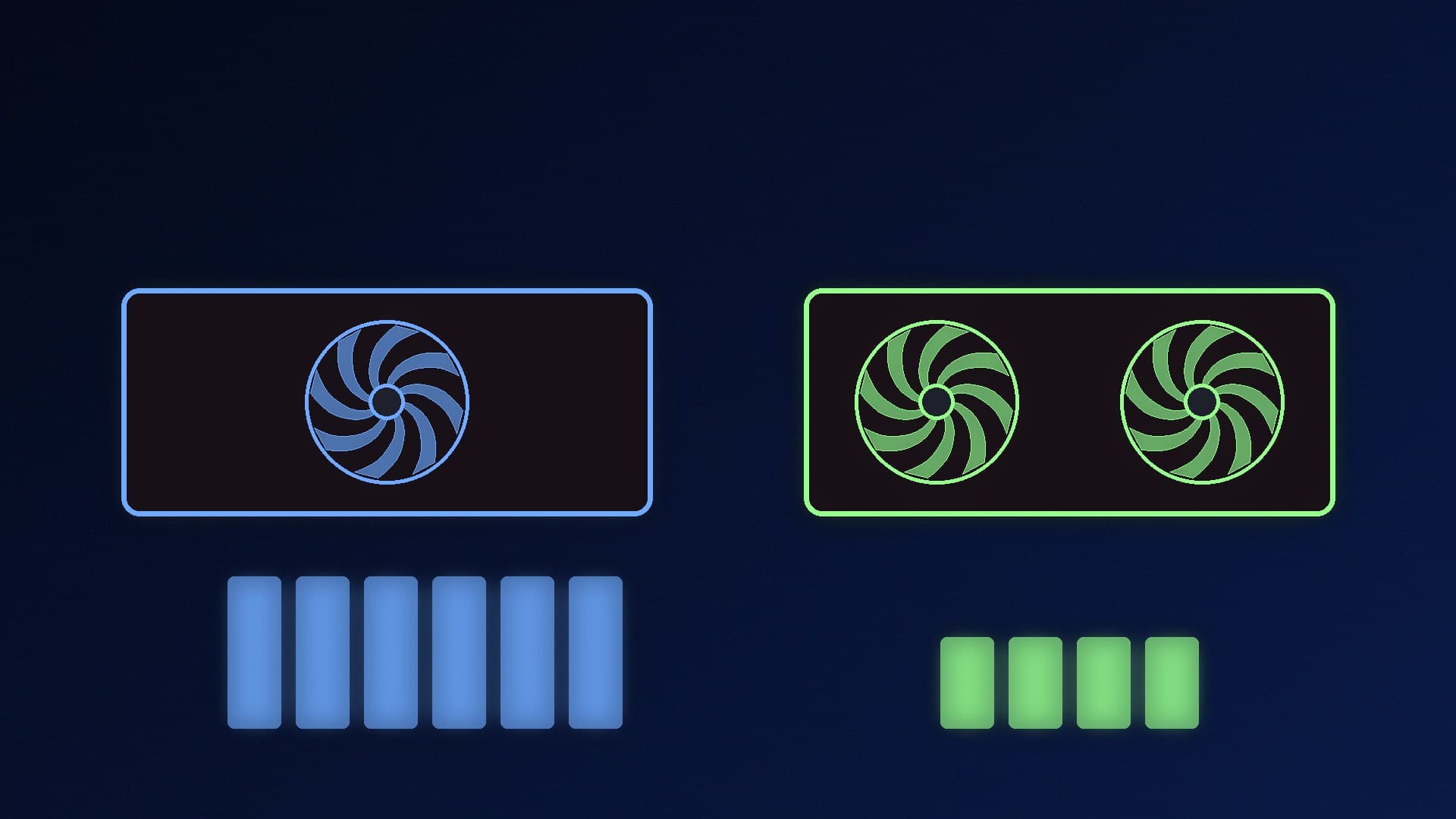
Load on gaming PC | Hardware encoder plus OBS itself | Game only; streaming PC does the work |
Reliability | If the PC freezes, game and stream stop together | Streaming PC isn't affected if the gaming PC freezes |
Desk space and power | One PC | Two PCs |
Which should you choose?
Start with a single PC. If your graphics card has a hardware encoder, which every recent GeForce RTX card does according to NVIDIA, try streaming from one machine first, using NVIDIA's suggested settings. Watch your game's performance and the stream's quality, and use our OBS recording guide to test locally first.
Move to dual PC if single-PC streaming still causes problems in the games you play, if you want the stream isolated from game crashes, or if you're building a complex production with many overlays, cameras and scenes. If you already have an older PC, turning it into a streaming box with a capture card can be a cost-effective upgrade.
Our verdict
For most streamers, a single PC is now enough: NVIDIA says the dedicated NVENC encoder on GeForce RTX cards lets you stream without impacting GPU or CPU performance, and its OBS guide suggests NVENC H.264 for Twitch and AV1 or HEVC for YouTube. A dual-PC setup, with the gaming PC feeding a capture card's HDMI In and passthrough to your monitor, is still worth it if you want the stream separate from your gaming PC or run a heavy production, but it costs more and is more complicated to set up.