Skip to content

VersusCase

120mm vs 140mm Case Fans: Which Size Should You Buy?

140mm fans can move more air at lower speeds: ARCTIC rates its P14 Pro at 110 CFM at up to 2,500rpm, against 77 CFM at up to 3,000rpm for the 120mm P12 Pro, which has higher static pressure. Use 140mm where your case supports it for intake and exhaust, and 120mm for 240/360mm radiators, tower coolers and 120mm-only mounts.

By , Editorial team

3 min read

120mm vs 140mm Case Fans: Which Size Should You Buy?
Arctic P12 Pro compared with Arctic P14 Pro PST 140mm PWM fan
Arctic P12 ProArctic P14 Pro PST 140mm PWM fan
Fan TypePWMPWM
Fan Size (mm)120mm140mm
Fan Thickness (mm)25—
Max RPM30002500
Airflow (CFM)77110
Static Pressure (mmH₂O)6.95.2
Bearing TypeFluid DynamicFluid Dynamic
PWM SupportYesYes
Connector Type4-pin PWM4-pin PWM
RGB TypeNone—
Daisy Chain Support—Yes

Most PC cases take 120mm fans, many also take 140mm fans, and buyers often wonder whether the bigger size is worth it. The short answer is that 140mm fans can move more air at a lower speed, but only if your case, radiator or cooler has 140mm mounts. This comparison uses ARCTIC's published specifications for two fans from the same family. Forge PC hasn't run its own airflow or noise tests.

The short version

  • 140mm suits large intake and exhaust positions in cases that support it, where you want plenty of airflow at a modest fan speed.

  • 120mm fits almost every case, CPU cooler and radiator, and is the safe choice if you're unsure.

  • Don't mix sizes at random. Match the fan to the mounting holes, and check what your case manual lists for each position.

Specs compared: ARCTIC P12 Pro vs P14 Pro

ARCTIC's P12 Pro and P14 Pro are a good like-for-like pair, because they come from the same range:

ARCTIC P12 Pro (120mm)

ARCTIC P14 Pro (140mm)

Dimensions

120 x 120 x 25mm

140 x 140 x 27mm

Speed range

600-3,000rpm (PWM)

400-2,500rpm (PWM)

Maximum airflow

77 CFM (131 m³/h)

110 CFM (186 m³/h)

Maximum static pressure

6.9 mmH2O

5.2 mmH2O

Weight

183g

240g

Bearing

Fluid dynamic

Fluid dynamic

Warranty

6 years

6 years

The 140mm fan has the higher airflow rating even though its top speed is lower, because its bigger blades move more air per revolution. The 120mm fan has the higher static pressure rating, which helps when air has to be pushed through something dense. These are maximum figures at full speed, and different fan models within each size can behave very differently.

Why fan size matters

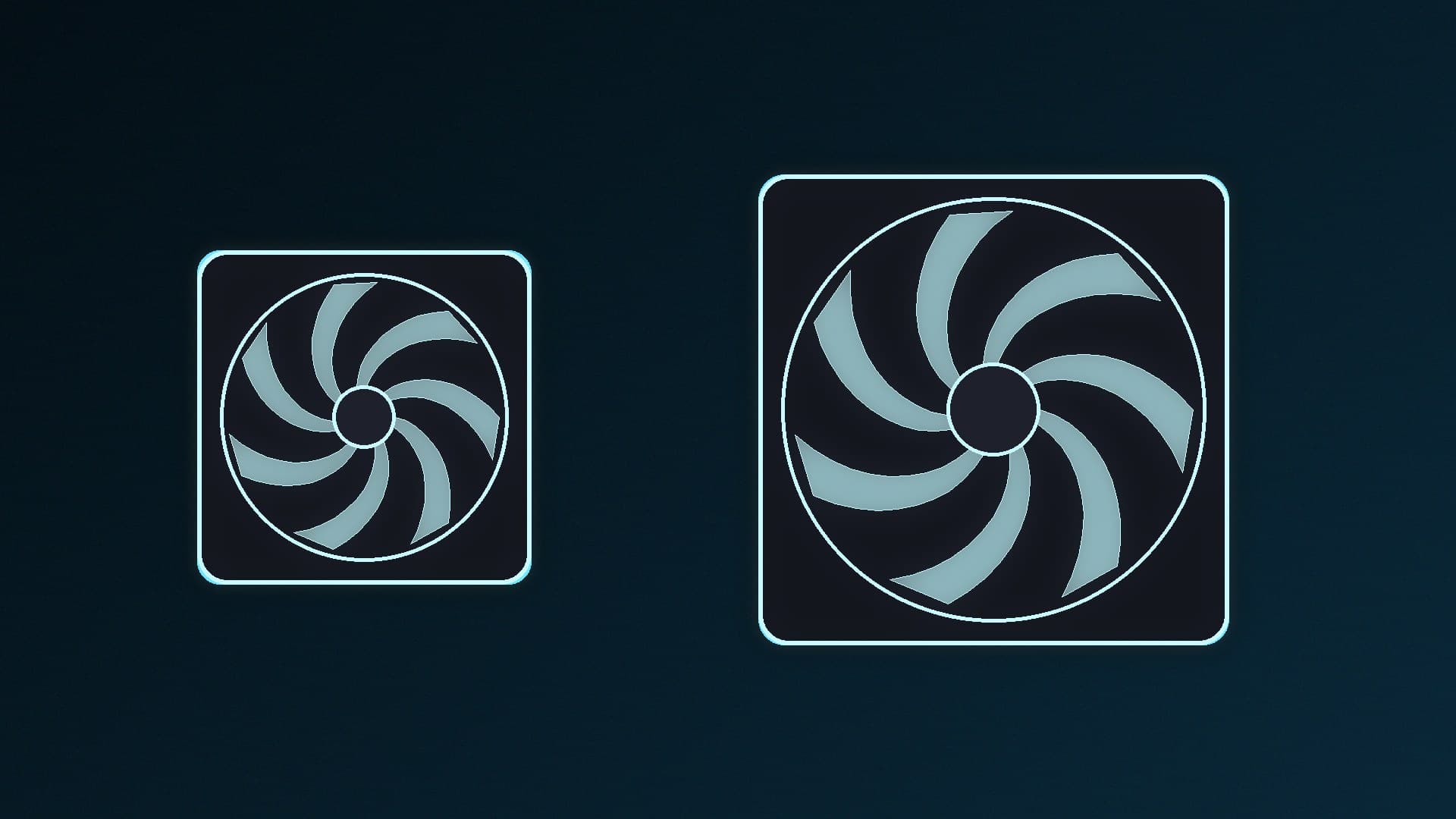
Airflow at a given speed. A bigger fan can usually move the same amount of air as a smaller one while spinning slower. Fan noise generally rises with speed, so in an open case with free-flowing intakes, 140mm fans are a common choice for quiet builds.

Static pressure. When air has to pass through a dense radiator, a filter or a fin stack, static pressure matters more. That doesn't rule out 140mm fans, but it does mean you should look at the pressure figure, not just airflow.

Fit. This is usually the deciding factor:

  • Many CPU tower coolers are designed around 120mm fans.

  • Radiators are sized for one fan width: a 240mm or 360mm radiator takes 120mm fans, while a 280mm or 420mm radiator takes 140mm fans.

  • Cases list supported sizes for each position. Some top and side mounts that take 120mm fans may not have room or holes for 140mm.

Which should you choose?

Choose 140mm if:

  • Your case's front intake and top or rear positions are listed for 140mm fans.

  • You want strong airflow at lower fan speeds.

  • You have a 280mm or 420mm radiator.

Choose 120mm if:

  • Your case only lists 120mm for a position, or you want to fill more fan slots.

  • You're replacing fans on a 240mm or 360mm radiator or a 120mm tower cooler.

  • You want the widest choice of fans, packs and RGB options.

For specific recommendations in both sizes, see our best case fans guide. Our guides to setting up case fan airflow, PWM vs DC fans and setting fan curves explain how to get the best from whichever size you buy.

Our verdict

If your case supports 140mm fans in a position, they're usually the better choice for case intake and exhaust: ARCTIC's P14 Pro is rated for 110 CFM at up to 2,500rpm, against 77 CFM at up to 3,000rpm for the 120mm P12 Pro. Choose 120mm fans for radiators sized for them, tower coolers, and cases that only list 120mm. Fit matters more than size, so check your case manual first.
The bottom line

If your case supports 140mm fans in a position, they're usually the better choice for case intake and exhaust: ARCTIC's P14 Pro is rated for 110 CFM at up to 2,500rpm, against 77 CFM at up to 3,000rpm for the 120mm P12 Pro. Choose 120mm fans for radiators sized for them, tower coolers, and cases that only list 120mm. Fit matters more than size, so check your case manual first.
Sources

  1. 01ARCTIC, P12 Pro specification sheet
  2. 02ARCTIC, P14 Pro specification sheet

About the author

Forge PC Staff

Editorial team

The shared byline for articles researched, written and edited by the Forge PC editorial team. How we source, check and correct our work is set out in our editorial policy.

More from Forge PC Staff

Read next

How to Fix GPU Sag: Support Brackets, Holders and Vertical Mounts

How-To

How to Fix GPU Sag: Support Brackets, Holders and Vertical Mounts

GPU sag is a heavy graphics card drooping at its far end. Check the card is fully seated and screwed to the case, then support its far end near the centre of gravity with the holder in the box, a stand, a card-mounted holder or a case arm, raising it only until the card is level. A vertical mount with a riser also works if your case supports it.

Forge PC Staff4 min

Best Fan Control Software for Windows in 2026: Free and Paid Options

Best Picks

Best Fan Control Software for Windows in 2026: Free and Paid Options

Fan Control is the best fan software for most Windows PCs: it's free, controls CPU, case and supported GPU fans in one app and can mix curves from several sensors. Use your motherboard BIOS if you'd rather run no software, or Argus Monitor, a paid tool with a 30-day trial, for fan control plus monitoring.

Forge PC Staff4 min

SilverStone Hailstone 420: A 420mm AIO With 34mm-Thick Fans, Rated for 450W CPUs

News

SilverStone Hailstone 420: A 420mm AIO With 34mm-Thick Fans, Rated for 450W CPUs

SilverStone's Hailstone 420 (SST-HT420), announced on 17 November 2026, is a 420mm AIO with three 140 x 34mm LCP-blade fans (800-2,500 RPM), a 3,200 RPM three-phase pump SilverStone says doubles its previous flow rate, and a copper base big enough for Threadripper PRO. SilverStone rates it for 450W CPUs. No price, UK listing or independent tests yet.

Forge PC Staff3 min