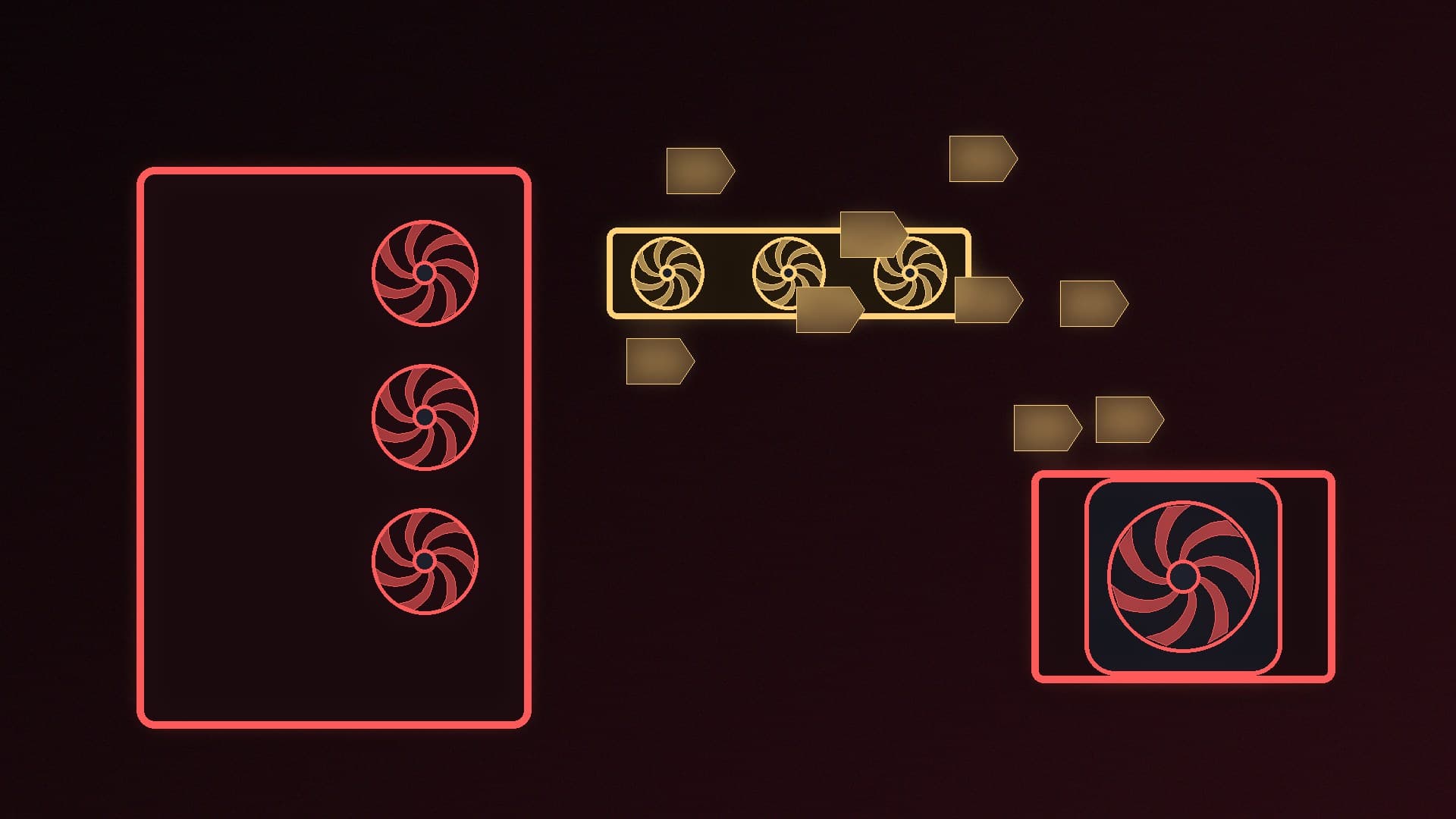
Look at any case fan listing and you'll see it described as either PWM (4-pin) or DC (3-pin). Both will spin when plugged into a motherboard fan header, and you can even mix the two types. But they control their speed differently, which affects how quiet your PC can be at idle and how precisely your fan curves work.
This guide explains the difference and which to choose for a new build or upgrade. Forge PC hasn't tested fans itself; the details come from Tom's Hardware's guide to fan types and ARCTIC's published fan specifications.
The short answer
| DC fan (3-pin) | PWM fan (4-pin) |
|---|
Pins | Ground, +12V power, tachometer (speed sense) | Ground, +12V power, tachometer, PWM control |
How speed is changed | By varying the voltage supplied | By a separate PWM control signal, with power kept at 12V |
Control precision | Coarser, depends on the motherboard | Finer, set by the PWM duty cycle |
Lowest speeds | Higher minimum speed | Lower minimum speed |
Best for | Legacy hardware, simple fixed-speed use | Almost every modern PC |
For most builders, PWM fans are the better choice. Tom's Hardware's conclusion is that "almost anyone building or upgrading a modern PC should opt for PWM fans at this point".
How DC (3-pin) fans work
DC fans change speed by changing the voltage they receive. A fan rated for 12V spins at full speed at 12V and slows as the voltage drops. Tom's Hardware explains that they run at a fixed speed by default unless connected to something that can adjust the voltage, such as a fan controller or a motherboard header set to DC mode.
The three wires are power, ground and a sense (tachometer) wire that reports the fan's speed. Tom's Hardware notes that control "won't be as granular as PWM control" and, crucially, that DC fans "won't be able to spin as slowly as PWM fans". Fans also need a minimum voltage to start; ARCTIC, for example, lists a start-up voltage of 5V for its 12V P14 Pro PST.
How PWM (4-pin) fans work
A PWM fan adds a fourth pin that carries a control signal. Tom's Hardware describes it as switching the power off and on very rapidly, at frequencies far too high to notice. The fan receives a constant 12V supply, and the proportion of time the signal is "on" (the duty cycle) sets the speed.
This gives finer control and lower minimum speeds. ARCTIC's specification sheet for the P14 Pro PST shows what that looks like: a 4-pin PWM connector rated for 400 to 2,500rpm under PWM control, and "0 rpm below 5% PWM", so the fan stops entirely at very low duty cycles.
Can you mix them?
Yes. Tom's Hardware notes that you can connect a 3-pin fan to a 4-pin header, or a 4-pin fan to a 3-pin header, and the fan will spin. What changes is the control:
3-pin fan on a 4-pin header: the fan can't read a PWM signal, so set that header to DC (voltage) mode in your BIOS or fan software if you want to slow it down.
4-pin fan on a 3-pin header: only voltage control is available, so you lose the finer PWM control and the lowest speeds.
Many motherboards let you choose PWM or DC mode for each header. Our guide to setting fan curves shows where to find these settings.
Daisy-chaining and splitters
Some PWM fans make wiring easier. ARCTIC's PST fans, such as the P14 Pro PST, have a 4-pin plug and a 4-pin socket on the cable (ARCTIC calls it a "PWM Fan with Cable Splitter"), so you can chain fans and control them all from one header. Before chaining or splitting several fans, check your motherboard manual for the maximum current each header supports. ARCTIC rates the P14 Pro PST at 0.35A, which helps you add it up.
Are DC fans cheaper?
Not by much any more. Tom's Hardware found that the price premium for PWM fans has largely disappeared, and that DC fans are now mostly found in very cheap cases (often as a single exhaust fan) and in legacy hardware. Its advice is that if you're buying DC fans, you should have "a very good reason".
Which should you buy?
Choose PWM fans if you're building or upgrading any modern PC. You get quieter low-speed operation, smooth temperature-based fan curves and far more models to choose from. For recommendations, see our best case fans guide; examples in our database include the Noctua NF-A12x25 G2 PWM and ARCTIC P12 Pro.
Choose DC fans only if you're repairing older hardware that has only 3-pin headers, or you want a fan that runs at a fixed speed. Either way, plan your fan layout with our guide to case fan airflow.
Our verdict
DC (3-pin) fans change speed by varying voltage, which gives coarser control and a higher minimum speed. PWM (4-pin) fans keep a constant 12V supply and use a separate control signal, so they can run slower, quieter and more precisely; ARCTIC's P14 Pro PST, for example, runs from 400 to 2,500rpm and stops below 5% PWM. You can mix the two, but set each header to the right mode. For a modern PC, buy PWM fans. Forge PC hasn't tested these fans itself.