Good airflow keeps your CPU and graphics card cooler and lets fans spin slower and quieter. You don't need a case full of fans to get it, but you do need them in the right places and pointing the right way.
Forge PC has not tested these fan layouts. This guide is based on Noctua's airflow guide and Corsair's guidance on case fans, with UK fan prices from SpecPrice checked on 15 November 2026.
The basic rule: front to back, bottom to top
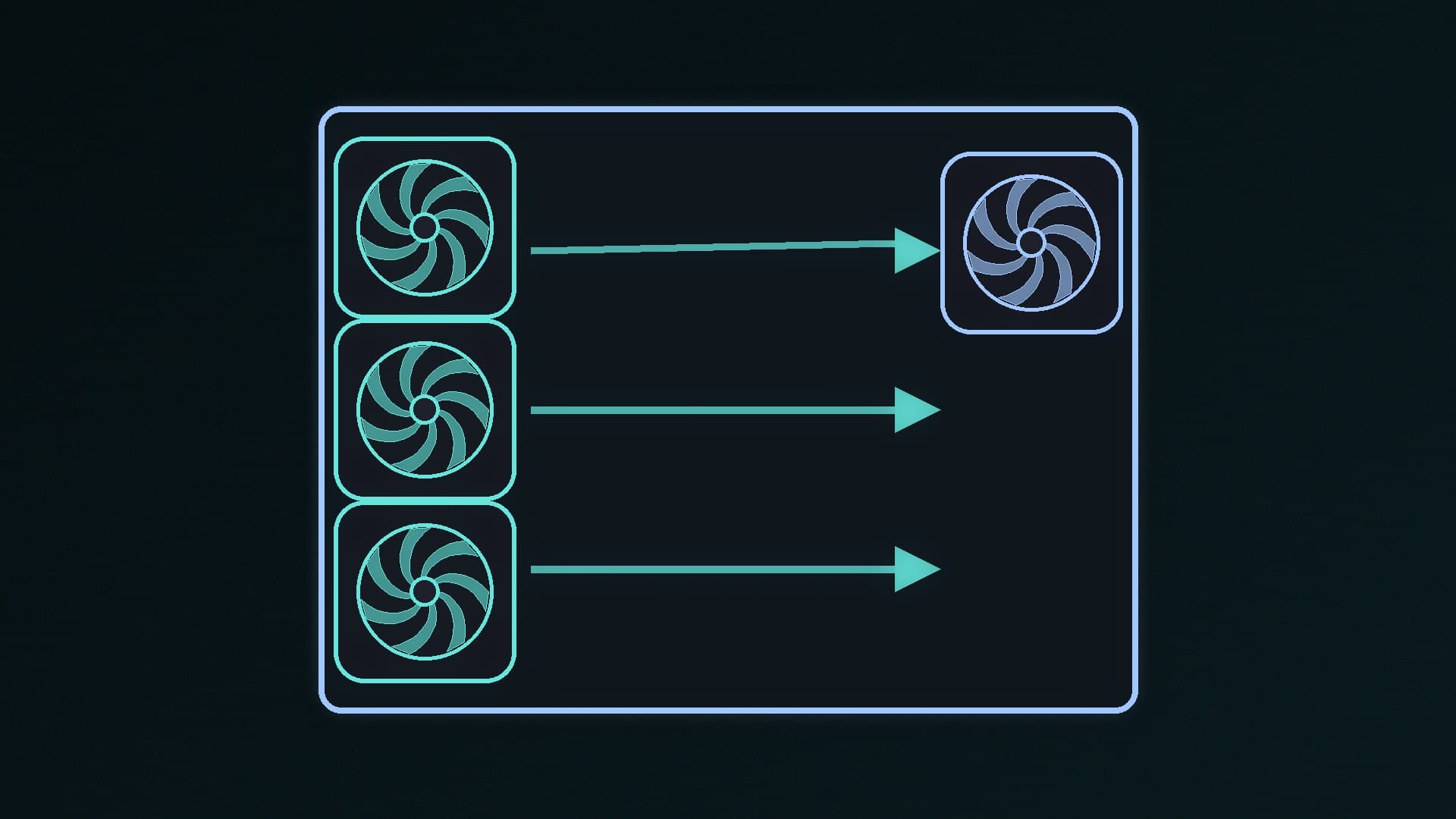
Noctua recommends a front-to-back layout for most builders: fans at the front pull cool air in (intake), and a fan at the back pushes warm air out (exhaust). Bottom fans work as intakes, and top fans usually work as exhausts.
This matches how tower CPU coolers work. Noctua points out that tower air coolers blow air from front to back, so ideally all your case fans should follow the same direction.
Two more tips from Noctua:
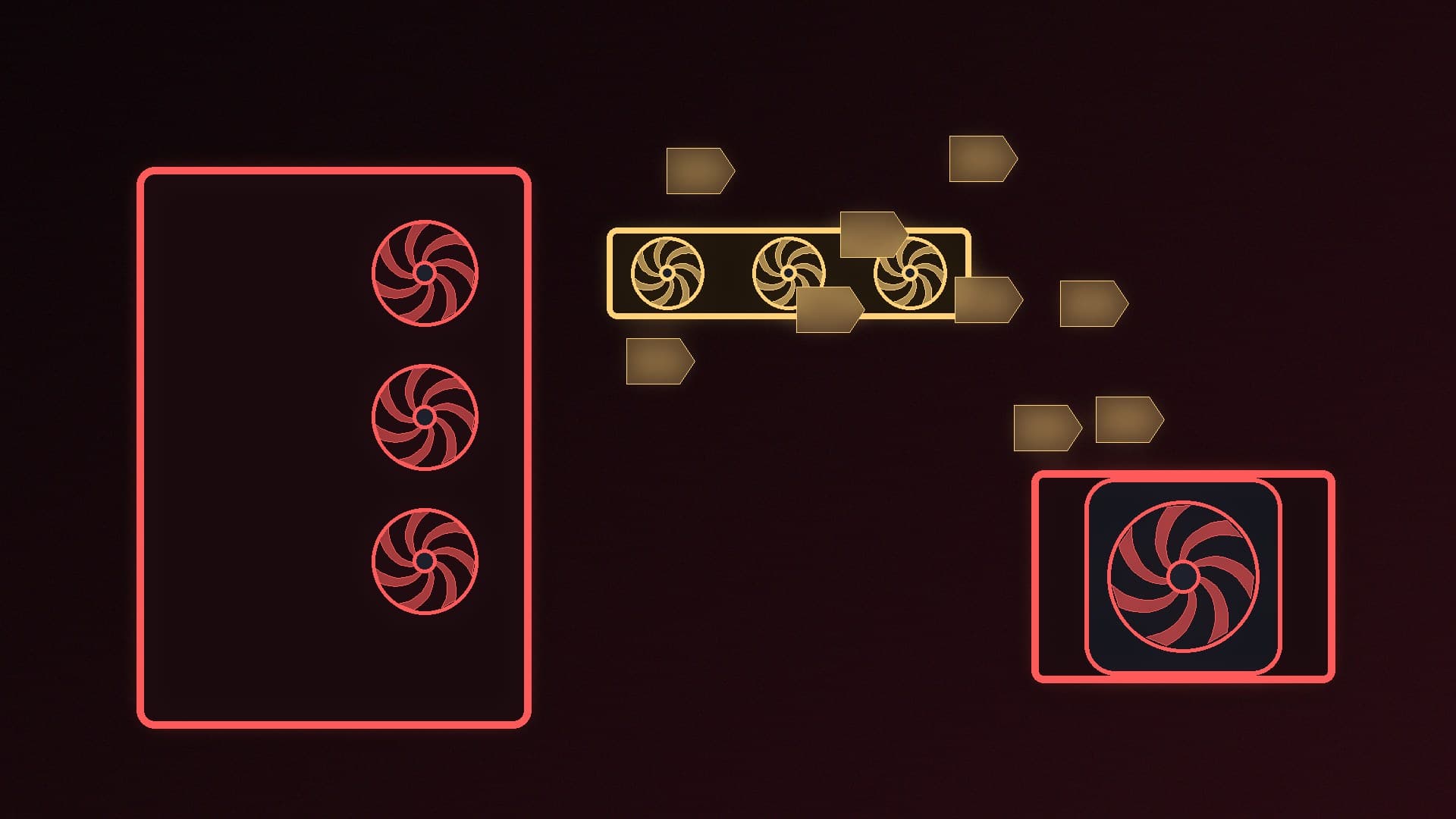
Don't let fans fight each other. Avoid placing fans so they blow directly against each other, which causes turbulence and noise.
Tidy your cables. Neat cable management helps air move freely through the case.
Some cases, such as the Lian Li O11 Dynamic and NZXT H6 FLOW, draw air in through the side instead of the front. Noctua says to treat the side as the "front" in those cases.
How many fans do you need?
Corsair says three front intake fans and one rear exhaust are typically enough for a mid-tower or full-tower case. More fans can help, but they also add noise.
Noctua's guide suggests how to add fans as your count grows:
Fans | Layout (Noctua) |
|---|
3 | 2 front intake, 1 rear exhaust |
4 | Add a third front intake |
5 | Add a top exhaust closest to the back (Noctua's recommended baseline) |
6 | Add a top intake closest to the front, or a bottom intake closest to the front |
7 | Add a bottom intake |
8 | Add another bottom intake |
9 | Add another top exhaust |
Noctua notes that a top-front intake can help air coolers by feeding them fresh air.
Positive, negative or neutral pressure?
Pressure describes the balance of air going in and out of the case:
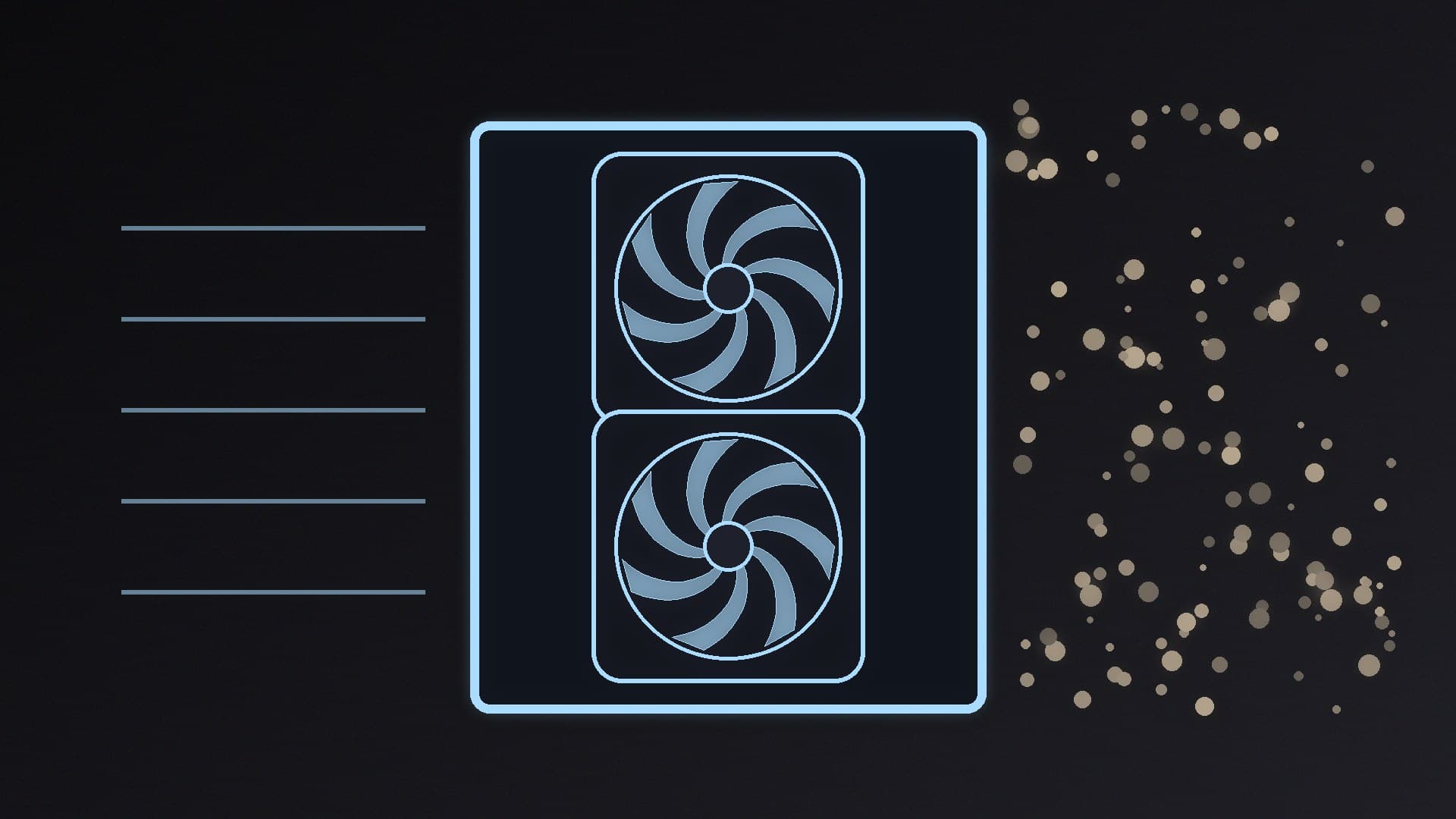
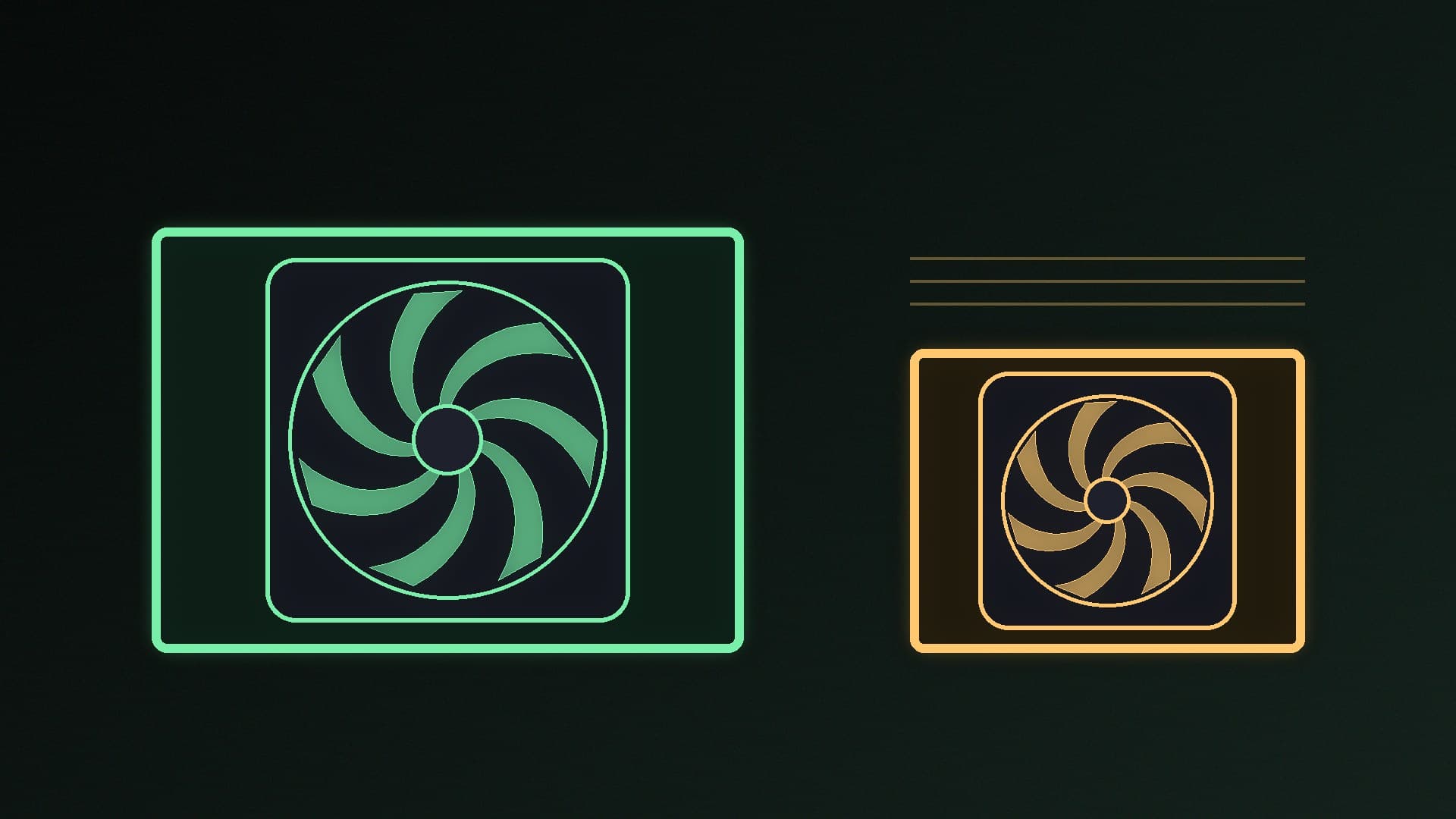
Positive pressure: more air is pulled in than pushed out. Noctua says this reduces dust, but warm air may build up more easily.
Negative pressure: more air is pushed out than pulled in. This removes warm air quickly, but Noctua says it can draw dust in through gaps and unfiltered panels.
Neutral pressure: a balance between the two, and a compromise.
Corsair's rule of thumb is to aim for positive airflow. It says positive or neutral pressure is best and negative pressure isn't usually recommended, because of dust. In practice, having slightly more intake fans than exhaust fans, with dust filters on the intakes, is a sensible default.
Where to put a radiator
If you have an AIO liquid cooler, Noctua's advice is:
Front or side radiator as intake gives the lowest CPU temperatures, because the radiator gets cool outside air. Pair it with top or rear exhaust fans.
Top radiator as exhaust gives the lowest graphics card temperatures, because the GPU isn't fed air warmed by the radiator. Pair it with front or side intake fans.
Not sure whether you need an AIO at all? See our air cooler vs AIO comparison.
How to check which way a fan blows
Before you mount a fan, check its direction. Many fans have small arrows on the frame showing airflow and rotation direction; if yours doesn't, check the manual. Fans sold as "reverse" models, such as ARCTIC's P12 Pro Reverse, have reversed blades, so double-check those in particular.
Choosing fans
You don't need expensive fans to get good airflow. On 15 November 2026, UK prices on SpecPrice included:
ARCTIC P14 140mm (3-pin): about £6 at Scan
ARCTIC P14 Pro Reverse 140mm PWM: about £8 at Scan
Noctua NF-P14s redux-1200 PWM 140mm: about £16 at Scan
The Noctua NF-P14s redux-1200 PWM is a quiet option: Noctua rates it at up to 1,200rpm, 64.92 CFM of airflow and 19.6 dB(A), with a six-year warranty. For more options, see our best case fans guide, including the ARCTIC P12 Pro.
Choose PWM (4-pin) fans if you can. They let your motherboard adjust fan speed with temperature, which our fan curve guide explains how to set up.
Check your results
After setting up your fans, run a demanding game or a stress test and watch temperatures with HWiNFO. Our temperature monitoring guide shows how. If things still run hot, read how to stop a PC overheating. If you're shopping for a case with good airflow, see our best PC case picks.
Our verdict
For most PCs, set up front-to-back airflow: front intake fans, a rear exhaust, and top exhaust fans if you have more. Three front intakes and one rear exhaust is enough for a typical mid-tower, according to Corsair, and Noctua suggests adding a top exhaust as a five-fan baseline. Aim for slightly positive pressure with dust filters on the intakes, avoid fans blowing against each other, and check each fan's direction before you screw it in. Forge PC has not tested these layouts; the advice comes from Noctua and Corsair, and fan prices were checked on 15 November 2026.