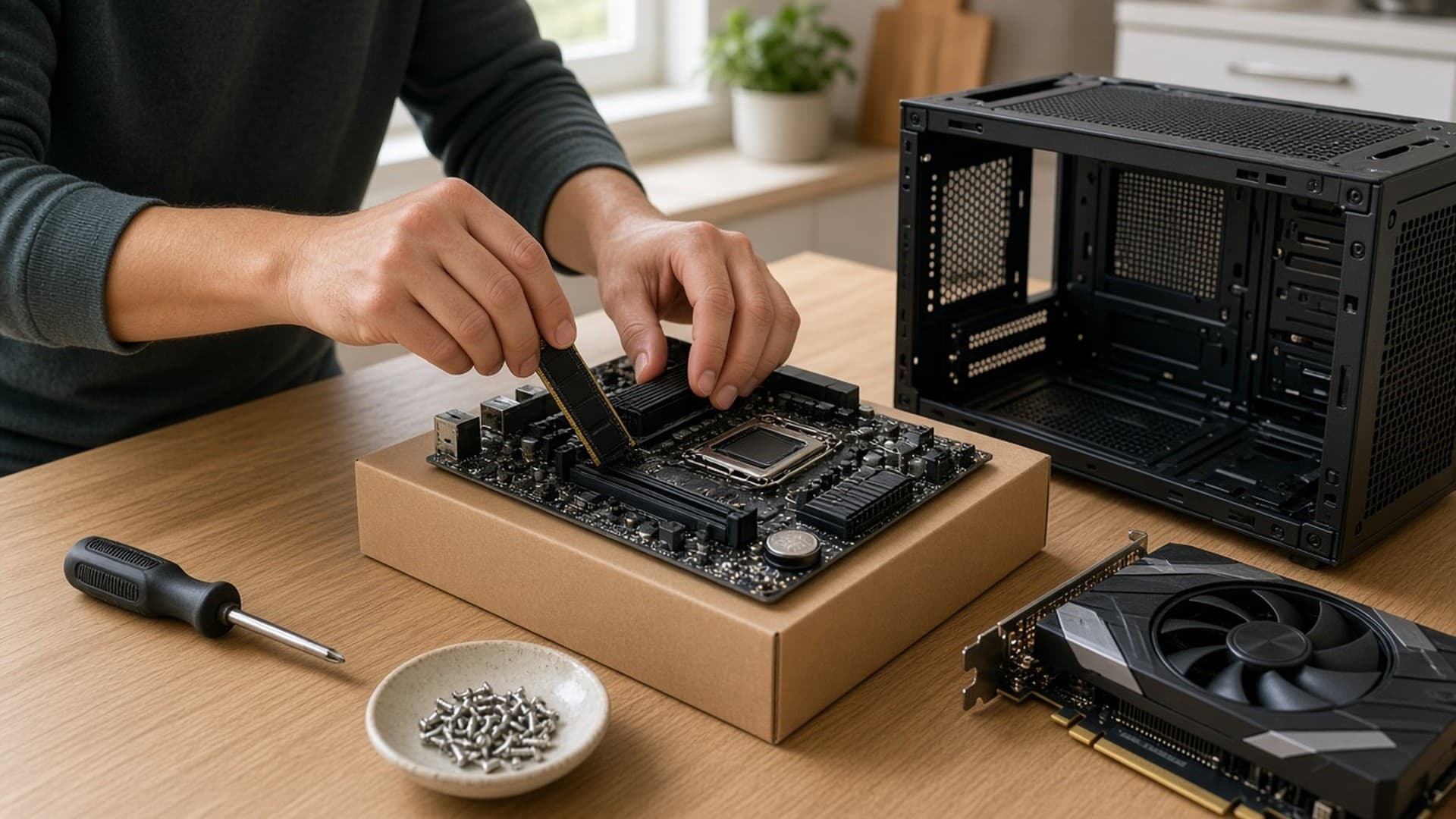
Swapping a case's stock fans is one of the cheapest upgrades you can make to a gaming PC. Better fans can move the same air more quietly, or more air at the same noise level, which helps both temperatures and your ears. Tom's Hardware points out that many premium cases come with no fans or just one exhaust fan, so plenty of builders need to buy some anyway.
Forge PC has not tested these fans. Our picks are based on independent testing by Tom's Hardware, whose best fans list was updated on 6 November 2026, and Hardware Busters, whose PC fan tier list ranks fans by Cybenetics airflow and static pressure ratings measured at the same noise level. Specifications are from the manufacturers. UK prices are the lowest listings on SpecPrice's case fan tracker on 13 November 2026 and are approximate; some listings were from shops where SpecPrice had not checked stock.
Quick picks
Pick | Fan | Size | Approx. UK price, 13 Nov 2026 | Why |
|---|
Best for quiet PCs | Noctua NF-A12x25 G2 PWM | 120mm | £29.99 | Tom's Hardware's top silence-optimised fan |
Best value | ARCTIC P12 Pro (and P12 Pro A-RGB) | 120mm | £7.68 (A-RGB) | Airflow close to the Noctua for a fraction of the price |
Best 140mm value | ARCTIC BioniX P14 A-RGB | 140mm | £16.87 | S-Tier in Hardware Busters' fan tier list |
Best premium 140mm | Noctua NF-A14x25 G2 PWM | 140mm | £33.98 | S-Tier in Hardware Busters' fan tier list |
Best high-performance | Phanteks T30-120 | 120mm, 30mm thick | £79.38 (3-pack) | Tom's Hardware's best high-performance fan |
1. Noctua NF-A12x25 G2 PWM: best for quiet PCs
Approx. price: £29.99 each (£30.98 for the chromax.black version)
Tom's Hardware calls the NF-A12x25 G2 "the quietest, most refined fan we've ever seen", and says it was the only fan it had tested so far that ran quieter on a radiator than suspended in mid-air. It moves a lot of air at low speeds, which Tom's says makes it especially good on radiators and behind dust filters or mesh intakes.
Noctua rates the PWM version at up to 1800rpm, with a supplied Low-Noise Adaptor that cuts the maximum to 1500rpm. It uses Noctua's SSO2 bearing and comes with a six-year warranty. The catch is price: at about £30 per fan, filling a case gets expensive. Hardware Busters places it in its B-Tier, which it describes as "very good", so if you mainly care about measured airflow and pressure for the money, the Arctic picks below are hard to beat.
2. ARCTIC P12 Pro and P12 Pro A-RGB: best value
Approx. price: £7.68 for the P12 Pro A-RGB
Tom's Hardware's budget pick offers airflow that is "nearly neck-and-neck" with the Noctua in its charts, for a much lower price. The trade-off, according to Tom's, is refinement: it has to spin faster to match the Noctua, takes a bit more of a hit behind a mesh intake and makes a few mechanical noises. Tom's also names the RGB version as its best RGB fan, saying it performs on par with the plain model.
Arctic rates the P12 Pro at 600–3000rpm, with 77 cfm of airflow and 6.9mmH2O of static pressure. It has a fluid dynamic bearing, stops below 5% PWM, and has a six-year warranty, the same length as the Noctua's. If you want to fill a case on a budget, this is the one to buy.
3. ARCTIC BioniX P14 A-RGB: best 140mm value
Approx. price: £16.87 each
If your case or radiator takes 140mm fans, the BioniX P14 A-RGB is in the top S-Tier of Hardware Busters' tier list, alongside fans that cost twice as much. The site's tiers are based only on measured performance, with price and features not counted.
Arctic rates it at up to 2500rpm, with 110 cfm of airflow and 5.4mmH2O of static pressure. It is 28mm thick rather than the usual 25mm, so check clearance on tight radiators. Its party trick is the bridge module: BioniX fans snap together so power and A-RGB lighting pass from fan to fan without extra cables. It has 16 LEDs, a fluid dynamic bearing and a six-year warranty. The 120mm BioniX P12 A-RGB, about £15.88, is in Hardware Busters' A-Tier.
4. Noctua NF-A14x25 G2 PWM: best premium 140mm
Approx. price: £33.98 each
The NF-A14x25 G2 is the other 140mm fan in Hardware Busters' S-Tier. Noctua describes it as an all-rounder for both case cooling and radiators, with a 0.7mm tip clearance between the blades and frame and an anti-vibration gasket pre-installed for a tighter seal on radiators. The PWM version runs at up to 1500rpm, or 1250rpm with the supplied Low-Noise Adaptor, and it has the same SSO2 bearing and six-year warranty as its 120mm sibling.
Choose it over the BioniX if you want Noctua's build quality and accessories and do not need RGB lighting.
Approx. price: £79.38 for a 3-pack
Tom's Hardware's high-performance pick is still "king of the hill" in its view, years after launch. Its advantage is thickness: at 30mm rather than the standard 25mm, it is in Tom's words a fan that "Phanteks cheated" with, and it beat Noctua's best on noise-normalised airflow in Tom's testing. Hardware Busters places it in its A-Tier.
Phanteks gives it a three-position switch on the hub. Hybrid mode runs up to 1200rpm and stops below 50% PWM, Performance mode (the recommended setting) runs up to 2000rpm, and Advanced mode runs up to 3000rpm with a rated 100.9 cfm. It has a six-year warranty. The 30mm thickness is the big caveat: Tom's warns it will not fit in as many builds, so check your case and radiator clearances before buying.
How to choose case fans
Check the size your case supports. Most cases take 120mm or 140mm fans in specific positions. Our best PC case guide notes which cases come with fans and which, like the Hyte X50, ship with none.
Check the thickness. Standard fans are 25mm. The BioniX P14 is 28mm and the Phanteks T30 is 30mm, which can clash with motherboard heatsinks, memory or radiators.
Think about where the fan goes. Tom's Hardware notes that some fans perform better on radiators and heatsinks, others as case intake or exhaust. Fans behind mesh or on radiators need to cope with resistance.
Use PWM fans for quiet control. All five picks are 4-pin PWM fans, so your motherboard can slow them down when the PC is idle.
Daisy-chaining saves cables. Tom's lists daisy-chain connectors as a way to make installation and cable management tidier, and Arctic's BioniX bridge is the neatest example here.
New fans are only part of the answer if your PC runs hot. Our guide to stopping a PC overheating covers airflow layouts and fan curves, and you can check the results with our PC temperature monitoring guide. For CPU cooling, see our best CPU cooler guide.
Our verdict
For most builders, the ARCTIC P12 Pro is the best case fan to buy: independent testing puts its airflow close to Noctua's flagship for well under £10 a fan. If your PC sits on your desk and you want it as quiet as possible, the Noctua NF-A12x25 G2 is worth its roughly £30 price. For 140mm slots, the ARCTIC BioniX P14 A-RGB offers top-tier measured performance for about £17, and the Phanteks T30-120 is the choice for maximum cooling if you have room for a 30mm fan. We have not tested these fans ourselves; our picks are based on Tom's Hardware and Hardware Busters testing, manufacturer specifications and SpecPrice UK prices on 13 November 2026.