Thermaltake has announced the SWAFAN ULTRA 120 EX RGB, a three-pack of 120mm case fans with a 4-inch IPS LCD built into the side of each fan frame. Japanese hardware site GDM (Elmitage Akihabara) reports that Thermaltake announced the fans on 16 November 2026 (Taiwan time). Each screen can show system stats, images, videos or animations, and Thermaltake's software even includes two simple games you can play on the fans.
Forge PC hasn't tested these fans. Specifications below come from Thermaltake's product page, with launch details from GDM and VideoCardz. There's no UK price or release date yet.
Key specifications
Spec | SWAFAN ULTRA 120 EX RGB (per fan, Thermaltake figures) |
|---|
Part number | CL-F239-PL12SW-A (3-fan pack) |
Size | 124 x 120 x 30mm |
Display | 4-inch IPS LCD, 1020 x 240 pixels |
Speed | PWM, 500-2,000rpm |
Airflow (max) | 68 CFM standard blade, 58 CFM reverse blade |
Static pressure (max) | 3.00mm-H2O standard, 2.8mm-H2O reverse |
Noise | 8-30 dB(A) standard, 9.5-31 dB(A) reverse |
Bearing | Hydraulic, 40,000 hours at 25°C |
Power | 12V, 0.65A, 7.8W per fan |
Connection | 8-pin pogo pin (MagForce 2.0) |
In the box | 3 fan frames, 3 standard blades (fitted), 3 reverse blades, 4 cables, 1 controller |
What's different about these fans
The screen is on the side, not the hub. Some LCD fans put a small round screen in the middle. Thermaltake instead puts a rectangular 1020 x 240 display along the side of the frame. Thermaltake says you can sync content across several fans or show different content on each, and switch between horizontal and vertical layouts in its TT RGB PLUS 3.0 software. The software can show real-time system information, weather, time, images and videos, and Thermaltake also lists an "AI Forge" feature that generates backgrounds from a text prompt, plus a phone app (TT PlayLink) for uploading pictures and video. VideoCardz notes the two built-in games are Crazy Climber and RGB Runner, controlled from your keyboard.
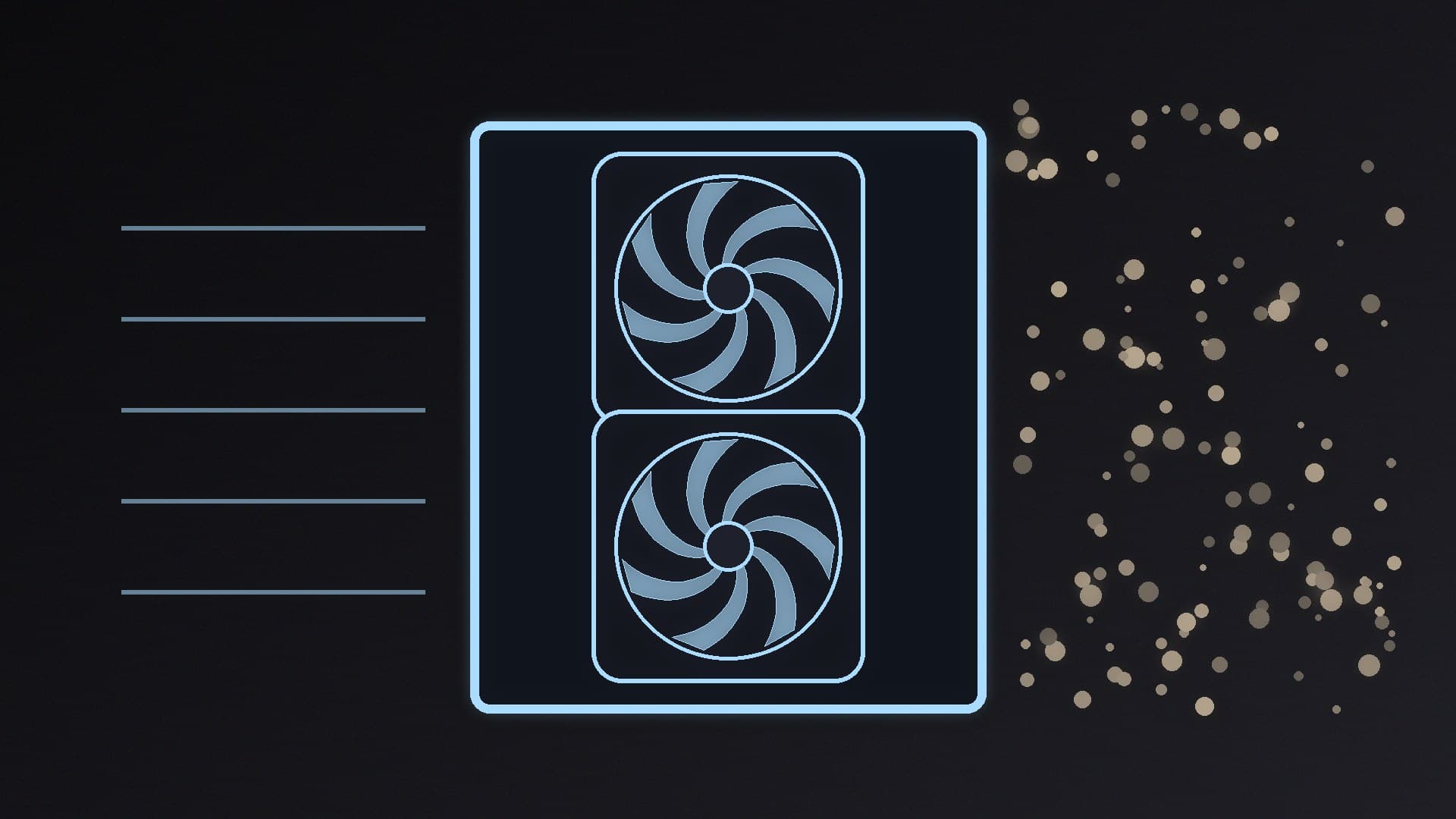
Swappable blades for intake or exhaust. Like earlier SWAFAN models, the blades pop out. Thermaltake includes standard blades and reverse blades so you can change airflow direction while keeping the lit, screen side facing into your case. That's useful in glass-sided cases where you want every fan to look the same. Thermaltake's figures show the reverse blades give up some airflow and pressure (58 CFM vs 68 CFM).
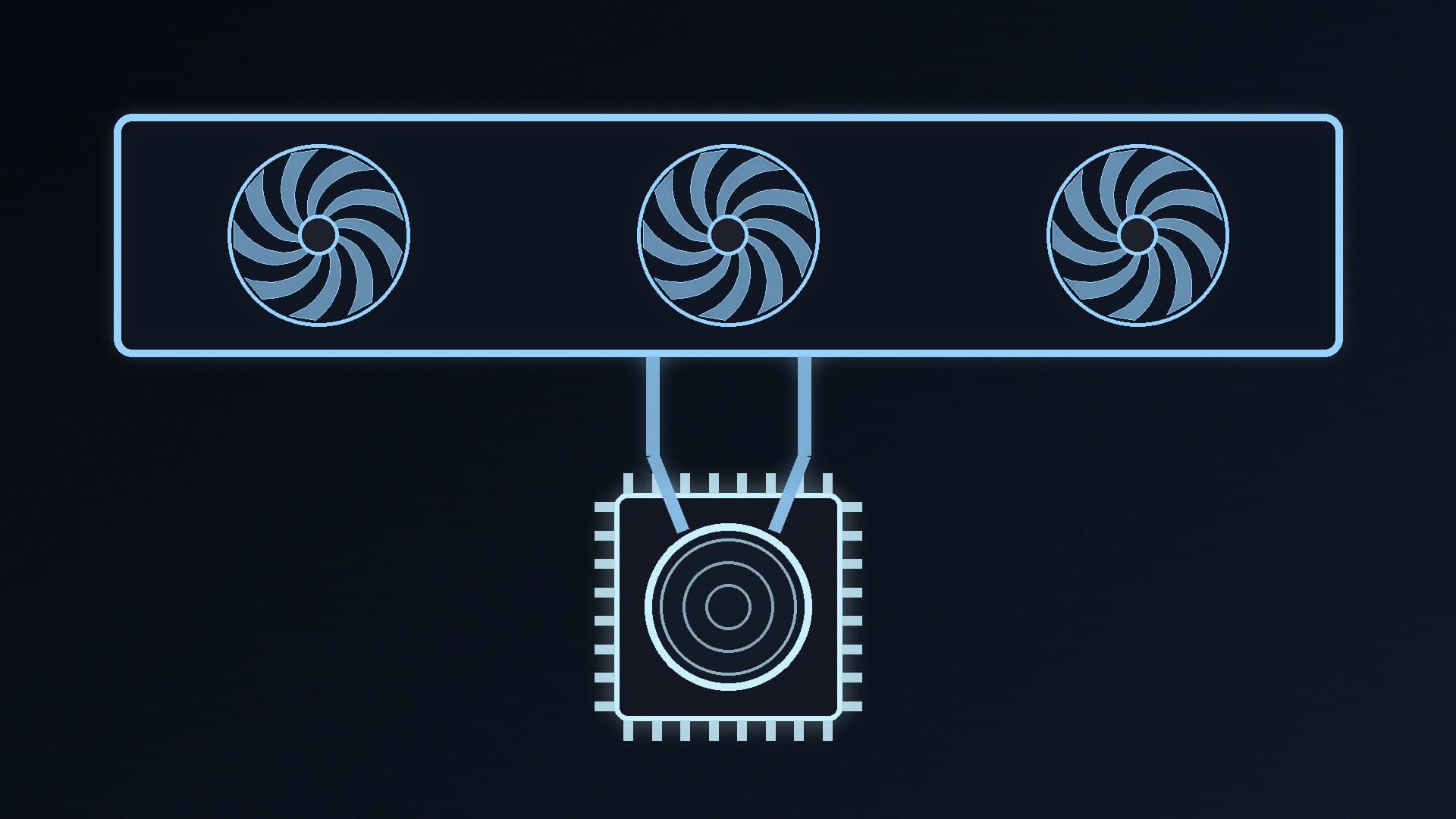
Magnetic daisy-chaining. MagForce 2.0 uses pogo-pin contact pads that Thermaltake says are twice as large as before, to make alignment more forgiving when you chain fans together.
What to check before buying
Clearance. At 124 x 120 x 30mm, the frame is slightly larger than a standard 120 x 120 x 25mm fan. Check radiator, cooler and case clearance, especially on top-mounted radiators.
Software. The screens depend on Thermaltake's TT RGB PLUS 3.0 software, so they're less suited to people who want a software-free set-up. If you already use other lighting software, see our OpenRGB vs SignalRGB comparison.
Cooling vs looks. Thermaltake's airflow and pressure figures are manufacturer maximums, not independent results. If cooling and noise are your priority, a conventional fan may be a better use of money; our guide to setting up case fan airflow explains what matters.
Fan control. The fans are PWM, so you can set curves in your BIOS or fan software; see our best fan control software guide and our PWM vs DC fans explainer.
Price and UK availability
Thermaltake hasn't published a price or regional availability in its announcement, according to VideoCardz, and there was no UK price at the time of writing (18 November 2026). We'll update this story when UK pricing appears.
Our verdict
The SWAFAN ULTRA 120 EX RGB is a showpiece fan: a 4-inch side-mounted LCD on every 120mm fan, swappable blades for clean-looking intake and exhaust, and magnetic connections to cut cable clutter. Thermaltake rates each fan at up to 2,000rpm, 68 CFM and 3.00mm-H2O. Check clearance for the 124 x 120 x 30mm frame and be prepared to run Thermaltake's software. Wait for a UK price and independent noise and airflow testing before buying. Forge PC hasn't tested these fans.