Skip to content

NewsGPU

Valve's New AMDGPU Patches Target Stutter in Proton Games: What Linux Gamers Need to Know

Valve developer Natalie Vock has posted v2 of a 10-patch Linux AMDGPU series that stops sparse binding updates stalling graphics and compute work, a cause of hitching in some Proton games. A new AMDGPU_GEM_VA2 ioctl batches mapping changes with explicit sync. There are no benchmarks yet, it's under review, and Mesa's RADV must adopt it.

By , Editorial team

3 min read

Valve's New AMDGPU Patches Target Stutter in Proton Games: What Linux Gamers Need to Know

Natalie Vock, a developer on Valve's Linux graphics driver team, has posted version two of a 10-patch series for the Linux AMDGPU kernel driver that aims to reduce stuttering in some Windows games running on Linux through Steam Play (Proton). The patches were sent to the kernel mailing list on 17 November 2026 and are still under review. Forge PC hasn't tested the patches; this report is based on Vock's cover letter and patch notes, and on reporting by Phoronix, VideoCardz and Hardware Busters.

What problem the patches target

Many newer games use sparse binding, which maps and unmaps parts of a texture or other GPU resource as needed. In her cover letter, Vock explains that games often rely on doing that binding work on the GPU's SDMA (copy) engine while frame work carries on in the graphics and compute queues. On AMDGPU today, those partially resident texture (PRT) mappings are synced to every other submission, so "heavy sparse binding load can stall the gfx/compute submissions for quite a long while, leading to very noticeable stutters and hitches."

She also identifies a CPU cost: each sparse binding update needs a separate ioctl (a call into the kernel driver), so the CPU spends significant time switching between user and kernel mode to apply binding changes one at a time.

What the patches change

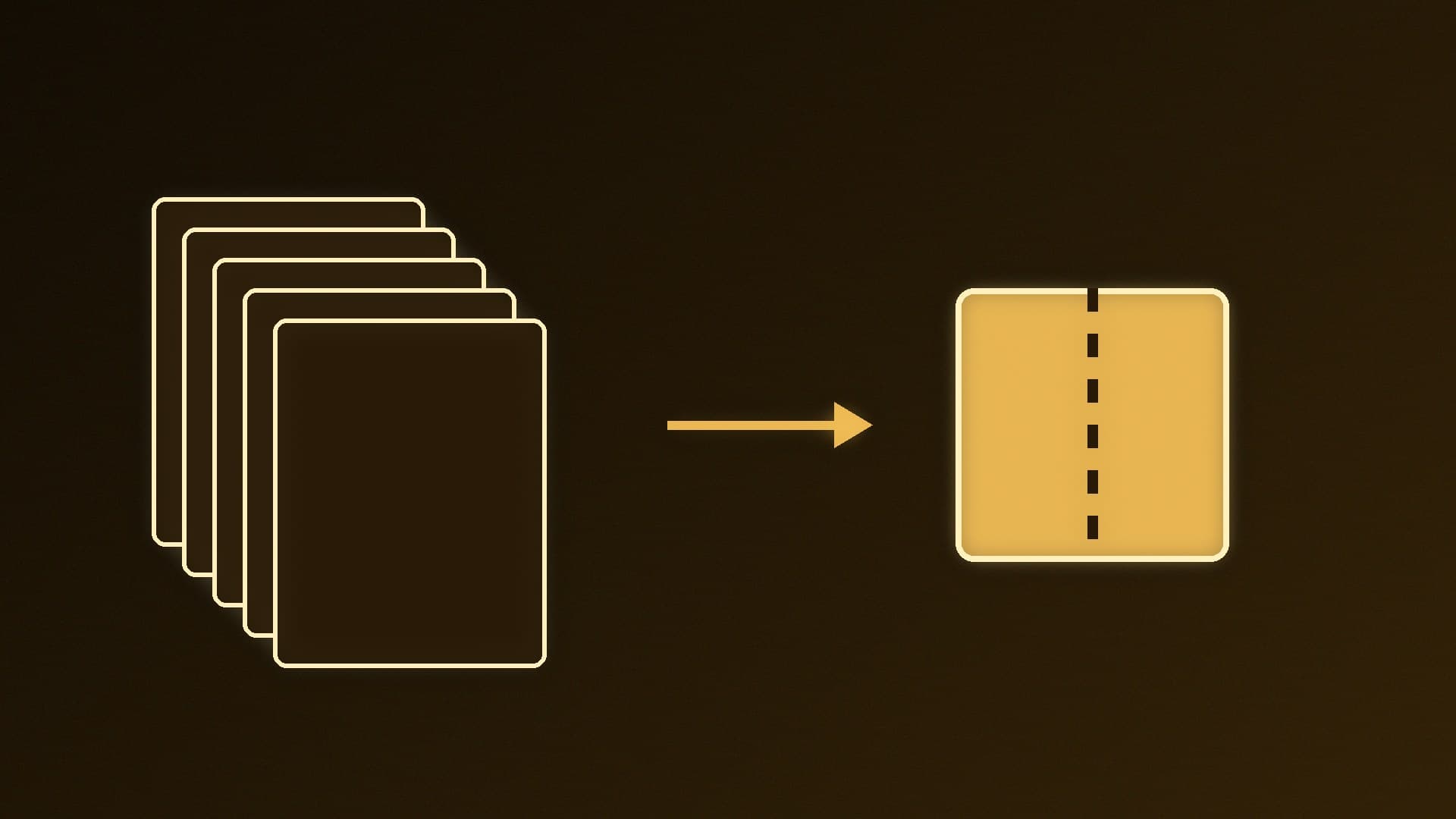
The series adds a "VM update context" that carries state through the driver's virtual-memory update functions. In later patches, that context holds a set of pending mapping changes so many can be validated and then applied together. All of this is exposed through a new AMDGPU_GEM_VA2 ioctl. According to the patch that adds it, the new ioctl supports many operations batched into one call and a better sync model, and synchronisation is now explicit where possible, meaning earlier submissions aren't necessarily waited on. The patch says this lets "some games running under Proton" see "significant reductions in stuttering."

Compared with the first version, posted at the end of May, v2 adds the pending-change structures needed for batching.

What it doesn't tell us yet

  • No numbers. Phoronix notes that no specific figures were provided to quantify the impact, and VideoCardz and Hardware Busters say the series includes no game benchmarks or named titles.

  • Kernel support is only half of it. VideoCardz and Hardware Busters both point out that a user-space Vulkan driver such as Mesa's RADV has to use the new interface before players benefit.

  • Timing is open. Phoronix says it isn't yet clear whether the work will make Linux 7.5 or need more time.

What it means for you

If you game on Linux with a Radeon card, there's nothing to install yet: the patches need to be reviewed and merged, and RADV needs matching changes before Proton games can use them. If you play on Windows, this doesn't affect you. Stutter has many causes on any OS, including shader compilation, so our guide to fixing stuttering in PC games is still the first place to start. If you're weighing up a switch, see Windows 11 vs Linux for gaming and our Steam Machine vs gaming PC comparison.

Our verdict

Valve's patches target a specific and plausible cause of hitching in Proton games: sparse binding work on AMD GPUs being held up behind other GPU work, plus the CPU overhead of one kernel call per change. They're promising, but unproven in public: there are no benchmarks yet, they're still under review, and Mesa's RADV driver has to adopt the new interface first. Forge PC will report when the work is merged.

The bottom line

Valve's patches target a specific and plausible cause of hitching in Proton games: sparse binding work on AMD GPUs being held up behind other GPU work, plus the CPU overhead of one kernel call per change. They're promising, but unproven in public: there are no benchmarks yet, they're still under review, and Mesa's RADV driver has to adopt the new interface first. Forge PC will report when the work is merged.

Sources

  1. 01Natalie Vock, [PATCH v2 00/10] drm/amdgpu: Rework VM update ops for batching and explicit sync (amd-gfx mailing list)
  2. 02Natalie Vock, [PATCH v2 09/10] drm/amdgpu: Add new AMDGPU_GEM_VA2 ioctl (mail archive)
  3. 03Phoronix, New AMDGPU Linux Patches From Valve Aim To Reduce Stuttering With Steam Play Games
  4. 04VideoCardz, Valve posts AMDGPU patches to reduce stutter in some Proton games
  5. 05Hardware Busters, Valve's AMDGPU Sparse Binding Rework Targets Stutter in Proton Games

About the author

Forge PC Staff

Editorial team

The shared byline for articles researched, written and edited by the Forge PC editorial team. How we source, check and correct our work is set out in our editorial policy.

More from Forge PC Staff

Read next

Windows Hello Face vs Fingerprint: Which Is Better for a Desktop PC?

Versus

Windows Hello Face vs Fingerprint: Which Is Better for a Desktop PC?

Both work well on a desktop, but you need to add hardware. Face sign-in needs a Windows Hello infrared camera, not a normal webcam, and is the convenient choice if you want a webcam anyway. A USB fingerprint reader is the simpler add-on if you don't want a camera. Microsoft requires a false accept rate below 0.001% for face and large fingerprint sensors.

Forge PC Staff3 min

No Sound on Windows 11? How to Fix Speakers and Headsets

How-To

No Sound on Windows 11? How to Fix Speakers and Headsets

First check Windows is sending audio to the right device: on a desktop, a monitor connected over HDMI or DisplayPort is a common culprit. Then check cables, jacks, mute and volume, turn off audio enhancements, run the Get Help audio troubleshooter, check the volume mixer, install updates and restart, and finally update or reinstall the audio driver.

Forge PC Staff3 min

How to Check Your Motherboard Model in Windows 11

How-To

How to Check Your Motherboard Model in Windows 11

Press Windows + R, type msinfo32 and look for Baseboard Manufacturer and Baseboard Product on the System Summary page. For copyable text, run Get-CimInstance Win32_BaseBoard in PowerShell, or use CPU-Z's Mainboard tab for BIOS and chipset details too. On prebuilts and laptops, use the PC maker's model number and support page instead.

Forge PC Staff3 min

Best Free File Compression Software for Windows in 2026

Best Picks

Best Free File Compression Software for Windows in 2026

7-Zip is the best free archiver for most people: free for any use, it creates encrypted 7z and ZIP files and opens dozens of formats including RAR. NanaZip adds proper Windows 11 context-menu integration and extra formats, and PeaZip supports over 200 archive types. Windows 11 24H2 can open ZIP, RAR, 7z and TAR itself, but not encrypted archives.

Forge PC Staff3 min