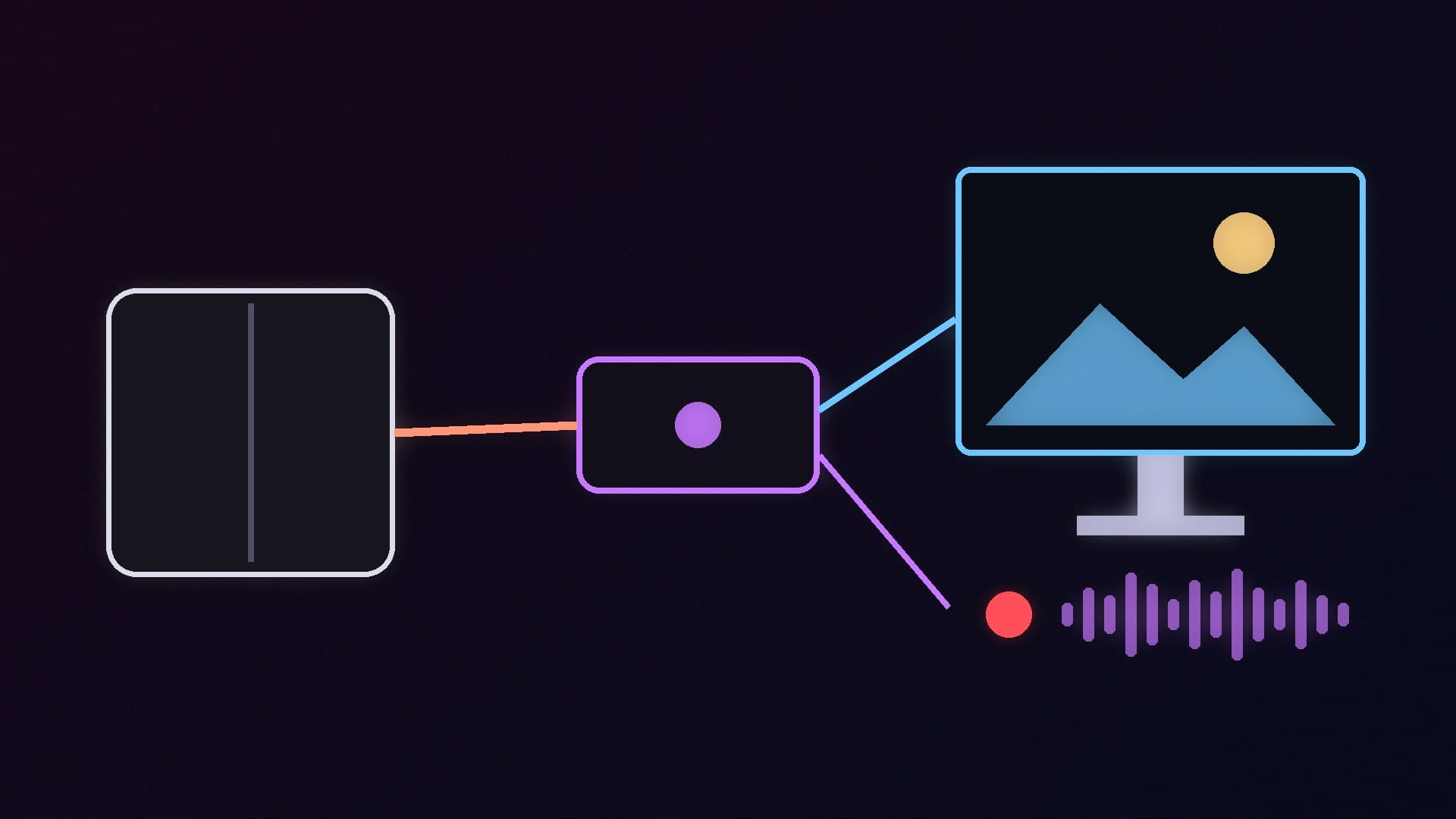
A capture card takes an HDMI video signal from a console, handheld or second PC and feeds it into your streaming PC, while passing the picture through to your monitor or TV with no lag. With Black Friday on 27 November, they are a popular buy for anyone starting to stream on Twitch or YouTube.
Forge PC has not tested these capture cards. Our picks are based on manufacturer specifications, Elgato's UK store prices and independent reviews, which we credit where we use them. All prices are approximate and were checked on 14 November 2026.
First: do you need one at all?
If you only want to stream or record games running on the same PC, you probably do not. As PC Gamer points out in its review of the Elgato 4K S, the Xbox Game Bar built into Windows can record quickly at 1080p, and your graphics driver tools or free software such as OBS Studio can record at higher resolutions. Our OBS Studio vs Streamlabs comparison and streaming setup guide cover that route.
You do need a capture card if you want to stream from:
a PlayStation 5, Xbox Series X|S or Nintendo Switch 2;
a handheld with HDMI output through a dock;
a dedicated gaming PC, while a second PC handles encoding and streaming.
Quick comparison
Card | Connection | Best capture (official) | Passthrough (official) | UK price (approx., 14 November 2026) |
|---|
Elgato Game Capture 4K S | USB-C (UVC) | 4K60, 1440p144, 1080p240; HDR up to 1080p60 | Up to 4K60 HDR, 1440p144, 1080p240 with VRR | £149.99 (Elgato UK store) |
AVerMedia Live Gamer Ultra S (GC553Pro) | USB 3.2 Gen 1 Type-C | 2160p60, 1440p144, 1080p240 | 2160p60, 1440p144, 1080p240 with HDR and VRR | Check UK retailers |
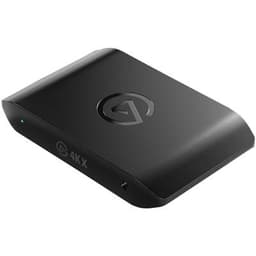
Elgato Game Capture 4K X | USB 3.2 Gen 2 Type-C | Up to 4K144, HDR10 | Up to 4K144 | £229.99 (Elgato UK store) |
AVerMedia Live Gamer 4K 2.1 (GC575) | Internal PCIe Gen 3 x4 | 2160p144 (in AVerMedia's software) | 2160p144, 1440p240, 1080p360 with HDR and VRR | Check UK retailers |
Best for most people: Elgato Game Capture 4K S
The 4K S is Elgato's mid-range external card. Elgato's comparison table lists capture at up to 4K60, 1440p144 and 1080p240, with HDR capture at up to 1080p60, plus passthrough at up to 4K60 with HDR and 1080p240 with variable refresh rate (VRR). The separate tech-specs list on the same page quotes lower high-frame-rate capture figures (1440p60 and 1080p120), so check with Elgato if high-frame-rate capture is essential for you. It is a USB Video Class (UVC) device, so it shows up as a webcam-style source in OBS without extra drivers, and Elgato says it works with Windows, Mac and iPad. Two other points are worth knowing: HDR capture is Windows-only, and Elgato quotes preview latency "as low as 30ms on capable setups".
PC Gamer's review praised its recording and passthrough quality and its compact design. However, the reviewer concluded that the AVerMedia below "does everything the 4K S does and more for a little cheaper", at least at US prices. In the UK, the 4K S is easy to buy directly from Elgato at £149.99, which keeps it our main pick for console streamers who want a simple setup.
AVerMedia's GC553Pro is the 4K S's closest rival. According to AVerMedia's specifications, it connects over USB 3.2 Gen 1 Type-C (5Gbps) and has HDMI 2.0 input and output. It passes through 2160p60, 1440p144 and 1080p240 with HDR and VRR, and captures at the same resolutions. As with the 4K S, HDR capture is more limited, at up to 1440p30 or 1080p60. AVerMedia also lists VRR recording through its Streaming Center software and 5.1-channel audio capture on Windows. The unit measures 112.6 x 66.2 x 26mm and weighs 99g.
PC Gamer described its software as "lacking", so expect to use OBS rather than AVerMedia's own apps. Choose it over the 4K S if you find it cheaper or want 5.1 audio capture.
Best for 4K high refresh rate: Elgato Game Capture 4K X
If you play on a 4K 120Hz or 144Hz screen, the cards above will limit your passthrough at 4K. The Elgato 4K X has HDMI 2.1 and is rated for capture and passthrough at up to 4K144, with HDR10 support (HDR capture again is Windows-only). The catch is the connection: Elgato says it needs a USB 3.2 Gen 2 (10Gbps) port, and that a Gen 1 port "works with reduced capture resolution". Check your motherboard's rear ports before buying. At £229.99 on Elgato's UK store, it costs £80 more than the 4K S.
For a dedicated streaming PC with a spare PCIe slot, the GC575 avoids USB bandwidth issues. AVerMedia lists a PCIe Gen 3 x4 interface and HDMI 2.1, with passthrough up to 2160p144, 3440x1440 at 120Hz, 1440p240 and 1080p360 with HDR and VRR. Capture runs at up to 2160p144, but AVerMedia notes that 2160p144 capture is only available in its Streaming Center software, and its Streaming Center app is Windows-only. One important footnote: if your monitor uses Display Stream Compression (DSC), AVerMedia warns that passthrough may be limited to 4K120.
What to check before you buy
Your console or PC output. A PS5 or Xbox Series X tops out at 4K120, so 4K60 capture with 1080p or 1440p high-refresh passthrough is plenty for most streams.
Passthrough vs capture. You play on the passthrough signal, so make sure the passthrough matches your monitor, even if you only stream at 1080p60.
USB port speed. External 4K cards need a fast USB port, ideally on the motherboard's rear panel.
Your streaming PC. The card captures; your PC still has to encode. Our streaming PC guide covers settings, and our microphone and webcam guides cover the rest of the kit.
Our verdict
The Elgato Game Capture 4K S, at about £149.99 on Elgato's UK store on 14 November 2026, is our pick for most console streamers: it captures at up to 4K60, passes through 4K60 HDR and 1080p240 with VRR and works over a single USB-C cable. The AVerMedia Live Gamer Ultra S is a capable alternative if it is cheaper where you shop. Buy the Elgato 4K X or AVerMedia Live Gamer 4K 2.1 only if you need 4K high-refresh passthrough. If you only stream games from the PC you play on, skip the capture card and use OBS. Forge PC has not tested these cards; our picks rely on official specifications and credited reviews.