Plenty of gaming mice and headsets now come with two wireless options: a 2.4GHz connection through a small USB receiver, and Bluetooth. Both are "wireless", but they behave very differently once you start gaming, especially on a headset when you join voice chat.
Forge PC has not tested these connections for this comparison. It's based on Logitech's official specifications for the G309 LIGHTSPEED mouse, Logitech's LIGHTSPEED technology page, and Microsoft's documentation and engineering blog on Bluetooth audio in Windows 11, checked on 15 November 2026.
The short answer
For gaming, use the 2.4GHz receiver whenever you can. It's what gaming mice and headsets are designed around.
Use Bluetooth for convenience: laptops with no spare USB port, tablets, phones, or saving battery when you're not gaming.
| 2.4GHz receiver (dongle) | Bluetooth |
|---|
Typical use | Gaming | Everyday use, multiple devices |
Mouse report rate (G309 example) | Up to 1,000Hz (1ms) | 125Hz (8ms) |
Battery life (G309 example) | Lower at 1,000Hz | Higher |
Headset mic with game audio | Not affected by Bluetooth profiles | Classic Bluetooth drops to mono when the mic is in use |
Needs a USB port | Yes | No, if the PC has Bluetooth |
Mice: report rate is the big difference
A mouse's report rate (or polling rate) is how often it tells the PC where it is. Higher rates mean smaller gaps between updates.
Logitech's G309 LIGHTSPEED is a good example because it has both connections. Logitech's specifications list:
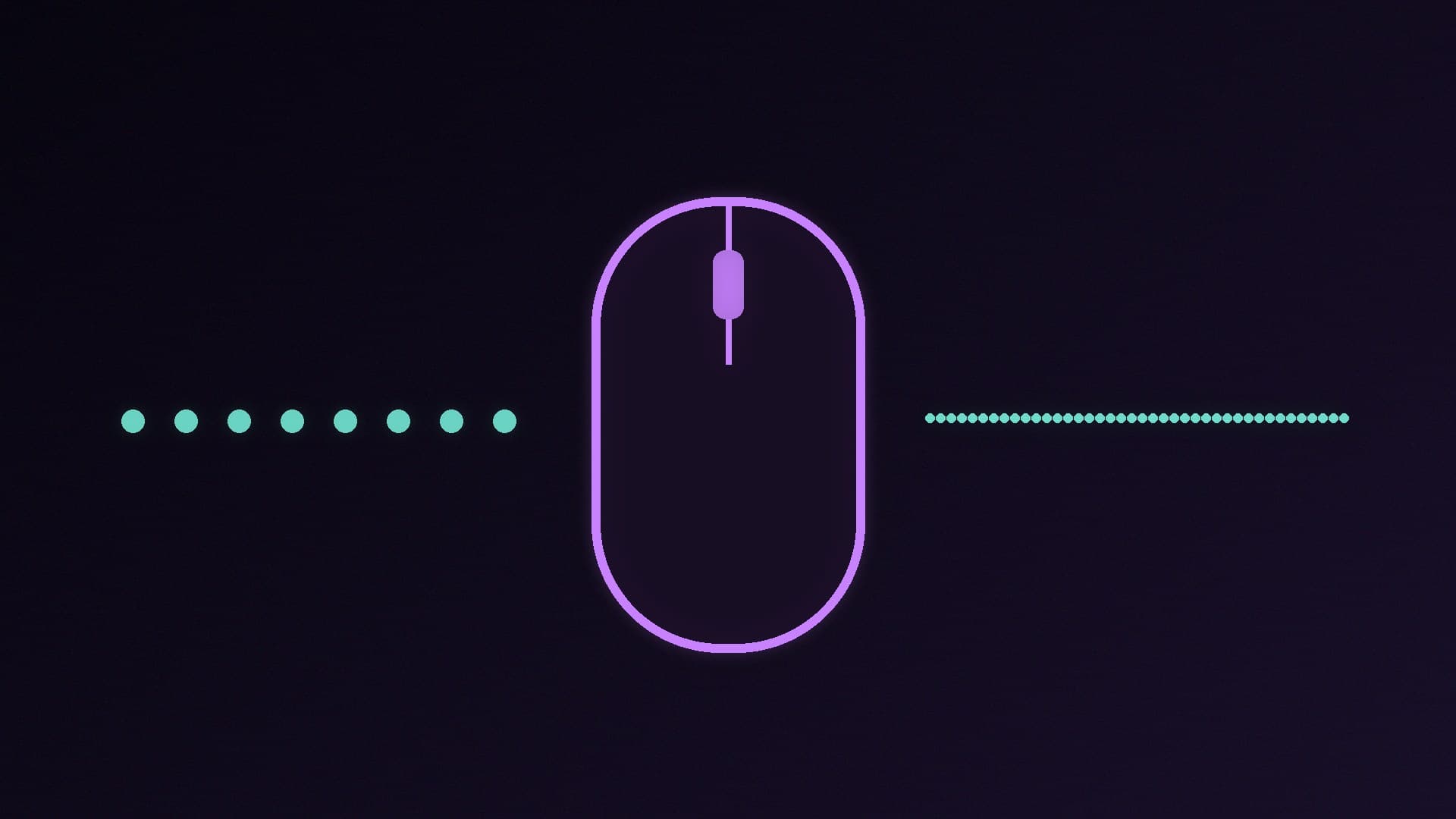
LIGHTSPEED (2.4GHz), HI mode: 1,000Hz, or one update every 1ms
LIGHTSPEED, LO mode: 125Hz (8ms)
Bluetooth: 125Hz (8ms)
So on Bluetooth, this mouse reports one-eighth as often as it does on its receiver in HI mode. Logitech also lists the battery life trade-off: about 300 hours on an AA alkaline battery at 1,000Hz, and 600 hours on Bluetooth.
Logitech describes LIGHTSPEED as an end-to-end wireless system designed for low latency and reliability, and other brands' 2.4GHz gaming receivers have the same aim. If you play fast shooters, that's the connection to use. For more on wireless mice versus cables, see our wired vs wireless gaming mouse comparison and best gaming mouse guide; our database includes LIGHTSPEED mice such as the Logitech G305 and PRO X SUPERLIGHT 2.
Headsets: the voice chat problem
This is where Bluetooth catches people out. Microsoft's Windows audio team explains that classic Bluetooth audio uses two separate profiles:
A2DP gives high-quality stereo audio, but doesn't allow the microphone to be used.
HFP (Hands-Free Profile) allows the microphone, but plays audio in mono at lower quality.
So when you join a voice chat on a classic Bluetooth headset, your game audio switches to mono and sounds noticeably worse. Microsoft gives exactly this example: joining an Xbox party chat while playing Forza Horizon 5 and losing directional sound. It says even improved "wideband" HFP audio is closer to AM radio than to normal Bluetooth music quality.
A 2.4GHz gaming headset with its own USB receiver isn't affected by this, because it isn't using Bluetooth's A2DP and HFP profiles at all.
Bluetooth LE Audio is the fix, if you have it
The newer Bluetooth LE Audio standard replaces those two profiles with one that handles both playback and voice. Microsoft says Windows 11 can now keep LE Audio devices in "super wideband" stereo while the microphone is in use, but only if:
your PC runs Windows 11 version 24H2 or newer,
it has Bluetooth LE Audio support built in from the factory, with up-to-date drivers from the PC maker, and
your headphones or earbuds support LE Audio.
If any of those is missing, Microsoft says you'll hear mono audio when the mic is used. A desktop that relies on a plug-in Bluetooth adapter may not meet the "from the factory" requirement, so for a gaming desktop, a 2.4GHz headset or a wired one remains the dependable choice. If you have a compatible setup, Microsoft explains how to check the "Format when microphone is active" setting in Sound settings, and suggests switching it to mono if you hear glitches.
When Bluetooth is the better choice
Laptops and handhelds where USB ports are scarce.
Switching between devices, such as a headset you also use with your phone.
Battery life, as the G309 figures show.
Office work and media, where a 125Hz report rate or the mic limitation doesn't matter.
Many dual-mode devices let you pair Bluetooth for your phone and use the dongle for the PC, which gives you the best of both.
Tips for a reliable 2.4GHz connection
Keep the receiver close to the device. A front-panel USB port or a short extension cable to the desk can help compared with a port at the back of the case.
Wi-Fi can also use the 2.4GHz band, so if you get dropouts, moving the receiver closer is a simple first thing to try. Our Wi-Fi vs Ethernet guide explains why a wired connection for the PC itself helps too.
For headset choices, see our best gaming headset guide and open-back vs closed-back comparison.
Our verdict
For gaming, use the 2.4GHz USB receiver: Logitech's G309 specifications show 1,000Hz on LIGHTSPEED against 125Hz on Bluetooth, and a 2.4GHz headset avoids classic Bluetooth's switch to mono audio when you use the microphone. Bluetooth is the right choice for laptops, phones and longer battery life. Bluetooth LE Audio fixes the voice-chat problem only on Windows 11 24H2 PCs with built-in LE Audio support and compatible headphones. Forge PC has not tested these connections; details are from Logitech and Microsoft.