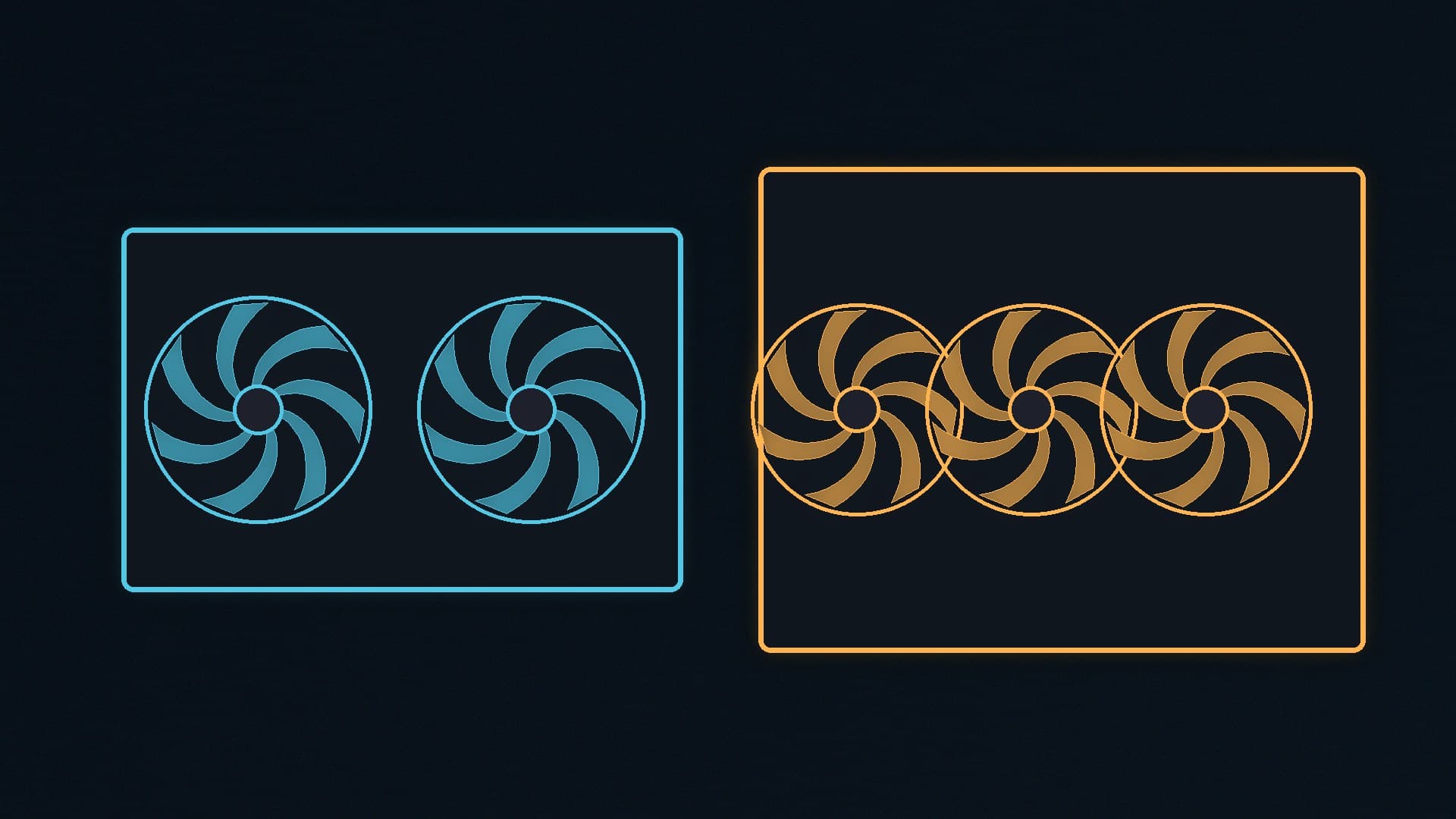
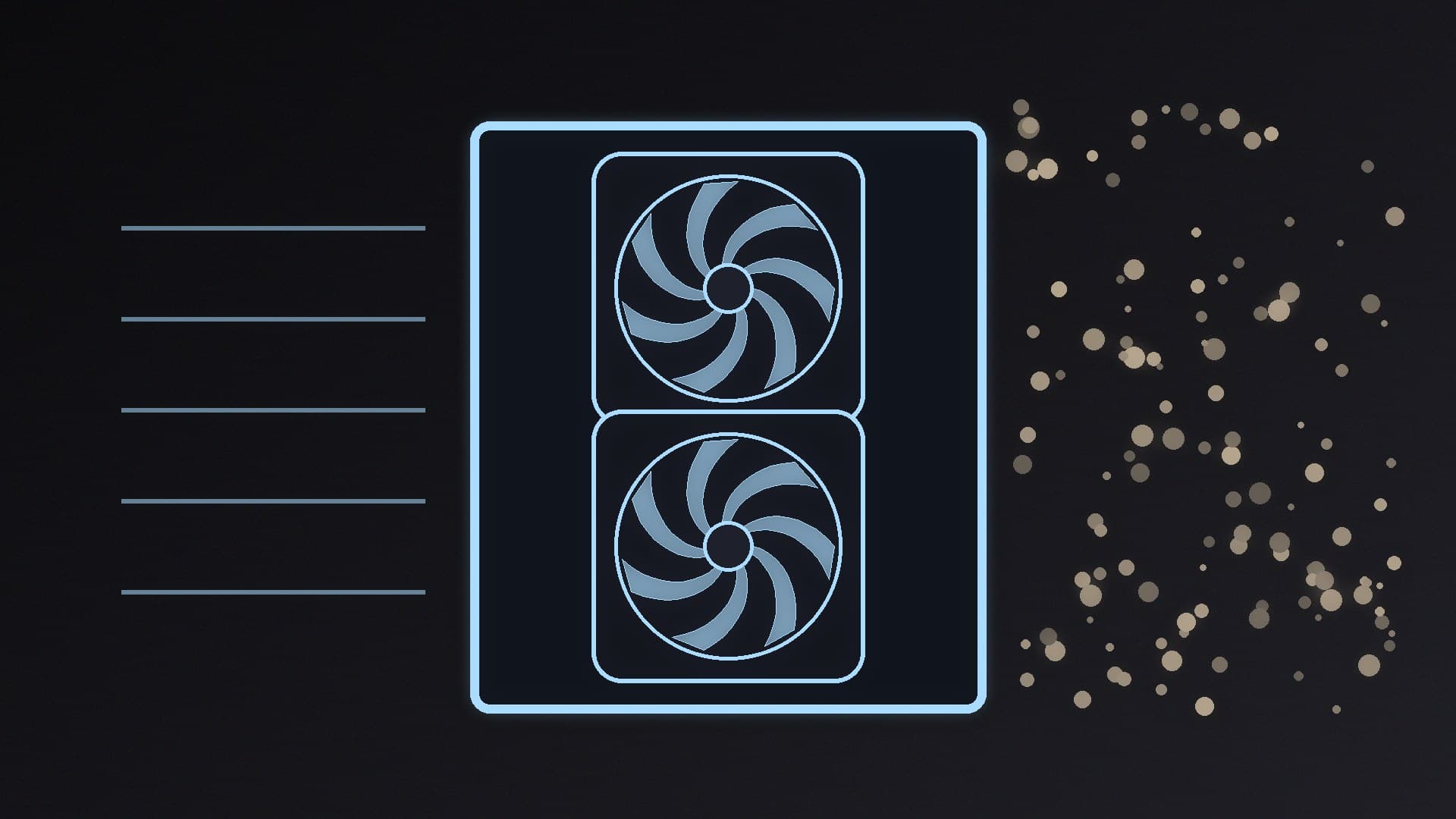
AIO coolers are sold by radiator size. A 240mm kit is two 120mm fans on a 240mm-long radiator; a 360mm kit is three fans on a longer one. The 360mm version of the same design has more surface area, so it can usually shed more heat. That advantage only counts if the radiator actually fits.
Forge PC has not measured a 240mm and a 360mm AIO side by side. The comparison below uses official specifications for Arctic's Liquid Freezer III Pro 240 and 360, plus the independent testing we already cite in our CPU cooler guide. We are not inventing a temperature gap in degrees.
The simple difference
| 240mm AIO | 360mm AIO |
|---|
Radiator | Space for two 120mm fans | Space for three 120mm fans |
Cooling potential, same design | Lower, because there is less radiator area | Higher, which is why this is the usual pick for high-power CPUs |
Case requirement | A 240mm radiator mount (front or top) | A 360mm radiator mount in at least one location |
Typical use | Mid-range chips, or a compact case that cannot take a 360 | High-power CPUs, or any build where the case already has a 360mm mount |
Thickness still matters. Arctic's official Liquid Freezer III Pro radiators are 38mm thick, and the company says you need at least 63mm of clearance for the radiator and fans together. That is true of the 240 and the 360 in this family. A slim 27mm radiator with slim fans may fit a case that this 38mm kit will not, even if the case "supports a 360mm AIO" on a marketing bullet.
When a 360mm AIO is the better choice
Take the 360 if:
Your case officially supports a 360mm radiator at the thickness you are buying. Measure the front or roof, including the fan depth and any interference with the motherboard tray, PSU shroud, or tall RAM.
You are cooling a high-power chip. Our CPU cooler guide already treats a 360mm AIO as the sensible liquid option for very demanding processors, and Tom's Hardware's best AIO pick is the Liquid Freezer III Pro 360.
You want more headroom for a quiet fan curve. Extra radiator area can let you run fans more slowly for the same heat load. That is a general property of larger radiators, not a measured result from our lab.
Officially the Pro 360 supports AMD AM5 and AM4 and Intel LGA 1851 and LGA 1700, uses three P12 Pro fans, a PWM pump, a VRM fan on the block, a 450mm tube, and a 6-year warranty. Check the 63mm clearance and Arctic's note about tall first-slot M.2 heatsinks before you order.
When a 240mm AIO is enough
Take the 240 if the case simply will not accept a 360mm radiator. That is the usual good reason, and it is why we list the Liquid Freezer III Pro 240 as the smaller alternative rather than as a faster cooler. Officially it is the same family: the same 38mm radiator thickness, the same 63mm clearance, and the same current AMD and Intel sockets.
A 240mm kit can be a sensible match for a mid-range CPU in a compact mid-tower or a smaller case that only has a 240mm roof mount. What we will not do is claim that a 240mm Pro is "almost as good" as the 360 without a test we can cite. Our cooler guide already flags that we have not seen independent tests of the 240mm Pro to quote.
Also consider a strong air cooler if you do not need liquid at all. A dual-tower air cooler avoids pumps and radiators, and our CPU cooler guide's air picks may be quieter to live with in a case that barely has room for a thick 240mm radiator.
Fitment details people miss
Top versus front. A 360mm radiator in the roof can clash with tall memory or a high motherboard VRM shroud. A front 360 can limit GPU length. Check your case's official maximums, not just the number of fan mounts.
Tube length and routing. The official Pro 360 tube length is 450mm. That is usually enough in a mid-tower, but a badly routed tube can kink or pull the block. Dry-fit before you apply paste, and clean both surfaces properly if the block has to come off again.
Fan headers. Arctic lets you run the pump, VRM fan and radiator fans from one PWM header or separately. After it is in, set a reasonable curve rather than leaving everything in DC full-speed mode; see how to set fan curves.
Our verdict
If the case can take a 63mm-deep 360mm radiator, buy the 360mm AIO of a design you already trust. For 2026 that is the Arctic Liquid Freezer III Pro 360, which is also Tom's Hardware's top AIO. Choose the 240mm version when a 360 will not fit, not because it is cheaper in the abstract. A larger radiator of the same design has more area; we have not measured the exact temperature difference. Forge PC has not tested these kits; this comparison uses official Arctic specifications and the independent testing cited in our cooler guides.