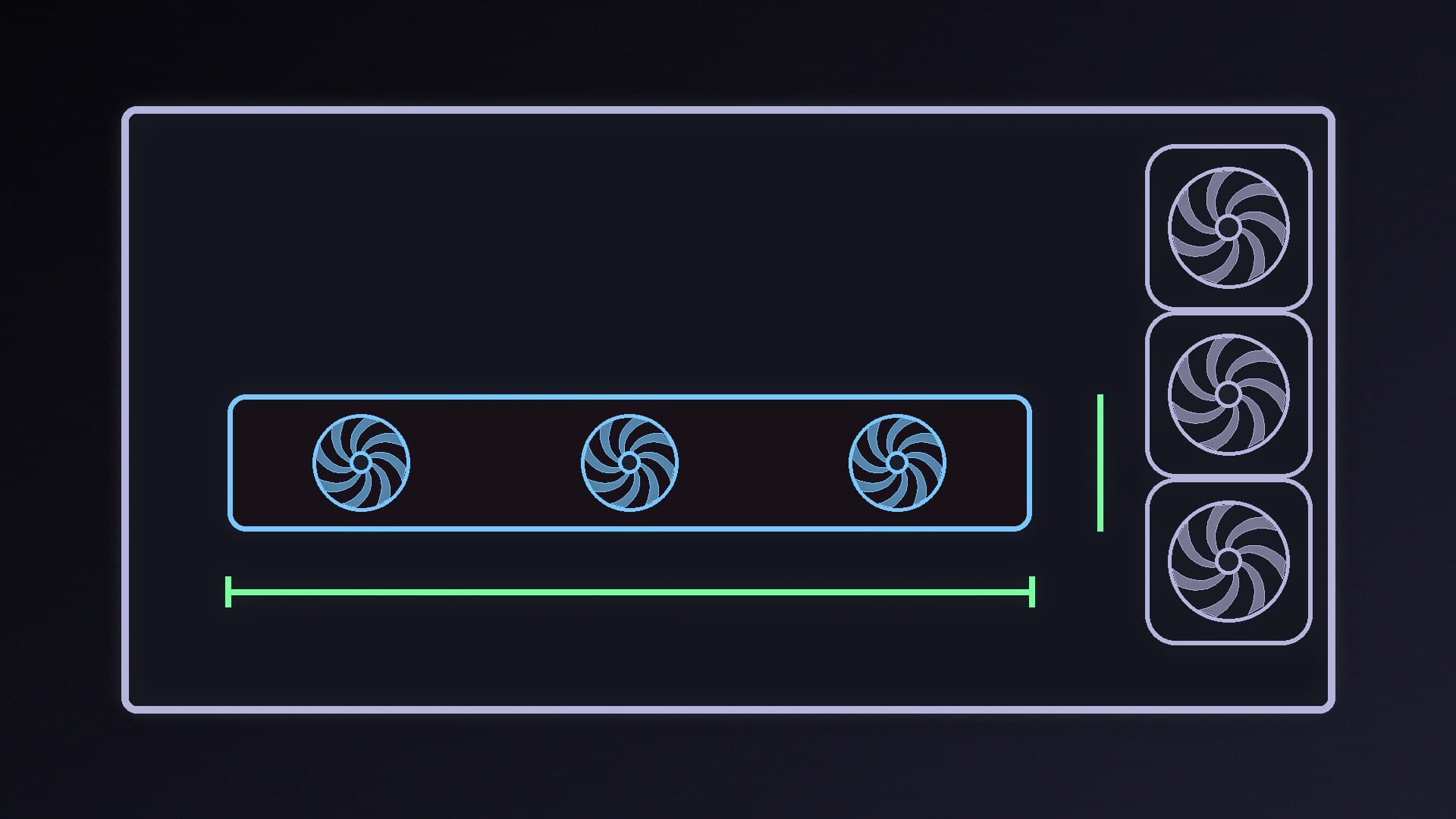
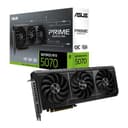
If you're buying a new graphics card this Black Friday, the most annoying problem isn't speed: it's a card that won't physically fit. Two cards with the same GPU can be very different sizes. NVIDIA's own GeForce RTX 5070 Founders Edition is 242mm long and two slots thick, while ASUS lists its PRIME RTX 5070 OC at 304 x 126 x 50mm and 2.5 slots. This guide shows how to check the numbers before you buy. It uses NVIDIA's and ASUS's published specifications; Forge PC hasn't test-fitted any card for this guide.
The three measurements that matter
Length: how far the card extends from the back of the case towards the front. Compare it with your case's maximum GPU length.
Height: how far the card rises above the PCIe slot, towards the side panel. Tall cards can hit the glass, especially once the power cable is plugged in.
Thickness (slots): how many expansion slots the cooler covers, such as 2, 2.5 or 3. This matters in small cases with limited slots, and if you need a second PCIe card below the graphics card.
NVIDIA points out that partners' product pages list card dimensions, but clearances for power cables and connectors generally aren't given, which is why the height figure catches people out.
Step-by-step: check the fit
Find the card's dimensions. Open the manufacturer's spec page (not just the retailer listing) and note the length, height and slot width. For example, ASUS lists the PRIME RTX 5070 OC as 304 x 126 x 50mm and 2.5 slots.
Find your case's GPU clearance. Your case manual or the maker's spec page lists the maximum GPU length, and sometimes the maximum height or thickness. If the spec lists different figures with front fans or a radiator fitted, use the one that matches your build.
Leave room for cables. Add space above the card for the power connector and the bend of the cable. NVIDIA's SFF-Ready height limit includes the power cable bend radius for this reason; see how to connect a 12V-2x6 cable safely.
Check the slots below. If you use an extra card, such as a Wi-Fi 7 PCIe card, make sure it won't sit under a thick cooler.
Measure your own case if unsure. With the PC off and unplugged, measure from the rear expansion slot bracket to the nearest obstruction at the front, such as fans, a radiator or drive cages.
The shortcut: NVIDIA's SFF-Ready label
For small builds, NVIDIA has a guideline called SFF-Ready Enthusiast GeForce Cards. Cards with the label are RTX 70-class or higher from the RTX 50 and RTX 40 series and have:
a maximum height of 151mm, including the power cable bend radius
a maximum length of 304mm
a maximum depth of 50mm, or 2.5 slots
NVIDIA says cases are labelled "Compatible with SFF-Ready Enthusiast GeForce Cards" and that the limits ensure the necessary space and clearance inside SFF-Ready cases. NVIDIA's own RTX 5070 spec page marks the Founders Edition as SFF-Ready, and ASUS lists its PRIME RTX 5070 OC as SFF Ready too. If you're building small, our best mini-ITX case guide is a good starting point.
Don't forget sag and power
Long cards can also sag; see how to fix GPU sag. And check your power supply: ASUS recommends a 750W PSU for the PRIME RTX 5070 OC, and NVIDIA lists 650W required system power for the RTX 5070. When the card fits, follow how to install a graphics card.
Our verdict
Check three numbers before you buy a graphics card: length against your case's maximum GPU length, height plus cable room against the side panel, and slot width against the space below. Use the manufacturer's spec page, because sizes vary a lot between versions of the same GPU. For small builds, an SFF-Ready card in an SFF-Ready-compatible case takes the guesswork out.