Skip to content

VersusRAM

Unified Memory vs VRAM for Local AI: Which Matters More?

Unified memory vs dedicated VRAM for running local LLMs, compared on official specs for NVIDIA RTX Spark desktops, AMD's Ryzen AI Max+ 395 and the GeForce RTX 5090: capacity, memory bus, upgrades and power.

By , Senior Hardware Editor

3 min read

Unified Memory vs VRAM for Local AI: Which Matters More?

If you want to run large language models on your own PC, memory is usually the first limit you hit. There are now two very different ways to get lots of it: a graphics card with dedicated VRAM, or a system with unified memory shared between the CPU and GPU, such as NVIDIA's new RTX Spark desktops or AMD's Ryzen AI Max+ 395. This guide compares the two approaches using official specs.

The short answer

  • Unified memory gives you more capacity in one box: up to 128GB on RTX Spark and the Ryzen AI Max+ 395, so bigger models fit.

  • Dedicated VRAM on a desktop graphics card is smaller (32GB on the RTX 5090) but sits on a much wider memory bus.

  • Capacity decides what fits; memory speed also affects how fast it runs. That's the trade-off.

What's the difference?

A graphics card has its own memory (VRAM) soldered next to the GPU. The CPU uses separate system RAM. When a model is bigger than the VRAM, part of it has to be handled from system memory instead; see how to set GPU offload in LM Studio.

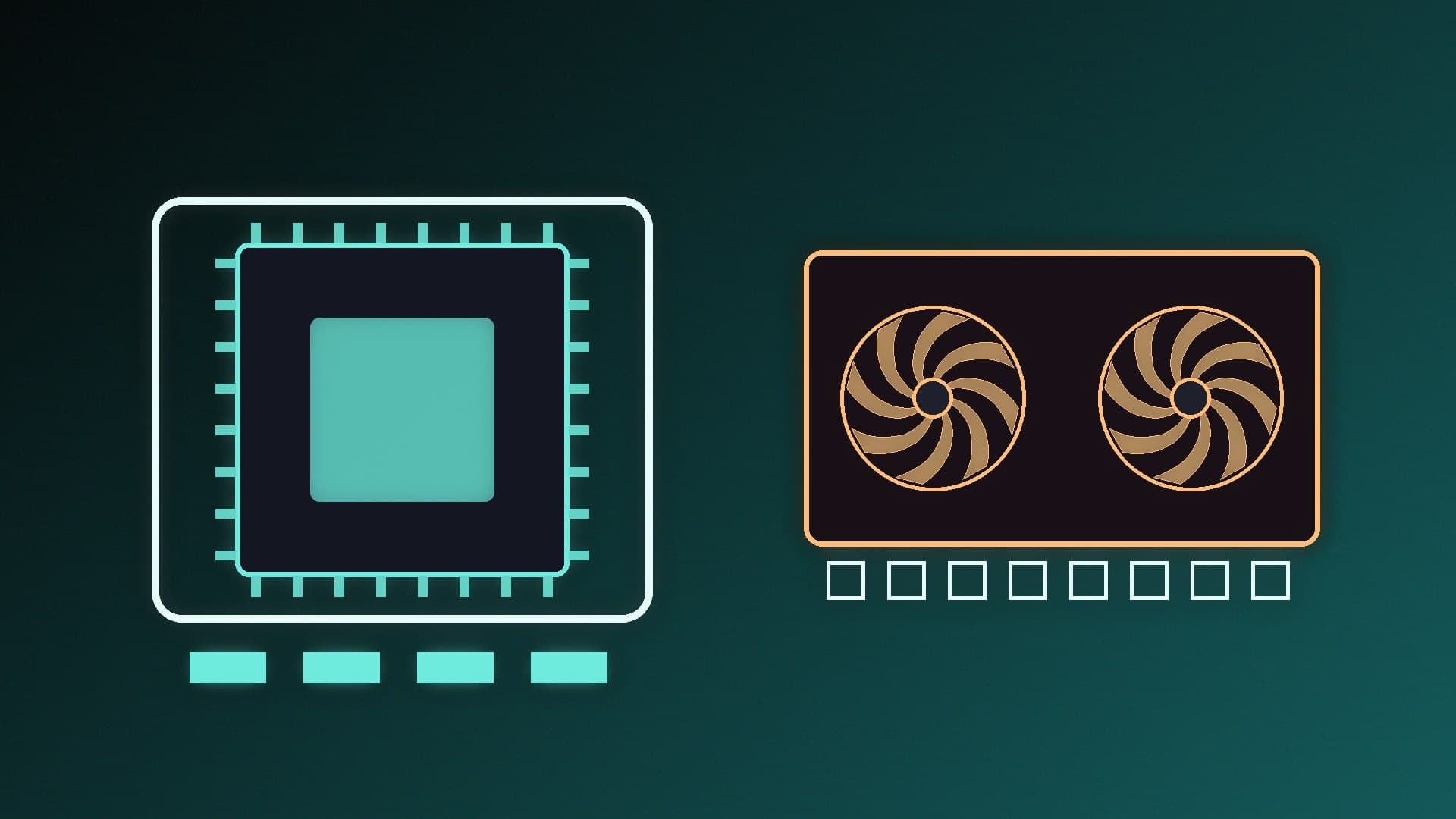
A unified memory system has one pool of memory that the CPU and GPU share. NVIDIA describes RTX Spark as having "up to 128GB of unified memory" alongside a 20-core Grace CPU and a Blackwell RTX GPU with 6,144 CUDA cores. AMD lists the Ryzen AI Max+ 395 with 256-bit LPDDR5x memory at up to LPDDR5x-8000, a maximum of 128GB, and Radeon 8060S graphics with 40 graphics cores.

Specs compared

Spec

NVIDIA RTX Spark desktops

AMD Ryzen AI Max+ 395

NVIDIA GeForce RTX 5090

Memory type

Unified (NVIDIA)

256-bit LPDDR5x, up to 8000

32GB GDDR7

Max memory

Up to 128GB

128GB

32GB

Memory bus

Not listed in NVIDIA's blog

256-bit

512-bit

GPU

Blackwell RTX, 6,144 CUDA cores

Radeon 8060S, 40 graphics cores

Blackwell, 3,352 AI TOPS

AI performance (maker)

Up to 1 petaflop

Up to 126 TOPS overall

3,352 AI TOPS

Power

Not listed

Not listed here

575W total graphics power

Makers measure AI performance in different ways, so don't compare those figures directly; see FP4 vs FP8 vs FP16 for AI GPUs for why precision matters.

Capacity: unified memory wins

A model's memory need depends on its size and quantisation, plus room for context. That's why 128GB matters: NVIDIA says RTX Spark desktops can run 120-billion-parameter language models locally. For more on sizing, see how much VRAM you need and LLM context length and VRAM explained.

On AMD systems, how much of the shared memory the GPU can use is configurable; see how to set AMD Variable Graphics Memory.

Memory bus: dedicated VRAM is wider

Memory bandwidth also matters for speed. On paper, the RTX 5090 uses GDDR7 on a 512-bit bus, while the Ryzen AI Max+ 395 uses LPDDR5x on a 256-bit bus. If you want independent speed results, look for reviews that test the exact model and quantisation you plan to run.

Other things to weigh

  • Upgrades: a desktop with a graphics card lets you swap the GPU later. With a unified-memory system, choose the memory configuration you need when you buy, as NVIDIA and AMD quote it as a system spec.

  • Power and size: NVIDIA describes RTX Spark systems as compact desktops. The RTX 5090 alone is rated at 575W total graphics power.

For a direct comparison of two unified-memory platforms, see DGX Spark vs Ryzen AI Max+ 395. For graphics card picks, see the best GPU for local LLMs.

Our verdict

Choose unified memory if you want to run models too big for a graphics card's VRAM, up to the 128GB these platforms offer, and care more about what fits than how fast it runs. Choose a graphics card with dedicated VRAM if your models fit within its memory and you want a wider memory bus and the option to upgrade.

The bottom line

Choose unified memory if you want to run models too big for a graphics card's VRAM, up to the 128GB these platforms offer, and care more about what fits than how fast it runs. Choose a graphics card with dedicated VRAM if your models fit within its memory and you want a wider memory bus and the option to upgrade.

Sources

  1. 01NVIDIA Blog: NVIDIA RTX Spark Compact Desktops Out Now
  2. 02AMD: AMD Ryzen AI Max+ 395
  3. 03NVIDIA: GeForce RTX 5090

About the author

Callum Reid

Senior Hardware Editor

Callum leads GPU, CPU and platform architecture coverage at Forge PC. Before joining the editorial desk, he spent nine years specifying, assembling and stress-testing custom gaming and workstation systems in the UK, with a focus on PCIe bandwidth, VRM thermal design, DDR5 memory tuning and 1440p/4K frame-time consistency.

More from Callum Reid

Read next

How to Check if Your PC Can Run a Local LLM

How-To

How to Check if Your PC Can Run a Local LLM

Check whether your PC can run a local LLM against LM Studio's and Ollama's official requirements: AVX2 CPU, 16GB RAM, 4GB+ VRAM, supported NVIDIA, AMD or Apple GPUs and drivers, and storage space for models.

Marcus Thorne3 min

How to Run LM Studio Headless With llmster (No GUI Needed)

How-To

How to Run LM Studio Headless With llmster (No GUI Needed)

How to run LM Studio as a background service without its window: install the llmster daemon, start it with lms daemon up, load models and start the server, or run the desktop app's server on login, plus JIT loading.

Marcus Thorne3 min