Skip to content

VersusStreaming Gear

Stream Deck MK.2 vs Stream Deck +: Keys or Dials?

Elgato's Stream Deck MK.2 and Stream Deck + compared on official specs: 15 keys vs 8 keys with four dials and a touch strip, size, stand, USB connection, and which suits streaming, editing or audio control.

By , Senior Hardware Editor

2 min read

Stream Deck MK.2 vs Stream Deck +: Keys or Dials?
Elgato Stream Deck MK2 Controller Black compared with Elgato Stream Deck +
Elgato Stream Deck MK2 Controller BlackElgato Stream Deck +
Key Count—8
Connection—USB
LCD Keys—Yes

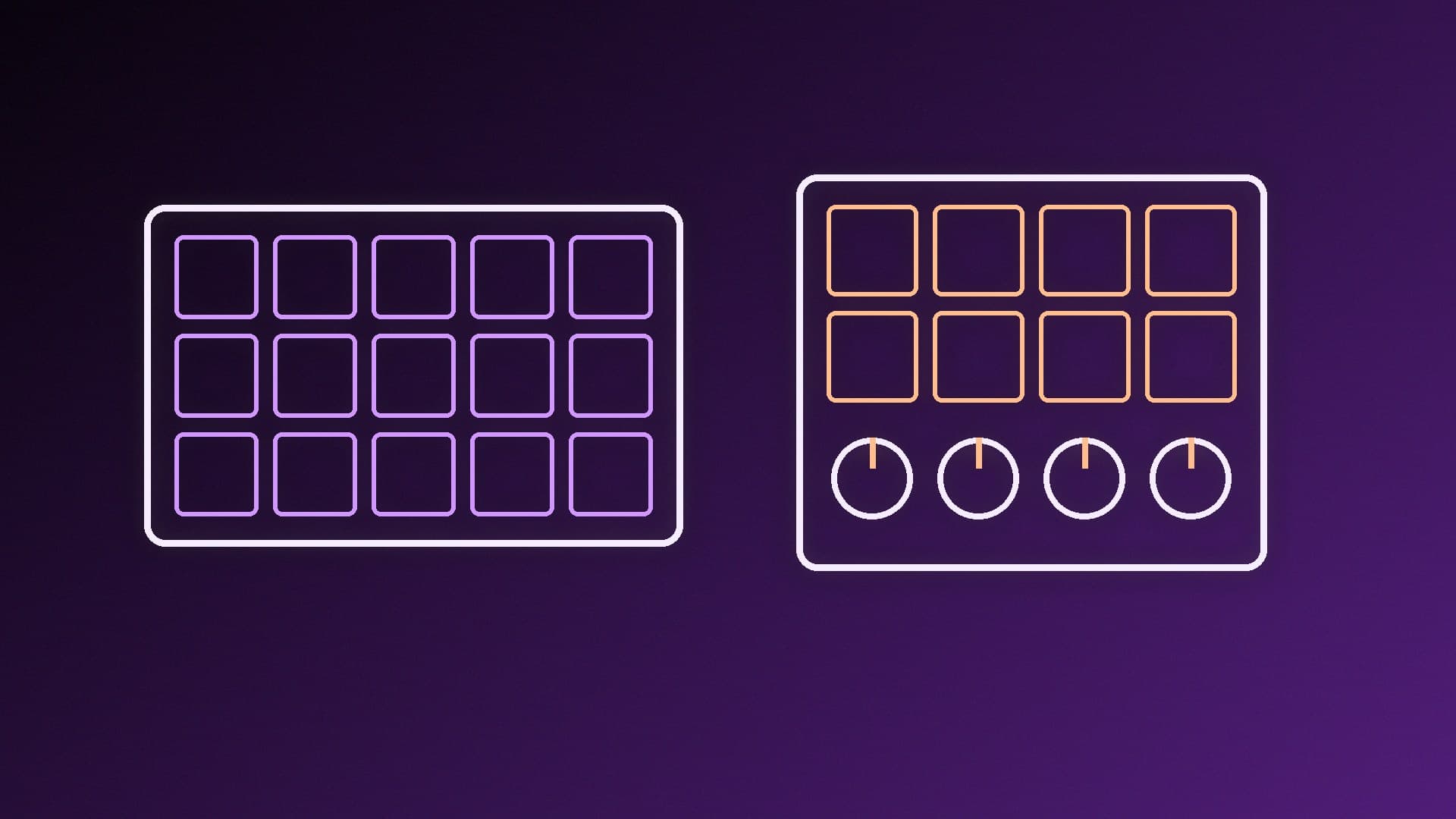
Elgato's Stream Deck MK.2 and Stream Deck + are two of its best-known models. One gives you 15 LCD keys; the other trades keys for four dials and a touch strip. This comparison uses Elgato's official product pages.

Specs compared

Spec (Elgato)

Stream Deck MK.2

Stream Deck +

Keys

15

8

Key type

Classic or scissor keys

Classic

Dials

None

4 (interchangeable)

Screen

LCD keys

LCD keys plus LCD touch strip

Stand

Removable (magnetic)

Integrated

Cable

1.5m

1.5m

Weight

270g with stand

465g

Dimensions (D x W x H)

118 x 84 x 25mm without stand

140 x 138 x 110mm

Recommended port

USB 2.0 (or later) Type-A

USB 3.0 (or later) Type-C

OS

Windows, macOS

Windows, macOS

Keys: MK.2 wins

The MK.2 has almost twice as many keys, so you can see more actions at once: scene changes, mic mute, media controls, macros and app launchers. Elgato offers it with classic membrane keys or scissor keys, which Elgato says give a crisper feel with uniform feedback wherever you press. Both devices support pages, folders and multi-actions in Elgato's software, so you can go beyond the physical key count on either.

Dials and touch strip: Stream Deck + wins

The Stream Deck + adds four dials and an LCD touch strip. Elgato says you can push a dial to cycle through its actions, and touch or swipe the strip to control apps, change pages and see dial information. Dials suit anything with a level: audio mixing, mic gain, lighting brightness or scrubbing through a video timeline. Elgato pitches it as an audio mixer, studio controller and production console.

Size and desk space

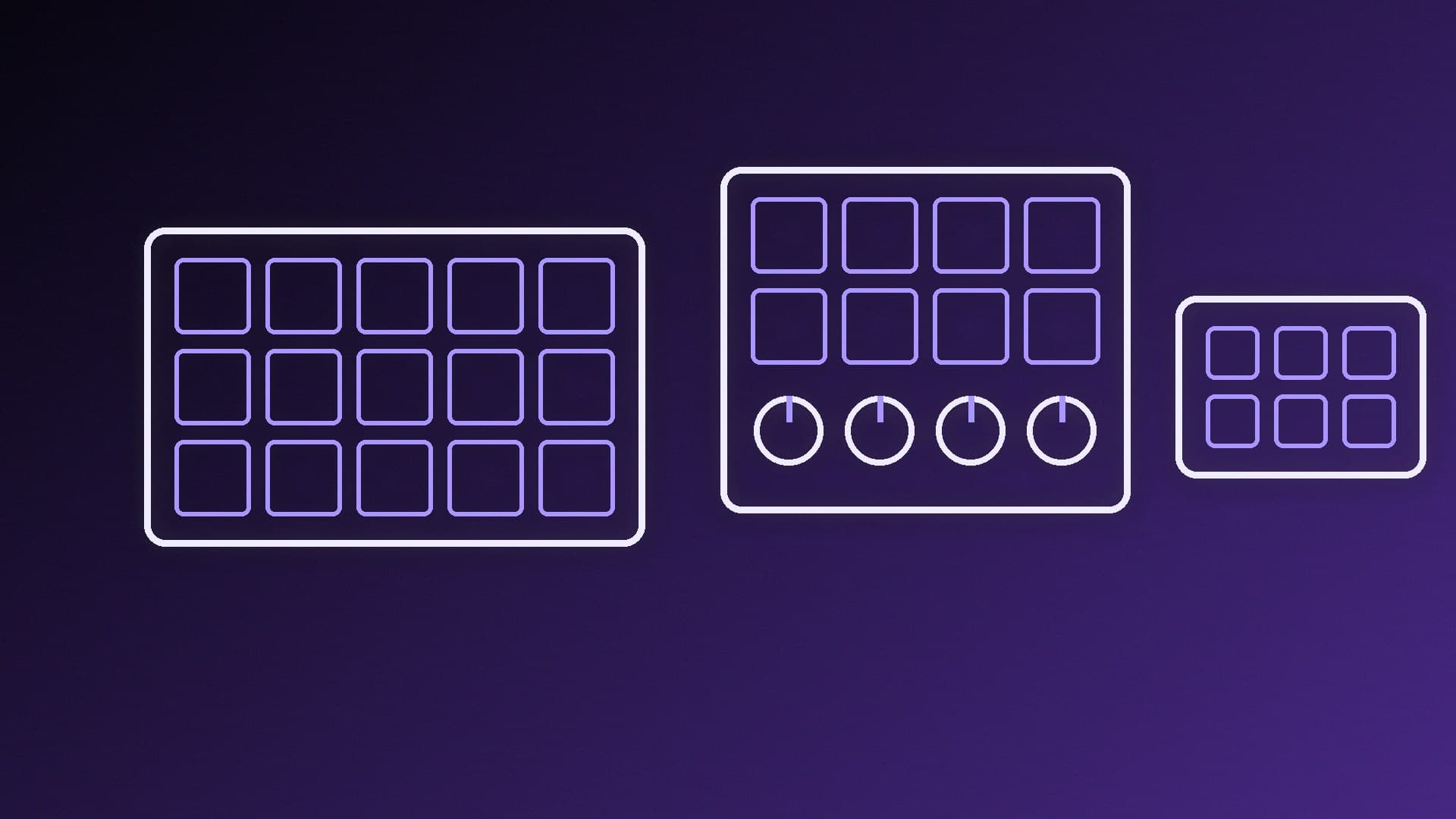
The MK.2 is small and flat, at 118 x 84 x 25mm without its stand. The Stream Deck + is bigger and taller, at 140 x 138 x 110mm, with an integrated stand.
Connection

Elgato recommends a USB 2.0 (or later) Type-A port for the MK.2 and a USB 3.0 (or later) Type-C port for the Stream Deck +. Check you have the right free port on your PC or monitor.

Which should you buy?

  • Choose the MK.2 for streaming scene control and lots of shortcuts, or if desk space is tight.

  • Choose the Stream Deck + if audio and level control matter most, such as for podcasting, music or video editing.

Whichever you choose, the rest of your streaming setup matters too: see how to set up a PC for streaming, how to set up OBS microphone filters and OBS Studio vs Streamlabs.

Our verdict

The Stream Deck MK.2 is our pick as a first Stream Deck for most streamers, with 15 keys in a compact body. The Stream Deck + is the better buy if you'd use dials every day for audio, lighting or editing, and you have the desk space and a USB-C port for it.

The bottom line

The Stream Deck MK.2 is our pick as a first Stream Deck for most streamers, with 15 keys in a compact body. The Stream Deck + is the better buy if you'd use dials every day for audio, lighting or editing, and you have the desk space and a USB-C port for it.

Sources

  1. 01Elgato: Stream Deck MK.2
  2. 02Elgato: Stream Deck +

About the author

Callum Reid

Senior Hardware Editor

Callum leads GPU, CPU and platform architecture coverage at Forge PC. Before joining the editorial desk, he spent nine years specifying, assembling and stress-testing custom gaming and workstation systems in the UK, with a focus on PCIe bandwidth, VRM thermal design, DDR5 memory tuning and 1440p/4K frame-time consistency.

More from Callum Reid

Read next

Best Stream Deck in 2026: Which Elgato Control Pad Should You Buy?

Best Picks

Best Stream Deck in 2026: Which Elgato Control Pad Should You Buy?

The best Elgato Stream Deck for your setup, picked on Elgato's official specs: the 15-key MK.2 for most people, the Stream Deck + for dials, the Neo or Mini for small desks, the 32-key XL, the + XL and Studio for big setups, and the Pedal.

Hannah Vance4 min

How to Stream to YouTube with OBS Studio

How-To

How to Stream to YouTube with OBS Studio

How to stream to YouTube with OBS Studio: enable live streaming (allow up to 24 hours), run OBS's Auto-Configuration Wizard, add sources, paste YouTube's stream URL and key, and use YouTube's recommended codec, keyframe and bitrate settings.

Marcus Thorne2 min