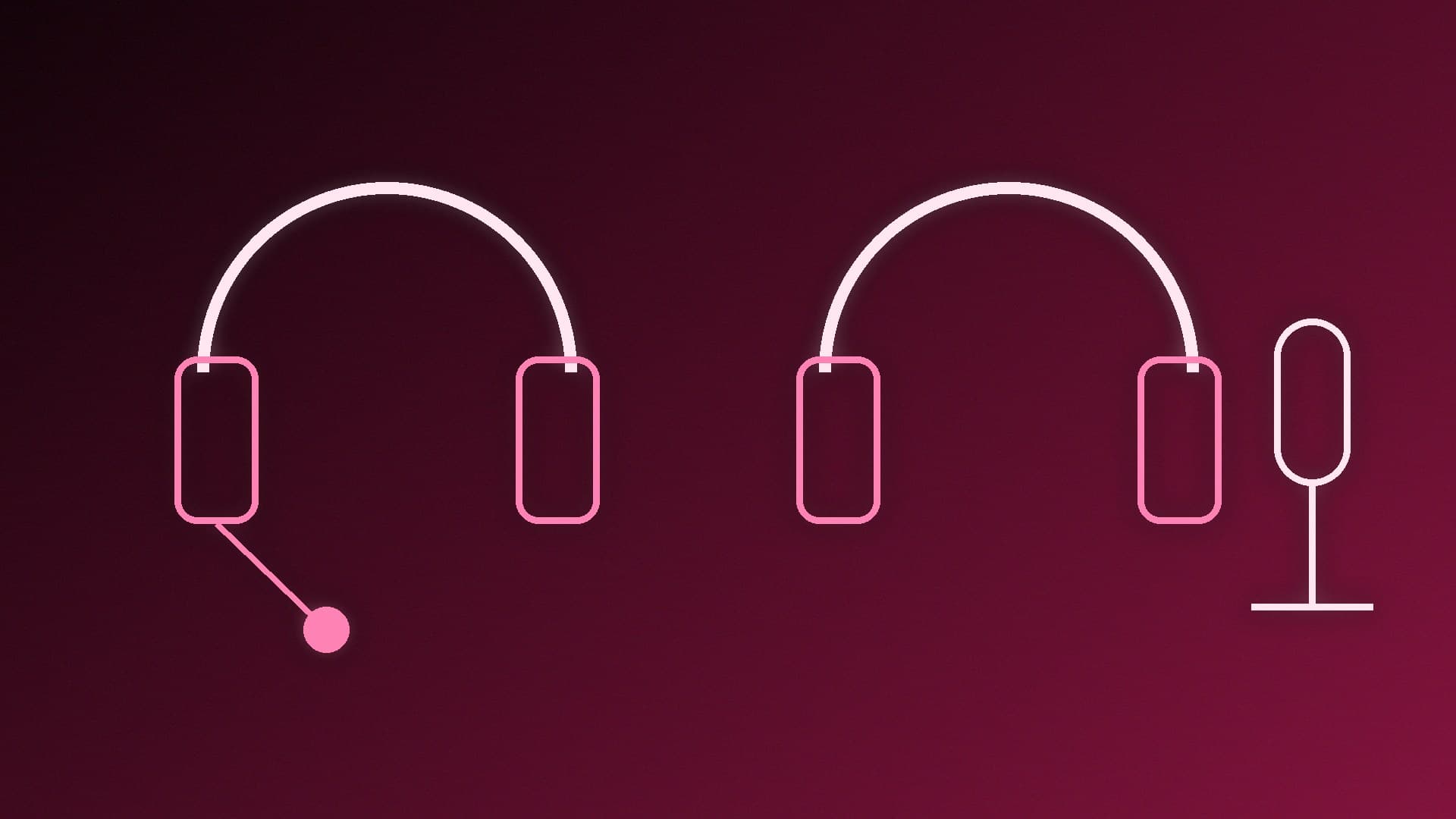
If you play online with friends, you need two things: something to listen with and a microphone. You can buy them together as a gaming headset, or separately as a pair of headphones and a standalone microphone. Both work, and enthusiasts argue about which is better. This comparison draws on buying advice from TechRadar, PC Gamer and How-To Geek, and on how each set-up works.
The short answer
| Gaming headset | Headphones + separate mic |
|---|
Set-up | One device, often one port | Two devices, at least two connections |
Desk space | Minimal | A mic, and possibly a boom arm |
Mic quality | Boom mic close to your mouth; fine for chat | A decent standalone mic usually sounds better |
Sound quality | Can be very good, varies widely | Often better for the money |
Low-latency wireless | Common, using 2.4GHz wireless | Bluetooth headphones add lag |
Companion software | Usually included | Usually not, for headphones |
If one part breaks | Replace the whole headset | Replace only the broken part |
Sound quality
PC Gamer argues that headphone makers focus first on how their headphones sound and don't have to design around a built-in mic, and that many gaming headsets lean towards a bass-heavy balance. Its conclusion is that, for the same money, headphones are likely to give you better sound. How-To Geek makes a similar value argument, saying a pair of good headphones and an inexpensive microphone can sound better than a gaming headset at the same price.
TechRadar takes a more balanced view: audiophiles may prefer expensive headphones, but it says plenty of gaming headsets now deliver excellent audio and can be enjoyable for music and films too. So the gap depends on what you're comparing. A cheap headset against good headphones is a clear win for headphones; a high-end headset is much closer. Whichever you pick, our open-back vs closed-back comparison explains the other big factor in how they sound.
Microphone quality
This is where separate microphones usually win. TechRadar points out that a headset's boom mic sits right by your mouth, so it sounds clearer than the hidden beamforming mics in wireless headphones, but that a USB microphone typically covers a wider frequency range for better voice reproduction. The catch, it says, is that desk mics can pick up vibrations and bumps, so you may also need a boom arm.
PC Gamer's view is that a good gaming headset's mic probably won't match a separate one, but will be good enough for voice chat. If you're streaming, recording or podcasting as well as gaming, that's a strong argument for a separate mic; our guides to USB vs XLR microphones, dynamic vs condenser microphones and the best microphones for streaming will help you choose.
Wireless: a headset advantage
TechRadar warns that wireless headphones aren't suited to gaming over Bluetooth because it adds lag to the audio, and that headphones' built-in mics usually only work in Bluetooth mode. In practice, that means using headphones wired and adding a separate mic. TechRadar says a wide range of wireless gaming headsets are latency-free instead, thanks to 2.4GHz wireless connections. If you want to move around without a cable, a headset is the simpler route; see our wired vs wireless gaming headset comparison for the trade-offs.
Convenience, software and space
According to TechRadar, a headset takes up less space, uses a single port and usually comes with an app for adjusting volume, mic levels and processing, and for saving profiles. With headphones, you'll rely on Windows or third-party software for EQ and virtual surround, and only some USB microphones come with their own apps. A separate mic also needs desk space and, ideally, a boom arm or stand.
How-To Geek raises a few points in favour of the separate approach: headsets are typically heavier because of the mic and extra hardware, a boom mic in front of your face can get in the way when eating or drinking, and if one part of a headset breaks, you lose both your audio and your mic at once.
Which should you buy?
Choose a gaming headset if you want one simple device, plan to go wireless, have limited desk space or mainly use voice chat with friends. Our best gaming headset guide covers current picks.
Choose headphones and a separate mic if sound and voice quality matter most for the money, you also stream or record, you already own good wired headphones, or you'd like to upgrade each part separately over time.
Whichever you choose, check Windows is using the right input device; our guide to fixing a microphone that isn't working in Windows 11 walks through the settings.
Our verdict
A gaming headset is the convenient, all-in-one choice and the only easy way to get low-latency wireless audio with a mic. Headphones and a separate microphone usually give you better sound and noticeably better voice quality for the money, at the cost of more cables, desk space and set-up. For casual voice chat, buy a good headset; for streaming, recording or the best audio per pound, build your own combo.