2.5GbE and 10GbE are the two common steps up from gigabit Ethernet for home networks. This guide compares the two using official specs from TP-Link's TX401 10GbE and TX201 2.5GbE network cards and its 10G and 2.5G switches.
At a glance
| 2.5GbE | 10GbE |
|---|
Link rate | 2.5Gbps | 10Gbps |
Example card | TP-Link TX201 | TP-Link TX401 |
Card interface | PCI Express 2.1 x1 | PCI Express 3.0 x4 |
Speeds supported (card) | 2.5Gbps, 1Gbps, 100/10Mbps | 10, 5, 2.5 and 1Gbps, 100Mbps |
Cabling (TP-Link) | Cat5e supported | Cat6A included (1.5m); TP-Link says Cat6A or higher for 10G up to 100m |
Example 5-port switch | TL-SG105-M2, max 12.11W | TL-SX105, max 21.4W |
Speed: what the numbers mean
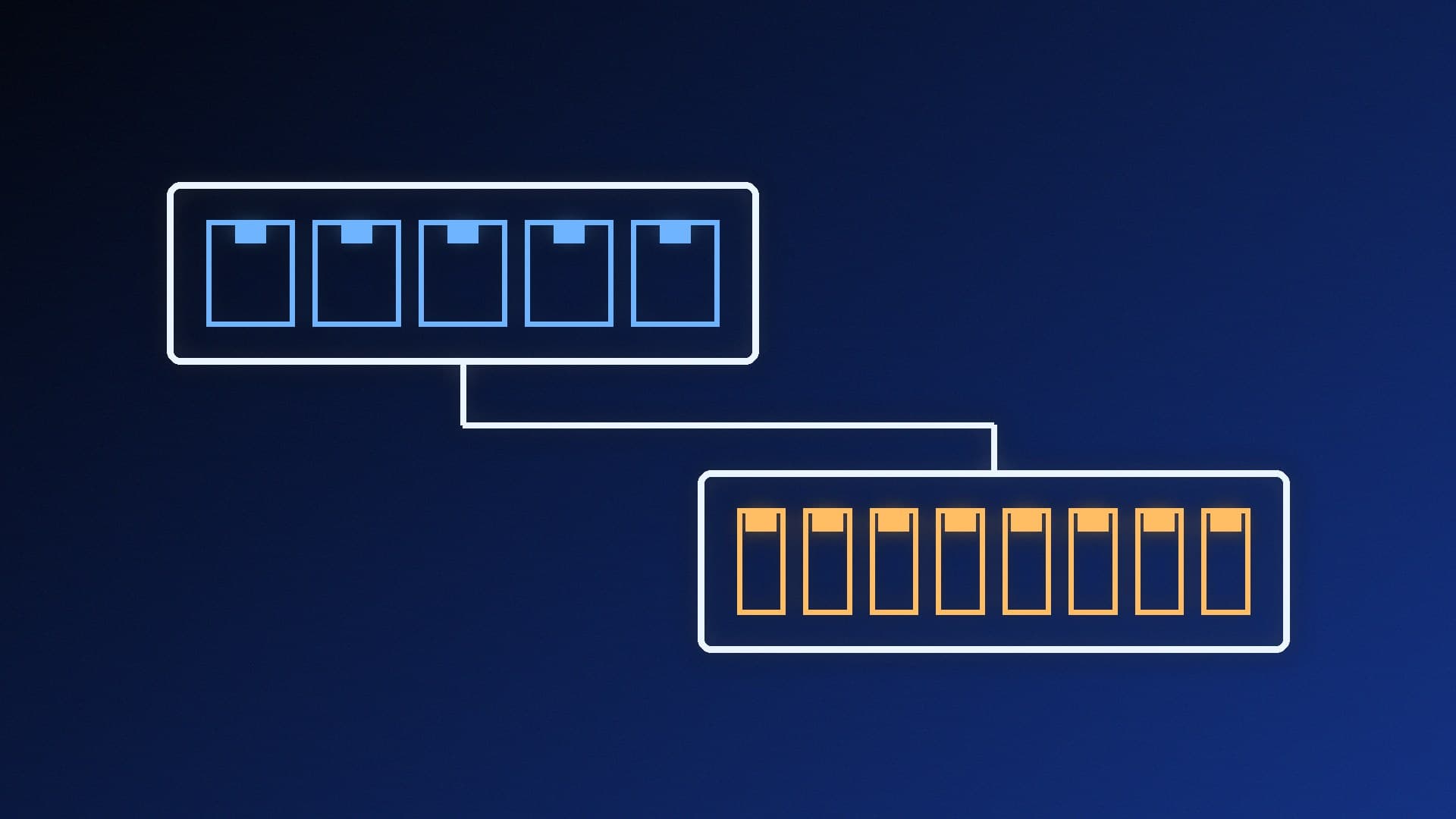
10GbE has four times the link rate of 2.5GbE, and 2.5GbE is 2.5 times faster than standard gigabit. In practice, a single file transfer is capped by the slowest part of the chain: the drives in your NAS, the SSD in your PC, the switch and each cable. As a rough guide, 10Gbps is 1,250MB/s and 2.5Gbps is 312.5MB/s before network overheads, so check whether your storage can read and write that fast.
For internet use, neither upgrade helps unless your broadband is faster than 1Gbps, so the benefit is mainly for transfers inside your home, such as PC to NAS. For the step up from gigabit, see 2.5GbE vs 1GbE Ethernet.
Cables
This is where 2.5GbE is easiest. TP-Link says its TX201 supports low-cost Cat5e cable and that its TL-SG105-M2 switch gives 2.5 times gigabit speeds with regular Cat5e cables, "without the need to upgrade to Cat6 wiring". TP-Link adds that actual speeds can vary with cable quality and type.
For 10GbE, TP-Link includes a 1.5m Cat6A cable with the TX401, and says that with Cat6A or higher rated cables, 10G connections reach up to 100 metres. Its TL-SX105 page also says it can deliver speeds five times faster than gigabit over standard Cat5e. If you're running new cable, see Cat5e vs Cat6 vs Cat8 Ethernet cables.
Network cards and slots
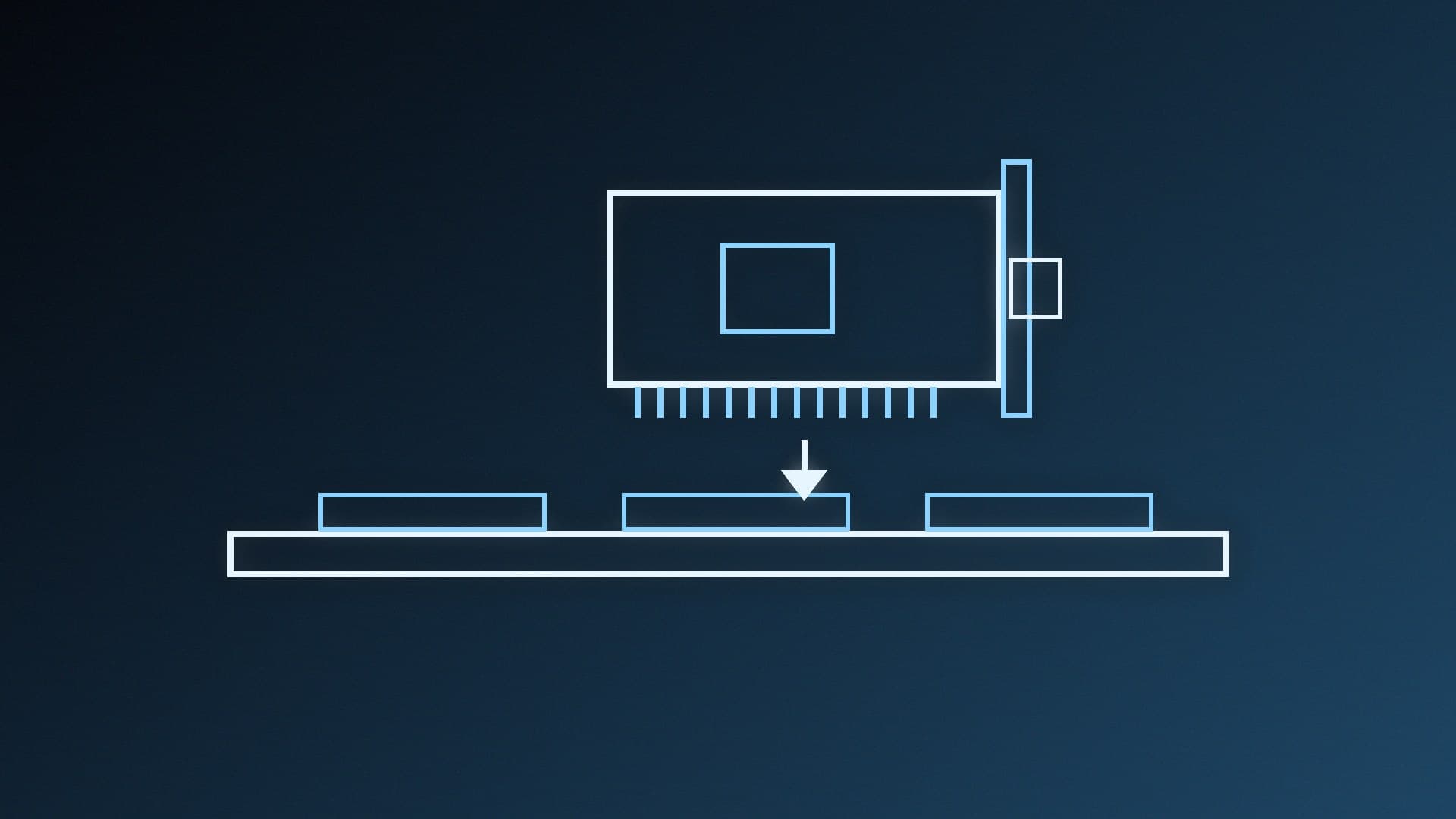
The TX201 uses a PCI Express 2.1 x1 slot, which almost any desktop has spare. The TX401 uses a PCI Express 3.0 x4 interface, so check your motherboard's manual for a free slot that can take it. Both cards come with standard and low-profile brackets, according to TP-Link. TP-Link lists Windows 11, Windows 10 and Linux among the supported systems for both. See how to install a network card.
Switches and power
You'll need a switch if more than two devices share the faster network. TP-Link's 5-port TL-SG105-M2 is a fanless 2.5G switch with 25Gbps switching capacity and a maximum power consumption of 12.11W. Its 5-port TL-SX105 is a fanless 10G switch with 100Gbps switching capacity and a maximum of 21.4W, and the 8-port TL-SX1008 is rated at 31.2W maximum. For 2.5G switch picks, see the best 2.5GbE switches.
Which should you choose?
Choose 2.5GbE if your motherboard or NAS already has it, you have Cat5e cabling, or you mostly use hard-drive storage. It's the simple, low-power upgrade.
Choose 10GbE if you move large files to fast storage such as an SSD-based NAS, you have a spare PCIe 3.0 x4 slot, and you're willing to buy a 10G switch.
After upgrading, check your real speed with how to test network speed with iPerf3. If the link shows 100Mbps instead, see how to fix Ethernet stuck at 100Mbps.
Our verdict
2.5GbE is the right upgrade for most homes: it works over Cat5e, needs only a PCIe x1 slot and uses less power. 10GbE is worth it when your storage is fast enough to use it, such as an SSD-based NAS, and you're prepared for a PCIe 3.0 x4 card, a 10G switch and, for long runs, Cat6A cable.