If your motherboard only has a 1 Gigabit Ethernet port, or you want faster transfers to a NAS or another PC, a PCIe network card is one of the cheapest upgrades you can make. This guide picks three cards from well-known brands and explains which slot, cable and network kit each one needs.
Quick picks
Card | Best for | Max speed | PCIe interface | Speeds supported |
|---|
TP-Link TX201 | Most people | 2.5Gbps | PCIe 2.1 x1 | 2.5G / 1G / 100M |
TP-Link TX401 | 10GbE on a budget, cable included | 10Gbps | PCIe 3.0 x4 | 10G / 5G / 2.5G / 1G / 100M |
ASUS XG-C100C V2 | 10GbE with a smaller slot | 10Gbps | PCIe 3.0 x2 (V2) | 10G / 5G / 2.5G / 1G / 100M |
Before you buy: do you actually need it?
A faster network card only helps if the rest of your network is just as fast. Your router or switch needs a 2.5GbE or 10GbE port, and the device at the other end (a NAS or another PC) needs one too. For internet use, a faster card won't make your broadband any faster than your connection allows. Our 2.5GbE vs 1GbE Ethernet comparison explains when the upgrade is worth it, and best 2.5GbE switches covers the other half of the job.
Cabling matters too. Our Cat5e vs Cat6 vs Cat8 guide covers which cable class suits which speed.
1. TP-Link TX201: best for most people
The TX201 is a 2.5 Gigabit card that uses a single PCIe 2.1 x1 connection, so it fits in the smallest PCIe slot on almost any ATX or Micro-ATX motherboard. TP-Link lists support for 2.5GBASE-T, 1000BASE-T and 100BASE-TX, so it still works on an older 1Gbps network until you upgrade the rest of your kit.
TP-Link includes both standard and low-profile brackets, which helps if you're fitting it to a slim case. System requirements on TP-Link's UK page include Windows 11 and 10 and Linux.
Choose it if: your router, switch or NAS has 2.5GbE ports and your motherboard doesn't.
2. TP-Link TX401: best value 10GbE
The TX401 steps up to 10 Gigabit and also supports 5G, 2.5G, 1G and 100M, so it can run at whatever speed the other end supports. It uses a PCIe 3.0 x4 interface, so check that you have a free slot at least x4 in size; your motherboard manual shows how each slot is wired.
TP-Link includes a 1.5m Cat6A Ethernet cable in the box along with standard and low-profile brackets, which saves buying a cable for the first connection.
Choose it if: you have a 10GbE switch or NAS and a spare x4 (or larger) slot.
3. ASUS XG-C100C V2: 10GbE in a smaller slot
ASUS's XG-C100C also supports 10G, 5G, 2.5G, 1G and 100M speeds. The detail to watch is the version: ASUS's UK spec page lists the V1 and V3 as PCIe 3.0 x4 cards, and the V2 as PCIe 3.0 x2. ASUS includes a short bracket in the box for low-profile cases.
Choose it if: you want a 10GbE card from a motherboard brand and you've checked which version you're buying.
Which slot should you use?
Leave the main slot for your graphics card. Check your motherboard manual before choosing a slot, because some boards share PCIe lanes between slots and M.2 sockets. A x1 card like the TX201 will work in a x4 or x16 slot, but a x4 card won't fit a x1 slot.
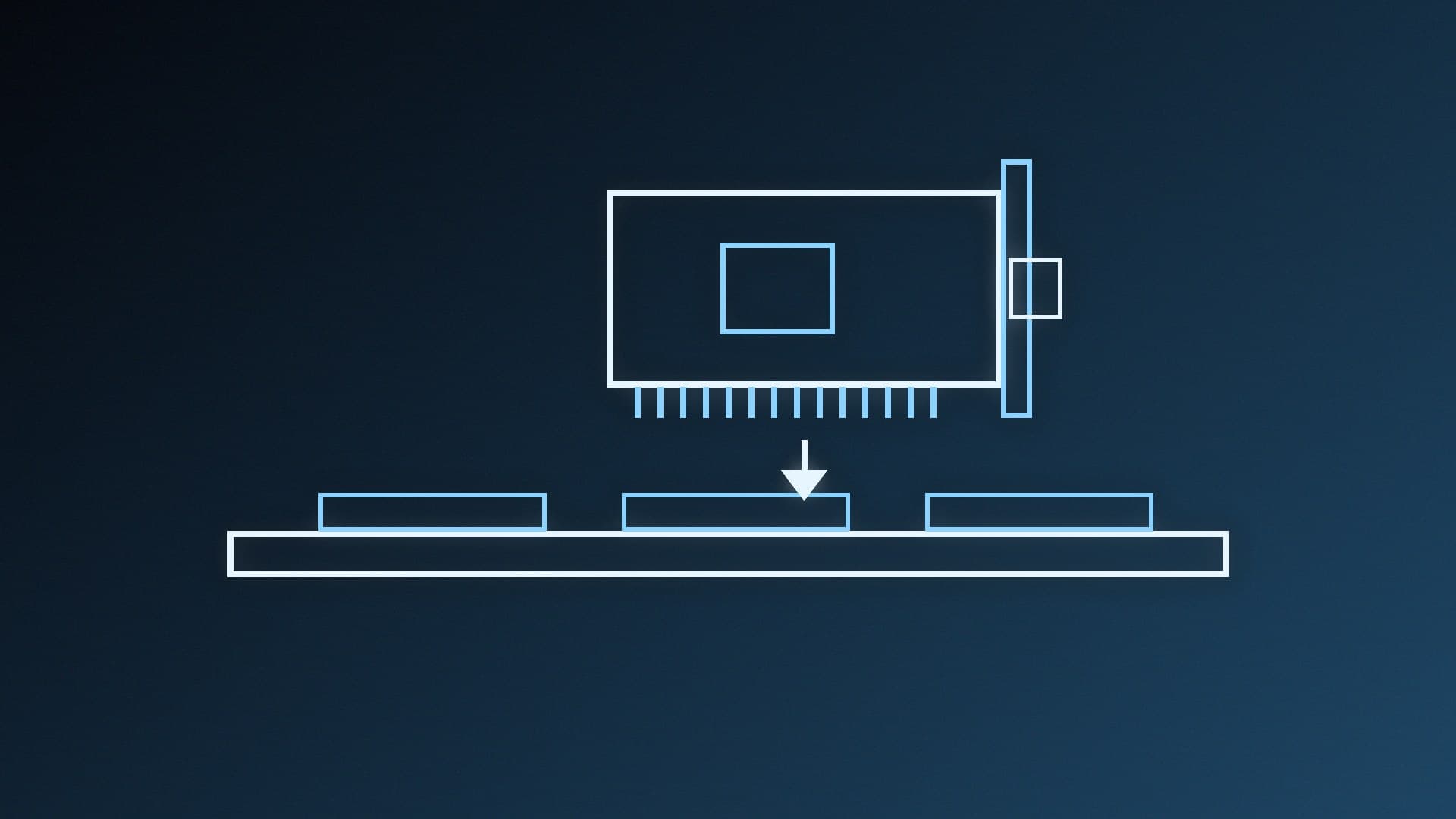
Our step-by-step guide to installing a PCIe network card covers fitting one, and our WiFi 7 PCIe cards guide if you'd rather go wireless.
Our verdict
For most people, the TP-Link TX201 is the right pick: it fits a x1 slot and makes sense as soon as your router or switch has 2.5GbE ports. If you already have 10GbE kit, the TP-Link TX401 comes with a Cat6A cable, while the ASUS XG-C100C V2 uses a narrower PCIe 3.0 x2 interface. Whichever you choose, upgrade your switch and cabling too, or the card won't run any faster than your old port.