Look at the specifications of a new motherboard and you will see Ethernet listed as 1GbE (gigabit), 2.5GbE, or on some higher-end boards 5GbE or faster. With UK full fibre broadband now going past 1Gbps in some areas, it is fair to ask whether gigabit Ethernet is enough, and whether it is worth paying more for a board with 2.5GbE.
Forge PC has not tested network speeds for this article. It uses the IEEE's official objectives for the 2.5GbE standard, Choose.co.uk's guide to UK broadband speeds (last updated 25 February 2026) and manufacturer and retailer specifications.
The short version
| 1GbE | 2.5GbE |
|---|
Maximum link speed | 1Gbps | 2.5Gbps |
Cabling (IEEE objective) | Cat5e | Cat5e, up to at least 100m in defined use cases |
Useful for broadband above 1Gbps | No | Yes |
Faster file copies on your home network | Only up to 1Gbps | Yes, if the other end is 2.5GbE too |
Needs a 2.5GbE router or switch to benefit | n/a | Yes |
What 2.5GbE is
2.5GbE comes from the IEEE 802.3bz standard. Its official objectives include a 2.5Gb/s connection over up to at least 100m of ordinary four-pair Cat5e (Class D) cable, in the use cases and installations the standard defines, plus a 5Gb/s version. That is the main appeal: in many homes you can get 2.5 times gigabit speeds over the same type of cable that already runs gigabit, without rewiring for Cat6A.
Does UK broadband need it?
According to Choose.co.uk, gigabit-capable broadband is now available to almost 90% of UK homes, and the major national providers' fastest full fibre packages offer average speeds of 900Mbps to 1.6Gbps. Multi-gigabit packages exist in selected areas: Choose lists Vodafone's 1.8Gbps and 2.2Gbps plans on CityFibre, Virgin Media's 2Gbps service and up to 5Gbps from Sky on CityFibre and Community Fibre in London.
That gives a simple rule:
If your broadband package is below 1Gbps, a gigabit Ethernet port is not what limits your internet speed, so 2.5GbE will not make downloads or games any faster.
If you have a package faster than 1Gbps, a gigabit port caps your PC below what you pay for, so 2.5GbE (and a router with a matching port) is worth having.
For gaming, the speed of the connection matters far less than its stability. Our Wi-Fi vs Ethernet vs powerline guide explains why a wired connection of any speed is the best choice for online play.
Where 2.5GbE helps at home
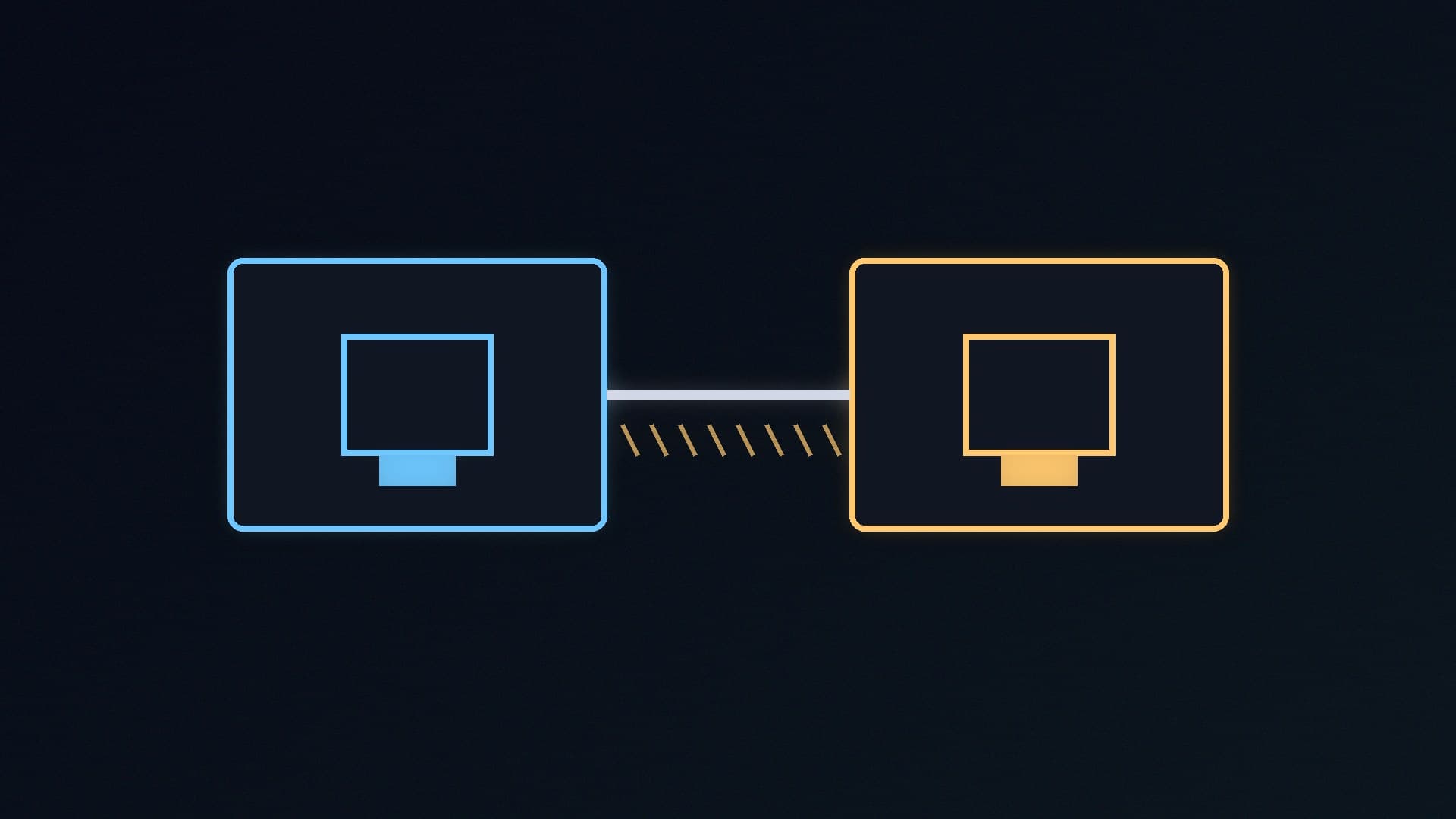
The other reason to want 2.5GbE is moving files around your own network, for example to and from a NAS or another PC. Here the internet speed does not matter, but both ends and everything in between need to support 2.5GbE: your PC, the device you are copying to, and the router or switch that connects them. If your router's LAN ports are gigabit, a 2.5GbE PC still connects at 1Gbps. Check your router's specifications, or see our best Wi-Fi 7 router guide if you are thinking of upgrading.
What motherboards include
There is no rule that newer boards have faster Ethernet, so check each one. Retail listings on SpecPrice, checked on 15 November 2026, show the range even within one chipset:
ASRock B650M-HDV/M.2: 2.5GbE on a budget micro-ATX board.
Gigabyte B650 EAGLE AX: gigabit (GbE).
Gigabyte B850 GAMING Wi-Fi 6: 1G LAN.
MSI MAG B850 TOMAHAWK WiFi: 5GbE.
If you are choosing between these chipsets, our best AM5 motherboard guide compares specific boards.
Adding 2.5GbE to a PC that lacks it
If your board only has gigabit and you need more, a PCIe network card is a simple upgrade. TP-Link's TX201 is a 2.5GbE card that uses a PCIe 2.1 x1 slot, according to TP-Link's UK product page, and comes with standard and low-profile brackets. For 10GbE, TP-Link's TX401 needs a PCIe 3.0 x4 slot. Our guide to adding Wi-Fi to a desktop PC covers fitting PCIe expansion cards, and the process is the same.
Our verdict
For many UK homes, gigabit Ethernet is still enough: if your broadband package is below 1Gbps, a faster port will not speed up your internet, and a wired connection of any speed is ideal for gaming. 2.5GbE is worth having if you pay for broadband faster than 1Gbps or copy large files to a NAS or another PC, and it works over the Cat5e cable many homes already have, according to the IEEE's objectives for the standard. Remember that your router or switch must support 2.5GbE too. If your board lacks it, a PCIe card such as TP-Link's TX201 is an easy upgrade. Forge PC has not tested network speeds for this article.