Skip to content

Best PicksNetworking

Best Mesh Wi-Fi System in 2026: Three ASUS ZenWiFi 7 Kits Compared

Three ASUS ZenWiFi Wi-Fi 7 mesh systems compared on official specs: the tri-band BT8 with 6GHz and 2.5G ports is our pick for most homes, the dual-band BD4 is the budget option and the quad-band BQ16 with 10G ports suits fast fibre.

By , Buying Guides & Peripherals Editor

4 min read

Best Mesh Wi-Fi System in 2026: Three ASUS ZenWiFi 7 Kits Compared

Our picks at a glance

  1. 1
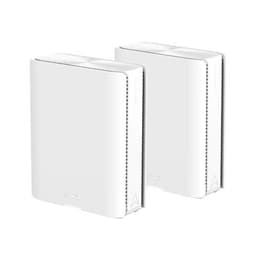
    ASUS ZenWiFi BD4 Mesh 2PK White
    ASUS ZenWiFi BD4 Mesh 2PK White
  2. 2
    ASUS ZenWiFi BQ16 Wi-Fi 7 Mesh System 2PK
    ASUS ZenWiFi BQ16 Wi-Fi 7 Mesh System 2PK

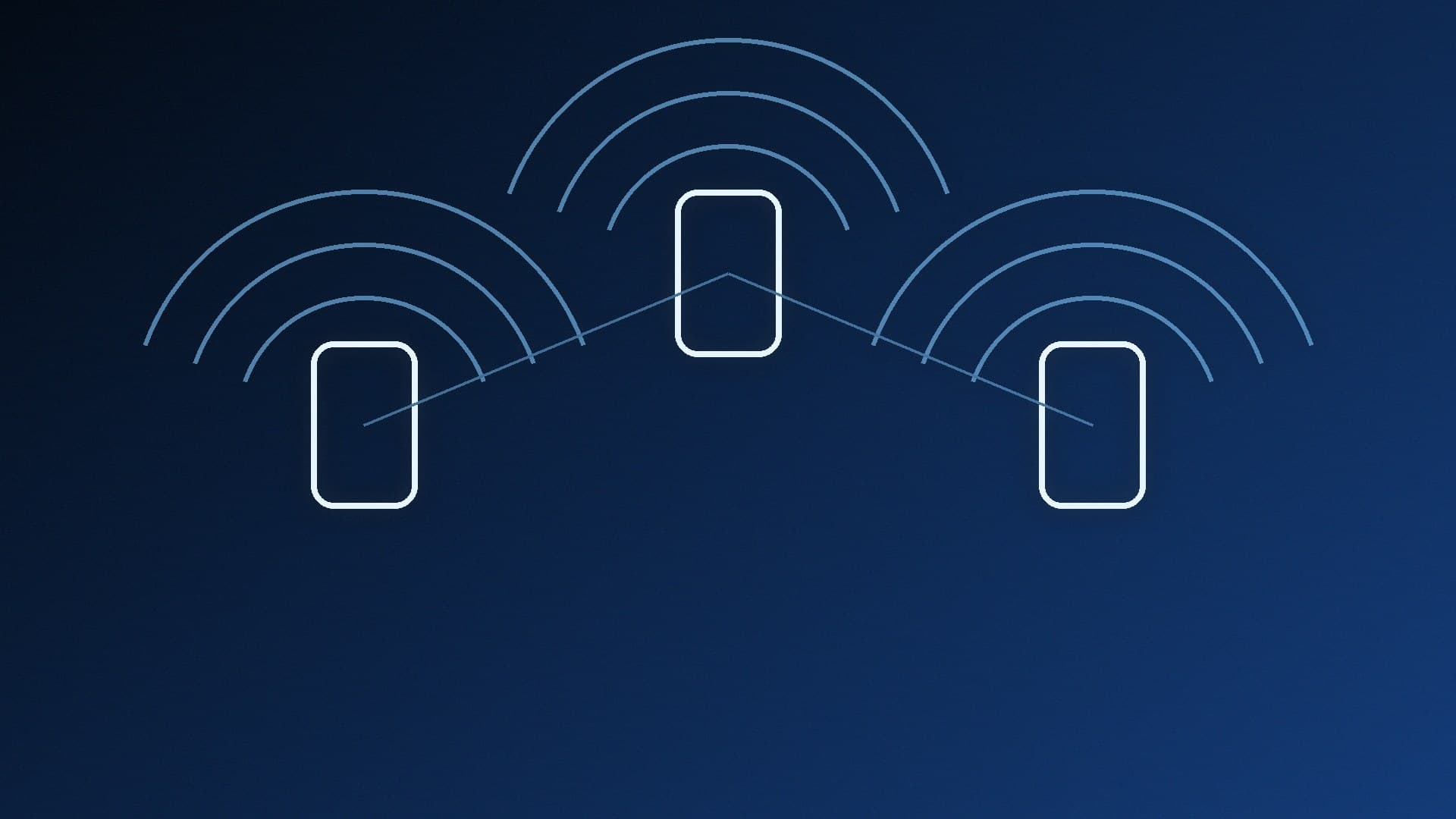
A mesh Wi-Fi system uses two or more units to spread one network across a home, which can fix weak signal in a back bedroom or loft office where a gaming PC lives. The quoted speeds are ASUS's maximum link rates, not real-world throughput. We've focused on one maker's range so the three tiers are easy to compare, and we haven't listed prices because they're moving ahead of Black Friday (27 November 2026).

Quick picks

ZenWiFi BD4

ZenWiFi BT8

ZenWiFi BQ16

Best for

Budget Wi-Fi 7

Most homes with Wi-Fi 7 devices

Fast fibre and 10G wired networks

Bands

Dual-band (2.4GHz, 5GHz)

Tri-band (2.4GHz, 5GHz, 6GHz)

Quad-band (2.4GHz, two 5GHz, 6GHz)

ASUS class

Not stated

BE14000

BE25000

Max 6GHz link rate

No 6GHz

8,643Mbps

11,529Mbps

Max 5GHz link rate

2,882Mbps

4,323Mbps

5,764Mbps per 5GHz band

Channel width

Up to 160MHz

Up to 320MHz

Up to 320MHz

Wired ports (per unit)

2x 2.5G (WAN/LAN auto)

1x 2.5G WAN, 1x 2.5G LAN, 2x 1G LAN

10G WAN/LAN, 10G LAN, 1G WAN/LAN, 2x 1G LAN

USB

None listed

USB 3.0

USB 3.0

All three support ASUS's AiMesh, and ASUS lists router, access point and AiMesh node modes for each.

Before you buy

  • Wi-Fi 7 needs Wi-Fi 7 devices. ASUS lists support for older standards (Wi-Fi 6, 5 and 4, plus 6E on the BT8 and BQ16), so older devices still connect, but only Wi-Fi 7 devices can use Wi-Fi 7 features. Our Wi-Fi 7 vs Wi-Fi 6E comparison and best Wi-Fi 7 PCIe card guide cover upgrading a desktop.

  • 6GHz is only on the BT8 and BQ16. ASUS lists 320MHz channel support for those two; the dual-band BD4 is listed at up to 160MHz.

  • Mesh or extender? Our mesh Wi-Fi vs Wi-Fi extender explainer covers when a single extender is enough.

  • Cable still wins for gaming. If you can run Ethernet to your PC, do it. Our Wi-Fi vs Ethernet vs powerline guide explains why.

Best budget mesh: ASUS ZenWiFi BD4

The BD4 is a compact dual-band Wi-Fi 7 unit. ASUS lists link rates of up to 2,882Mbps on 5GHz and 688Mbps on 2.4GHz, 2x2 antennas on each band, 4096-QAM, channel widths up to 160MHz, a 1.5GHz quad-core processor and two 2.5G Ethernet ports that auto-detect WAN or LAN. Each unit measures 140 x 70 x 140mm. Software includes AiProtection Pro, VPN client and server options (including WireGuard), Adaptive QoS and parental controls.
The two 2.5G ports are useful if you have a 2.5GbE switch or a PC with 2.5G Ethernet, but there's no 6GHz band.

Choose it if you want Wi-Fi 7 mesh coverage at the lowest tier and don't need 6GHz.

Best for most homes: ASUS ZenWiFi BT8

The BT8 adds a 6GHz band, making it tri-band (2.4GHz, 5GHz and 6GHz). ASUS rates it as BE14000, with link rates of up to 8,643Mbps on 6GHz, 4,323Mbps on 5GHz and 688Mbps on 2.4GHz, 3x3 antennas on 6GHz and 5GHz, and support for 320MHz channels. Each unit has one 2.5G WAN port, one 2.5G LAN port, two 1G LAN ports and a USB 3.0 port, and measures 159 x 72 x 186mm. ASUS also lists Dual WAN and mobile tethering support.

Choose it if you have Wi-Fi 7 laptops, phones or a Wi-Fi 7 card in your PC and want the 6GHz band without paying for the flagship.

Best for fast fibre: ASUS ZenWiFi BQ16

The BQ16 is ASUS's quad-band option, rated BE25000. It has one 6GHz band (up to 11,529Mbps), two 5GHz bands (up to 5,764Mbps each) and a 2.4GHz band (up to 1,376Mbps), each with 4x4 antennas, plus 320MHz channel support. ASUS lists 2GB of RAM, a 10G WAN/LAN port, a 10G LAN port, a 1G WAN/LAN port, two 1G LAN ports and USB 3.0. Each unit weighs 1,341g and measures 214 x 174.2 x 72mm, so it's much bigger than the others.

The 10G ports only pay off if your broadband, network switch or NAS can use them. Our 2.5GbE vs 1GbE Ethernet explainer covers what multi-gig wiring needs.

Choose it if you have multi-gigabit fibre, a 10G wired network or a large home with lots of Wi-Fi 7 devices.

Our verdict

The ASUS ZenWiFi BT8 is our pick for most homes: it adds a 6GHz band and 320MHz channel support over the BD4, plus 2.5G wired ports. The ZenWiFi BD4 is the budget route into Wi-Fi 7 mesh if you don't need 6GHz, and the ZenWiFi BQ16 is for fast fibre and 10G networks. Whichever you pick, a wired connection to your gaming PC is still the most consistent option. For a single router instead of mesh, see our best Wi-Fi 7 router guide.

The bottom line

The ASUS ZenWiFi BT8 is our pick for most homes: it adds a 6GHz band and 320MHz channel support over the BD4, plus 2.5G wired ports. The ZenWiFi BD4 is the budget route into Wi-Fi 7 mesh if you don't need 6GHz, and the ZenWiFi BQ16 is for fast fibre and 10G networks. Whichever you pick, a wired connection to your gaming PC is still the most consistent option. For a single router instead of mesh, see our best Wi-Fi 7 router guide.

Sources

  1. 01ASUS UK, ZenWiFi BD4 tech specs
  2. 02ASUS UK, ZenWiFi BT8 tech specs
  3. 03ASUS UK, ZenWiFi BQ16 tech specs

About the author

Hannah Vance

Buying Guides & Peripherals Editor

Hannah edits Forge PC's buying guides and component roundups across gaming monitors, mechanical keyboards, mice, cases and power supplies. She specialises in OLED and Mini-LED panel characteristics, low-latency wireless peripherals, acoustic damping and value-for-money component selection for UK PC builders.

More from Hannah Vance

Read next

How to Use Ollama With n8n for Local AI Workflows

How-To

How to Use Ollama With n8n for Local AI Workflows

Run n8n in Docker, make Ollama listen on 0.0.0.0, and set the n8n Ollama credential's Base URL to http://host.docker.internal:11434. A Chat Trigger, Basic LLM Chain and Ollama Chat Model then make a first local AI workflow.

Marcus Thorne4 min

How to Use Ollama With Home Assistant for a Local AI Voice Assistant

How-To

How to Use Ollama With Home Assistant for a Local AI Voice Assistant

Home Assistant's Ollama integration lets a model on your own PC power Assist. Expose Ollama on your network with OLLAMA_HOST, add the integration with your server's URL, pick a tool-capable model and expose only the entities you want it to control.

Marcus Thorne3 min

How to Test Your Home Network Speed With iperf3

How-To

How to Test Your Home Network Speed With iperf3

iperf3 measures the speed of your own network rather than your internet connection. Install it on two devices, run iperf3 -s on one and iperf3 -c with its IP address on the other, then use -R for the reverse direction and -P for parallel streams to find Wi-Fi, cable or port bottlenecks.

Marcus Thorne3 min

Cudy WR5000: A BE5000 Wi-Fi 7 Router With a 2.5G Port and Fast VPN

News

Cudy WR5000: A BE5000 Wi-Fi 7 Router With a 2.5G Port and Fast VPN

Cudy announced the WR5000 on 20 November 2026: a dual-band BE5000 Wi-Fi 7 router with a 3T3R 5GHz radio, MLO, a 2.5G WAN port, four Gigabit LAN ports and fast WireGuard and OpenVPN on its new firmware. There's no 6GHz band, and Cudy hasn't given a UK price.

Eleanor Shaw3 min