If your gaming PC sits in a bedroom or home office where the Wi-Fi is weak, there are two common wireless fixes: a range extender, or a mesh Wi-Fi system. Both can bring signal to a dead zone, but they work differently and suit different homes. This comparison is based on guidance from TP-Link, which makes both, and on the Wi-Fi Alliance's EasyMesh standard. Forge PC hasn't tested specific extenders or mesh kits, so there are no speed results here.
The short answer
TP-Link sums it up as a range extender being a targeted fix for one or two weak spots at lower cost, while a mesh system is a whole-home upgrade with seamless coverage throughout. Neither increases the internet speed coming into your home; what they do is bring the speed you already have to more rooms and devices.
| Range extender | Mesh Wi-Fi |
|---|
How it works | Receives your router's signal and rebroadcasts it | Several nodes form one network |
Best for | One or two dead zones, smaller homes | Several dead zones, larger or multi-storey homes |
Network name | Some create a second network name | One name throughout, with automatic roaming |
Works with your router? | Yes, it rebroadcasts its signal | Can run alongside it or replace it as a new network |
Cost | Lower upfront | Higher, as you buy a multi-unit kit |
How a range extender works
An extender connects wirelessly to your existing router and rebroadcasts its signal to areas the router can't reach. TP-Link's guidance is that placement matters most: put it roughly halfway between the router and the dead zone, where it still gets a strong signal. Place it inside the dead zone and it has too little signal to rebroadcast.
There are two catches. First, some extenders create a second network name, so your devices may not switch to the stronger signal automatically as you move around. Second, TP-Link explains that because an extender uses part of its bandwidth to receive the signal before rebroadcasting it, speeds are typically lower than connecting directly to the router. It says the gap narrows with newer Wi-Fi 6 and Wi-Fi 7 extenders paired with a compatible router, and that it may not be noticeable for streaming or browsing, but can show up in a room used for gaming, streaming and large downloads.
How mesh Wi-Fi works
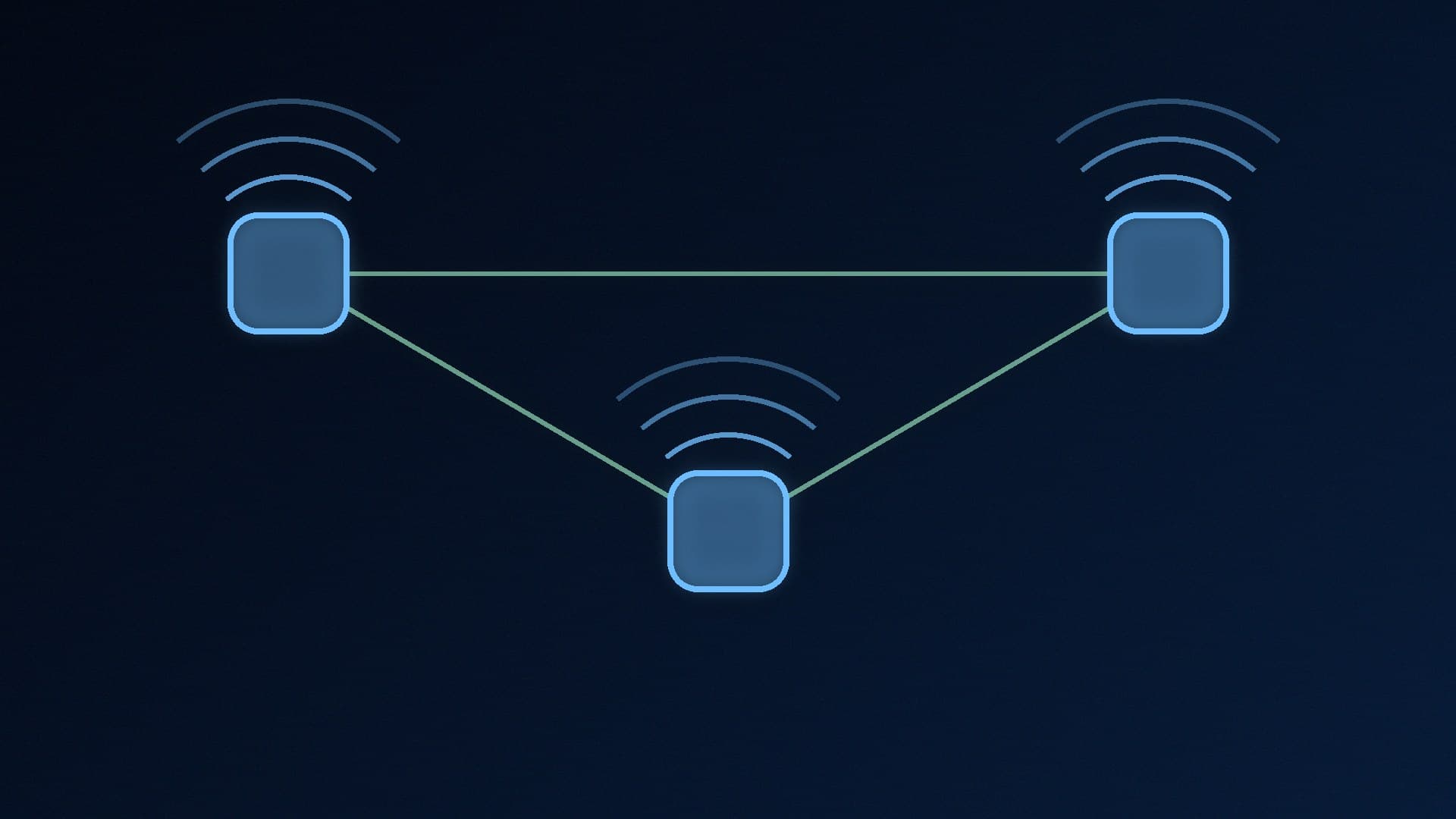
A mesh system is a set of units working as one network. The main unit connects to your modem or broadband router, and extra nodes go around your home. TP-Link explains that the nodes talk to each other over a dedicated link called a backhaul, which can be wireless or a wired Ethernet connection, so your devices stay on one network name and connect automatically to the strongest node as you move. That automatic handoff is called seamless roaming.
Mesh isn't automatic magic, though: TP-Link says node placement, backhaul quality, your home's layout and interference all affect performance, and a poorly placed node behaves much like a poorly placed extender. It also costs more and means more hardware to place.
The middle ground: EasyMesh
If you like your router, you may not have to choose. EasyMesh is a Wi-Fi Alliance standard for mesh networks, and TP-Link describes it as allowing devices from different brands to work together. EasyMesh-compatible extenders join your existing network under the same name rather than creating a separate one, giving you extender cost with mesh-style roaming, provided your router supports it. TP-Link's own OneMesh does something similar but only works with TP-Link devices.
What it means for a gaming PC
A PC is a stationary device. Seamless roaming matters most for phones and laptops that move around, so for a desktop the key question is how strong and stable the signal is where the PC sits.
Look for an Ethernet port. Many extenders and mesh nodes have one, so you can plug the PC in rather than relying on its Wi-Fi. For example, TP-Link's Deco BE25 mesh units have two 2.5Gbps ports.
Wired is still best. If you can run a cable, or use powerline, do; our Wi-Fi vs Ethernet vs powerline comparison explains why. TP-Link notes powerline adapters need to be on the same electrical circuit.
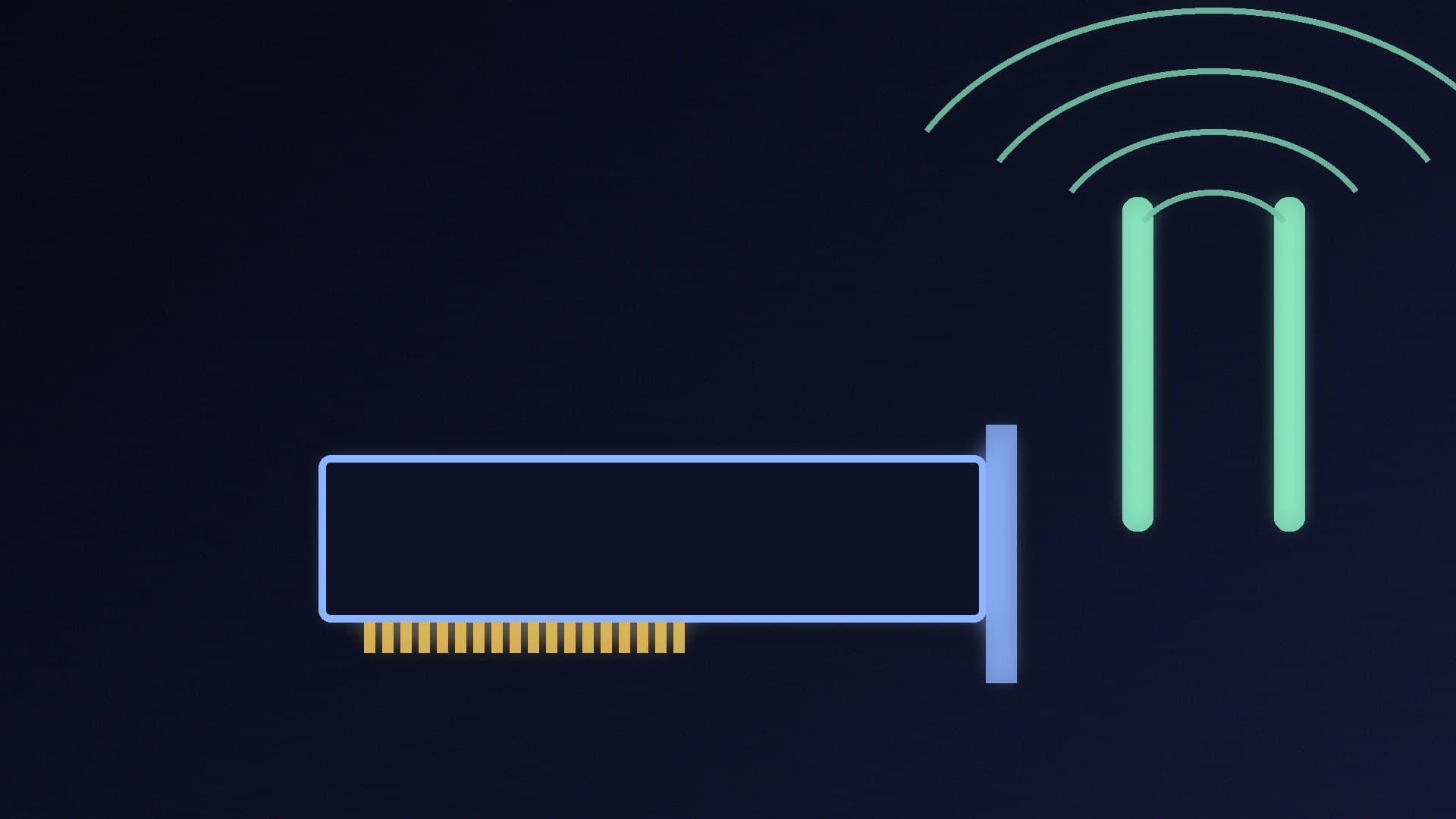
Upgrade the PC end too. An old Wi-Fi card will limit you whatever you connect to; see our Wi-Fi 7 vs Wi-Fi 6E guide and best Wi-Fi 7 PCIe card guide.
If you're already getting lag or drop-outs, try our high ping and packet loss guide and Wi-Fi disconnecting fixes first.
Our verdict
If your router covers most of your home and only the gaming room is weak, a range extender placed halfway between the two is the cheaper, simpler fix, ideally an EasyMesh model with an Ethernet port for the PC. If you have dead zones in several rooms or a multi-storey home, a mesh system is the better long-term answer. Either way, a cable to the PC beats both. Forge PC hasn't tested specific devices; this comparison is based on TP-Link's and the Wi-Fi Alliance's guidance.