On most mechanical keyboards, each key has a switch underneath it. On a soldered board, those switches are soldered to the circuit board. On a hot-swappable board, they sit in sockets, so you can pull one out and push another in without any tools beyond a switch puller. This comparison is based on NZXT's and Keychron's own compatibility guides. Forge PC hasn't tested specific keyboards or switches, so there are no typing-feel or durability verdicts here.
What hot-swap actually means
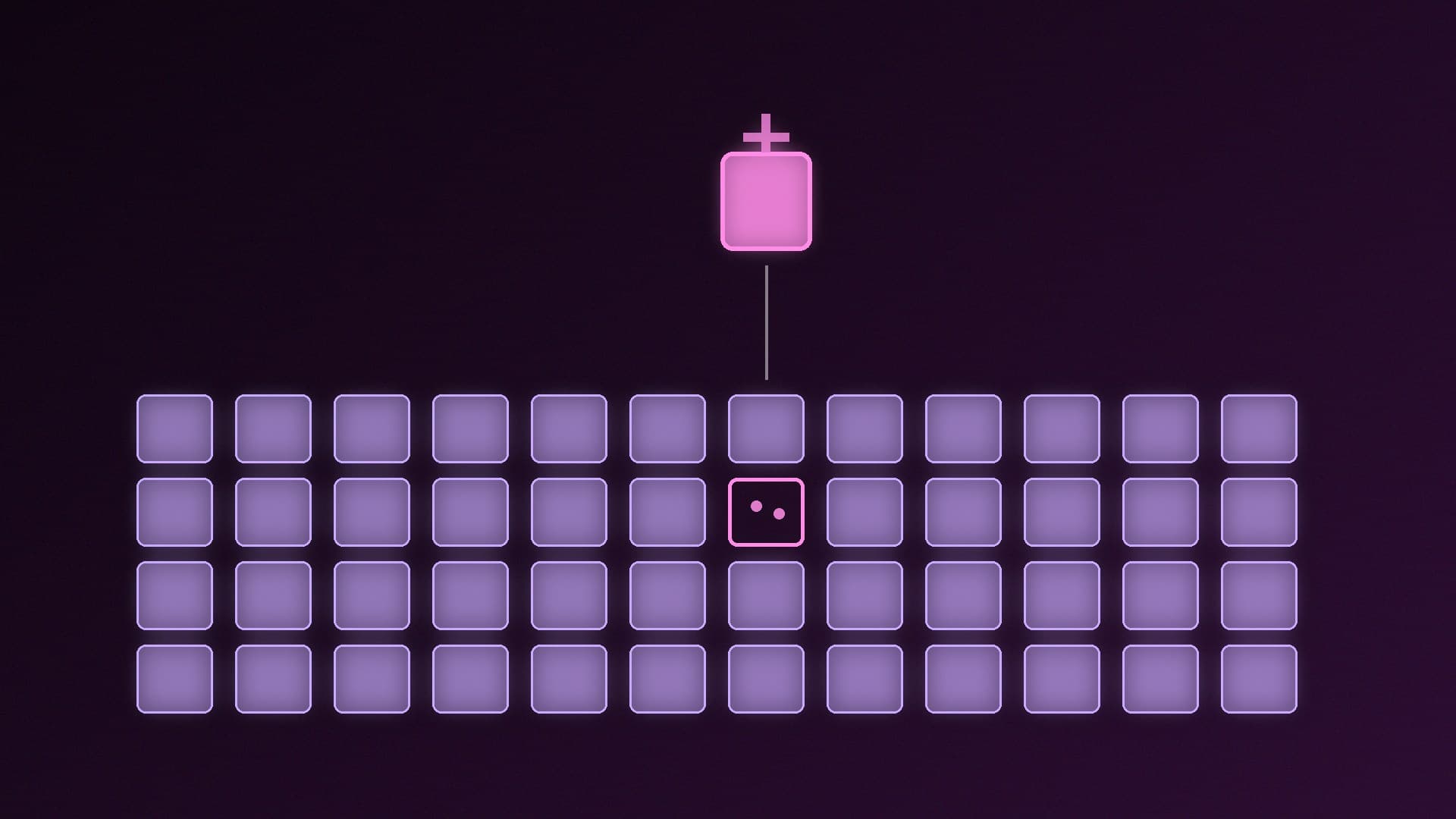
Keychron defines hot-swap as a board with sockets you push switches into, so you can change them without soldering. NZXT's steps for its hot-swappable Function keyboards show how simple it is:
Remove the keycap with a keycap puller.
Grip the switch with a switch puller and pull it out.
Line up the replacement switch with the socket and press it down firmly until it locks into place.
On a soldered board, changing a switch means desoldering it from the circuit board and soldering in a new one. Keychron's guide puts it simply: unless a board is a hot-swappable version, its switches can't be changed by just swapping them.
Hot-swap vs soldered at a glance
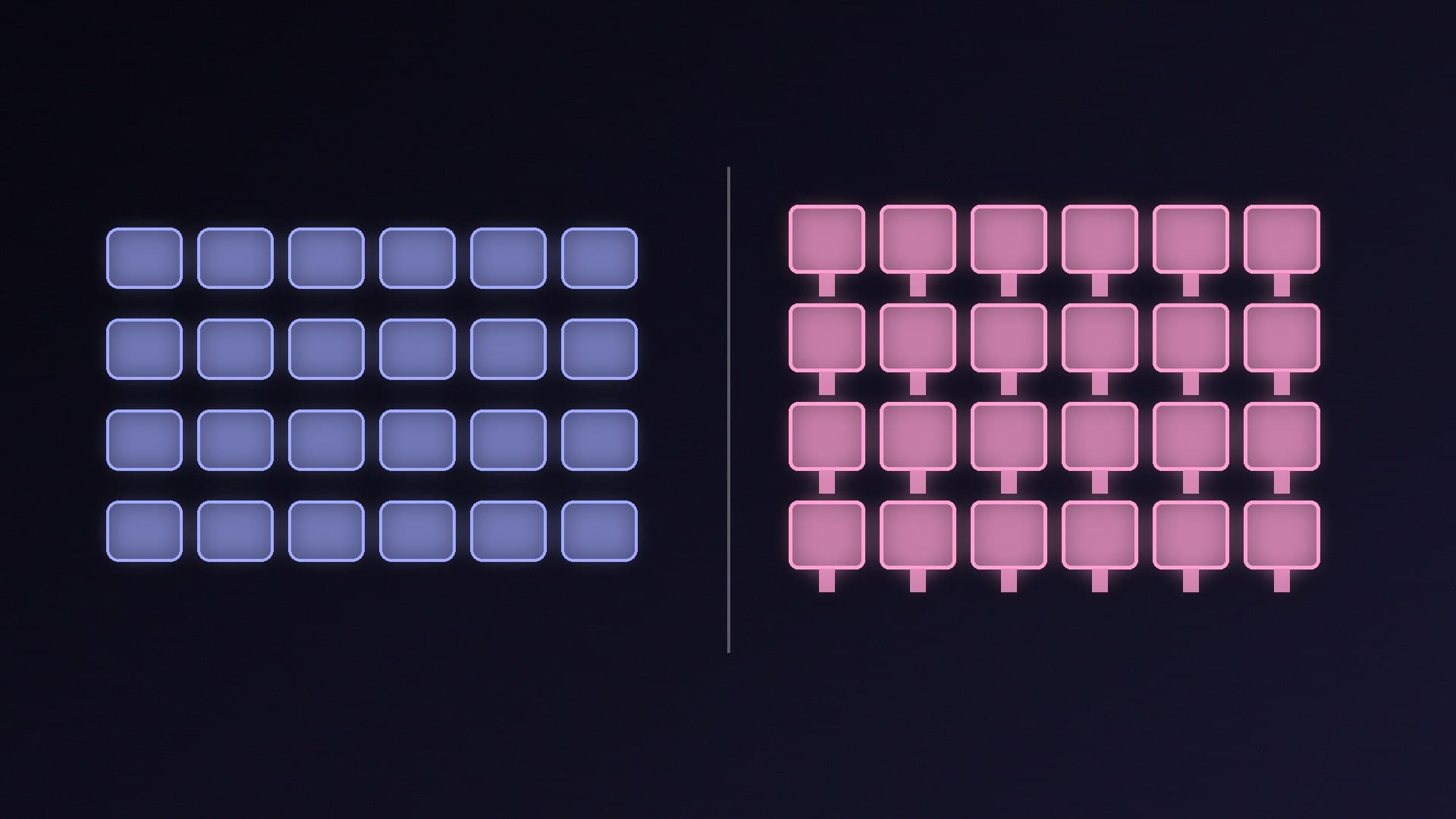
| Hot-swappable | Soldered |
|---|
Change switches | Pull out and push in | Needs desoldering and soldering |
Replace one faulty switch | Swap that switch | Soldering iron, or a repair |
Try different switch types | Easy, if compatible | Impractical for most people |
What to check | Which switches the board accepts | Nothing extra |
The compatibility catch: not every switch fits
Hot-swap only helps if you buy switches your board accepts. The guides highlight several rules:
MX-style is the common standard. NZXT explains that MX-style switches, named after Cherry's MX design, are the most common type, with a square body, a cross-shaped stem and two metal pins underneath. They're made by many companies, including Gateron and Cherry.
3-pin vs 5-pin. Both have the two metal pins and a central plastic post. A 5-pin switch adds two extra plastic posts that help align it with the circuit board; Keychron notes they aren't electrical contacts. Keychron says a 5-pin switch needs two extra holes in the board, so it won't fit a board whose PCB only supports 3-pin switches. Some boards, such as NZXT's Function mechanical keyboards, accept both.
Low-profile boards need low-profile switches. Keychron says standard switches won't fit its low-profile boards, and low-profile switches won't fit standard ones.
Optical and magnetic boards are different again. NZXT's mechanical-switch guide doesn't apply to its optical Function 2 keyboard, and Keychron says magnetic (Hall effect) boards each have their own approved switch list. Our Hall effect vs mechanical keyboard guide explains those boards.
The rule is the same every time: check your exact keyboard model's specification for supported switches and pin layouts before buying.
Who should pay for hot-swap?
Choose hot-swap if you're not sure which switch feel you like, want to try different switches later, or want the option to replace a single faulty switch without a soldering iron. Our linear vs tactile vs clicky switch guide is a good place to start working out what you prefer.
A soldered board is fine if you already know which switch you like and just want a keyboard that works. You'll never use sockets you don't need.
Whichever you buy, UK buyers should also check the layout. Keychron points out that UK ISO boards have a taller Enter key, a narrower left Shift and an extra key next to it, so US ANSI keycap sets won't fully fit; that matters if you plan to change keycaps as well as switches. For sizes, see our TKL vs full-size vs 75% guide, and for recommendations, our best gaming keyboard guide.
Our verdict
Hot-swap is worth having if there's any chance you'll want to change switches or replace a faulty one, because it turns a soldering job into a quick pull-and-push swap. It isn't a universal standard, though: check whether your board takes MX-style, low-profile, optical or magnetic switches, and whether it supports 5-pin switches, before you buy any. If you already know your favourite switch, a soldered board loses you nothing. Forge PC hasn't tested specific keyboards; this comparison is based on NZXT's and Keychron's guides.