For years, a gaming keyboard upgrade meant choosing between mechanical switches: linear, tactile or clicky. Now many of the most talked-about gaming keyboards use magnetic Hall effect switches instead, with features such as adjustable actuation and Rapid Trigger that traditional switches cannot offer.
So are they worth it, or is a good mechanical keyboard still the better buy? Forge PC has not tested the keyboards mentioned here. This comparison is based on manufacturers' specifications and on reporting from Tom's Hardware and The Verge, which we credit as we go.
How the switches work
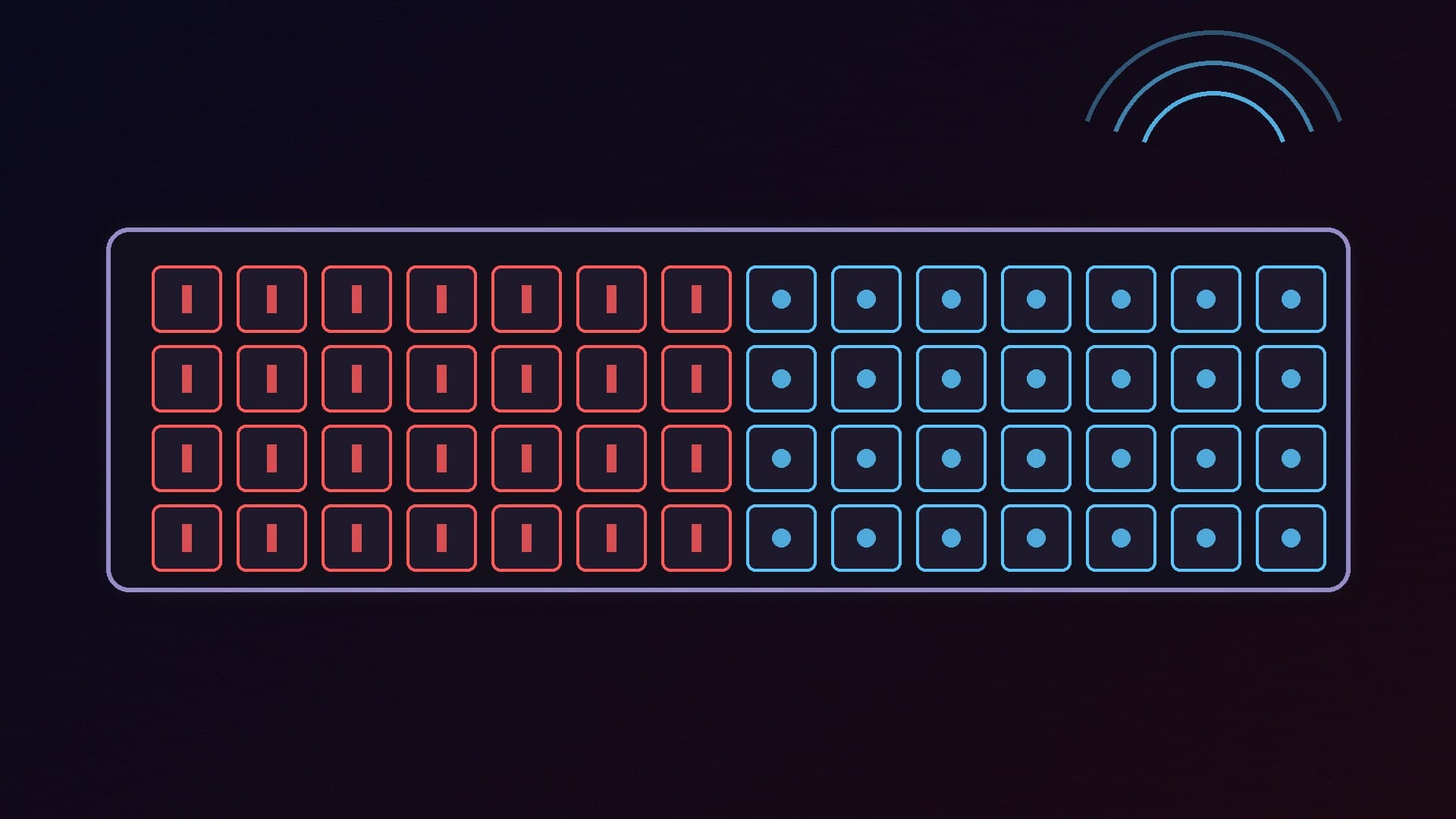
Mechanical switches, from makers such as Cherry and Kailh, register a key press when two metal contacts touch inside the switch. The point at which a key activates is fixed by the switch design.
Hall effect switches use a magnet instead. Tom's Hardware explains that a sensor detects the magnet as the key moves, with a spring providing resistance. Because there is no physical contact to register the press, Tom's Hardware says this "inherently eliminates key chatter and debounce" and makes key presses feel very smooth.
The bigger difference is that a Hall effect keyboard knows how far each key is pressed, not just whether it is pressed. That makes the features below possible.
What magnetic keyboards can do
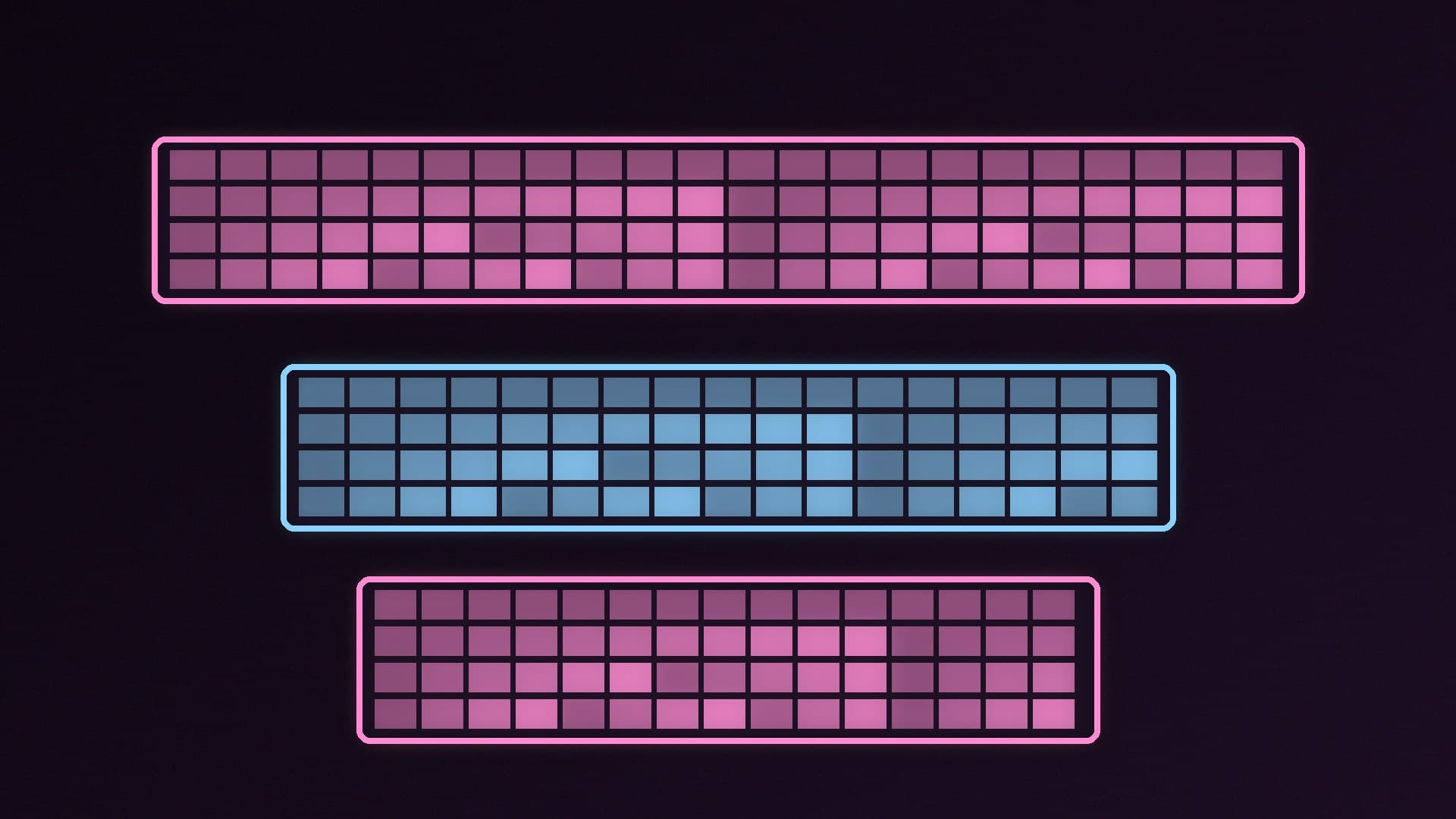
Adjustable actuation. You choose how far a key must travel before it registers. SteelSeries says the OmniPoint 3.0 switches in its Apex Pro Gen 3 adjust from 0.1mm to 4.0mm. Wooting says the 80HE can be set per key from 0.1mm to 4.0mm in 0.1mm steps.
Rapid Trigger. Wooting says it introduced Rapid Trigger in 2019. Instead of a fixed reset point, the key deactivates the instant you start to release it and reactivates as soon as you press again. Wooting says this can be set as sensitive as 0.1mm. It is especially useful for quick stop-start movement in shooters such as Valorant and Counter-Strike.
Two actions on one key. SteelSeries and Wooting both offer ways to assign different actions to a light press and a deep press, such as walking and sprinting.
SOCD handling. This decides what happens when you press opposite directions, such as A and D, at the same time. Razer calls its version Snap Tap; SteelSeries offers a last-pressed-key priority feature; Wooting offers SOCD settings and a feature called Rappy Snappy.
A warning about SOCD in competitive games
SOCD features can break the rules of some games. In August 2024, The Verge reported that Valve would kick Counter-Strike 2 players using Snap Tap or similar features on its official servers. Valve said that some hardware features had "blurred the line between manual input and automation". Wooting told its users at the time not to use its SOCD features in CS2. Rules change, so check the current policy of each game, and any tournament or league you play in, before you switch these features on.
Rapid Trigger and adjustable actuation are a separate matter and are widely used, but it is still worth reading your game's rules.
Mechanical keyboards: still great for many people
A mechanical keyboard is not obsolete. It has clear advantages:
Much wider switch choice. Mechanical boards with hot-swap sockets take a huge range of switches, including clicky and tactile ones. Tom's Hardware notes that hot-swap magnetic keyboards usually only take compatible magnetic switches, and there "still isn't really a standard across companies".
Typing feel and sound. Many people prefer the bump of a tactile switch or the click of a clicky switch, which magnetic switches tend not to offer.
Price. Traditional mechanical keyboards are available at lower prices, and you do not need Rapid Trigger for most single-player games, strategy games or typing.
The Tom's Hardware keyboard guide also points out that some marketing blurs the lines: SteelSeries rebranded its OmniPoint 2.0 switches as "HyperMagnetic" on the Apex Pro Mini Wireless after launching them as optical switches. Check exactly which switch technology a keyboard uses before buying.
Two magnetic keyboards worth knowing
Wooting 80HE. Wooting describes it as an analog keyboard in an 80% layout with true 8kHz polling, Rapid Trigger, per-key actuation from 0.1mm to 4.0mm and Rappy Snappy. It uses Lekker L60 v2 switches on a polycarbonate plate with a silicone gasket mount, stores up to four profiles on the keyboard, and comes in ANSI, ISO and JIS layouts, so a UK ISO version is offered. Wooting lists a four-year warranty (two years on LEDs).
SteelSeries Apex Pro Gen 3. SteelSeries says its OmniPoint 3.0 Hall effect switches offer Rapid Trigger, actuation from 0.1mm to 4.0mm, Rapid Tap, a "Protection Mode" that reduces sensitivity on keys around ones you choose, and an OLED Smart Screen. It has double-shot PBT keycaps and a detachable braided USB-C cable, and SteelSeries sells it in full-size and TKL versions, plus the smaller Apex Pro Mini.
Tom's Hardware also picks the Keychron Q1 HE as its best magnetic-switch gaming keyboard. For our wider recommendations, mechanical and magnetic, see our best gaming keyboard guide. Our database also includes the Razer Huntsman V3 Pro and the Corsair K70 Core RGB.
Which should you buy?
Choose a Hall effect keyboard if:
You play competitive shooters or rhythm games and want Rapid Trigger.
You like the idea of setting a light actuation for gaming and a deeper one for typing.
You want the smoothest linear feel.
Choose a mechanical keyboard if:
You want tactile or clicky switches.
You want to try lots of different switches in a hot-swap board.
You mainly type, or play games where split-second key resets do not matter.
You want the best value.
Pair either with a good mouse: our best gaming mouse guide covers options for every budget.
Our verdict
For competitive shooters, a Hall effect keyboard with Rapid Trigger and adjustable actuation is a real upgrade, and the Wooting 80HE and SteelSeries Apex Pro Gen 3 are strong examples on paper. For typing, tactile or clicky feel, switch choice and value, a mechanical keyboard is still the better choice for many people. Be careful with SOCD features such as Snap Tap in online games, because Valve has kicked players for using them in Counter-Strike 2 on its official servers. Forge PC has not tested these keyboards; features and specifications come from Wooting, SteelSeries and Tom's Hardware.