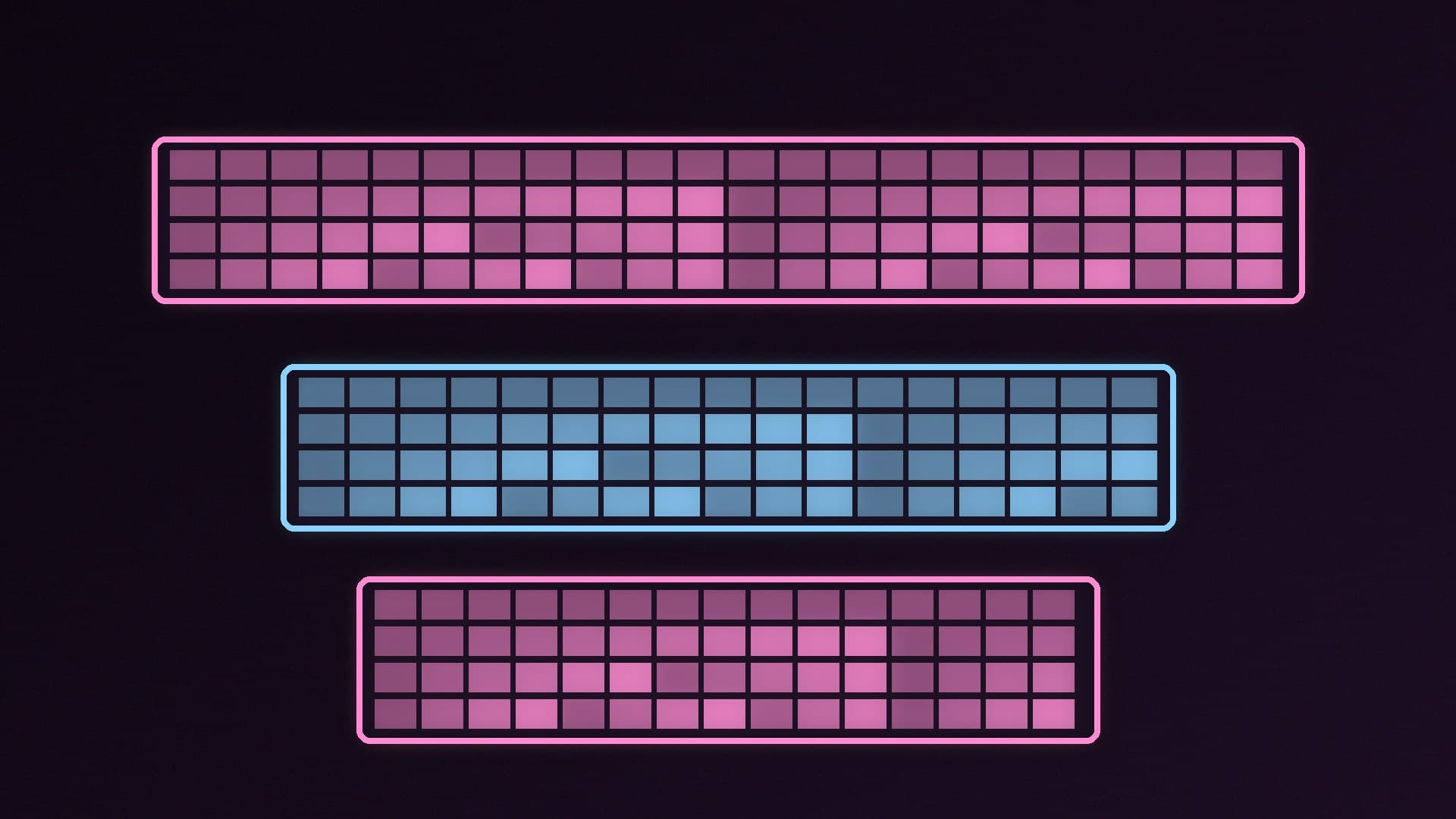
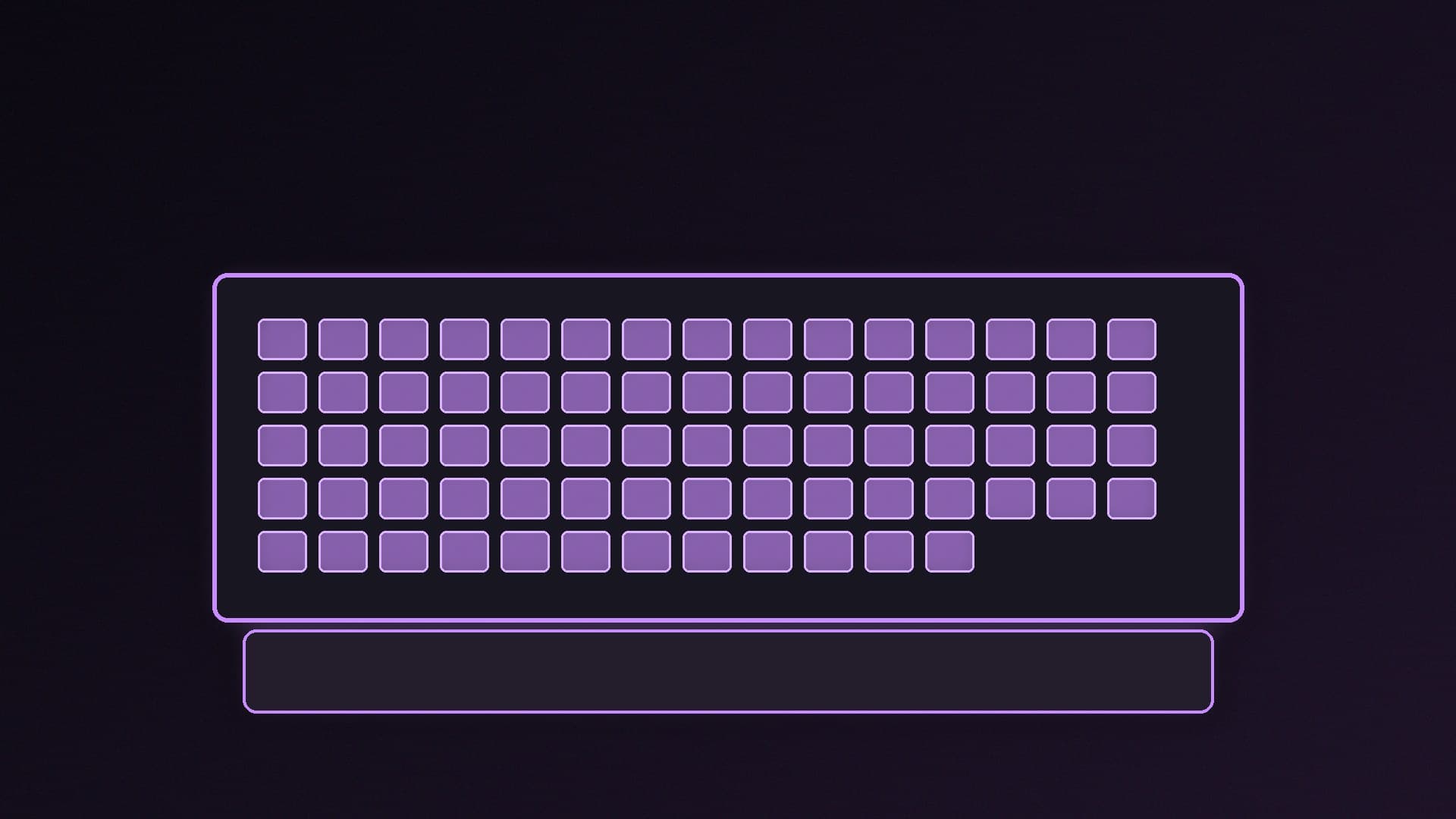
Choosing a keyboard size is mostly about one trade-off: how much desk space you want for your mouse against which keys you're happy to give up. Sizes are described as a rough percentage of a full-size board rather than an exact key count, so two "75%" keyboards may differ by a few keys.
Forge PC hasn't tested keyboards for this guide. Key counts below come from published layout guides from OSHID and MechanicalKeyboard.net and are for typical layouts.
Keyboard sizes at a glance
Size | Typical keys | Number pad | Function row | Arrow keys |
|---|
Full-size (100%) | 104-108 | Yes | Yes | Yes |
Tenkeyless (TKL, 80%) | 87-88 | No | Yes | Yes |
75% | 81-84 | No | Yes (compressed) | Yes |
65% | 66-68 | No | No (Fn layer) | Yes |
60% | about 61 | No | No | No (Fn layer) |
Full-size: everything, but the widest
A full-size keyboard keeps the number row, F1-F12, arrows, the Home/End/Page Up/Page Down cluster and the number pad. MechanicalKeyboard.net notes the standard US ANSI layout has 104 keys, with ISO layouts adding a key. It's the best choice if you type numbers often, use spreadsheets or rely on the number pad for macros. The downside for gaming is width: your mouse sits further to the right, so your arms are spread wider.
TKL: the gaming favourite
Tenkeyless simply drops the number pad and keeps everything else. MechanicalKeyboard.net calls TKL the most common size for gaming and office keyboards, and OSHID lists it as the popular choice for gaming and desk space. You keep a normal layout, with full-size arrow keys and the navigation cluster, and gain room for low-sensitivity mouse swipes. Many of the boards in our best gaming keyboard guide come in TKL versions.
75%: TKL keys, packed tighter
A 75% board removes the gaps between key groups. MechanicalKeyboard.net describes it as having the same functional keys as TKL packed tighter, with 84 keys the most common count. The function row and arrows stay, but the navigation keys usually move into a single column on the right. It's narrower than TKL and is a good middle ground if you still use F-keys, but anyone used to a standard Home/End/Delete block will need to adjust.
65% and 60%: for small desks
A 65% keyboard drops the function row (reached through an Fn layer) but keeps dedicated arrow keys, according to both guides. A 60% board also drops the arrow keys and navigation cluster. These maximise mouse space but rely on key combinations for common functions, which can be awkward in games that bind F-keys or in everyday Windows shortcuts.
A note for UK buyers: ISO vs ANSI
OSHID explains that ISO layouts, the European standard that UK keyboards follow, have a tall L-shaped Enter key and an extra key, while ANSI (US) layouts have a wide Enter key and a longer left Shift. Many compact and enthusiast keyboards are sold mainly in ANSI, so if you want the £ symbol and UK key positions, check that the listing says UK or ISO layout. This also matters if you plan to buy replacement keycaps later.
Which size should you choose?
Full-size if you need the number pad for work, data entry or macros and have the desk space.
TKL if you mainly game and want a familiar layout with more mouse room. It's the safest choice for most players.
75% if you want a smaller board but still use the function row.
65% or 60% if desk space is tight or you want a very portable board, and you don't mind learning Fn layers.
Size is only part of the decision. Switch type affects feel and sound more than layout; see linear vs tactile vs clicky switches and Hall effect vs mechanical keyboards.
Our verdict
For most gamers, a TKL keyboard is the best balance: it keeps every key except the number pad and frees up space for your mouse. Choose full-size if you rely on the number pad, a 75% board if you want something narrower with F-keys, and 65% or smaller only if you're happy using Fn layers. UK buyers should check for an ISO UK layout before buying. Forge PC hasn't tested these keyboards; key counts are typical figures from published layout guides.