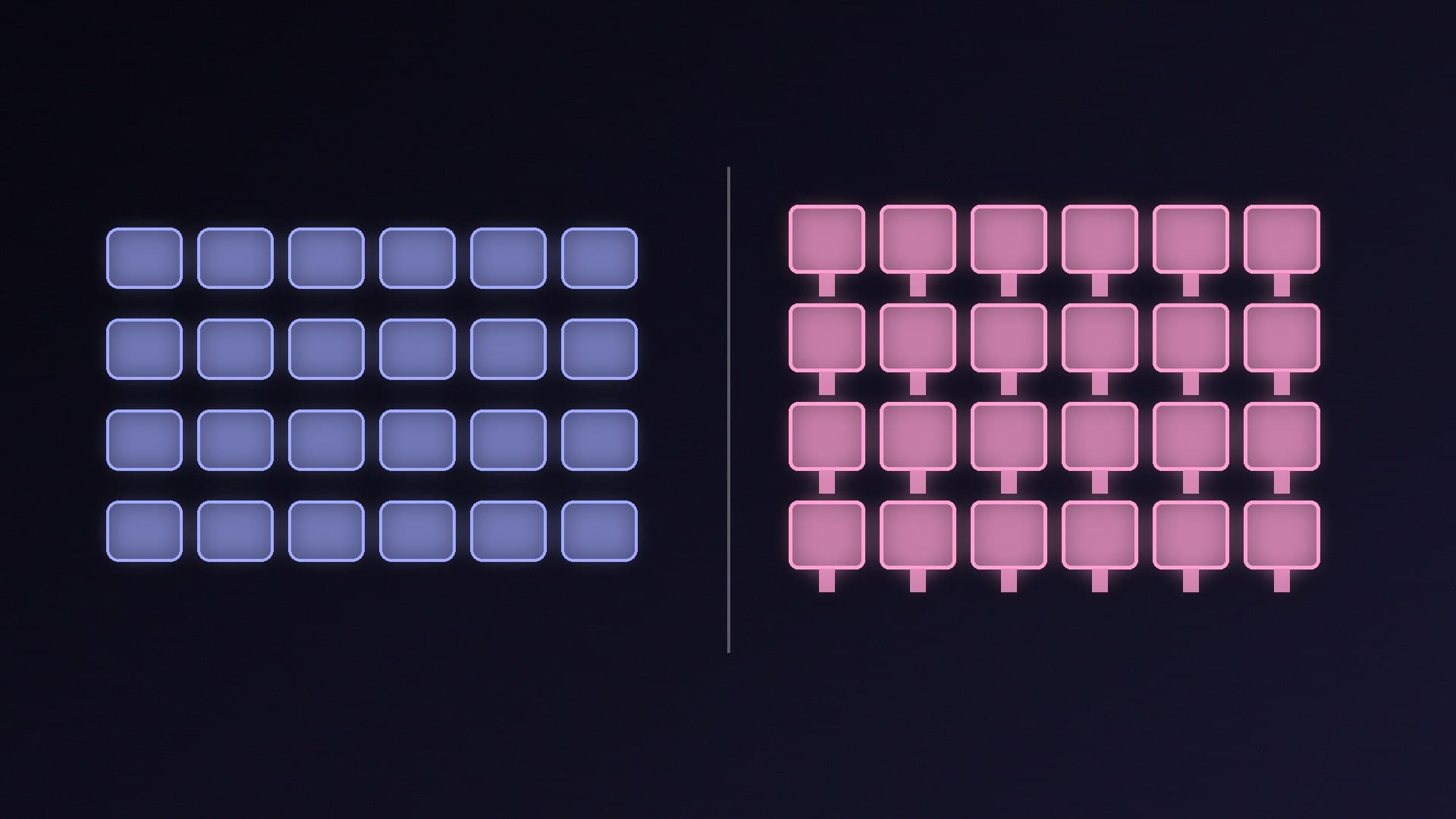
Walk into any gaming aisle and nearly every keyboard over a certain price is mechanical, while most office and bundled keyboards are membrane. Both will type and game perfectly well. The differences are in how they feel, how loud they are, how long they last and how much you can change them, and those matter more than any marketing about speed.
Forge PC hasn't tested any keyboards for this article. It's based on Logitech's comparison guide, checked on 17 November 2026, plus our own existing keyboard guides.
How they work
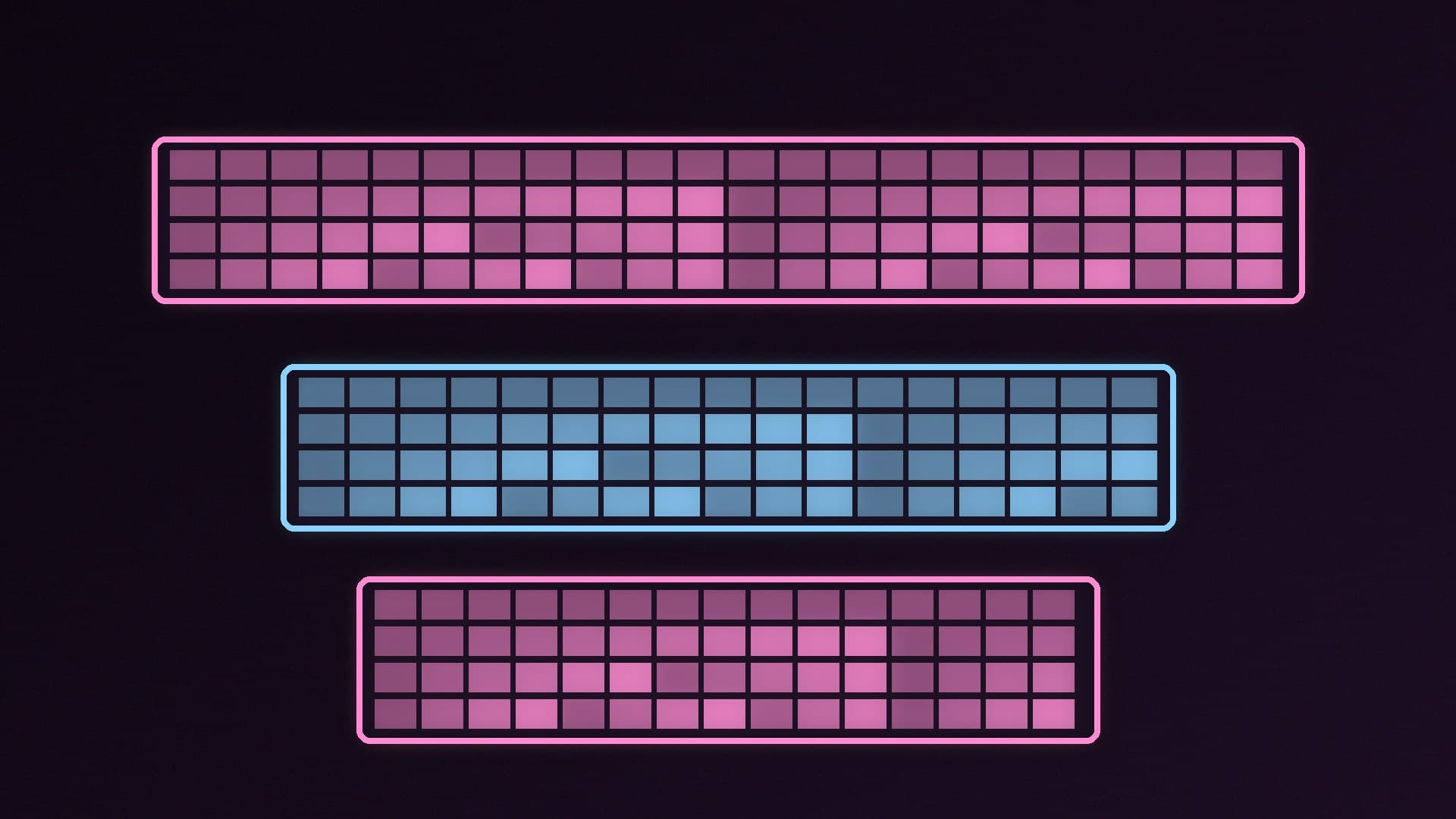
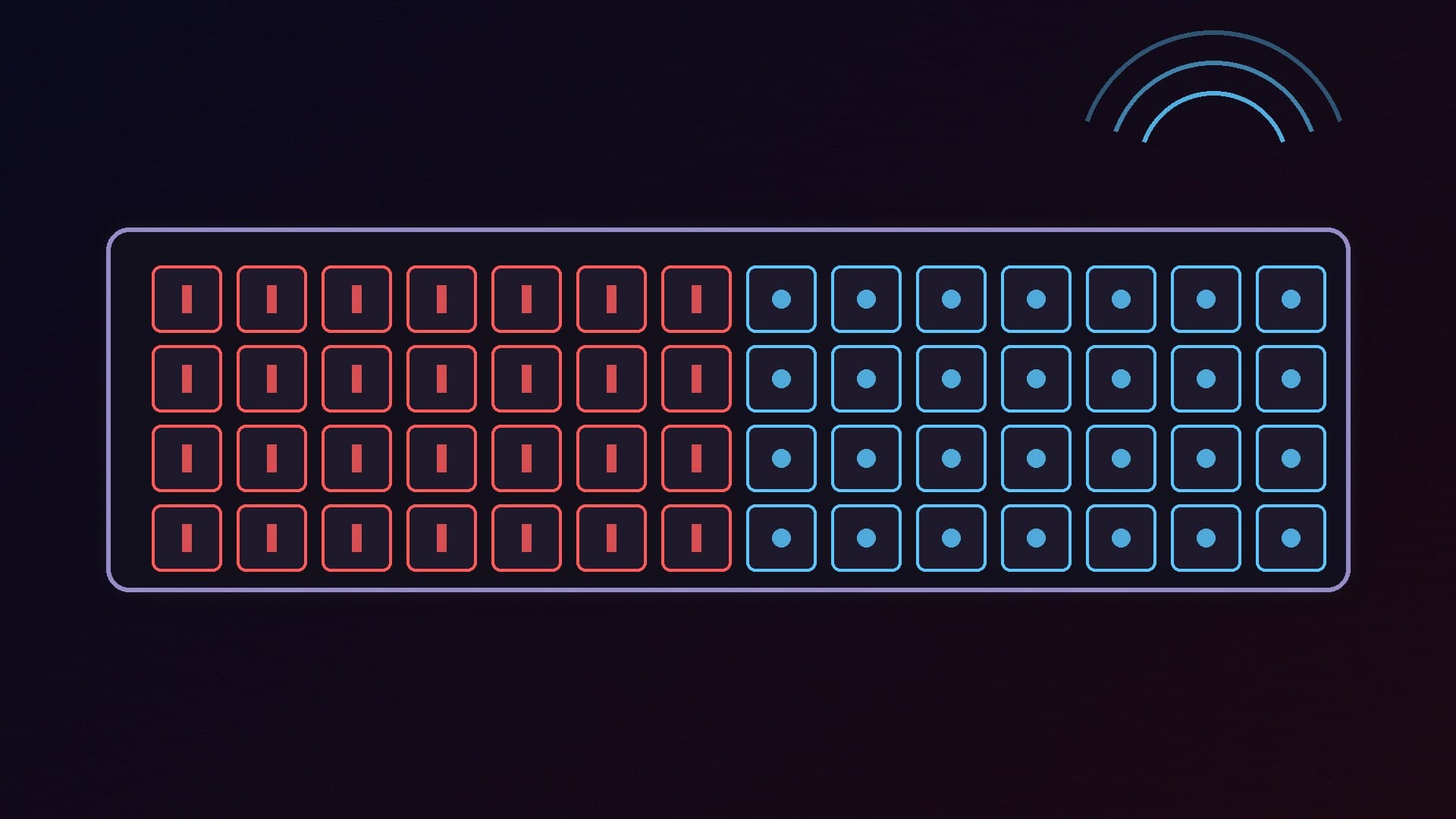
Membrane keyboards have a rubber dome under each key sitting on layered membrane sheets. Pressing the key collapses the dome and pushes the layers together to complete the circuit. Logitech describes the result as a softer feel.
Mechanical keyboards have a separate mechanical switch under every key. Pressing the key makes metal contacts inside that switch connect, Logitech explains. The switch type decides the feel: linear, tactile or clicky. Our linear vs tactile vs clicky switches guide explains each.
Feel
Logitech calls typing feel "arguably the biggest difference". Mechanical keyboards give a tactile bump or a click that provides clear feedback, apart from linear switches, which are smooth. Membrane keys feel softer because of the rubber domes. Neither is objectively better; it's personal preference, and Logitech suggests trying a few of each if you can.
Noise
Logitech says mechanical keyboards are "significantly louder" than membrane ones, and that microphones often pick up the sound. If you stream, take a lot of calls or share a room, that matters. A membrane board, or a mechanical one with quieter linear switches and dampening, is the more considerate choice.
Durability and repairs
Logitech says some mechanical switches are rated for 50 to 100 million keystrokes, while the rubber domes in membrane keyboards can wear out over time and change the typing feel. If a membrane keyboard develops a fault, you typically have to replace the whole thing.
Membrane keyboards do have one practical advantage: Logitech notes the solid layer under the keys makes them more resistant to spills and dust.
Customisation
Mechanical keyboards are the clear winner. Logitech says you can swap the keycaps or upgrade the keyboard with O-rings to dampen the sound. Logitech notes membrane keyboards often use proprietary designs that stop you from changing the keycaps.
Gaming
Logitech says gamers, coders and writers often prefer mechanical keyboards for their typing feel and responsiveness. In practice, what matters most for gaming is that the keyboard reliably registers the keys you press together, has a layout you like and feels consistent. If you're weighing up magnetic switches with adjustable actuation, our Hall effect vs mechanical keyboard comparison covers them.
Price
Membrane keyboards are the budget option. Logitech says mechanical keyboards offer premium performance at a higher cost, and membrane keyboards are great if you're on a budget.
At a glance
| Membrane | Mechanical |
|---|
Feel | Softer, rubber dome | Linear, tactile or clicky by switch |
Noise | Quieter | Louder (varies by switch) |
Lifespan | Domes can wear and change feel | Some switches rated 50-100 million keystrokes |
Spills and dust | More resistant | Varies by model |
Customisation | Limited | Keycaps, O-ring dampening |
Price | Lower | Higher |
Which should you buy?
Buy membrane if you want a quiet, cheap keyboard for everyday use, share a room or take a lot of calls, or need something more spill-tolerant.
Buy mechanical if you type or game a lot and want clearer feedback, a longer-lasting board and the option to customise it.
Size matters as much as switch type, so read our TKL vs full-size vs 75% guide too. For specific models, see our best gaming keyboard guide.
Our verdict
Mechanical keyboards are the better long-term buy for most gamers and heavy typists, with clearer feedback, longer-rated switches and easy customisation. Membrane keyboards are quieter, cheaper and more spill-resistant, making them the sensible choice for shared spaces, calls and tight budgets. Try both if you can, because feel is personal. Forge PC hasn't tested any keyboards for this article.