PSU spec sheets often say "single rail" or list several +12V rails with their own current ratings, and forum threads still argue about which is safer. The short answer is that for a typical gaming PC built around a quality power supply, either design works. The difference is in how the PSU's over-current protection (OCP) is arranged on the 12V output, and that can matter when you're running very power-hungry parts.
Forge PC hasn't tested any power supplies for this article. It's based on technical explainers from Seasonic and be quiet!, and manufacturers' spec sheets, checked on 17 November 2026.
First: why only the 12V rail matters
Every ATX power supply has 12V, 5V and 3.3V outputs. Seasonic explains that modern PSUs deliver nearly all of their rated power through 12V, often more than 90%, because the CPU and GPU draw their power from 12V and convert it down on the motherboard and graphics card. Many PSUs now generate 5V and 3.3V from the 12V output with DC-DC converters. be quiet! calls these the "minor rails".
So when people say single-rail or multi-rail, they mean the 12V output.
Single-rail: one big pool
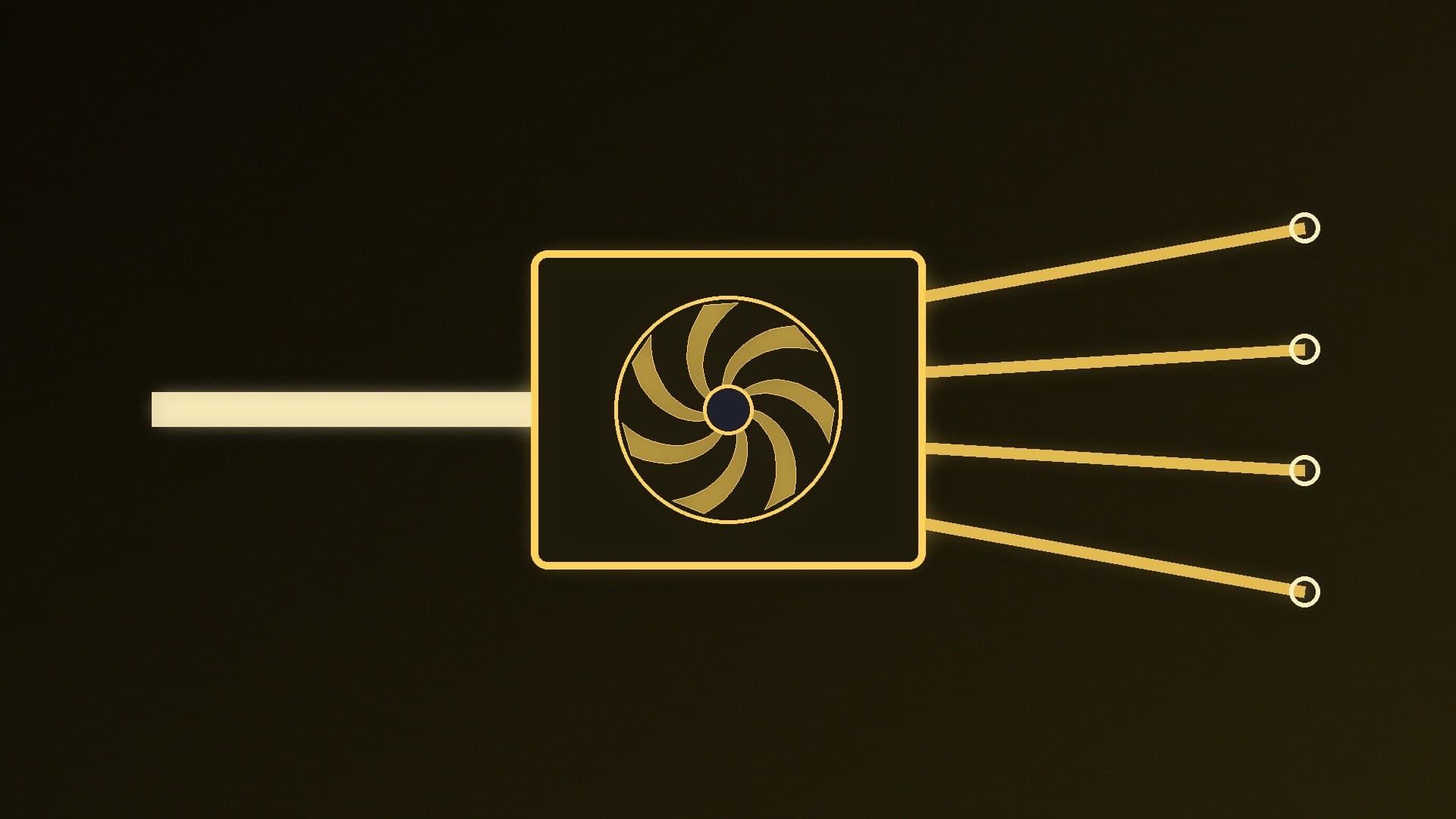
In a single-rail design, all the 12V connectors (24-pin, CPU EPS, PCIe and 12V-2x6) share one current limit and one OCP trip point. Seasonic's example: if a 1,200W PSU's +12V output is rated at 100A, that whole 1,200W is available to whatever needs it, within the PSU's overall limits.
Pros - Simple. You don't need to work out which cable is on which rail. - No risk of tripping one rail's limit while the PSU still has plenty of total capacity left. - Seasonic notes this is convenient when installing high-performance graphics cards.
Cons - One OCP limit covers the whole 12V output, so it can't react to an overload on a single cable as precisely as several smaller limits could. A quality PSU still includes the full set of protections (OCP, OVP, UVP, OPP, SCP and OTP), Seasonic says.
Most mainstream PSUs are single-rail. be quiet!'s Pure Power 13 M 750W, for example, lists one 62.5A +12V rail, and Corsair's CX650 ATX 3.1 lists a single 54A +12V output.
Multi-rail: separately protected groups
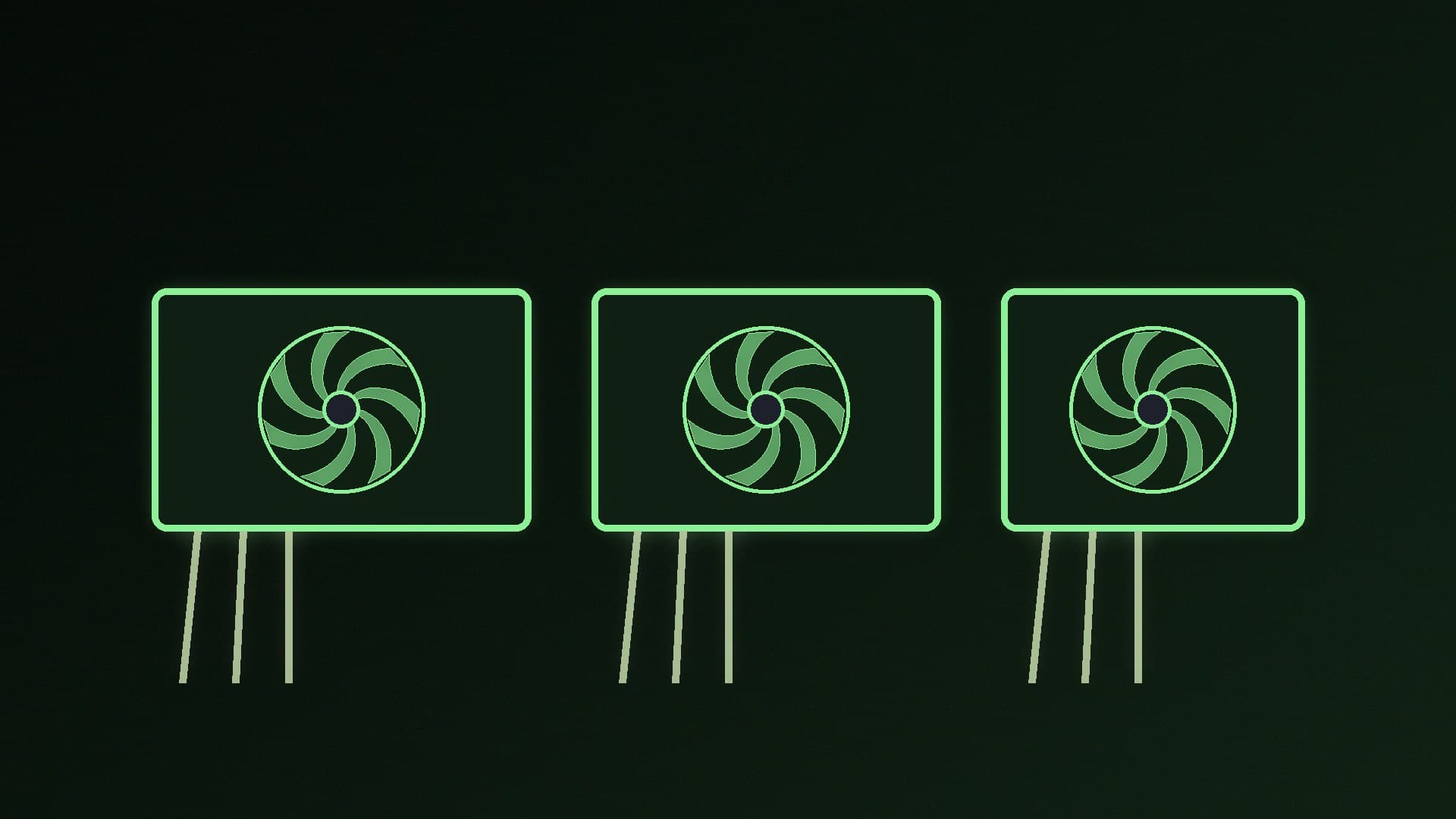
In a multi-rail design, the 12V output is divided into several groups, each with its own OCP threshold. Seasonic stresses that these usually come from the same power-conversion stage: "rail" means a separately monitored and protected group, not a separate power source. One group might cover the CPU connectors and another the PCIe connectors, but the arrangement varies between models.
Pros - If one group draws too much current, for example because of a short or a damaged cable, the PSU can shut down before that wiring is stressed for long. be quiet! says per-rail OCP helps protect against short circuits, overloads and cable fires. - Seasonic says it's particularly useful in workstations and systems with several high-power loads running at once.
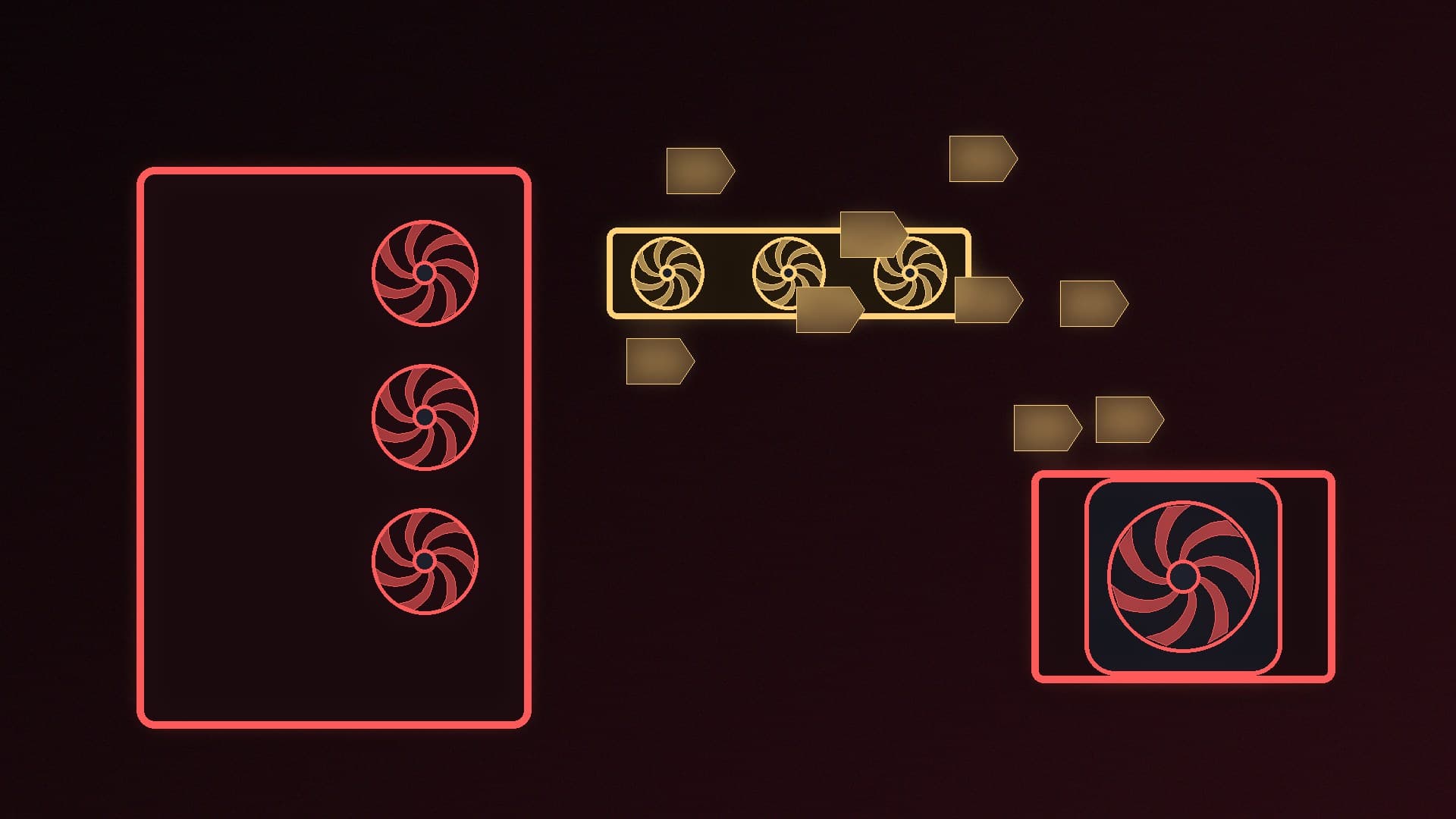
Cons - You may need to spread loads across connectors. Seasonic notes that if one group exceeds its limit, the PSU shuts down even when its total output is still below its rating. - The OCP limits must be set high enough not to trip on legitimate short power spikes from modern GPUs.
Some PSUs let you switch
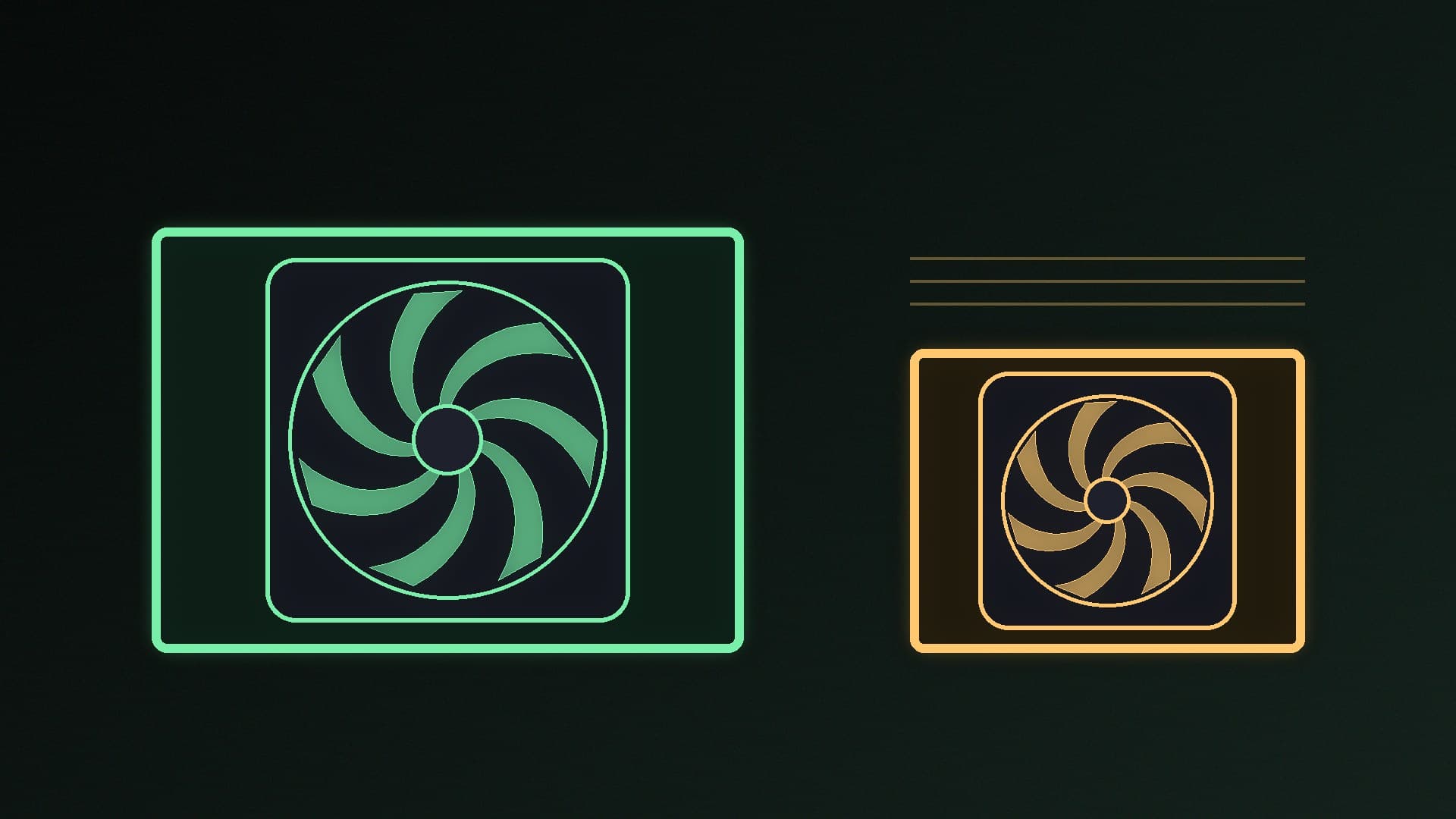
Some higher-end PSUs offer both modes. be quiet! says some of its units, such as the Dark Power Pro 11, have an "overclocking key" that merges the rails into one large 12V rail. That gives you the full 12V capacity on any connector at the cost of the per-rail protection.
Which should you buy?
| Single-rail | Multi-rail |
|---|
How 12V is protected | One OCP limit for everything | Separate OCP limit per group |
Load balancing needed | No | Sometimes |
Main advantage | Simplicity, full capacity on any connector | Finer-grained protection |
Best suited to | Most gaming PCs | Workstations, multiple high-power loads |
For a typical gaming PC, single-rail is the easy choice, and it's what most mainstream PSUs use. Seasonic's own conclusion is the most useful advice here: look beyond whether a PSU is single-rail or multi-rail, because reliability depends on how well the whole power supply is designed.
That means checking things that matter more: enough wattage (see our PSU buying guide), an ATX 3.1 design with a native 12V-2x6 cable for modern GPUs, independent efficiency and noise ratings (see Cybenetics vs 80 Plus) and a long warranty. Whatever design you choose, connect 12V-2x6 cables carefully. For specific recommendations, see our best power supply guide.
Our verdict
Single-rail and multi-rail PSUs differ in how their 12V over-current protection is split, not in how much power they have. Single-rail gives every connector access to the full 12V capacity and is the simpler choice for most gaming PCs; multi-rail adds per-group protection that suits workstations with several heavy loads but may need load balancing. A well-designed PSU of either type is safe, so prioritise build quality, ATX 3.1 support, independent ratings and warranty. Forge PC hasn't tested any PSUs for this article.