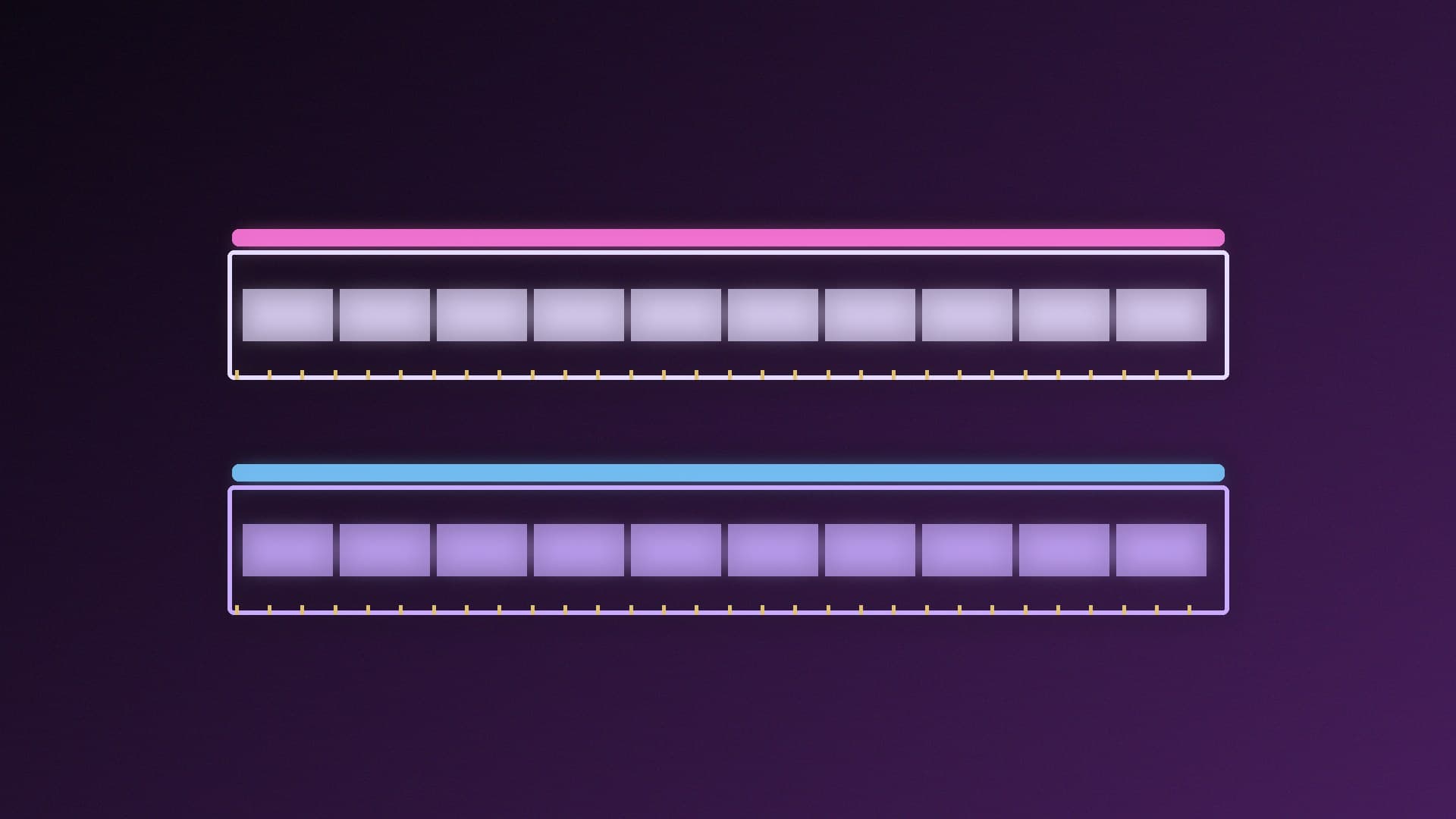
128GB of system memory used to mean filling all four slots. With 64GB DDR5 modules now available, you can get there with two sticks, which matters because AMD's own specifications show a big speed drop when you use four. This guide compares five 128GB (2x64GB) kits on their manufacturers' published specifications. Forge PC hasn't tested these kits, and we haven't included prices.
Who needs 128GB?
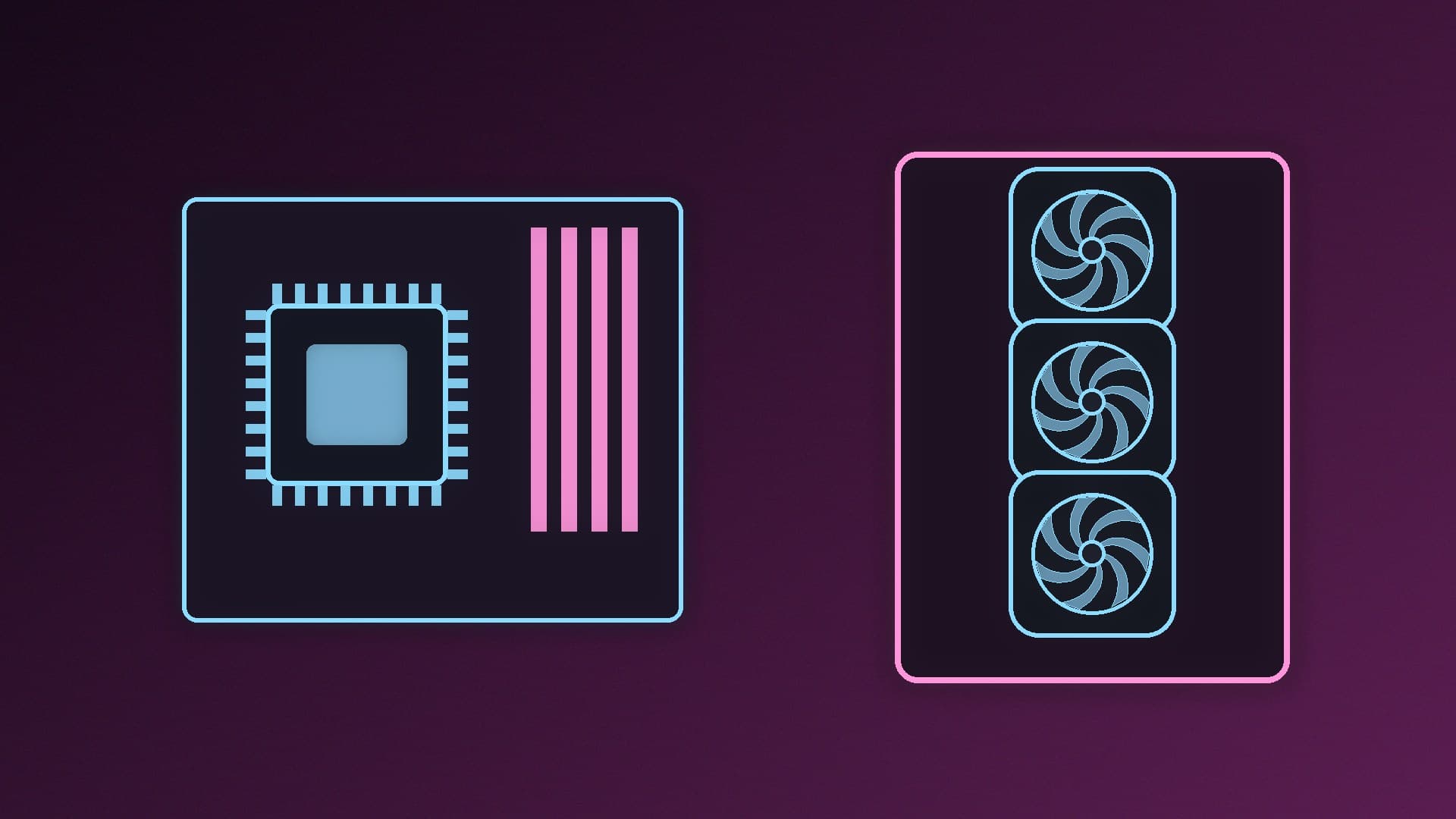
Most gaming PCs don't; our guide to how much RAM a gaming PC needs explains why. 128GB makes sense if you run large local language models partly or fully in system memory, work with very large video, 3D or photo projects, or run several virtual machines. For AI specifically, see how much RAM you need for local AI and how to run a local LLM without a GPU.
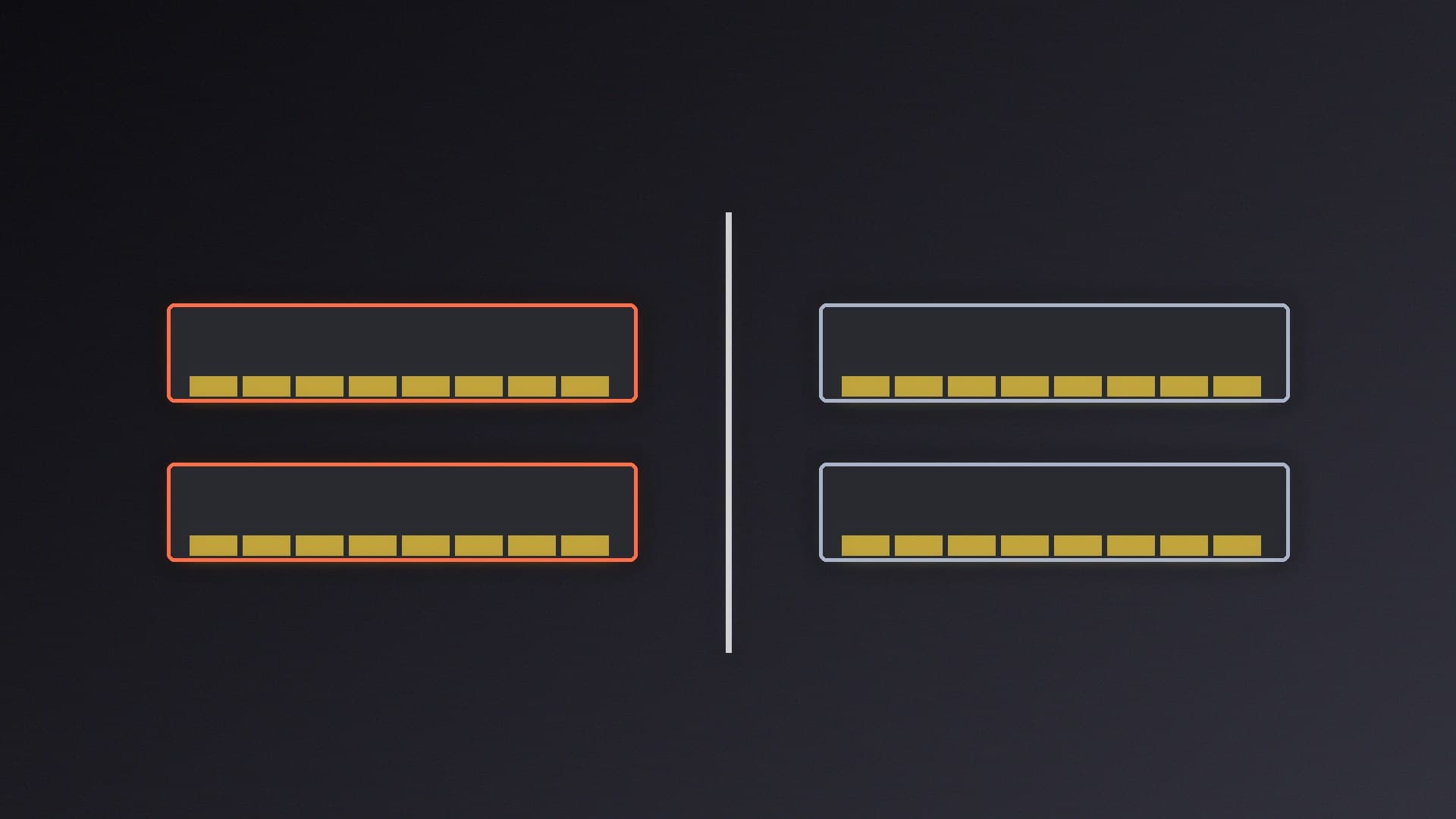
Why 2x64GB rather than 4x32GB
AMD lists different maximum memory speeds depending on how many modules you install. For the Ryzen 5 9600X (a Ryzen 9000 chip), AMD's spec page gives:
Configuration | AMD-listed max speed (Ryzen 5 9600X) |
|---|
2 modules, single or dual rank | DDR5-5600 |
4 modules, single or dual rank | DDR5-3600 |
The same page lists a maximum of 256GB of memory. AMD's page for the older Ryzen 5 7600X (Ryzen 7000) lists DDR5-5200 with two modules, DDR5-3600 with four, and a 128GB maximum. Check your own CPU's page, but the pattern is clear: two 64GB sticks keep you on the faster two-module speeds. Our two vs four RAM sticks explainer goes into more detail.
Check your BIOS first. G.SKILL says its 128GB (2x64GB) kits need a motherboard BIOS dated 2025 or newer with 64GB module support. See how to update your BIOS safely.
The five kits at a glance
Kit | Part number | Rated speed and timings | Voltage | Profiles |
|---|
G.SKILL Flare X5 | F5-6000J3444F64GX2-FX5 | DDR5-6000 CL34-44-44-96 | 1.35V | XMP 3.0 and EXPO |
G.SKILL Trident Z5 Neo RGB | F5-6000J3444F64GX2-TZ5NR | DDR5-6000 CL34-44-44-96 | 1.35V | XMP 3.0 and EXPO |
G.SKILL Ripjaws S5 | F5-6400J3644F64GX2-RS5K | DDR5-6400 CL36-44-44-102 | 1.35V | XMP 3.0 |
G.SKILL Trident Z5 RGB | F5-6000J3444F64GX2-TZ5RK | DDR5-6000 CL34-44-44-96 | 1.35V | XMP 3.0 |
Crucial Pro | CP2K64G56C46U5 | DDR5-5600 CL46 (46-45-45) | 1.1V | XMP 3.0 and EXPO |
All four G.SKILL kits default to DDR5-5600 at 1.10V until you enable XMP or EXPO, and G.SKILL says the rated speeds require overclocking or BIOS adjustments, with results depending on your motherboard and CPU. All five are unbuffered, non-ECC desktop memory with a limited lifetime warranty (Crucial's is 10 years in Germany and France).
Best for AMD Ryzen: G.SKILL Flare X5 128GB DDR5-6000 CL34
The Flare X5 kit is rated for DDR5-6000 CL34 at 1.35V and supports both AMD EXPO and Intel XMP 3.0. G.SKILL describes the Flare X5 series as designed for AMD platforms, with a low-profile 33mm module height in matte black or white, which helps with clearance under large air coolers. Our CPU cooler fit guide covers RAM clearance.
Remember that DDR5-6000 is above AMD's listed DDR5-5600 for two modules on the Ryzen 5 9600X, so it counts as overclocking. Our XMP and EXPO guide explains how to enable it and what to do if the system isn't stable.
Best with RGB: G.SKILL Trident Z5 Neo RGB 128GB DDR5-6000 CL34
The Trident Z5 Neo RGB kit has the same rated speed, timings, voltage and dual XMP/EXPO support as the Flare X5. Choose it if you want RGB lighting. G.SKILL lists module heights in its FAQ rather than on the spec page, so check them against your cooler.
Fastest rating for Intel: G.SKILL Ripjaws S5 128GB DDR5-6400 CL36
The Ripjaws S5 kit is the fastest-rated here at DDR5-6400 CL36-44-44-102, 1.35V. It supports Intel XMP 3.0 only, with no EXPO profile, so it suits Intel builds best. As with every kit here, the rated speed isn't guaranteed on every board.
Intel RGB alternative: G.SKILL Trident Z5 RGB 128GB DDR5-6000 CL34
Same DDR5-6000 CL34 rating as the Neo RGB, but with XMP 3.0 only. On an AMD board, the Neo RGB is the more straightforward choice because it has an EXPO profile.
Best plug-and-play kit: Crucial Pro 128GB DDR5-5600
Crucial's kit is rated at DDR5-5600 CL46 at 1.1V, which Crucial lists as both its default (JEDEC) timing and its first XMP/EXPO profile. A second profile runs at 5200MT/s with tighter 42-42-42 timings. Because 5600MT/s is already AMD's listed maximum for two modules on the Ryzen 5 9600X, this is the kit to pick if you want 128GB without overclocking. Crucial says it has a low-profile heat spreader. Crucial also sells a standard 128GB (2x64GB) DDR5-5600 CL46 kit (CT2K64G56C46U5) without XMP or EXPO profiles listed.
Kingston's FURY Beast 128GB (2x64GB) DDR5-5600 kits are also in our product database.
How we chose
We compared official specification pages for capacity, rated speed, timings, voltage, profile support and default settings, and checked AMD's memory support figures. We didn't test the kits, so our picks are based on those specs and on how well each one fits a typical AMD or Intel build. If you only need 64GB or 96GB, see our best 64GB DDR5 kits and best 96GB DDR5 kits.
Our verdict
For a Ryzen build, the G.SKILL Flare X5 128GB DDR5-6000 CL34 is our pick: EXPO and XMP, and a 33mm module height. Choose the Trident Z5 Neo RGB if you want lighting, the Ripjaws S5 DDR5-6400 for Intel, or the Crucial Pro DDR5-5600 if you'd rather not overclock. Whichever you choose, use two 64GB sticks rather than four 32GB sticks, and update your BIOS first.