Our picks are based on official specifications from NVIDIA, ASUS and AMD, and on CyberPowerPC's announcement for its ASRock-based AI workstation, all read on 24 November 2026. We haven't included prices, because they vary a lot between configurations and retailers, so check current UK pricing before you buy.
A year ago, running a large AI model at home meant building a big tower with one or more high-end graphics cards. Now there's another option: small desktops with up to 128GB of unified memory shared between the CPU and GPU. They can hold models far bigger than the 16GB or 24GB of VRAM on most graphics cards, in a box that sits beside your monitor.
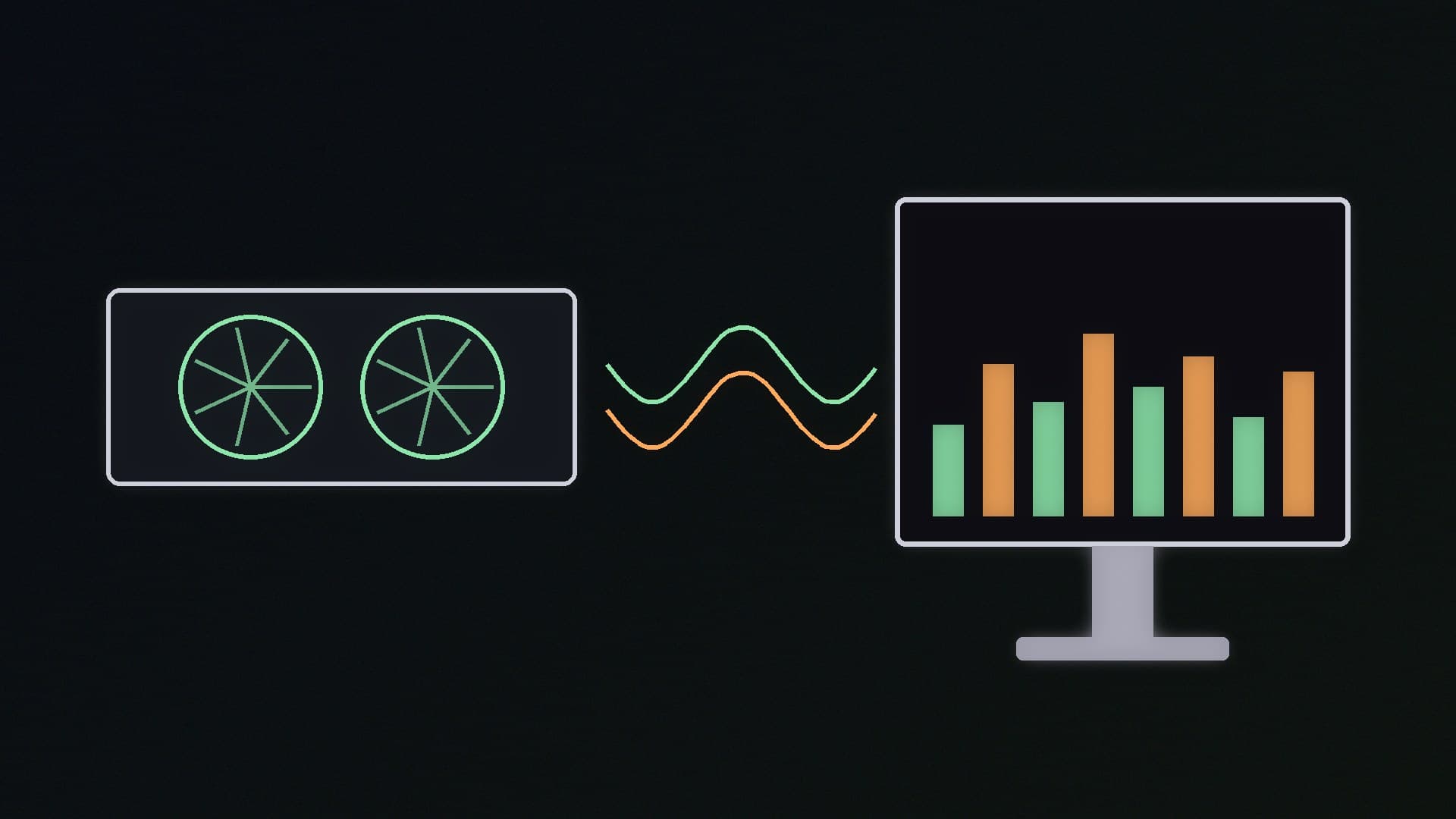
There's a catch. These systems have much less memory bandwidth than a high-end graphics card, so they generally generate text more slowly with models that would fit on a big GPU. They make the most sense when model size matters more than raw speed. Our explainer on unified memory vs VRAM for local AI covers the trade-off in detail. If you just want a small PC for everyday work, our general best mini PC guide is the better place to start.
Quick picks
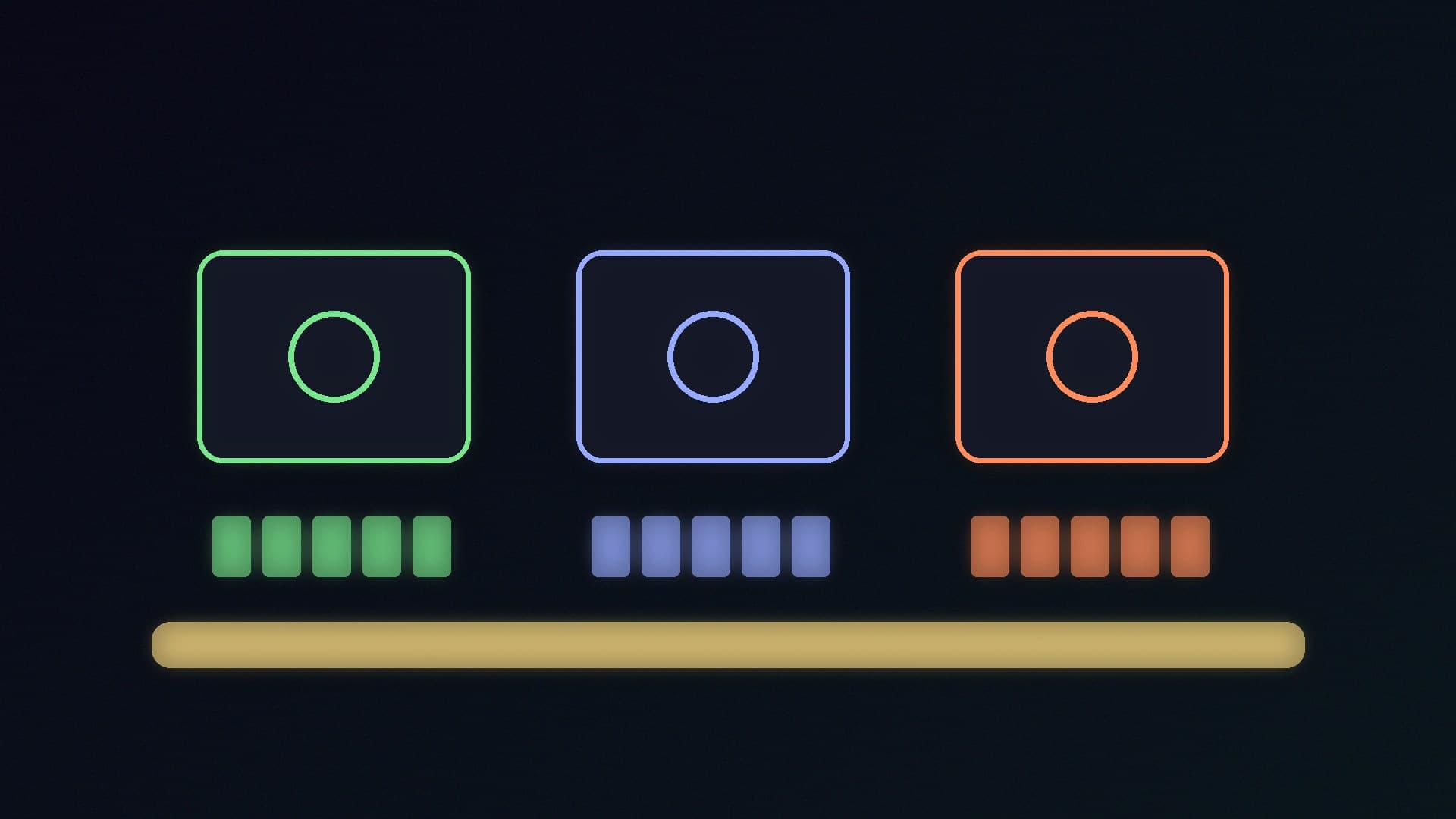
| Best for Windows and AI agents | Best for AI developers | Best AMD option |
|---|
Example system | ASUS ProArt GR1X | NVIDIA DGX Spark (and GB10 partner systems) | Ryzen AI Max+ 395 mini PCs, such as ASRock's AI BOX-A395 |
Platform | NVIDIA RTX Spark | NVIDIA GB10 Grace Blackwell | AMD Ryzen AI Max+ 395 |
CPU | 20-core Grace (Arm) | 20-core Arm (10 Cortex-X925 + 10 Cortex-A725) | 16 cores (x86) |
GPU | Blackwell RTX, 6,144 CUDA cores | Blackwell | Radeon 8060S, 40 graphics cores |
Unified memory | 64GB or 128GB | 64GB or 128GB LPDDR5X | Up to 128GB LPDDR5X in the systems we cover |
Memory bandwidth | Not listed by ASUS | 273GB/s | About 256GB/s (our calculation from AMD's specs) |
AI performance (maker's figure) | Up to 1 petaflop FP4 | Up to 1 petaflop FP4 | Up to 126 TOPS overall |
Operating system | Windows 11 | DGX OS (Ubuntu-based Linux) | Usually Windows 11 or Linux |
Networking | 10GbE, Wi-Fi 7 | 10GbE, ConnectX-7 at 200Gbps, Wi-Fi 7 | Varies; ASRock's AI BOX-A395 has 10GbE and 2.5GbE |
Peak AI performance figures are each maker's theoretical maximums. NVIDIA's petaflop figure is for FP4, a low-precision format, so it isn't directly comparable with AMD's TOPS figure.
Best for Windows and AI agents: ASUS ProArt GR1X (RTX Spark)
NVIDIA's RTX Spark platform brings a Grace CPU and a Blackwell RTX GPU to Windows 11 PCs, and the ASUS ProArt GR1X is one of the first compact desktops to use it. According to ASUS, it pairs a 6,144-core Blackwell RTX GPU with a 20-core Grace CPU, sharing up to 128GB of unified memory. It's available with 64GB or 128GB, though ASUS notes that pricing and availability vary by region.
ASUS says the GR1X can run 120-billion-parameter LLMs with up to a million tokens of context, and NVIDIA quotes up to 1 petaflop of FP4 AI performance for RTX Spark desktops. The case measures 150 x 150 x 51mm, about 1.1 litres, and weighs 1.48kg. ASUS lists a 140W TDP, cooled by two fans, plus 10Gb Ethernet, Wi-Fi 7, four USB 3.2 Gen 2x2 Type-C ports, HDMI 2.1 and two M.2 NVMe slots.
The big draw is that it runs CUDA natively on Windows 11, so you get NVIDIA's software support without switching to Linux. ASUS also highlights validated ComfyUI workflows and Hermes Agent support. NVIDIA says RTX Spark desktops from Dell and MSI are on sale too, with Acer, GIGABYTE and HP mini PCs due soon. We covered the launch in NVIDIA RTX Spark desktops arrive in the UK.
One thing to bear in mind is that RTX Spark uses an Arm CPU, so check that any Windows apps you rely on run well on Windows on Arm.
Choose it if: you want a quiet, always-on Windows box for local AI agents, image generation and large LLMs, with CUDA support.
Best for AI developers: NVIDIA DGX Spark and GB10 systems
NVIDIA DGX Spark uses the GB10 Grace Blackwell Superchip and is aimed squarely at AI developers, researchers and students. NVIDIA's specifications list a 20-core Arm CPU (10 Cortex-X925 and 10 Cortex-A725 cores), a Blackwell GPU with fifth-generation Tensor Cores, and 128GB of LPDDR5X unified memory on a 256-bit interface with 273GB/s of bandwidth. A 64GB version is available only through NVIDIA's partners. NVIDIA quotes up to 1 petaflop of FP4 AI performance, up to 4TB of NVMe storage, a 140W GB10 TDP and a 240W power supply.
Unlike RTX Spark, DGX Spark ships with DGX OS, NVIDIA's Ubuntu-based Linux, and comes with NVIDIA's AI software stack. NVIDIA says it can fine-tune models of up to 70 billion parameters. Its ConnectX-7 networking, at up to 200Gbps, lets you link up to four DGX Spark systems for larger models: two or three can be connected with a single QSFP cable, while four need a network switch.
Other makers sell their own GB10 systems. Our database includes GIGABYTE's AI TOP ATOM, which is listed with 4TB of storage in Gen 4 and Gen 5 versions.
Choose it if: you're developing, fine-tuning or testing AI models and want a Linux system that matches NVIDIA's data centre software. Our RTX Spark vs DGX Spark comparison explains how the two NVIDIA platforms differ.
Best AMD option: Ryzen AI Max+ 395 mini PCs
AMD's Ryzen AI Max+ 395 is the main x86 alternative. AMD lists 16 CPU cores, Radeon 8060S graphics with 40 graphics cores, an NPU rated at up to 50 TOPS, up to 126 TOPS of overall AI performance and a 55W default TDP. It uses 256-bit LPDDR5X memory at up to 8,000 MT/s, which works out at about 256GB/s of theoretical bandwidth by our calculation, close to DGX Spark's 273GB/s.
Many makers now use this chip in small desktops. One example is ASRock's AI BOX-A395, which CyberPowerPC has just announced as a compact AI workstation with 128GB of LPDDR5X, two M.2 PCIe Gen 4 slots, USB4, Wi-Fi 7, and 10Gb plus 2.5Gb Ethernet, in a case of about 200 x 100 x 232mm. CyberPowerPC hasn't mentioned UK availability, so look for other Ryzen AI Max+ 395 systems sold here with the same 128GB configuration.
The main advantages are a standard x86 CPU, so all your usual Windows and Linux software runs normally, and flexibility over the operating system. Ollama's documentation lists the Ryzen AI Max+ 395 among the AMD chips it supports through ROCm on Linux. Software support for AI tools is still narrower than NVIDIA's CUDA, though. Our DGX Spark vs Ryzen AI Max+ 395 comparison goes into more detail.
Choose it if: you want a large memory pool on a standard x86 PC that also works as an everyday desktop, and you're happy with AMD's software stack.
What to check before you buy
Memory size. For large models, 128GB is the configuration to aim for. LPDDR5X memory is normally soldered to the board, so plan on not being able to add more later.
Memory bandwidth. At roughly 256-273GB/s, these systems are far slower than high-end graphics cards for models that fit in VRAM. See our explainer on memory bandwidth and local LLM speed.
Operating system and software. RTX Spark runs Windows 11 on Arm, DGX Spark runs Linux, and Ryzen AI Max systems are standard x86 PCs. Check your apps support the platform.
Storage. Large models fill drives quickly, so look for 2TB or more, or a spare M.2 slot.
Noise and power. These boxes are designed to run all day, but they aren't low-power devices: ASUS and NVIDIA list a 140W TDP, and DGX Spark comes with a 240W power supply. Our guide to local AI electricity costs shows how to estimate running costs.
Our verdict
For most people who want a compact local AI PC that also works as a normal Windows desktop, an RTX Spark system such as the ASUS ProArt GR1X is the most rounded choice, combining 128GB of unified memory with CUDA on Windows 11. NVIDIA DGX Spark and other GB10 systems, such as GIGABYTE's AI TOP ATOM, are better for developers who want Linux, NVIDIA's AI software and the option to link several units. Ryzen AI Max+ 395 mini PCs offer similar memory capacity on a standard x86 platform. Whichever you choose, remember that these systems trade speed for capacity, so a desktop with a large graphics card may still be faster for models that fit in its VRAM.