The picks are based on the official product and specification pages from Razer, Corsair, HYTE and Keychron, read on 24 November 2026. We've left prices out because they move so much around Black Friday; check current UK prices at retailers such as Scan, Overclockers, Box or Currys before you buy.
A tenkeyless (TKL) keyboard is a full-size board with the number pad chopped off. You keep the function row, the arrow keys and the navigation cluster (Insert, Home, Page Up and so on), but the keyboard is roughly 80% of the width, which leaves more desk for low-sensitivity mouse swipes. If you're not sure whether TKL is the right size for you, our TKL vs full-size vs 75% keyboard guide explains the trade-offs.
Our picks at a glance
Pick | Keyboard | Switch type | Connection | Polling rate (official) | Standout feature |
|---|
Best for competitive games | Razer Huntsman V3 Pro Tenkeyless | Razer Analog Optical Gen-2 | Wired | Standard model (separate 8KHz version sold) | 0.1-4.0mm actuation, Rapid Trigger, Snap Tap |
Best Hall-effect TKL | Corsair K70 PRO TKL | MGX Hyperdrive magnetic (main keys) | Wired (USB-C to USB-A) | Up to 8,000Hz | Rapid Trigger plus 8,000Hz polling |
Best value mechanical | Corsair K70 CORE TKL | MLX Red v2 linear | Wired (USB-C to USB-A) | 1,000Hz | Aluminium top plate, rotary dial, FlashTap |
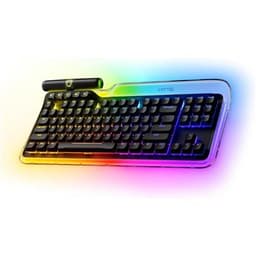
Best for typing feel | HYTE Keeb TKL | HYTE Fluffy Lavender linear, hot-swap | Wired (USB-C) | 1,000Hz | Gasket mount, four damping layers, 3-year warranty |
Best wireless | Keychron Q3 Max | Gateron Jupiter, hot-swap | 2.4GHz, Bluetooth 5.1, wired | 1,000Hz (2.4GHz/wired) | QMK firmware, aluminium body, 4,000mAh battery |
Best for competitive games: Razer Huntsman V3 Pro Tenkeyless
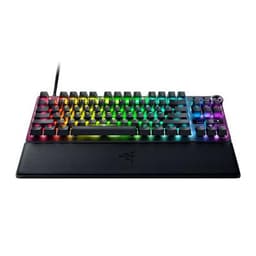
The Razer Huntsman V3 Pro Tenkeyless is the pick if you mainly play fast shooters and want every movement trick a modern keyboard offers. It uses Razer's Analog Optical Gen-2 switches, which detect how far each key is pressed rather than just on or off. That's what makes its headline features possible:
Adjustable actuation from 0.1mm to 4.0mm, so you can make movement keys hair-trigger and leave typing keys deeper.
Rapid Trigger Mode, where keys reset as soon as they start travelling upward (Razer says as little as 0.1mm) rather than at a fixed reset point.
Snap Tap, which prioritises the latest of two paired keys (A and D by default). Razer says it's off by default and toggled with Fn + Left Shift or in Synapse. Some games and tournaments restrict this kind of input feature, so check the rules for anything you play competitively.
40g actuation force and a rated lifespan of 100 million keystrokes.
You can adjust actuation and Rapid Trigger sensitivity on the keyboard itself using an onboard LED array and the digital dial or arrow keys, then fine-tune further in Razer Synapse. Razer says the keyboard stores six onboard profiles, two of them fixed presets, and that Snap Tap, Rapid Trigger and custom actuation can all be saved onboard. Razer's product page also lists textured doubleshot PBT keycaps, a brushed aluminium top plate, a multi-function digital dial with media and macro buttons, and a magnetic firm leatherette wrist rest. Razer offers up to two years of warranty.
One thing to note: the model in our database is the standard Huntsman V3 Pro Tenkeyless. Razer also sells a separate Huntsman V3 Pro Tenkeyless 8KHz with 8,000Hz HyperPolling, so check which one you're buying.
Choose it if: you play competitive FPS games and want adjustable actuation and Rapid Trigger with onboard controls. For more boards like this, see our best rapid trigger keyboard guide.
Best Hall-effect TKL: Corsair K70 PRO TKL
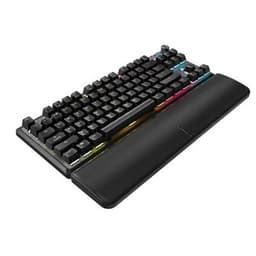
The Corsair K70 PRO TKL is Corsair's answer to the Huntsman, using magnetic Hall-effect switches instead of optical ones. Its MGX Hyperdrive switches let you set actuation anywhere from 0.1mm to 4.0mm in 0.1mm steps, though Corsair recommends staying between 0.3mm and 3.6mm for best accuracy. It supports Rapid Trigger, FlashTap (Corsair's SOCD feature for opposing movement keys) and secondary actuation points, which let one keypress trigger two different actions at two depths.
Its big spec advantage is polling: Corsair's AXON processing gives up to 8,000Hz polling, adjustable in iCUE. Whether you can feel the difference over 1,000Hz is debatable, but it's there if you want it.
There's a catch worth knowing about. Corsair's own specifications say only the main block (61 keys on ANSI, 62 on the UK ISO layout) uses the magnetic MGX Hyperdrive switches. The other 23 keys, such as the function row and navigation cluster, use conventional MLX Plasma linear mechanical switches with a fixed 2.0mm actuation point. That doesn't matter for WASD movement, but it means not every key is adjustable.
Other official specs: aluminium top plate, silicone sound-absorbing foam, per-key RGB, five onboard profiles, 8MB onboard memory, a rotary dial for brightness, a magnetic cushioned palm rest, a 1.8m USB-C to USB-A cable, 366 x 135 x 39.8mm and 967g. It's wired only, with a two-year warranty. Not sure whether magnetic switches are worth it? Read our Hall effect vs mechanical keyboard comparison.
Choose it if: you want Rapid Trigger and adjustable actuation in a Corsair iCUE setup, or you specifically want 8,000Hz polling.
Best value mechanical: Corsair K70 CORE TKL
Not everyone needs analog switches. The Corsair K70 CORE TKL is a straightforward mechanical TKL with sensible premium touches, and conventional mechanical boards like this are generally cheaper than analog and Hall-effect models.
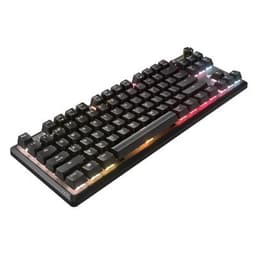
It uses Corsair's pre-lubricated MLX Red v2 linear switches, which Corsair says are up to twice as durable as the most popular linear switches. The build has an aluminium top plate with two sound-dampening layers either side of the PCB and pre-lubed stabilisers. You get per-key RGB, a programmable multi-function rotary dial and media button, 1,000Hz polling, full N-key rollover, five onboard profiles in 8MB of memory and a detachable USB-C cable.
Interestingly, Corsair has also added FlashTap to this model via a firmware update in iCUE. It's disabled by default and toggled with Fn + Right Shift, with A and D as the default keys. Corsair lists the UK version (CH-911911E-UK) at 0.743kg, with a two-year warranty and adjustable height.
The switches aren't hot-swappable, so you can't change the feel later without soldering. If that matters to you, see our hot-swappable vs soldered keyboard guide.
Choose it if: you want a solid, quiet-ish linear mechanical TKL with a volume dial and don't need adjustable actuation.
Best for typing feel: HYTE Keeb TKL
The HYTE Keeb TKL is built more like an enthusiast custom keyboard than a typical gaming board, and it's the one here to pick if you spend as much time typing as gaming.
HYTE's specifications list a gasket-mounted design with a sand-blasted anodised aluminium top plate, four layers of sound damping (two Poron layers, an IXPE sheet and silicone), gold-plated Durock V2 screw-in stabilisers lubed with Krytox, and a 1.2mm PCB with north-facing 5-pin hot-swap sockets, so you can experiment with other MX-style switches later. The stock HYTE Fluffy Lavender linear switches are light, with a 1.5mm actuation point and 36g actuation force according to HYTE's spec table, and are rated for 60 million actuations.
It's also distinctive to look at: a Crystal Bubble polycarbonate case lit by a 155-pixel qRGB array, two customisable magnetic rollers and "Flappy Paddle" media keys. HYTE's Nexus software handles remapping across all 93 keys with up to four layers and 16 macros per profile, and the keyboard stores two onboard profiles. It connects by USB-C at 1,000Hz with full N-key rollover, comes in ANSI and ISO layouts (our database entry is the UK ISO English version), and carries a three-year warranty.
The trade-offs are size and weight. At 380 x 180 x 53mm and 2.73lb (about 1.24kg), it's bigger and taller than the other TKLs here, and there's no wrist rest in the specs. There's no Rapid Trigger either.
Choose it if: you want a soft, damped typing feel, hot-swap switches and a three-year warranty more than esports features.
Best wireless: Keychron Q3 Max
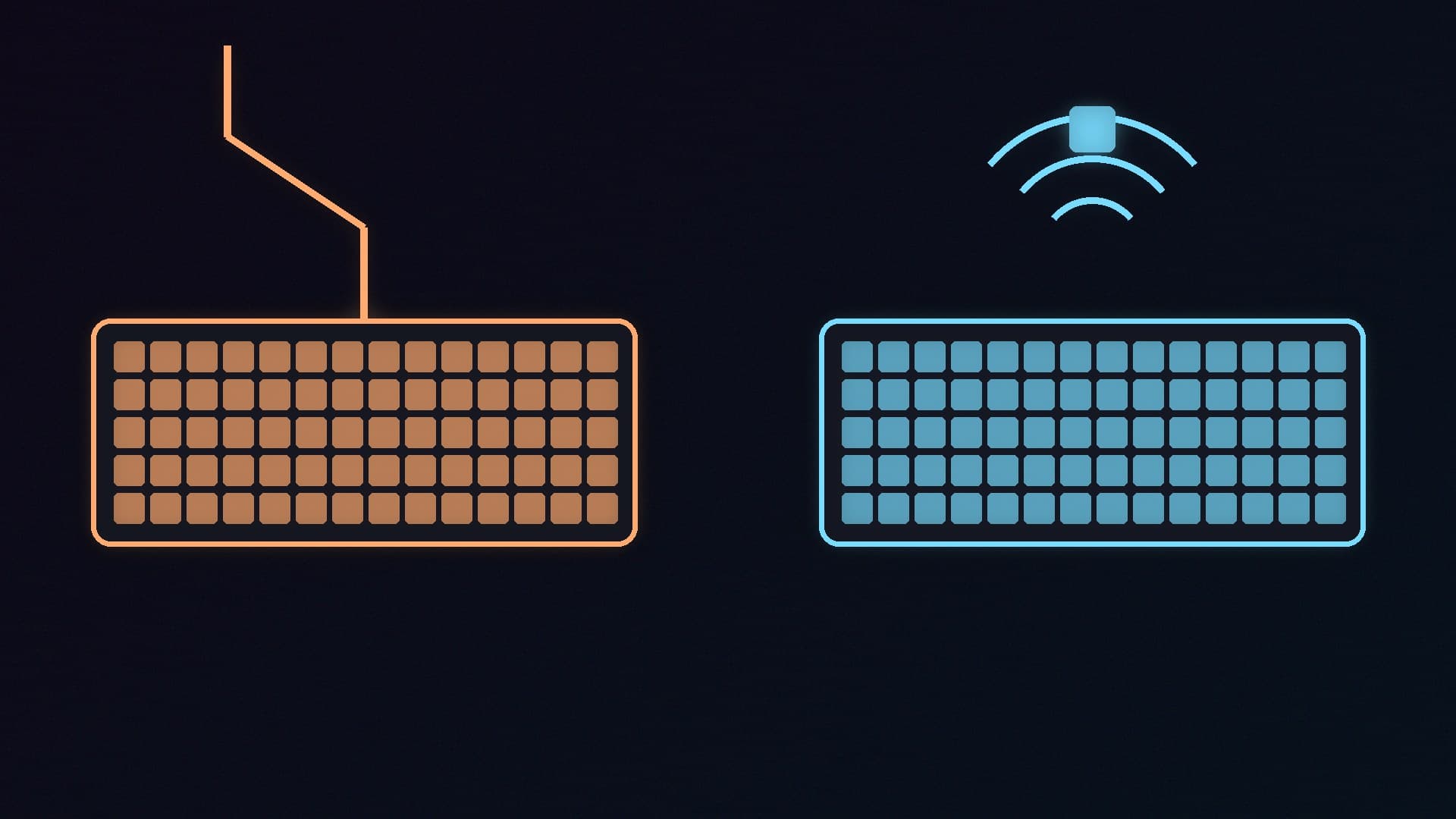
Every other keyboard here is wired. The Keychron Q3 Max gives you three ways to connect: 2.4GHz wireless, Bluetooth 5.1 (pairing up to three devices) and a USB-C cable. Keychron says polling is 1,000Hz on 2.4GHz and wired, but only 90Hz on Bluetooth, so use the dongle or cable for games. The 4,000mAh battery is rated for up to 180 hours with the backlight off, or up to 100 hours with RGB at its lowest brightness.
It's a heavyweight in every sense. The case is CNC-machined 6063 aluminium with Keychron's double-gasket design and a polycarbonate plate, and the fully assembled version weighs 1,770g (plus or minus 10g). The PCB is hot-swappable for almost all 3-pin and 5-pin MX-style switches, with Gateron Jupiter Red, Brown or Banana switches fitted, screw-in stabilisers, south-facing RGB and a rotary knob. It uses open-source QMK firmware, and you remap keys and macros with the Keychron Launcher web app. If you prefer VIA, our guide to remapping a keyboard with VIA covers how it works.
Keychron lists N-key rollover in both wireless and wired modes, and it works with Windows, macOS and Linux, with keycaps for both Mac and Windows in the box. The model in our database is the ANSI version. Keychron sells a separate ISO collection that includes a UK layout, with OSA-profile keycaps and a slightly higher listed weight of 2,045g.
Choose it if: you want a premium wireless TKL that can also switch between your PC, laptop and tablet. For more on cutting the cable, see wired vs wireless gaming keyboards.
How to choose a TKL gaming keyboard
Switch technology. Analog optical (Razer) and Hall-effect magnetic (Corsair K70 PRO) switches allow adjustable actuation and Rapid Trigger. Conventional mechanical switches (K70 CORE, HYTE, Keychron) have a fixed actuation point but are cheaper and often easier to customise. Our linear vs tactile vs clicky switch guide explains the feel.
Layout. UK buyers should check for an ISO (UK) layout with the tall Enter key and £ on the 3 key. Not every model ships in UK ISO, and some listings are for US ANSI versions.
Hot-swap sockets. The HYTE and Keychron let you change switches without soldering; the two Corsairs and the Razer don't.
Keycaps. The Razer, HYTE and Keychron list doubleshot PBT keycaps. Corsair's K70 PRO TKL spec sheet lists painted ABS keycaps for non-North American layouts, which includes the UK version. Our PBT vs ABS keycaps guide explains why it matters.
Software. Razer uses Synapse, Corsair uses iCUE, HYTE uses Nexus and Keychron uses its browser-based Launcher with QMK. Onboard profiles mean your settings follow the keyboard to another PC.
If you'd rather keep the number pad, our best gaming keyboard guide covers full-size options too.
Our verdict
The Razer Huntsman V3 Pro Tenkeyless is the best TKL gaming keyboard for competitive players, with analog optical switches adjustable from 0.1mm to 4.0mm, Rapid Trigger, Snap Tap and onboard adjustment. The Corsair K70 PRO TKL is the Hall-effect alternative with up to 8,000Hz polling, although only its main key block uses magnetic switches. For most people who don't need adjustable actuation, the Corsair K70 CORE TKL is the value choice, the HYTE Keeb TKL is the one for typing feel and hot-swap switches, and the Keychron Q3 Max is the pick if you want wireless.