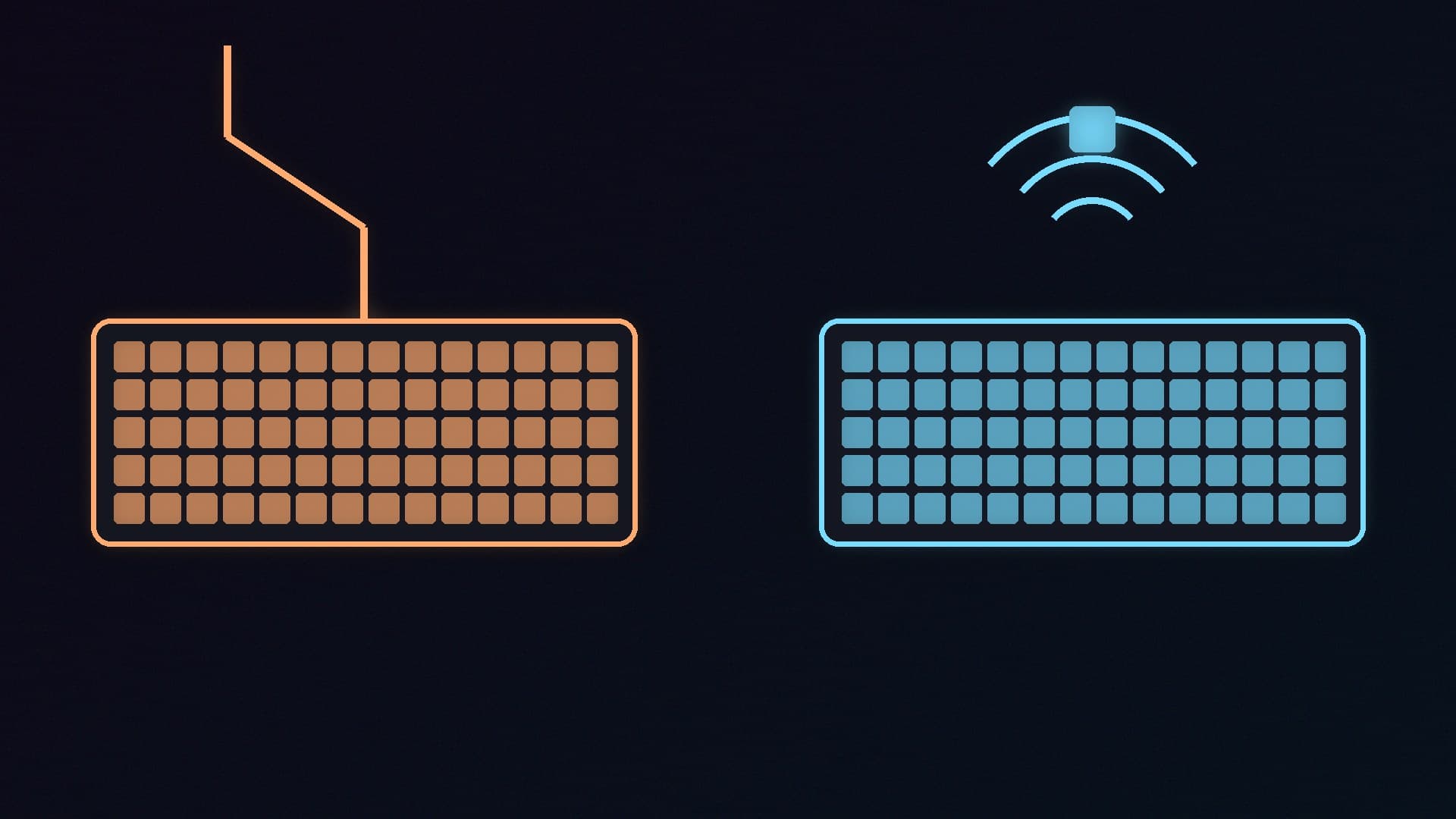
A wireless keyboard used to mean a compromise for gaming. Now gaming brands such as Corsair and Razer sell wireless versions of their keyboards with their own 2.4GHz dongles, and Corsair quotes the same 1,000Hz polling rate for its wireless K70 CORE TKL as for the wired one. So should you cut the cable? It depends on how much you value a tidy desk and switching between devices, and on how much you're willing to pay for it. Charging, and the very highest polling rates, are the other things to weigh up.
For a fair comparison we've used two pairs of specifications. One is Corsair's K70 CORE TKL in its wired and wireless versions, which share a layout and switches. The other is Razer's BlackWidow V4 Tenkeyless HyperSpeed, along with Corsair's wired K70 PRO TKL for the high-polling end. All the product pages were read on 24 November 2026. We haven't made up any latency measurements. Prices are approximate UK prices from the makers' own stores on that date, during Black Friday sales.
The short answer
Go wired if you want the lowest price, the highest polling rates or never having to charge anything.
Go wireless if you want a cleaner desk, would use the keyboard with more than one device, or sometimes play from the sofa or another room.
Polling rate and latency
Polling rate is how often the keyboard reports to your PC. At 1,000Hz, that's once every millisecond.
On Corsair's spec sheets, the wired K70 CORE TKL and the K70 CORE TKL WIRELESS both list a 1,000Hz report rate. Corsair says its SLIPSTREAM WIRELESS v1.5 connection on the wireless model is "sub-1ms" and "up to 25% faster" than its previous SLIPSTREAM version and other popular wireless keyboards. That's Corsair's own claim, and we haven't checked it independently. Razer says the BlackWidow V4 Tenkeyless HyperSpeed uses "ultra-fast 2.4 GHz wireless". Razer also sells a separate HyperPolling Wireless Dongle that it says raises the keyboard's polling rate to 4,000Hz.
Wired still has the top spot. Corsair's wired K70 PRO TKL lists a report rate of up to 8,000Hz through its AXON technology, eight times the 1,000Hz of the K70 CORE TKL boards. If you play competitive shooters and want the highest polling rate you can get, a wired keyboard is the simpler way to get it. Razer itself describes 4,000Hz as four times the "industry standard", which puts 1,000Hz as the baseline. For most players, 1,000Hz on either connection is enough. Our polling rate guide explains the same idea for mice.
Wireless and wired keyboards can now share competitive features. Corsair lists its FlashTap SOCD feature (which decides what happens when you press two opposing movement keys at once) on both the wired and wireless K70 CORE TKL. Razer offers Snap Tap on the BlackWidow V4 Tenkeyless HyperSpeed. Check whether your game allows these features before you rely on them in ranked play.
Battery life and charging
Battery life is the big practical difference. Makers quote very different figures depending on the connection and the lighting:
Keyboard | Connection | Quoted battery life |
|---|
Corsair K70 CORE TKL WIRELESS | SLIPSTREAM 2.4GHz | up to 890 hours with RGB off |
Corsair K70 CORE TKL WIRELESS | Bluetooth | up to 2,400 hours with RGB off |
Razer BlackWidow V4 Tenkeyless HyperSpeed | HyperSpeed or Bluetooth | up to 980 hours |
These are best-case figures from the makers. Corsair's are quoted with the lighting off, so expect less with RGB switched on. Razer has a Power Saving Mode that it says lowers the polling rate, turns off the lighting and pauses Synapse connectivity to stretch the battery. That's a reminder that the longest battery figures come with compromises. The Corsair has a detachable USB-C cable and a wired mode, and Razer mentions fast charging.
With a wired keyboard none of this applies. It's powered by the USB port and never needs charging.
Connections: dongle, Bluetooth and cable
Most wireless gaming keyboards now have three modes:
2.4GHz dongle for gaming. Corsair calls its version SLIPSTREAM and Razer calls its version HyperSpeed.
Bluetooth for laptops, tablets and other devices without a dongle. Razer lets you switch between three Bluetooth devices with hotkeys.
Wired USB-C, which also charges the battery.
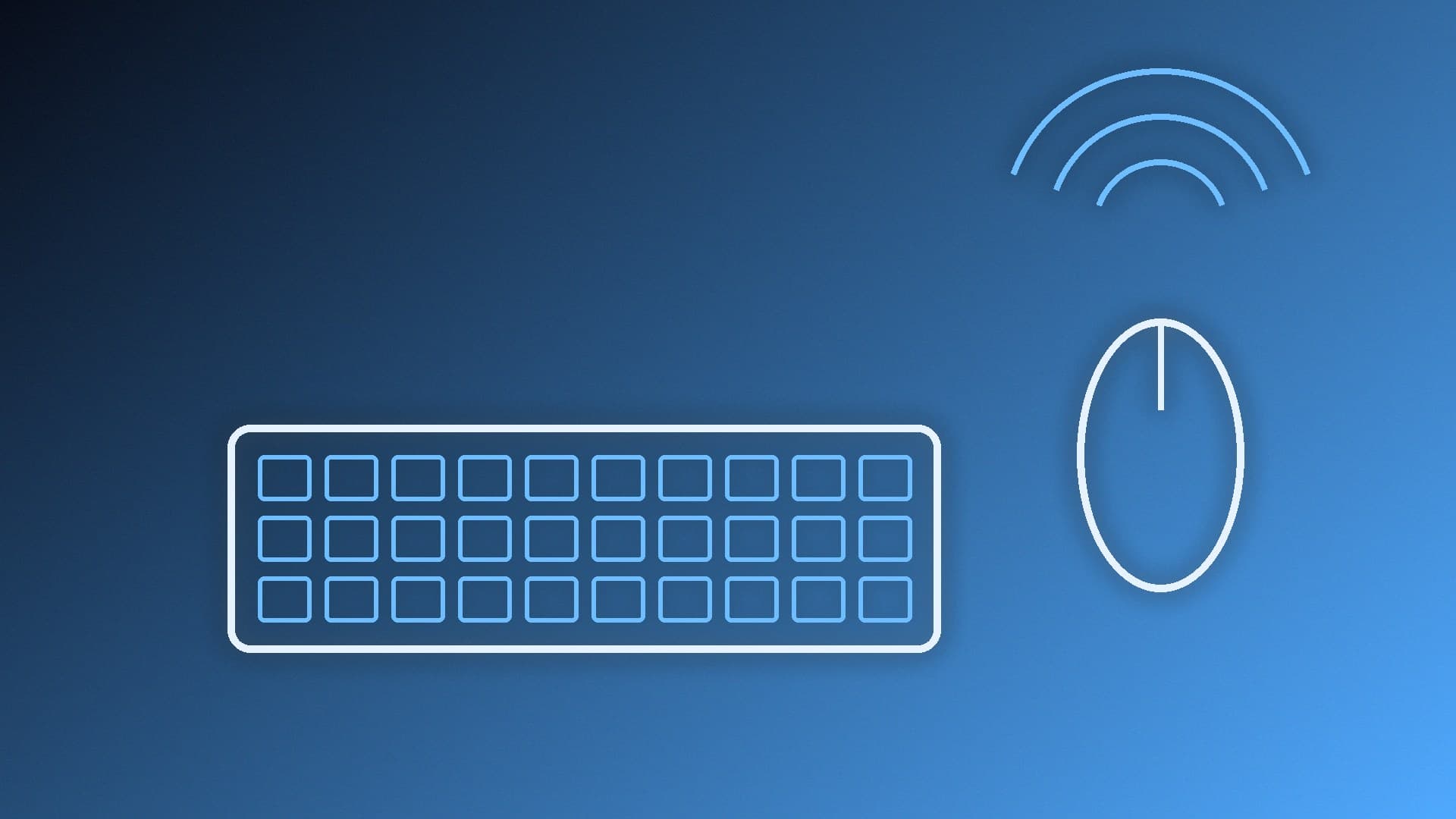
Small details matter here. Corsair says SLIPSTREAM v1.5 on the K70 CORE TKL WIRELESS doesn't support multipoint. Razer says you can pair a compatible Razer mouse to the BlackWidow V4 Tenkeyless HyperSpeed's dongle and run both from one USB port. If your PC is short of USB ports, check whether your keyboard and mouse can share a dongle.
If the wireless connection drops out or stutters, the dongle's position is one of the first things to check. Our guide to fixing wireless mouse and keyboard problems in Windows 11 covers the fixes.
Price
Wireless tends to cost more for the same keyboard. Corsair's UK store is a good example, because the wired and wireless K70 CORE TKL share the same layout, MLX Red v2 linear switches, aluminium top plate and rotary dial. On 24 November 2026, Corsair listed:
K70 CORE TKL (wired): about £69.99, down from £89.99
K70 CORE TKL WIRELESS: about £89.99, down from £139.99
That's roughly £20 extra for wireless at sale prices, or £50 at Corsair's quoted original prices. The wireless version does add a magnetic palm rest, which the wired one doesn't include. It also weighs a little more, at 0.804kg against 0.743kg. Razer's BlackWidow V4 Tenkeyless HyperSpeed was listed from about £119.99, down from £149.99. Its hot-swappable switch sockets are another way it differs from the Corsair pair. All of these are sale prices and will change, so check before you buy.
Wired vs wireless at a glance
| Wired | Wireless |
|---|
Polling rate | 1,000Hz common; up to 8,000Hz on boards such as the K70 PRO TKL | 1,000Hz common; higher only with specific dongles (such as Razer's HyperPolling dongle, 4,000Hz) |
Charging | never | needed; hundreds of hours quoted with lighting off |
Devices | one PC at a time | dongle plus Bluetooth, often several devices |
Desk clutter | one cable | none in wireless mode |
Price (same model) | lower | higher (about £20 extra for Corsair's K70 CORE TKL pair on 24 Nov 2026) |
Fallback | n/a | some, such as the K70 CORE TKL WIRELESS, can also run wired over USB-C |
Which should you choose?
Choose wired if: - you mainly play competitive games and want 4,000Hz or 8,000Hz polling without buying extra hardware - you'd rather spend the extra money on better switches. See our Hall effect vs mechanical comparison. - your keyboard never moves from one desk
Choose wireless if: - you want a clean, cable-free desk - you'd switch the same keyboard between a gaming PC, a work laptop and a tablet - you sometimes play on a TV across the room
The same reasoning applies to mice. Our wired vs wireless gaming mouse comparison covers it, and the mouse moves around far more than a keyboard does, so a cable gets in the way more. When you're ready to choose a model, see our best gaming keyboard guide.
Our verdict
For most people, a modern wireless gaming keyboard is good enough for gaming. Corsair quotes 1,000Hz polling over its 2.4GHz dongle, the same as its wired K70 CORE TKL, and battery life is quoted in hundreds of hours with the lighting off. Wireless still costs more for the same keyboard: about £20 more for Corsair's K70 CORE TKL on 24 November 2026. It also needs charging, especially with RGB on. Wired is still the cheaper, simpler choice and the easy route to 8,000Hz polling. Choose wireless for a tidy desk and multi-device use, and wired for value and the highest polling rates. This comparison is based on the makers' specifications.