It's based on AMD's and NVIDIA's official product pages and NVIDIA's datasheet, plus Ollama's and vLLM's published hardware support lists, all read on 24 November 2026.
These are two of the most sensible workstation cards for anyone who wants more memory than a mid-range gaming GPU offers without paying for a 96GB flagship. Both appear in our best workstation GPU for AI guide, but they take very different approaches. AMD's Radeon AI PRO R9700 maximises memory: 32GB on a single card. NVIDIA's RTX PRO 4000 Blackwell maximises density: 24GB on a single-slot card that draws less than half the power. Which approach suits you depends on the models you run, the software you use and how many cards you eventually want in one PC.
Specifications compared
| AMD Radeon AI PRO R9700 | NVIDIA RTX PRO 4000 Blackwell |
|---|
Architecture | RDNA 4 | Blackwell |
Shader cores | 4,096 stream processors (64 compute units) | 8,960 CUDA cores |
AI hardware | 128 AI accelerators | Fifth-generation Tensor Cores |
Memory | 32GB GDDR6 | 24GB GDDR7 with ECC |
Memory bus | 256-bit | 192-bit |
Memory bandwidth | 640GB/s | 672GB/s |
ECC | Yes (Linux only) | Yes |
Power | 300W total board power | 145W total board power |
Power connector | 12V-2x6 | 1x PCIe CEM5 16-pin |
Width | Double slot | Single slot, full height |
Interface | PCIe 5.0 x16 | PCIe 5.0 x16 |
Recommended PSU | 750W minimum (AMD) | Not stated on the product page |
OS support listed | Windows 10/11 64-bit, Linux x86 64-bit | CUDA 12.8 compute API listed |
Figures are from AMD's R9700 product page and NVIDIA's RTX PRO 4000 Blackwell product page and datasheet.
Memory: 32GB vs 24GB is the headline difference
For local large language models (LLMs), the amount of video memory decides which models fit entirely on the GPU. A model's weights, plus its context (the KV cache), need to sit in VRAM for the best speed; anything that spills into system RAM slows down sharply. Our guide to LLM context length and VRAM explains why long chats need extra memory on top of the model itself.
The R9700's extra 8GB is meaningful. It gives you headroom for a larger quantised model, a higher-precision version of the same model, or a longer context window on one card. The same logic applies to image and video generation: larger diffusion models and higher resolutions need more memory, so the bigger pool gives you more room before you have to compromise. For a broader look at sizing, see how much VRAM you need in 2026.
The RTX PRO 4000 has one memory advantage of its own: ECC on every platform. AMD lists ECC support on the R9700 as Linux only.
Bandwidth: almost identical
Token generation speed in LLMs is often limited by memory bandwidth rather than raw compute, as our memory bandwidth explainer covers. Here the two cards are very close on paper: 640GB/s for the R9700 and 672GB/s for the RTX PRO 4000. NVIDIA gets there with faster GDDR7 on a narrower 192-bit bus; AMD uses GDDR6 on a 256-bit bus. On specifications alone, neither card has a clear bandwidth advantage, so real-world speed will depend more on the software stack and the model than on this line of the spec sheet.
AMD lists 383 TOPS of INT8 matrix performance for the R9700 (766 with structured sparsity), and 191 TFLOPS of FP16 matrix performance. NVIDIA's product page lists 1,290 AI TOPS for the RTX PRO 4000, but its footnote says this is a theoretical FP4 figure using sparsity, and the datasheet gives an older 1,178 AI TOPS figure. Because these are different precisions and different counting methods, you can't simply divide one by the other. Our TOPS vs TFLOPS explainer and FP4 vs FP8 vs FP16 guide explain why. What the figures do tell you is that both cards have dedicated matrix hardware for AI, and that NVIDIA's Blackwell Tensor Cores support FP4, which matters if your software uses FP4 models.
Software: CUDA is still the easier path
This is where many buyers will make their decision. NVIDIA's CUDA remains the platform most AI tools target first. Ollama's GPU support page lists the RTX PRO 4000 Blackwell under compute capability 12.0, alongside the GeForce RTX 50-series.
AMD support has improved a lot. Ollama's page lists the Radeon AI PRO R9700 among its supported ROCm cards, and it notes that Ollama needs the ROCm v7 driver on Linux, with Vulkan as an additional option on Windows and Linux. vLLM's GPU installation guide lists Radeon RX 9000-series (gfx1200/1201) GPUs among its supported AMD ROCm targets; the R9700 uses the same RDNA 4 architecture, but check vLLM's documentation for your exact card before relying on it. If you're new to the AMD stack, read CUDA vs ROCm vs Vulkan for local AI and our guide to installing ROCm on Ubuntu.
In short: if your workflow depends on CUDA-only tools, extensions or tutorials, the RTX PRO 4000 avoids a whole class of problems. If you mostly run LLMs through Ollama, llama.cpp or LM Studio, the R9700 is a realistic choice.
Power, size and multi-GPU builds
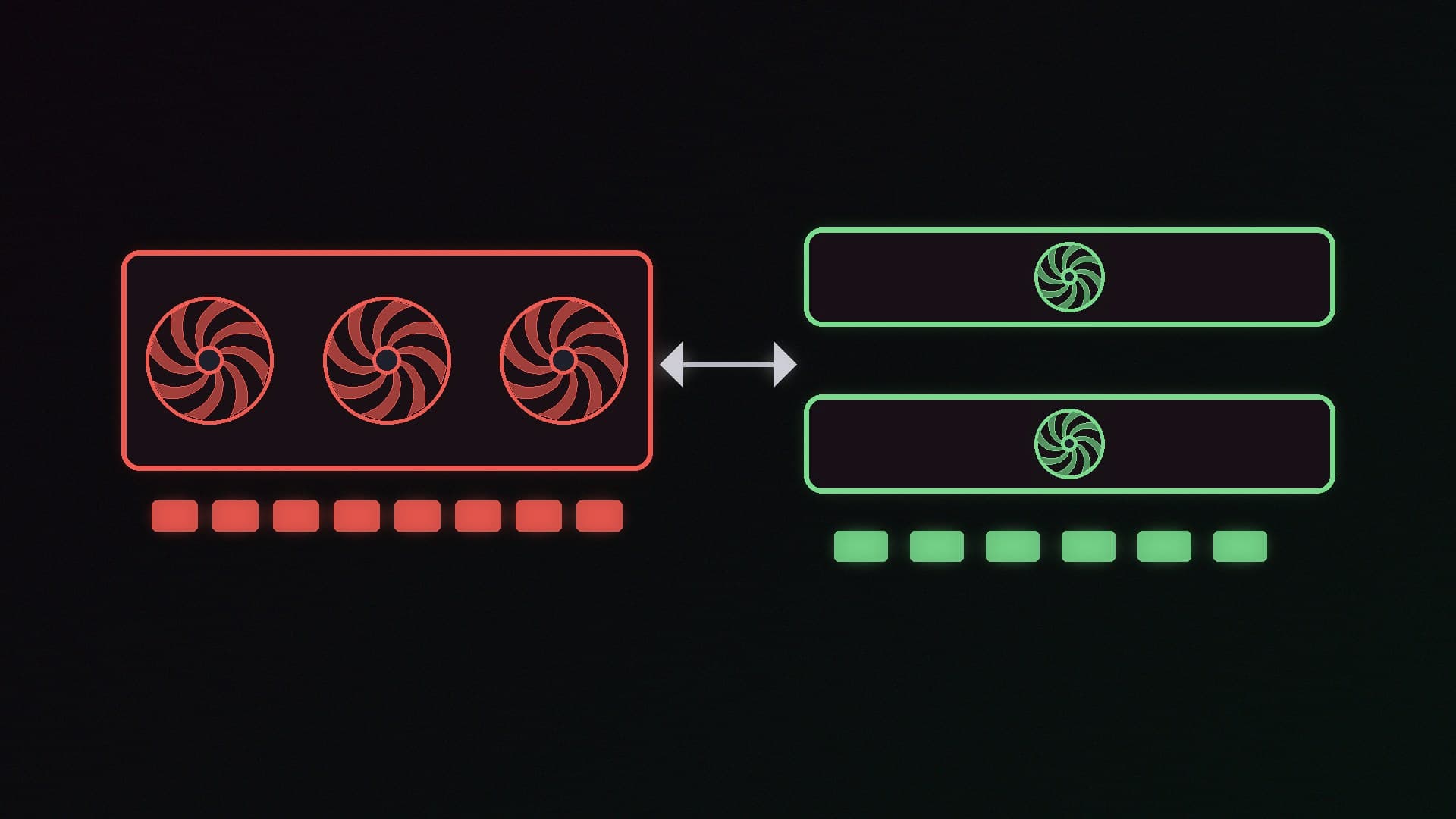
The RTX PRO 4000's 145W rating and single-slot width are its biggest advantages. Two of them total 290W of board power, which is less than one R9700, and they take up just two slots between them. That makes a pair of RTX PRO 4000 cards (48GB in total) much easier to cool and power in a normal tower than a pair of 300W double-slot cards. Our guides to running a local LLM on two GPUs and the best motherboard for dual-GPU local AI cover the practical side.
The R9700 is a 300W double-slot card, and AMD recommends at least a 750W power supply for a single card. That's manageable in a standard ATX build, but two cards need careful planning around slot spacing, airflow and power; our PSU guide for local AI PCs can help. Partner card designs vary, so check the cooler type too: our blower vs open-air GPU comparison explains why it matters in multi-card builds.
Price and availability
We haven't listed UK prices. Workstation cards are often sold through business resellers, and pricing for both cards varies between UK suppliers, so get current quotes from specialists such as Scan before deciding. Compare the cost per gigabyte of VRAM as well as the headline price, because that's the number that matters most for local AI. The R9700 is sold as partner-branded cards; you can see the specifications of one, the PowerColor AI Pro R9700 32GB, in our products database.
Which should you buy?
Choose the Radeon AI PRO R9700 if: - You want the most memory you can get on one card at this level (32GB). - You mainly run LLMs through Ollama, llama.cpp, LM Studio or vLLM, and you're happy using ROCm or Vulkan. - You're building a single-GPU workstation with a standard ATX case and a 750W or larger PSU.
Choose the RTX PRO 4000 Blackwell if: - You need CUDA compatibility for the widest range of AI tools. - You want ECC memory on Windows as well as Linux. - You plan to fit two or more cards, or you're building a compact or quiet workstation where 145W and a single slot really help.
If 24GB and 32GB both feel too small, NVIDIA's 96GB RTX PRO 6000 Blackwell Workstation Edition is the big step up; we compare it with the gaming flagship in RTX PRO 6000 vs RTX 5090 for local AI. AMD's card also faces competition from Intel: see Arc Pro B60 vs Radeon AI PRO R9700, and our RTX PRO 4000 Blackwell vs RTX 5070 Ti comparison weighs NVIDIA's card against a gaming alternative.
Our verdict
For a single-card local AI PC, the AMD Radeon AI PRO R9700 is the better pick on paper because 32GB of VRAM lets you run larger models or longer contexts than the RTX PRO 4000's 24GB, at near-identical memory bandwidth (640GB/s vs 672GB/s). The NVIDIA RTX PRO 4000 Blackwell is the better choice if you depend on CUDA, want ECC on Windows, or plan a multi-GPU workstation: at 145W and a single slot, two of them give you 48GB for less board power than one 300W R9700. Get current UK quotes for both before you buy, because workstation card pricing varies widely between resellers.