Our picks are based on each manufacturer's official specification pages, read on 24 November 2026, with a focus on how the PCIe slots wired to the processor share their lanes. We've left out prices because they move around a lot, especially around Black Friday.
Adding a second graphics card is one of the most popular ways to run bigger local language models (LLMs). Tools such as llama.cpp, Ollama and LM Studio can split a model's layers across two GPUs, so two 16GB or 24GB cards give you a much bigger pool of video memory (VRAM) than one. We cover the software side in our guide on how to run a local LLM on two GPUs. The hardware side starts with the motherboard, and it's where many dual-GPU builds go wrong.
What to look for in a dual-GPU motherboard
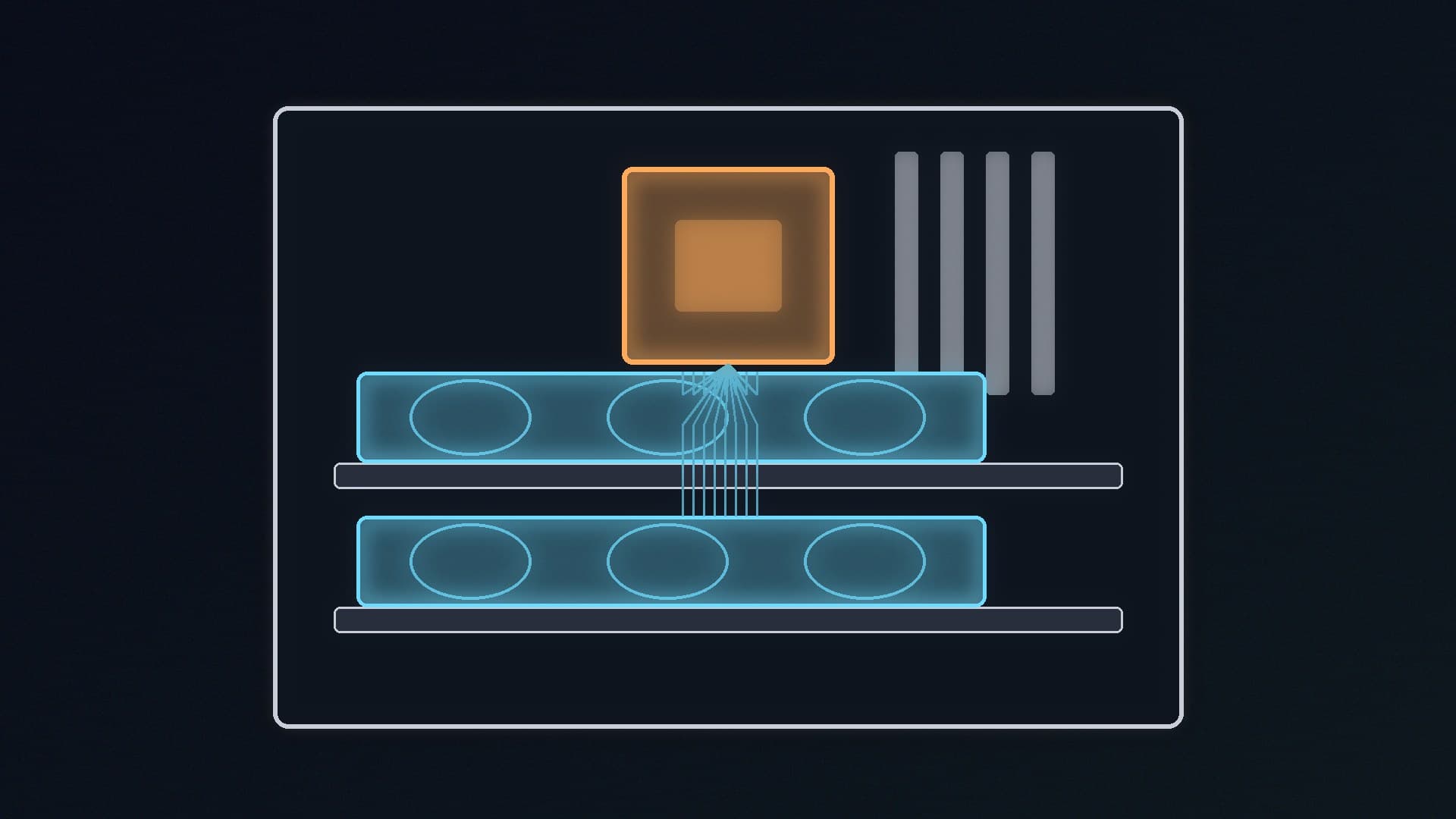
Two slots wired to the CPU that split x8/x8. Mainstream desktop processors on AMD's AM5 and Intel's LGA 1851 platforms give the graphics slots 16 PCIe lanes in total. A good dual-GPU board can split those lanes evenly, so each card gets eight PCIe 5.0 lanes. Many cheaper boards have only one slot wired to the CPU; the second full-length slot hangs off the chipset and often runs at x4 PCIe 4.0 or less, sharing the chipset's link with your SSDs, USB ports and network.
Know what shares lanes with what. Several of the boards below take lanes from the second graphics slot when you fill certain M.2 slots. That's not a deal-breaker, but you need to read the footnotes before deciding which SSD slot to use.
Does x8 matter for AI? For inference, the PCIe link mostly affects how quickly a model loads into VRAM and, when a model is split across cards, how quickly data passes between them. Our explainer on PCIe x16 vs x8 for graphics cards goes into the detail. The practical point is that x8 PCIe 5.0 to each card is a sensible target, while a card stuck on x4 through the chipset is more of a compromise.
Room for the cards themselves. Big consumer cards are often thicker than two slots. NVIDIA, for example, asks for three unused expansion slots for the dual-slot GeForce RTX 5090 Founders Edition and says leaving a further slot's worth of space typically improves airflow. Check the slot spacing in the motherboard manual against your cards' thickness, and see our guide to choosing a PSU for a local AI PC before you buy two power-hungry cards.
At a glance
Motherboard | Platform | CPU-connected graphics slots | Dual-GPU mode | Extra chipset slot |
|---|
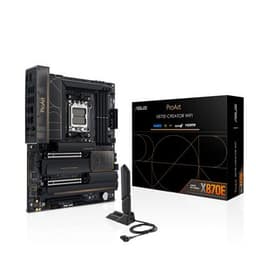
ASUS ProArt X870E-Creator WiFi | AM5, X870E | 2x PCIe 5.0 x16 | x8/x8 | 1x PCIe 4.0 (x4) |
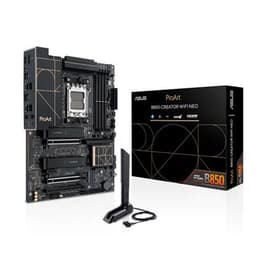
ASUS ProArt B850-Creator WiFi Neo | AM5, B850 | 2x PCIe 5.0 x16 | x8/x8 | 1x PCIe 4.0 (x4), 1x PCIe 4.0 x1 |
ASUS ProArt Z890-Creator WiFi | LGA 1851, Z890 | 2x PCIe 5.0 x16 | x8/x8 | 1x PCIe 4.0 (x4) |
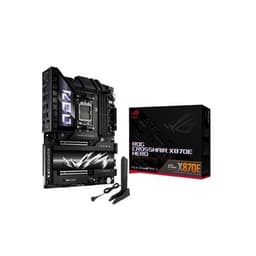
ASUS ROG Crosshair X870E Hero | AM5, X870E | 2x PCIe 5.0 x16 | x8/x8 | None listed |
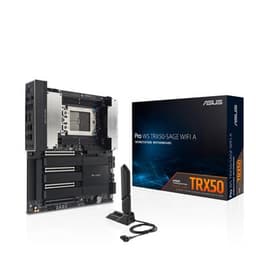
ASUS Pro WS TRX50-SAGE WiFi A | sTR5, TRX50 | 3x PCIe 5.0 x16, 1x PCIe 4.0 x16 | Full-width slots | n/a |
All slot details are for Ryzen 9000 or 7000, Core Ultra 200S or Threadripper processors as listed by the manufacturer. AM5 boards behave differently with Ryzen 8000-series chips, which have fewer lanes, so avoid those processors for a dual-GPU build.
Best overall: ASUS ProArt X870E-Creator WiFi
ASUS's ProArt X870E-Creator WiFi is the AM5 board we'd shortlist first for a two-card AI build. ASUS lists two PCIe 5.0 x16 slots connected to the processor that run as x16, x8/x8 or x8/x4/x4, and says that when you use both, each runs at x8. There's also a third full-length PCIe 4.0 slot from the X870E chipset that runs at x4, which is handy for a network card or capture card.
The catch is in the footnotes. The second graphics slot shares bandwidth with the M.2_2 slot: if you use M.2_2, ASUS says the first slot drops to x8 and the second to x4. For a dual-GPU build, put your SSDs in M.2_1, M.2_3 and M.2_4 instead. That still leaves you a PCIe 5.0 x4 slot for a boot drive and two PCIe 4.0 x4 slots for model storage.
The rest of the spec sheet suits a machine that might double as a home AI server. ASUS lists 10Gb Marvell AQtion and Intel 2.5Gb Ethernet, two USB4 ports, four DIMM slots supporting up to 256GB of DDR5, and support for both ECC and non-ECC unbuffered memory. If you want to share models across your home network, the 10Gb port is a genuine advantage. Our best X870E motherboards guide covers other options on the same chipset.
Best value: ASUS ProArt B850-Creator WiFi Neo
You don't need an X870E board to get a proper x8/x8 split. ASUS's ProArt B850-Creator WiFi Neo uses the cheaper B850 chipset but still lists two PCIe 5.0 x16 slots from the processor supporting x16 or x8/x8, with each running at x8 when both are in use. Its footnotes are friendlier for dual-GPU builders too: the lane-sharing note applies to the chipset slot and M.2_3, not the two graphics slots.
You give up some extras compared with the X870E-Creator. ASUS lists three M.2 slots rather than four (two PCIe 5.0 x4 from the CPU and one PCIe 4.0 x4 from the chipset, which disables the chipset x16 slot when used), two 5Gb Realtek Ethernet ports rather than 10Gb, and no USB4 ports on the rear panel, though there's a Thunderbolt (USB4) header for an add-in card. ASUS says it supports up to 256GB of DDR5, ECC and non-ECC unbuffered, and AMD EPYC 4005-series processors as well as Ryzen 9000, 8000 and 7000. For a budget-conscious two-card build, it's the most sensible board here.
Best for Intel: ASUS ProArt Z890-Creator WiFi
If you're building on Intel's Core Ultra 200S platform, ASUS's ProArt Z890-Creator WiFi has the same layout philosophy: two PCIe 5.0 x16 slots from the processor supporting x16 or x8/x8, plus a PCIe 4.0 x16 slot from the Z890 chipset that runs at x4. ASUS notes that the chipset slot is disabled when the M.2_5 slot is in use, so leave M.2_5 empty if you need that third slot.
ASUS lists five M.2 slots, 10Gb and 2.5Gb Ethernet, two Thunderbolt 5 ports and up to 256GB of DDR5 including CUDIMM support. It's a strong option if you already prefer Intel, though AM5 gives you more board choice for this kind of build.
Best gaming board that also works: ASUS ROG Crosshair X870E Hero
If you want one PC for both gaming and local AI, the ROG Crosshair X870E Hero also lists two PCIe 5.0 x16 slots that run x16, x8/x8 or x8/x4/x4 with Ryzen 9000 and 7000 processors. Read the lane-sharing notes carefully, though. ASUS says that enabling M.2_2 disables the second graphics slot and that enabling M.2_3 drops it to x4, with the first slot running at x8 in both cases. For two graphics cards at x8/x8, keep M.2_2 and M.2_3 empty and use M.2_1, M.2_4 and M.2_5.
ASUS doesn't list a third chipset-connected expansion slot on this board, so there's less room for add-in cards than on the ProArt boards. It does have five M.2 slots, a SlimSAS connector, two USB4 ports and Intel 2.5Gb plus Realtek 5Gb Ethernet.
Best for three or more GPUs: ASUS Pro WS TRX50-SAGE WiFi A
Mainstream platforms top out at two cards at x8 each. If you want three or four graphics cards, each with a full set of lanes, you need a workstation platform. ASUS's Pro WS TRX50-SAGE WiFi A, for AMD Ryzen Threadripper 9000 and 7000 processors (PRO and non-PRO), lists three PCIe 5.0 x16 slots and a fourth PCIe 4.0 x16 slot. Compare that with the earlier Pro WS TRX50-SAGE WiFi, which ASUS lists with one of its PCIe 5.0 slots in x8 mode and a PCIe 4.0 slot in x4 mode.
It's a very different class of build: a CEB-size board (30.5 x 28cm), four slots of ECC registered DDR5 in a four-channel arrangement, 10Gb and 2.5Gb Ethernet, and a BMC header for an optional IPMI remote-management card. Threadripper processors and registered memory cost far more than mainstream parts, so this only makes sense if you genuinely need more than two cards. If that's you, workstation-style dual-slot cards like the ones in our best 32GB graphics cards for local AI guide are designed to sit closer together than chunky gaming cards.
Also worth a look
MSI's MEG X870E Godlike also lists PCIe 5.0 x16/x0 or x8/x8 operation across its two CPU-connected slots with Ryzen 9000 and 7000 processors, plus a PCIe 4.0 x4 chipset slot. It's an E-ATX board (304.8 x 277mm), so check your case supports that size.
Which should you choose?
Most AM5 dual-GPU builds: ASUS ProArt X870E-Creator WiFi, keeping M.2_2 empty.
A cheaper AM5 build: ASUS ProArt B850-Creator WiFi Neo, which keeps x8/x8 on the B850 chipset.
Intel Core Ultra 200S: ASUS ProArt Z890-Creator WiFi.
A combined gaming and AI PC: ASUS ROG Crosshair X870E Hero, keeping M.2_2 and M.2_3 empty.
Three or four GPUs: ASUS Pro WS TRX50-SAGE WiFi A with a Threadripper processor.
Whichever you pick, download the manual before you buy and check three things: the physical gap between the two graphics slots, which M.2 slots steal lanes, and whether your case has enough expansion-slot openings for the second card. And remember that system RAM still matters when models spill out of VRAM; our guide to how much RAM you need for local AI explains why.
Our verdict
For most people building a two-GPU local AI PC, the ASUS ProArt X870E-Creator WiFi is the motherboard to buy: ASUS lists a clean x8/x8 PCIe 5.0 split across its two CPU-connected slots, a spare chipset slot, 10Gb Ethernet and up to 256GB of DDR5, as long as you leave the M.2_2 slot empty. The ProArt B850-Creator WiFi Neo gives you the same x8/x8 split for less, the ProArt Z890-Creator WiFi is the equivalent pick for Intel, and the Pro WS TRX50-SAGE WiFi A is the step up when two cards aren't enough. Avoid boards whose second full-length slot runs from the chipset, because that's where dual-GPU AI builds most often get held back.