Skip to content

VersusMotherboard

PCIe x16 vs x8 for Graphics Cards: Does Lane Count Matter?

PCIe x16 vs x8 for graphics cards: what lane count means, PCIe 5.0 x16 (64GB/s) vs PCIe 4.0 x16 (32GB/s) per TechPowerUp, why PCIe 5.0 x8 roughly matches PCIe 4.0 x16, M.2 lane sharing, and how to check your link.

By , Senior Hardware Editor

2 min read

PCIe x16 vs x8 for Graphics Cards: Does Lane Count Matter?

Most graphics cards plug into a full-length PCIe x16 slot, but that slot doesn't always run at x16. Some motherboards drop it to x8 when you fill certain M.2 slots, some second slots are wired at x8 or x4, and some cards only use eight lanes. This explainer covers what x16 and x8 mean, how bandwidth changes with each PCIe generation, and how to check what your card is getting.

What x16 and x8 mean

The "x" number is the count of PCIe lanes between the slot and the CPU. An x16 link has twice as many lanes as x8, so twice the bandwidth at the same PCIe generation. Each new generation doubles the per-lane rate. TechPowerUp notes that PCIe 5.0 runs at 32 GT/s per lane, double PCIe 4.0, and gives these totals for an x16 link:

Link

Approximate bandwidth (per TechPowerUp)

PCIe 5.0 x16

64GB/s

PCIe 4.0 x16

32GB/s

Because PCIe 5.0 doubles PCIe 4.0's per-lane rate, a PCIe 5.0 x8 link has roughly the same bandwidth as PCIe 4.0 x16.

When your card might run at x8

  • Shared lanes with M.2 slots. On some motherboards, populating a particular M.2 slot splits the main slot's lanes, so the GPU drops to x8. TechPowerUp's RTX 5090 testing specifically looked at "the impact when an SSD eats half your PCIe lane budget". Check your motherboard manual's lane-sharing table before choosing which M.2 slot to use.

  • A secondary slot. Lower full-length slots are often wired with fewer lanes. TechPowerUp also tested whether an RTX 5090 runs well in the bottom x16 slot.

  • The card itself. Check your card's specifications for its PCIe interface width.
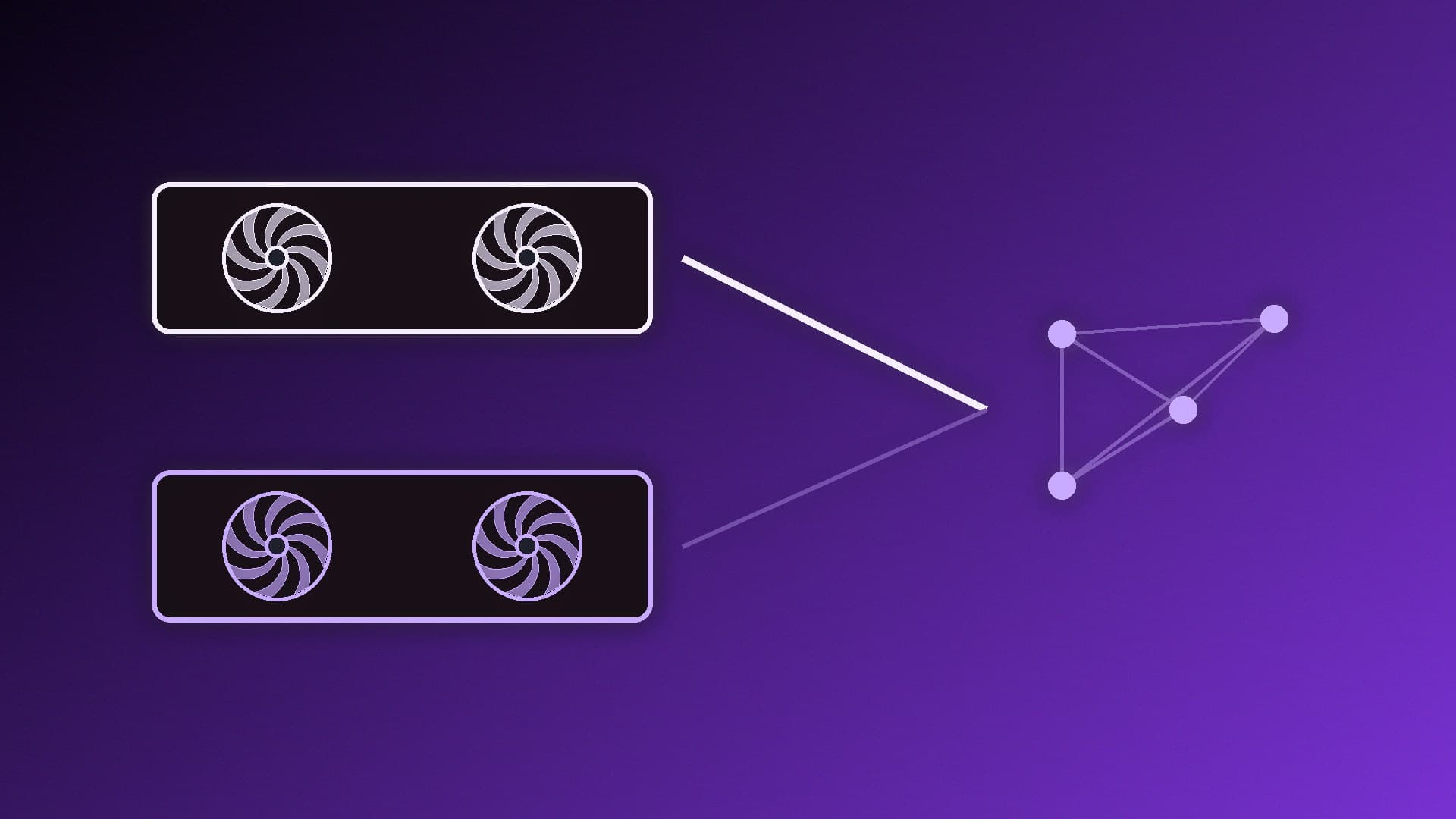
For how motherboard chipsets differ in lanes, see B850 vs X870.

Does it matter for games?

It depends on the card, the PCIe generation and the game. TechPowerUp tested the GeForce RTX 5090 at different PCIe speeds and bandwidths, from PCIe 5.0 down to PCIe 1.1, across resolutions with ray tracing on and off. Read its results for the specific figures rather than relying on general rules. As a principle, an x8 link on PCIe 5.0 gives about the same bandwidth as x16 on PCIe 4.0, so lane count matters more when your card or motherboard is limited to an older PCIe generation.

For local AI, splitting a model across two GPUs often means each runs at x8; see how to run a local LLM on two GPUs.

Tools like GPU-Z show your link width and generation. Our guide to checking your GPU's PCIe link speed explains how.

Our verdict

PCIe x16 gives a graphics card twice the bandwidth of x8 at the same generation, but because each generation doubles the per-lane rate, PCIe 5.0 x8 roughly matches PCIe 4.0 x16. Check your motherboard manual for M.2 lane sharing, use the top slot for your GPU, and see TechPowerUp's scaling tests for how much a given card is affected.

The bottom line

PCIe x16 gives a graphics card twice the bandwidth of x8 at the same generation, but because each generation doubles the per-lane rate, PCIe 5.0 x8 roughly matches PCIe 4.0 x16. Check your motherboard manual for M.2 lane sharing, use the top slot for your GPU, and see TechPowerUp's scaling tests for how much a given card is affected.

Sources

  1. 01TechPowerUp, NVIDIA GeForce RTX 5090 PCI-Express Scaling

About the author

Callum Reid

Senior Hardware Editor

Callum leads GPU, CPU and platform architecture coverage at Forge PC. Before joining the editorial desk, he spent nine years specifying, assembling and stress-testing custom gaming and workstation systems in the UK, with a focus on PCIe bandwidth, VRM thermal design, DDR5 memory tuning and 1440p/4K frame-time consistency.

More from Callum Reid

Read next

How to Choose Which GPU Ollama Uses (or Force CPU)

How-To

How to Choose Which GPU Ollama Uses (or Force CPU)

How to make Ollama use a specific graphics card with CUDA_VISIBLE_DEVICES (NVIDIA), ROCR_VISIBLE_DEVICES (AMD ROCm) or GGML_VK_VISIBLE_DEVICES (Vulkan), how to force CPU-only with an invalid ID, and how to check the result with ollama ps.

Marcus Thorne2 min

How to Log GPU Usage, Temperature and Power With nvidia-smi

How-To

How to Log GPU Usage, Temperature and Power With nvidia-smi

How to log an NVIDIA graphics card's utilisation, VRAM, temperature and power draw to a CSV file with nvidia-smi's --query-gpu, --format=csv, -l and -f options, plus the dmon alternative, based on NVIDIA's documentation.

Marcus Thorne3 min

How to Enable K/V Cache Quantisation in Ollama (and Save VRAM)

How-To

How to Enable K/V Cache Quantisation in Ollama (and Save VRAM)

How to cut the memory Ollama's K/V context cache uses by setting OLLAMA_KV_CACHE_TYPE to q8_0 (about half of f16) or q4_0 (about a quarter), which needs Flash Attention, with steps for Windows, Linux and macOS from Ollama's FAQ.

Marcus Thorne2 min