Running local AI models such as LLMs or image generators can keep a graphics card busy for long stretches, and many AI builders want a bigger GPU, or two. That makes the power supply more important than in a typical gaming PC. This guide uses NVIDIA's published power figures.
NVIDIA lists a Total Graphics Power (TGP) and a Required System Power for each card. From NVIDIA's UK spec pages:
Card | VRAM | Total Graphics Power | Required System Power |
|---|
RTX 5090 | 32GB GDDR7 | 575W | 1,000W |
RTX 5070 Ti | 16GB GDDR7 | 300W | 750W |
RTX 5070 | 12GB GDDR7 | 250W | 650W |
NVIDIA's footnote says the minimum is based on a PC with a Ryzen 9 9950X, recommends a PCIe CEM 5.1 compliant PSU, and warns that requirements differ by system configuration. If your card is a factory-overclocked model, check the card maker's own recommendation too, as it can be higher.
Step 2: Add everything else
Add your CPU's power and the rest of the system. Our PSU wattage guide walks through the sum. Long AI jobs can keep the GPU busy for extended periods, so leaving headroom above your estimate is the cautious choice rather than running a PSU near its limit for hours.
Step 3: Two GPUs need their own maths
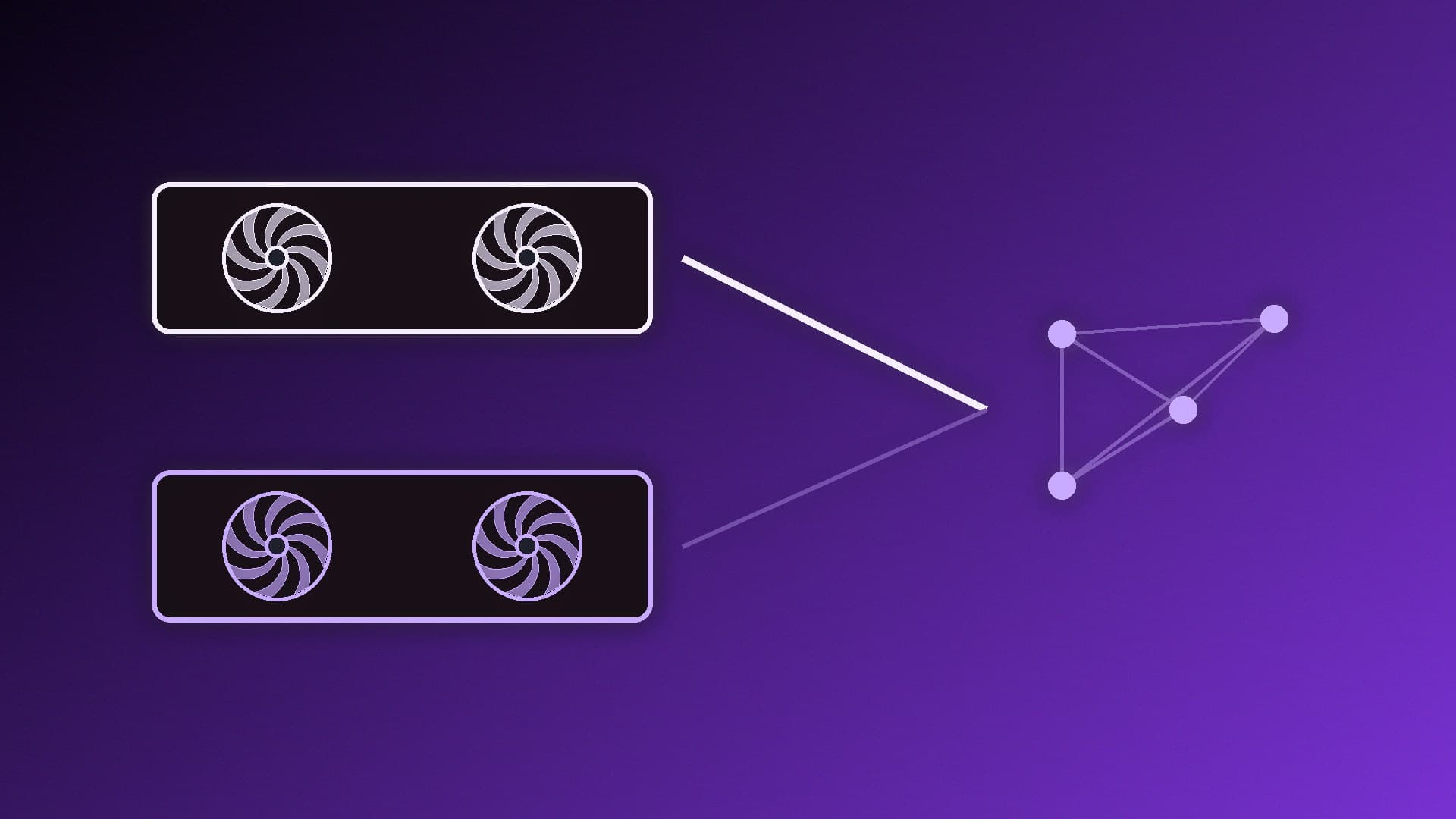
If you're splitting a model across two cards, as in our two-GPU local LLM guide, add both cards' TGP. NVIDIA's Required System Power figures are given for a single-card PC, so they don't cover a second card. Also check:
Connectors. NVIDIA lists the RTX 5090 as needing four 8-pin PCIe cables via the adapter or one 600W PCIe Gen 5 (12V-2x6) cable, and the RTX 5070 and 5070 Ti as two 8-pin cables or a 300W-or-greater PCIe Gen 5 cable. Make sure the PSU has enough native cables for every card.
Physical fit. Two large cards also need a case and motherboard with the right slot spacing.
Step 4: Choose the right standard and certification
ATX 3.1 / PCIe CEM 5.1 with native 12V-2x6 cables, in line with NVIDIA's recommendation. See ATX 3.1 vs ATX 3.0.
Efficiency. A more efficient PSU wastes less power as heat during long runs; our 80 PLUS Gold vs Platinum comparison covers what the ratings mean.
Connect cables carefully. Fully seat 12V-2x6 plugs, as our 12V-2x6 guide explains.
Step 5: Consider capping GPU power
If your PSU is borderline, or you want a quieter AI box, you can lower the GPU's power limit. Our nvidia-smi power limit guide shows how. It may reduce performance, and it isn't a substitute for a correctly sized PSU.
For specific units, see our best 1000W power supply and best power supply guides.
Our verdict
Start with NVIDIA's Required System Power for your card, add up the rest of your system, and leave headroom for long AI runs. For two GPUs, add both cards' TGP and make sure the PSU has enough native PCIe cables. Choose an ATX 3.1 unit with 12V-2x6 support.