An all-in-one (AIO) liquid cooler's radiator has to fit somewhere in your case, and "supports 360mm radiators" on a spec sheet doesn't always tell the whole story. This guide shows what to check, using examples from case makers' published specification pages.
Step 1: Know your radiator's size
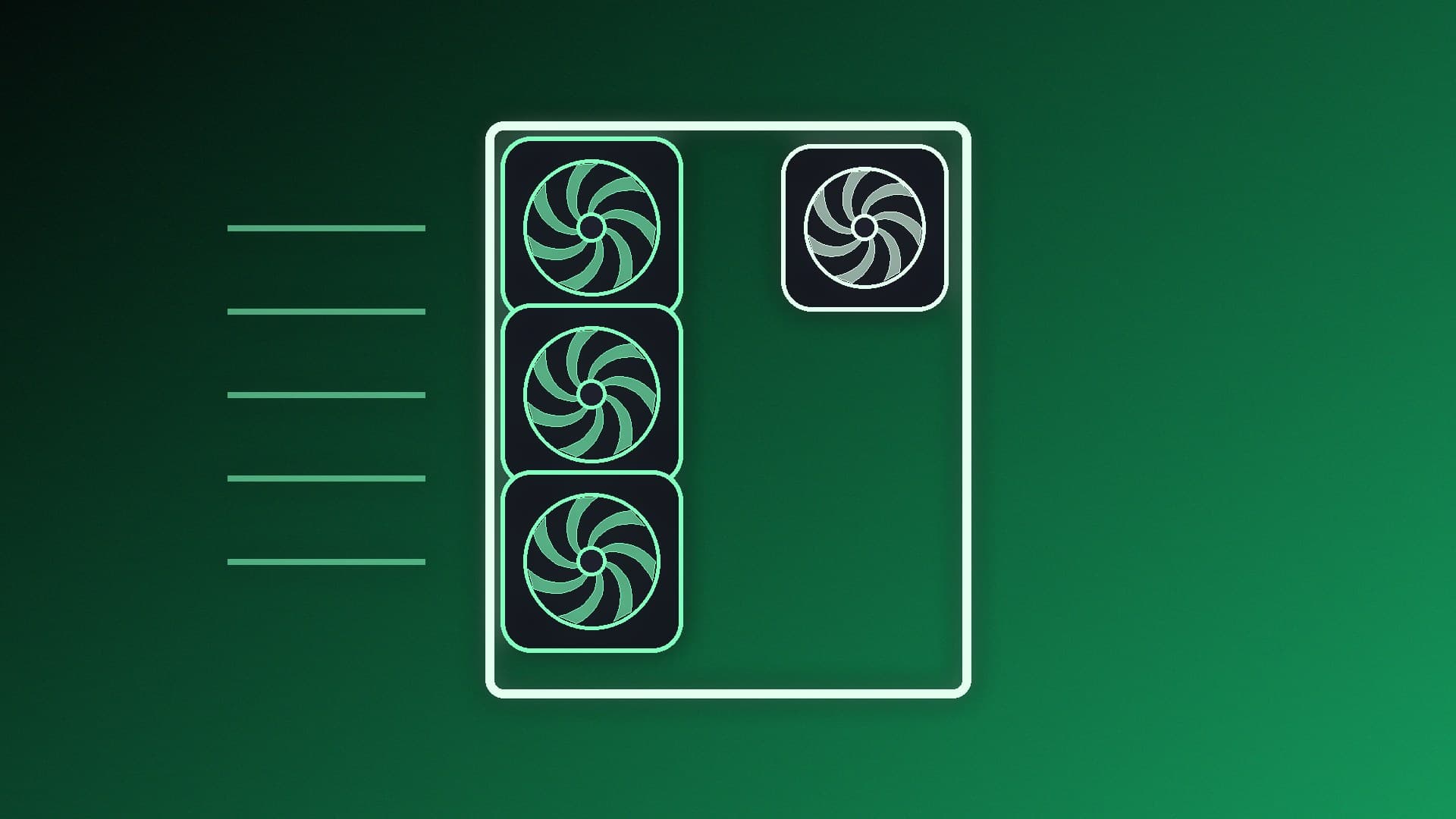
AIO radiators are named after the fans they carry: a 240mm radiator takes two 120mm fans, a 280mm takes two 140mm fans and a 360mm takes three 120mm fans. The radiator itself is usually longer than the name suggests because of its end tanks, and it has a thickness too; both are normally listed in the cooler's specifications. Note:
Length and width of the radiator itself.
Radiator thickness, plus the thickness of the fans (typically 25mm) if they sit on the same side.
Tube length, so the pump can reach the CPU from the mounting position you have in mind.
Our 240mm vs 360mm AIO comparison helps you choose a size.
Step 2: Check which positions support which sizes
Case makers list radiator support by position, and it's often different at the top and front. Examples from makers' spec tables:
Case | Top | Front | Other |
|---|
Lian Li Lancool 207 | 360/280/240mm | Not listed | - |
Lian Li Lancool 217 | 360/280/240mm | Not listed | - |
Fractal Design Pop 2 Air | 120/240/360mm | Not listed | Rear 120mm |
Phanteks XT Pro | Up to 360mm | Up to 240mm | Rear 120mm |
If a size isn't listed for a position, assume it won't fit there.
Some makers publish exact maximum dimensions. Phanteks, for example, lists a top radiator clearance of 415 x 138 x 60mm and a front radiator size of 170 x 132mm for the XT Pro. Compare those numbers with your radiator's dimensions, including fans. If the maker doesn't publish them, check the case manual, which often has a diagram.
Step 4: Check what's underneath
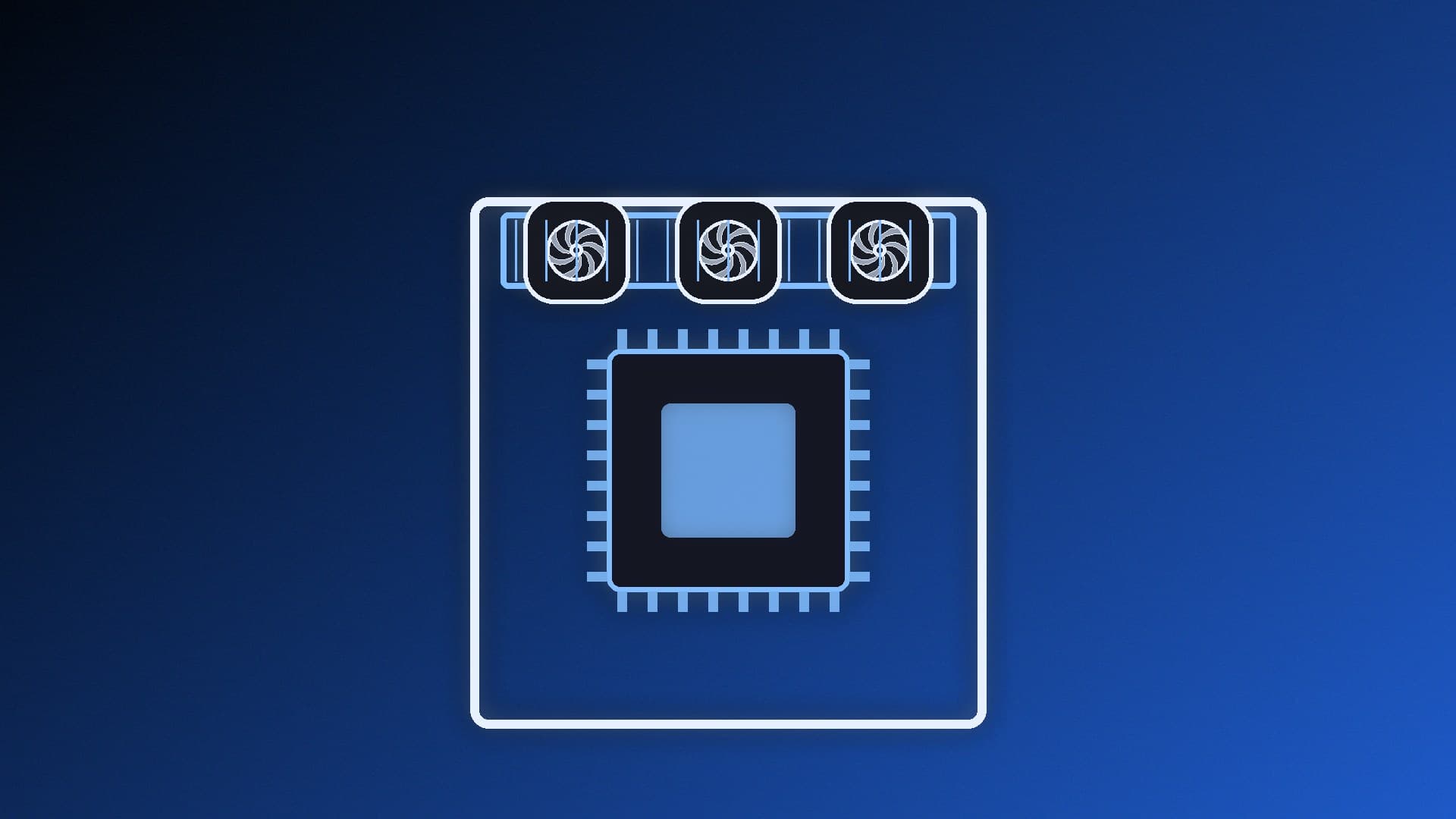
A top-mounted radiator sits above the motherboard, so check for clashes with:
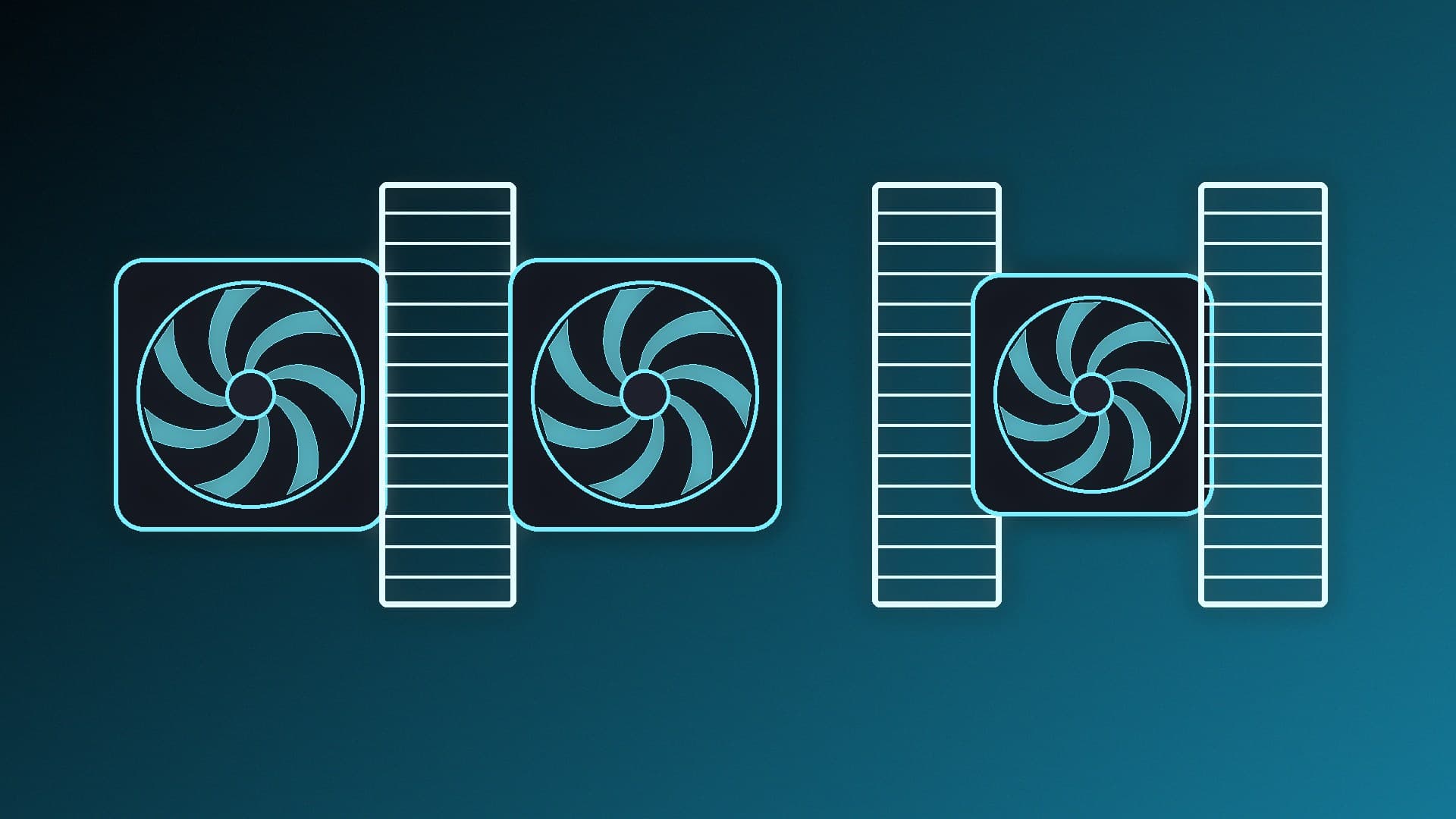
Lian Li says the Lancool 207's offset motherboard tray improves top radiator clearance and allows a 360mm push-pull radiator at the top. Push-pull means fans on both sides of the radiator, which adds the thickness of a second set of fans.
Step 5: Think about orientation
Where you put the radiator affects how air and coolant move. Our AIO radiator orientation guide explains the safe options, and our AIO installation guide covers fitting it.
Quick checklist
Radiator size is listed for the position you want.
Radiator plus fans fit within any published clearance.
RAM height and motherboard connectors won't clash.
Tubes reach the CPU.
You have a safe orientation planned.
For cases with good radiator support, see our best PC case guide, and for coolers, our best AIO cooler guide.
Our verdict
Don't stop at "360mm support". Check the position, any published clearance figures, the radiator's thickness with fans, and what's underneath it on the motherboard. A few minutes with the case and cooler spec sheets saves a return.