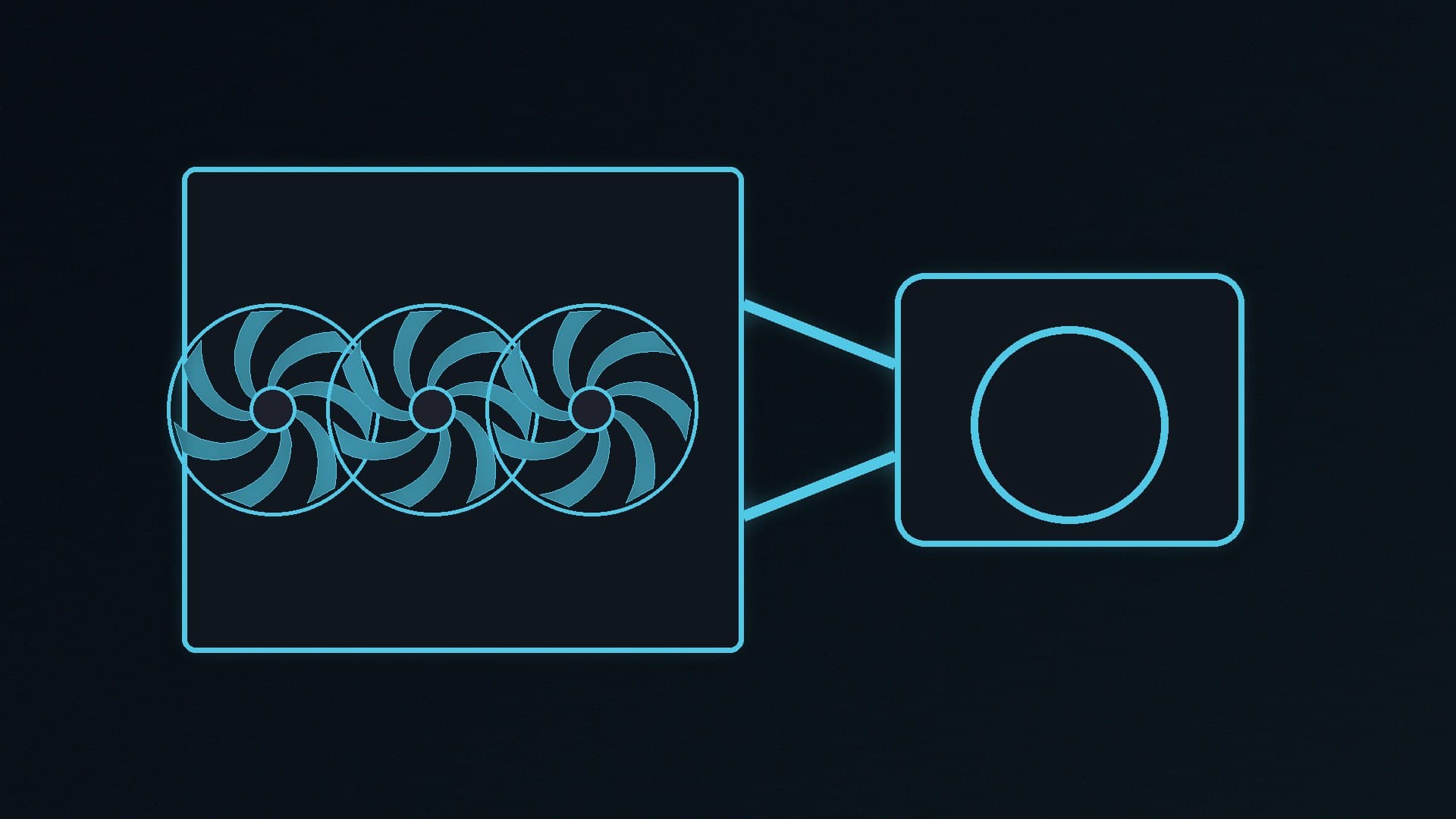
A 360mm all-in-one liquid cooler is still the straightforward way to keep a high-power CPU in check without building a custom loop. You do not, however, need to spend several hundred pounds on a screen-equipped block to get that cooling. Independent testing and current official specifications still point at one well-priced kit.
Forge PC has not tested these coolers on the bench. The recommendations follow Tom's Hardware's AIO testing, which already underpins our CPU cooler guide, and Arctic's official specifications, read on 14 November 2026. If you are still choosing between air and liquid, start with that broader guide; this one is for people who already want an AIO.
Our picks
Use | Cooler | Official size | Why it is here |
|---|
Best overall AIO | Arctic Liquid Freezer III Pro 360 | 360mm, 38mm-thick radiator | Tom's Hardware's top AIO, AM5 and LGA 1851 support, 63mm case clearance |
Best 240mm AIO | Arctic Liquid Freezer III Pro 240 | 240mm, same 38mm-thick radiator | The same design when a 360mm radiator will not fit |
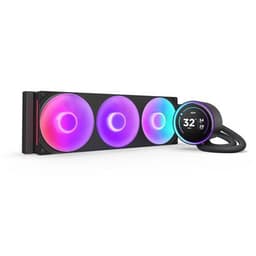
If you want a screen | NZXT Kraken Elite 360 | 360mm LCD AIO | Officially an LCD-equipped 360mm kit; we have not compared its cooling to the Arctic |
Best overall: Arctic Liquid Freezer III Pro 360
Tom's Hardware named the Liquid Freezer III Pro 360 its best AIO, and Arctic's official specifications explain why it is also easy to live with in a 2026 PC. The kit officially supports AMD AM5 and AM4 and Intel LGA 1851 and LGA 1700. The radiator is 38mm thick, which Arctic says holds more liquid than a typical 27mm radiator, and the company is explicit about fitment: you need at least 63mm of clearance for the radiator and fans together. Tom's Hardware quotes the same 63mm figure. Check your case's radiator clearance before you buy, especially if you want to mount it in the lid of a compact mid-tower.
Other official details worth knowing:
Three P12 Pro fans, officially rated at 600–3,000rpm, with fluid dynamic bearings
A PWM pump at 800–2,800rpm, plus a small VRM fan on the block (400–2,500rpm)
Offset mounting for Intel and AMD, and an Intel contact frame in the box
A 450mm tube length, a copper micro-skived cold plate, and a 6-year warranty
A 0.8g syringe of MX-6, which Arctic says you should apply in a cross pattern
Arctic also warns that some motherboards with oversized M.2 heatsinks in the first slot can clash with the block, and says it will send a compatible M.2 cooler for affected boards. That is a genuine clearance issue, not a reason to skip the cooler, but it is worth checking Arctic's compatibility list if your board has a very tall first SSD heatsink.
We have not re-priced the 360 for this article. When we last quoted UK street prices in the CPU cooler guide, it was about £70–£80. Confirm the current listing before you order.
Best 240mm option: Liquid Freezer III Pro 240
If your case cannot take a 360mm radiator, the 240mm Liquid Freezer III Pro is the same family in a shorter radiator. Officially it still uses the 38mm-thick radiator design and the same socket list as the 360, and it still needs that 63mm of depth. A 240mm radiator has less surface area than a 360mm one, so it is the compromise when a 360 will not fit, not a free upgrade. As we noted in the cooler guide, Forge PC has not seen independent tests of the 240mm Pro that we can cite, so we are not going to invent a performance gap.
If you want a screen: NZXT Kraken Elite 360
Plenty of 360mm AIOs now include a square LCD on the pump. The NZXT Kraken Elite 360 RGB is one of the kits already in our database. A screen does not automatically cool better than a cheaper AIO, and Forge PC has not compared the Kraken Elite with the Liquid Freezer III Pro. Buy it if you want the display and NZXT's software; do not buy it on the assumption that it will outperform the Arctic in silence or temperature.
What to check before you buy
Radiator size and depth. A "360mm" cooler needs three 120mm-fan spaces, and this Arctic kit needs 63mm of thickness. A slim 27mm radiator with slim fans is easier to fit in some cases; this one is not that cooler.
Socket. AM5, AM4, LGA 1851 and LGA 1700 are the official Intel and AMD sockets for the Pro 360. If you are on an older Intel socket, check Arctic's current list rather than assuming it will mount.
Tube routing and RAM. Offset blocks and tall memory heatsinks can clash in some builds. Dry-fit the block orientation before you apply paste.
Fan control. You can run the Arctic's pump, VRM fan and radiator fans together from one PWM header, or separately with the splitter cable. Our fan-curve guide covers the BIOS side.
If you would rather stay on air, the CPU cooler guide's Peerless Assassin and budget tower picks remain the better starting point for many mid-range chips.
Our verdict
For a 2026 AIO, start with the Arctic Liquid Freezer III Pro 360 if your case has room for a 63mm-deep 360mm radiator. It is Tom's Hardware's top AIO, it officially supports current AMD and Intel sockets, and it costs much less than most screen-equipped 360mm kits. Step down to the 240mm version only when a 360 will not fit. Pay extra for an LCD model such as the Kraken Elite only if you want the screen. Forge PC has not tested these coolers; this guide follows official specifications and the independent testing we already cite in our CPU cooler round-up.