It's based on NVIDIA's and AMD's official product pages and AMD's launch blog for the Radeon AI PRO R9700, all read on 24 November 2026. We haven't included prices.
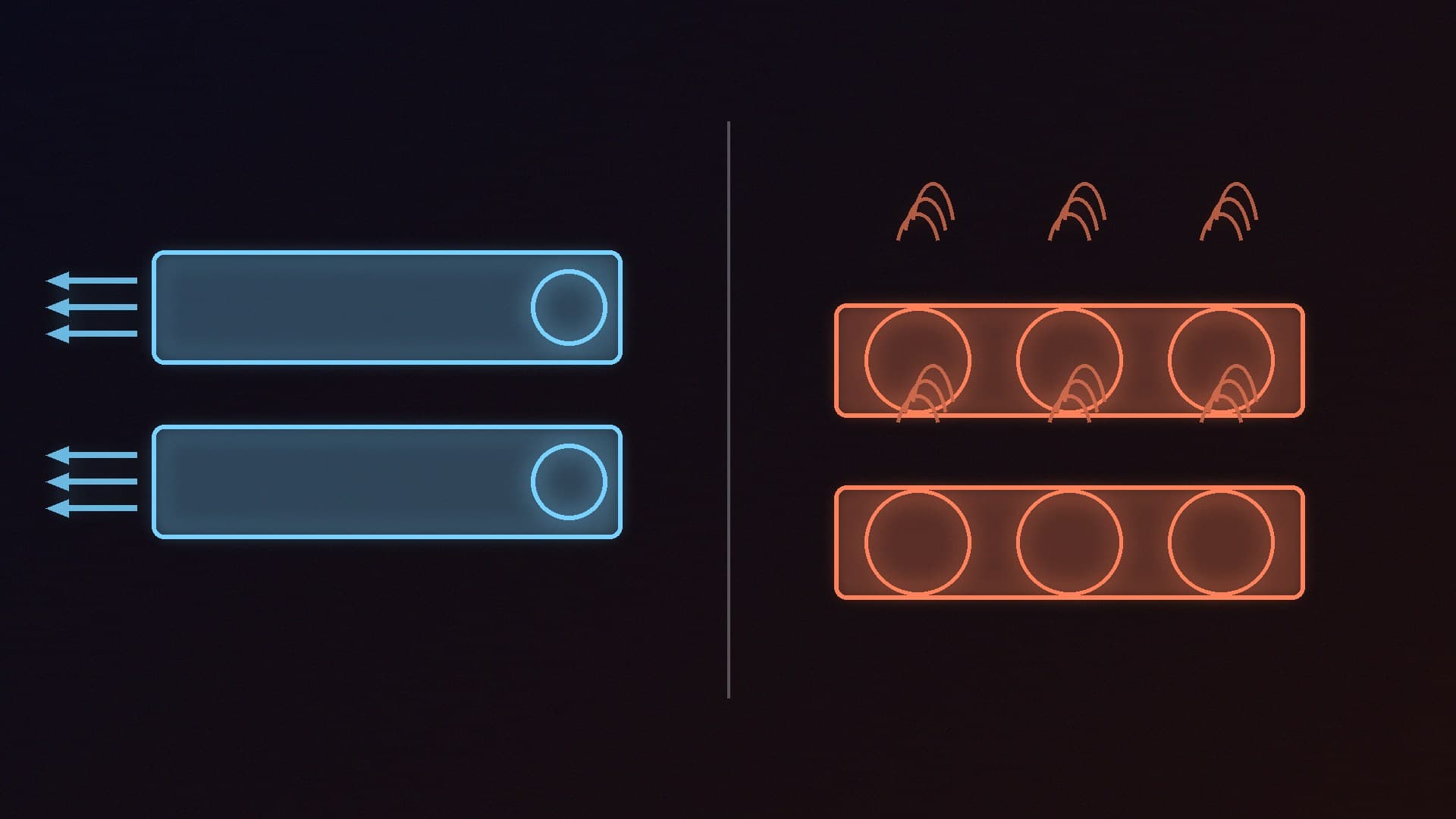
Most graphics cards sold for gaming use open-air coolers: two or three axial fans blow air down through a heatsink, and the hot air spills out into the case. NVIDIA's recent Founders Edition cards use a flow-through variation, where air passes right through the card. Workstation cards often use a blower instead: a single radial fan at one end pulls air in and pushes it along a shroud and out of the bracket at the back of the PC.
For a gaming PC with one graphics card, the open-air design is almost always the better choice. For a local AI machine with two, three or four cards packed together, the picture changes, and it's why the cards marketed for dense AI workstations look the way they do.
At a glance
| Blower-style cooler | Open-air / flow-through cooler |
|---|
Where hot air goes | Mostly out of the rear bracket | Into the case, to be removed by case fans |
Typical thickness | Dual-slot workstation designs | Often thicker than two slots on high-end cards |
Stacking cards side by side | Designed for it | Lower card heats the one above |
Noise | One small, fast fan | Larger, slower fans |
Power headroom | Usually lower-power models | Highest-power models |
Best for | Three or four GPUs, or cramped cases | One or two GPUs with good spacing |
These are general characteristics of the two designs. Individual cards vary, so check the manufacturer's specs for any card you're considering.
How each design deals with heat
A blower card is a closed system. Air enters near the fan, travels the length of the heatsink inside a shroud and exits through vents in the rear bracket. Because most of the heat leaves the case directly, a card next to it isn't breathing in pre-heated air. That's the whole point of the design, and AMD spells it out in its launch blog for the Radeon AI PRO R9700: it says the card's blower provides front-to-back airflow so that multiple cards can run reliably close together, and contrasts that with consumer GPUs whose axial fan designs are "often unsuitable for dense configurations".
An open-air card moves much more air with bigger, slower fans, which is why it's usually quieter and better at handling high power. The trade-off is that the heat goes into the case. With one card, the case fans deal with that easily. With two cards sitting next to each other, the top card's fans are pulling in air that the bottom card has just heated, and its own fans may be partly blocked by the card below.
What the official specs tell us
The clearest comparison comes from NVIDIA's RTX PRO 6000 Blackwell range, which is sold in two desktop versions with the same 96GB of GDDR7 and 1,792GB/s of memory bandwidth:
RTX PRO 6000 Blackwell Max-Q Workstation Edition: NVIDIA lists a maximum power of 300W in a dual-slot card, and says the design enables up to four GPUs in a single system, for up to 384GB of combined GPU memory.
RTX PRO 6000 Blackwell Workstation Edition: NVIDIA lists a maximum power of 600W, and quotes higher peak figures (4,000 AI TOPS against 3,511 for the Max-Q), but doesn't make the same four-GPU claim.
AMD's Radeon AI PRO R9700 follows the dense-workstation approach. AMD's product page lists 32GB of GDDR6, a 300W total board power, a dual-slot width and a PCIe 5.0 x16 interface, and its launch blog describes a blower-style cooler designed for multi-GPU deployments. Partner cards can use different coolers, so check the specific model.
At the consumer end, NVIDIA's GeForce RTX 5090 Founders Edition uses what NVIDIA calls a Double Flow Through design and is a dual-slot card, but NVIDIA lists a 575W total graphics power, recommends three unused expansion slots and says leaving clearance equivalent to another slot will typically improve airflow. That's fine for one card. Two of them, at 575W each, is a very different cooling problem from two 300W blower cards.
Noise and power
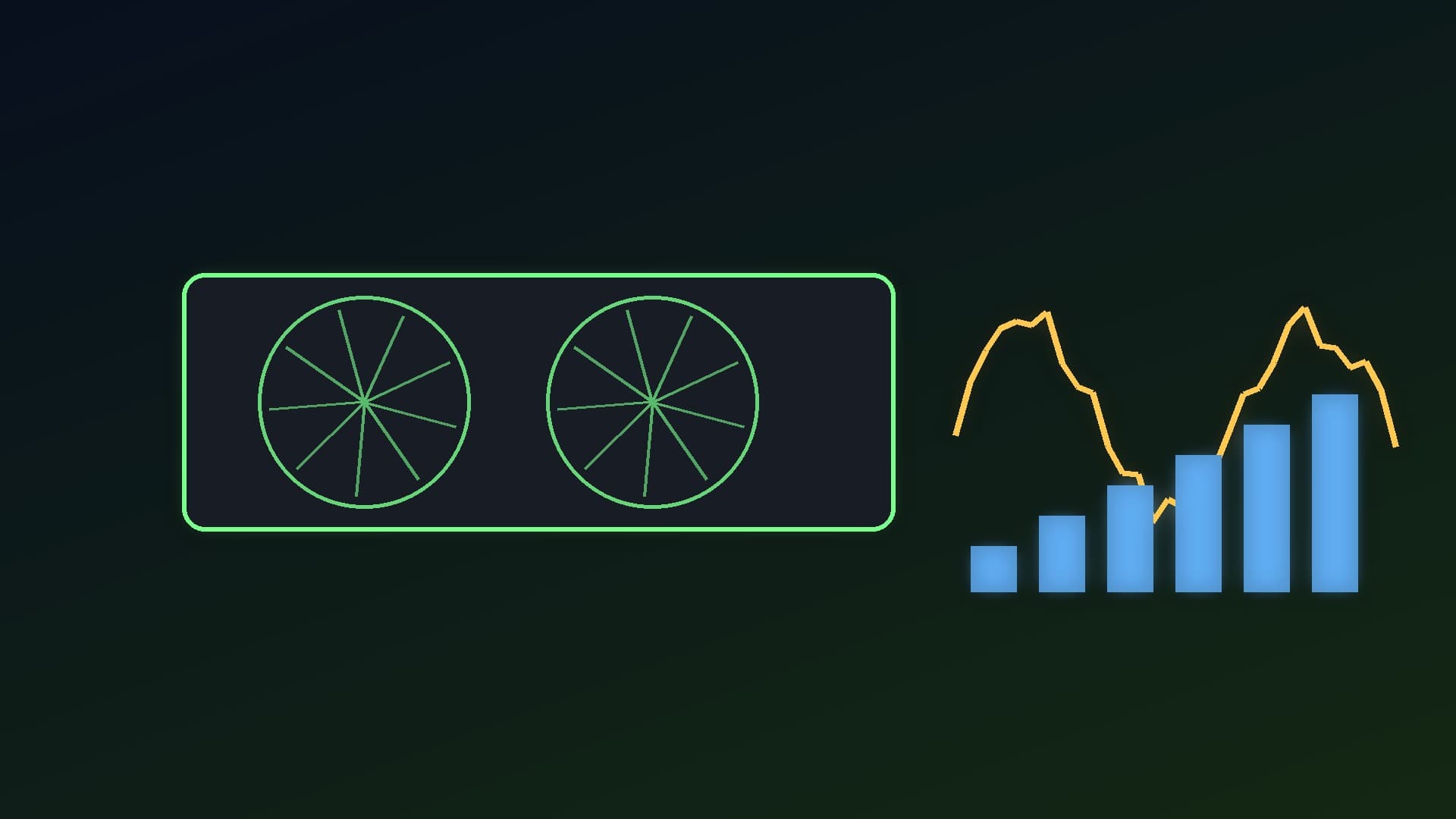
The honest downside of blowers is noise. A small radial fan has to spin faster to move the same air through a long, enclosed heatsink, so blower cards can be louder under sustained load than open-air cards of similar power. If your AI box sits under your desk and runs for hours at a time, that matters. If it lives in a cupboard or a spare room, it may not.
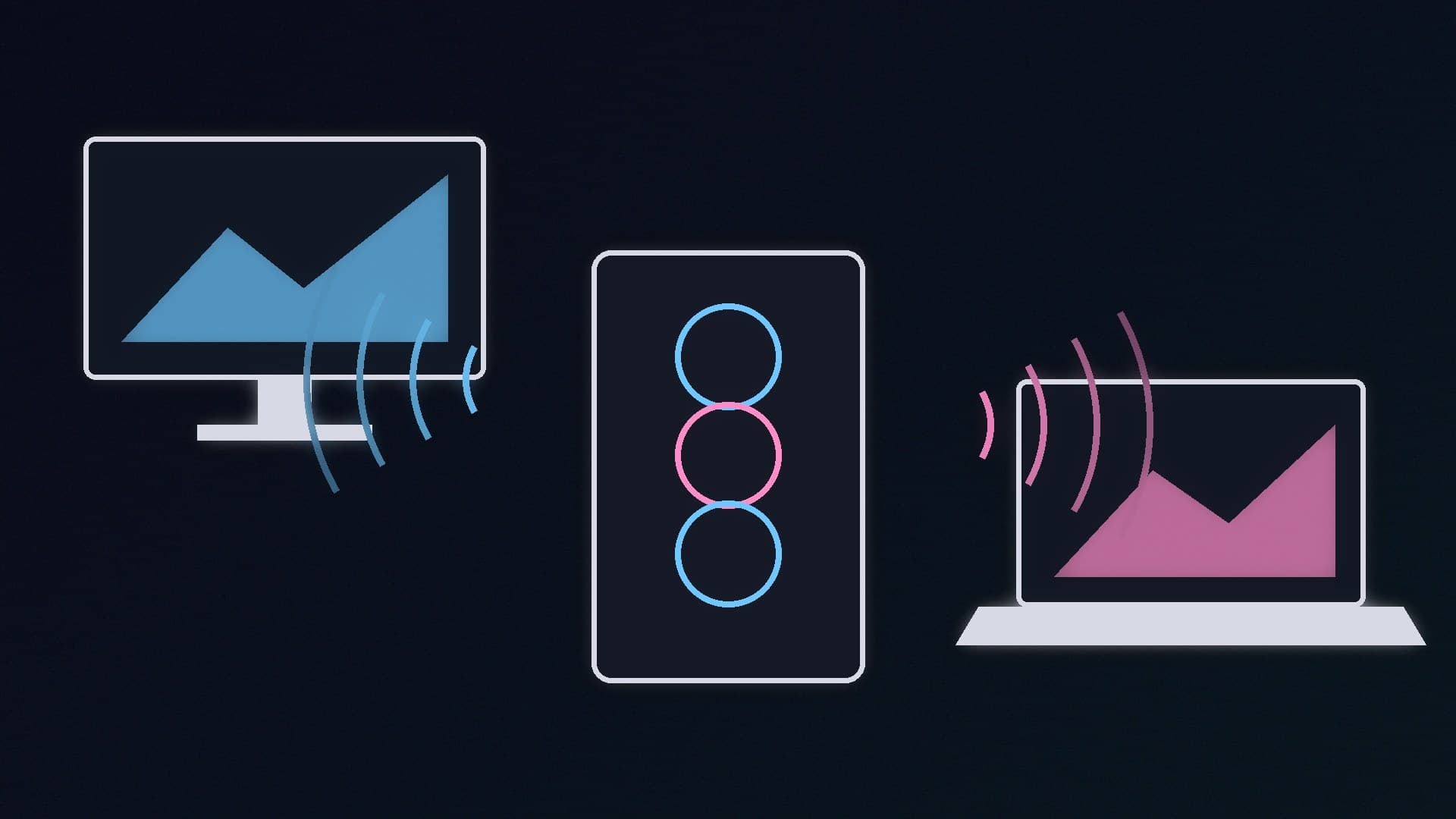
Power is the other difference. The blower-style cards above are 300W designs; the flow-through and open-air flagships go to 575W or 600W. For local AI, that isn't as one-sided as it sounds, because LLM inference is often limited by memory bandwidth rather than raw compute, and many people deliberately cap their cards' power. Our guides to setting a GPU power limit with nvidia-smi and undervolting a GPU cover how to do that with open-air cards to reduce heat in a multi-card build.
Case and motherboard considerations
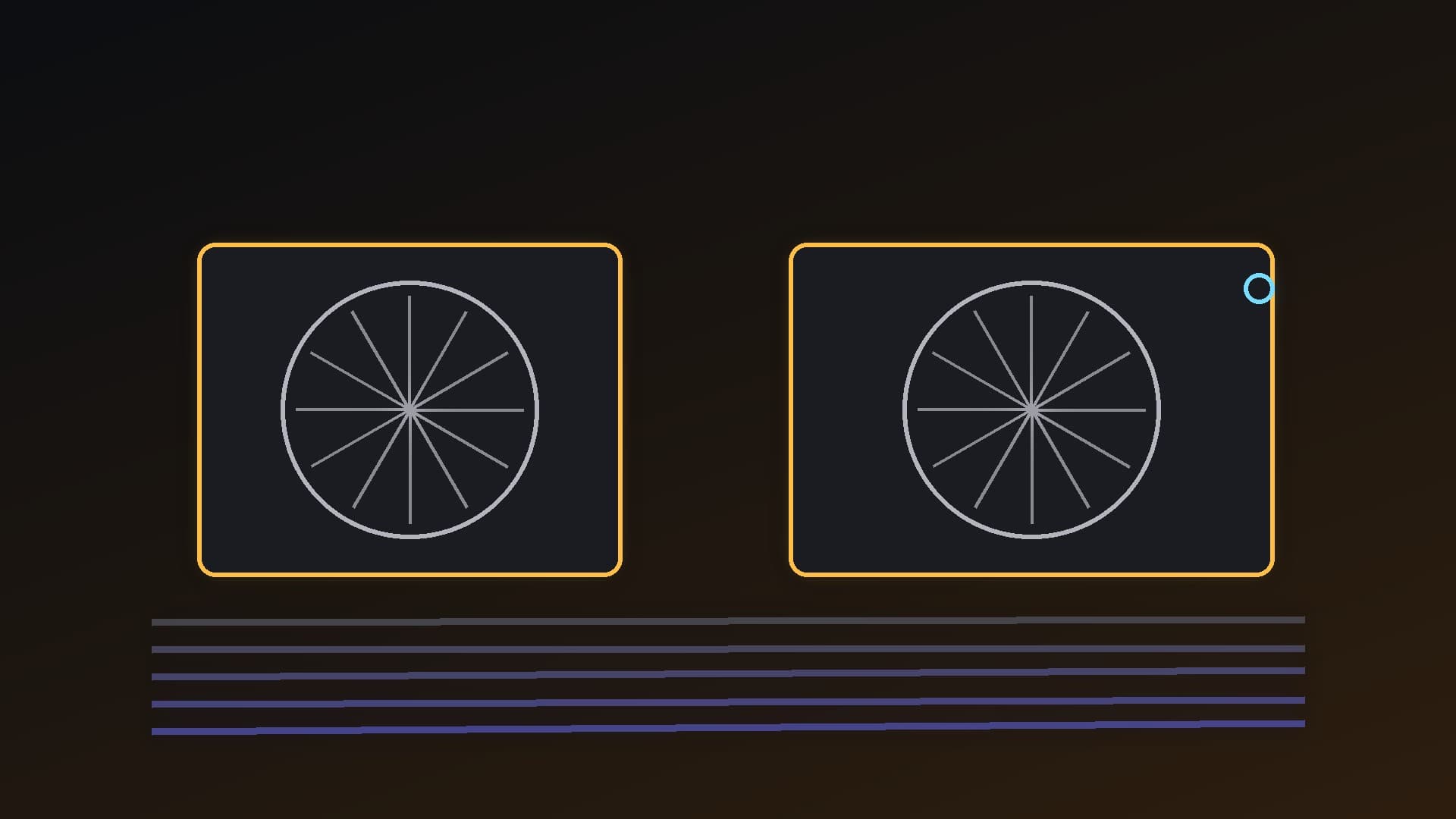
Slot spacing. Two dual-slot blower cards can sit in adjacent x16 slots with no gap and still exhaust their heat. Two open-air cards ideally want at least one empty slot between them, which many ATX motherboards can't provide. Our guide to the best motherboards for dual-GPU local AI rigs, published alongside this comparison, explains which boards split their lanes x8/x8, and you should check the manual for the physical gap between the slots.
Case airflow. Open-air cards rely on case fans to remove their heat. Blower cards rely on fresh, cool air reaching their intakes. Either way, a case with strong front intake is a must; see our explainer on dual-chamber vs standard PC cases if you're choosing a case for a multi-card build.
Power supply. Two 300W cards need far less PSU headroom than two 575W cards. Our guide to choosing a PSU for a local AI PC explains how to size it. AMD lists a 750W minimum PSU for a system with one R9700, and NVIDIA lists 1,000W of required system power for one RTX 5090.
Which should you choose?
Choose blower-style cards if: - You want three or four GPUs in one machine. - Your motherboard's x16 slots are right next to each other. - The PC can live somewhere noise doesn't matter.
Choose open-air or flow-through cards if: - You're running one graphics card, or two with a free slot between them. - Quiet running under long AI jobs matters to you. - You also game on the same PC and want the fastest consumer cards.
For many home users, the best answer is in between: two open-air cards in a board with good slot spacing and a case with strong airflow, with power limits set to keep heat under control. If you're still choosing the cards themselves, our best 32GB graphics cards for local AI guide and our Arc Pro B60 vs Radeon AI PRO R9700 comparison are good starting points.
Our verdict
For a single-GPU local AI PC, an open-air or flow-through card is the better choice: it's quieter and handles more power. Once you go to three or four cards, or have to put two cards in adjacent slots, blower-style designs win, because they exhaust heat out of the back of the case rather than into the card next door. That's why AMD designed the Radeon AI PRO R9700 with a blower for multi-GPU workstations and why NVIDIA's 300W RTX PRO 6000 Max-Q, not the 600W Workstation Edition, is the version it pitches for four-card builds. If you go open-air with two cards, leave a slot between them and consider capping their power.