It's based on NVIDIA's official specifications and datasheet for both cards and on Ollama's hardware support documentation, all read on 24 November 2026.
At first glance these two NVIDIA cards look like they belong in different worlds. The GeForce RTX 5070 Ti is an upper-mid-range gaming card. The RTX PRO 4000 Blackwell is a professional workstation card. But dig into the specifications and they have a surprising amount in common: both use NVIDIA's Blackwell architecture, both have fifth-generation Tensor Cores, and both have exactly 8,960 CUDA cores.
For anyone building a PC to run large language models (LLMs) or image generators locally, the differences that remain are the ones that matter most: how much memory each card has, how fast that memory is, how much power the card draws and how big it is. Here's how they compare.
Specifications compared
| RTX PRO 4000 Blackwell | GeForce RTX 5070 Ti |
|---|
Architecture | Blackwell | Blackwell |
CUDA cores | 8,960 | 8,960 |
Tensor Cores | 5th generation | 5th generation |
Memory | 24GB GDDR7 with ECC | 16GB GDDR7 |
Memory interface | 192-bit | 256-bit |
Memory bandwidth | 672GB/s | Not listed on NVIDIA's page |
AI TOPS (NVIDIA figure) | 1,178 (datasheet) | 1,406 |
Power | 145W total board power | 300W total graphics power |
Required system power | Not listed | 750W |
Power connector | 1x 16-pin (PCIe CEM5) | 2x PCIe 8-pin via adaptor, or a 300W-or-greater PCIe Gen 5 cable |
Form factor | Single slot, full height, 4.4 x 9.5 inches | Varies by manufacturer |
Display outputs | 4x DisplayPort 2.1b | 3x DisplayPort, 1x HDMI |
All figures are from NVIDIA's RTX PRO 4000 Blackwell product page and datasheet, and its GeForce RTX 5070 family specifications page. NVIDIA's RTX PRO 4000 product page quotes 1,290 AI TOPS while the datasheet says 1,178, both described as theoretical FP4 figures using sparsity; we've used the datasheet figure. NVIDIA's GeForce page doesn't state the precision behind the RTX 5070 Ti's 1,406 AI TOPS, so treat the two as a rough comparison only. Our explainer on TOPS vs TFLOPS covers why these headline numbers are only a rough guide.
Memory: 24GB vs 16GB is the big difference
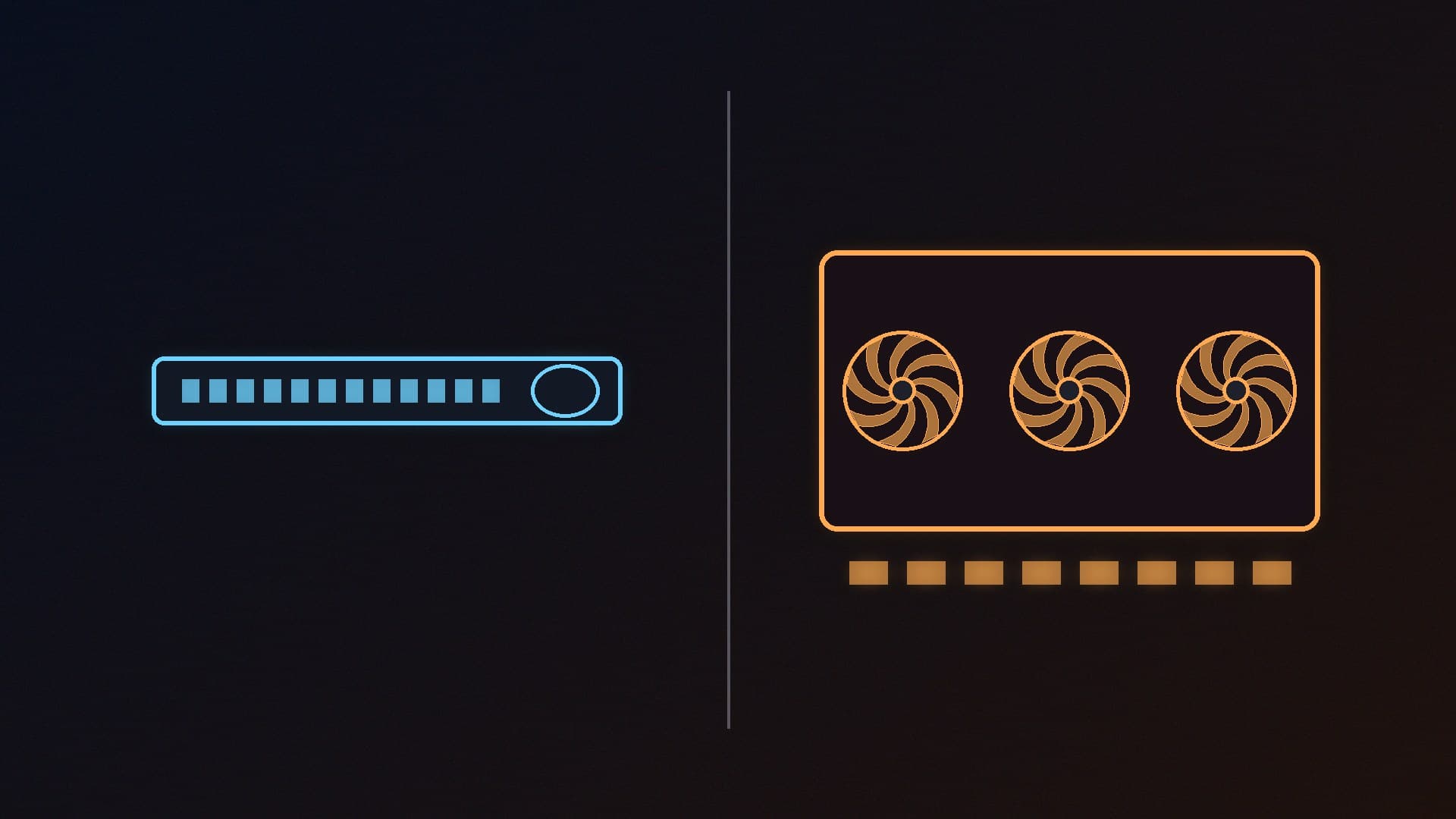
For local AI, memory capacity is usually the first limit you hit. A model and its context need to fit in VRAM to run at full speed, and when they don't, apps either refuse to load them, spill part of the model into much slower system RAM, or slow down sharply.
The RTX PRO 4000 Blackwell has 24GB, 50% more than the RTX 5070 Ti's 16GB. That extra 8GB lets you load larger quantised models, or keep the same model with a much longer context window. Our guide to context length and VRAM explains why long conversations eat into memory, and our FP4 vs FP8 vs FP16 explainer covers how precision affects model size.
The PRO card's memory also has error-correcting code (ECC), which NVIDIA lists on both the product page and datasheet. That's valuable for long training or fine-tuning jobs where a memory error could corrupt results, but it isn't something most home users running a chatbot need.
Bandwidth: the RTX 5070 Ti has a wider bus
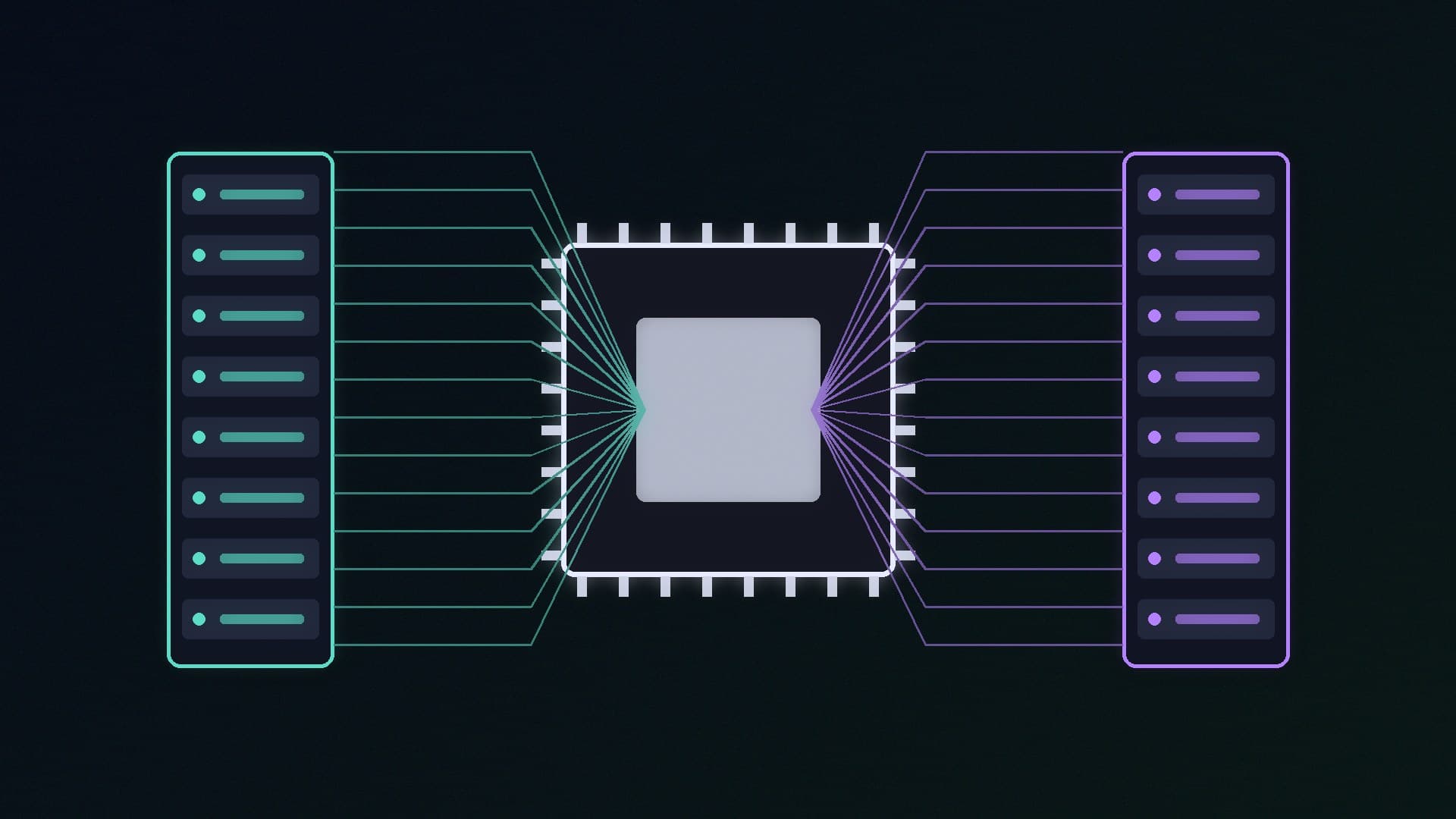
Capacity decides what fits. Memory bandwidth has a big effect on how fast an LLM generates text once it's loaded.
Here the RTX 5070 Ti has an advantage on paper. It uses a 256-bit memory interface, compared with 192-bit on the RTX PRO 4000 Blackwell. NVIDIA's GeForce page doesn't list the RTX 5070 Ti's bandwidth figure, so we can't compare the two directly in GB/s from NVIDIA's own pages, and bandwidth depends on memory speed as well as bus width. The RTX PRO 4000 Blackwell's datasheet lists 672GB/s. Our guide to memory bandwidth and local LLM speed explains the relationship in more detail.
In practice, that means for a model that fits comfortably in 16GB, the RTX 5070 Ti's wider bus and higher power budget may well make it the quicker card, though we haven't measured it. For a model that only fits in 24GB, the RTX PRO 4000 Blackwell is the only one of the two that can run it fully on the GPU.
Compute: same core count, different power budgets
Both cards have 8,960 CUDA cores and fifth-generation Tensor Cores with FP4 support. The RTX 5070 Ti has the higher headline AI TOPS figure (1,406 vs 1,178 in the PRO card's datasheet), and it has more than twice the power budget: NVIDIA lists a 2.45GHz boost clock for the RTX 5070 Ti and a 300W total graphics power, against 145W for the RTX PRO 4000 Blackwell.
Ollama's hardware support documentation lists both the RTX 5070 Ti and the RTX PRO 4000 Blackwell at compute capability 12.0, so they're supported by the same current CUDA software. There's no software reason to pick one over the other.
Power, size and multi-GPU builds
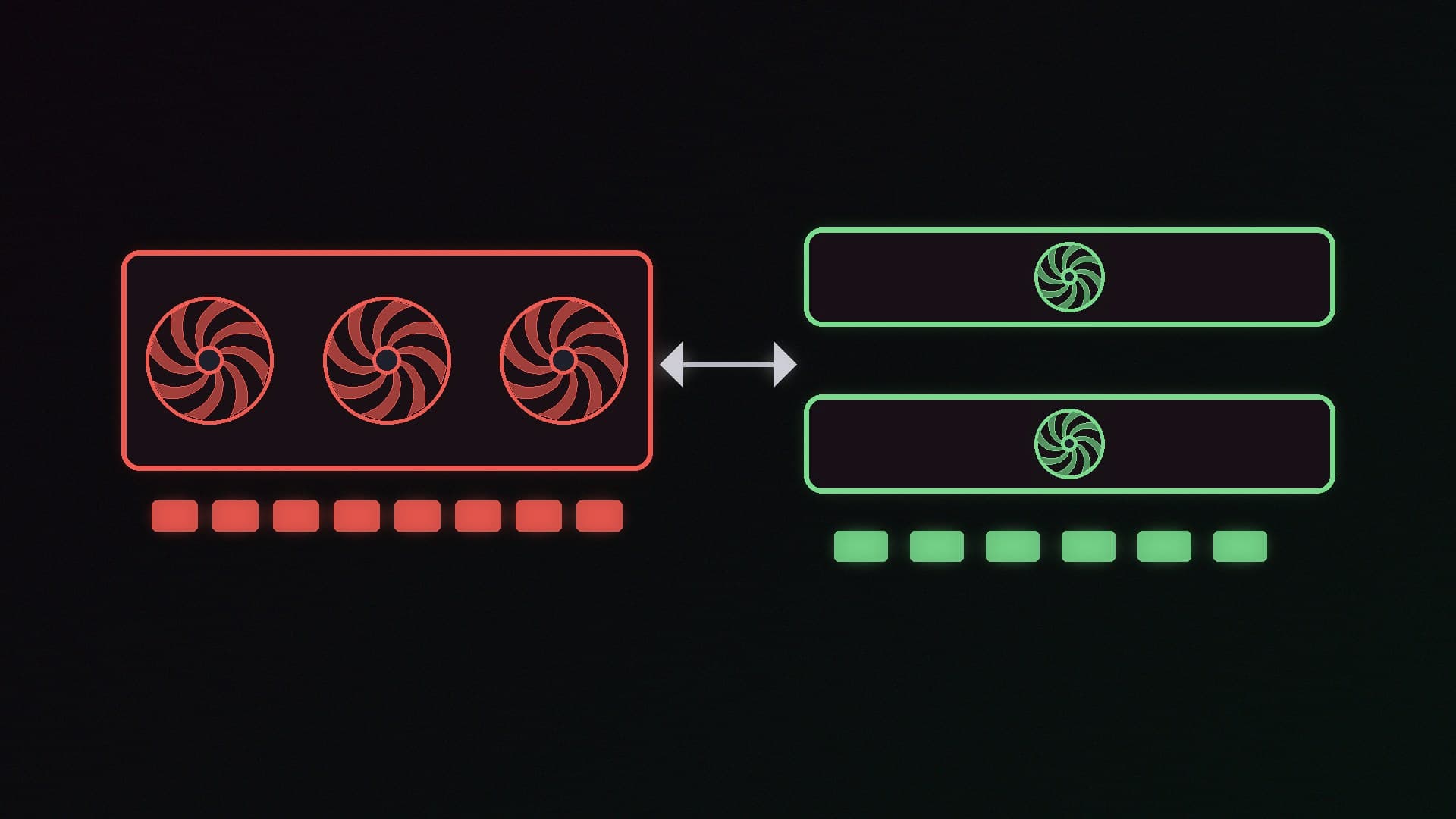
This is where the RTX PRO 4000 Blackwell is in a different class. NVIDIA rates it at 145W total board power with a single 16-pin connector, in a single-slot, full-height card measuring 4.4 x 9.5 inches. It runs on an active cooler.
The RTX 5070 Ti is rated at 300W and NVIDIA recommends a 750W power supply for a system using one. NVIDIA says the card's length, width and slot count vary by manufacturer, so check the size of the partner card you buy.
That matters for three types of build:
Small or quiet PCs. Less than half the power means less heat to remove, so fans can run slower.
Multi-GPU systems. A single-slot card makes it much easier to fit two or more cards in one PC and combine their memory. Two RTX PRO 4000 Blackwell cards would give you 48GB of VRAM in total, for apps that can split a model across cards.
Upgrading an existing PC. A 145W card is much less likely to need a new power supply. Our guide to choosing a PSU for a local AI PC explains how to size one.
If you do go for the RTX 5070 Ti and want to rein in its power and heat during long AI jobs, see our guide on how to set a GPU power limit with nvidia-smi.
Gaming and everything else
The RTX 5070 Ti is a gaming card first, with DLSS 4 Multi Frame Generation listed in NVIDIA's specifications and an HDMI output alongside DisplayPort. NVIDIA's RTX PRO 4000 Blackwell page also lists DLSS 4 support for its Tensor Cores, but it's designed and marketed for professional work, with four DisplayPort 2.1b outputs, two ninth-generation NVENC encoders and two sixth-generation NVDEC decoders. If your PC doubles as a gaming machine, the RTX 5070 Ti is the more natural fit.
Price and availability
The RTX 5070 Ti is a mainstream gaming card made by many partners. NVIDIA's RTX PRO 4000 Blackwell page directs buyers to the NVIDIA Marketplace or an NVIDIA partner. We haven't quoted prices here, so check current UK prices for both before deciding.
If you're also weighing up NVIDIA's cheaper 16GB card, our RTX 5060 Ti 16GB vs RTX 5070 Ti for local AI comparison covers that choice, and for a much bigger workstation step up, see RTX PRO 6000 vs RTX 5090 for local AI.
Our verdict
Buy the RTX PRO 4000 Blackwell if VRAM, power or size is your main constraint: its 24GB of ECC memory runs models that won't fit on a 16GB card, and its 145W single-slot design makes it far easier to cool, power and pair with a second card. Buy the RTX 5070 Ti if your models fit in 16GB, you also game on your PC, or you want the most performance for the money, as it has a wider 256-bit memory bus, a higher AI TOPS rating and is sold as a mainstream gaming card by many manufacturers.