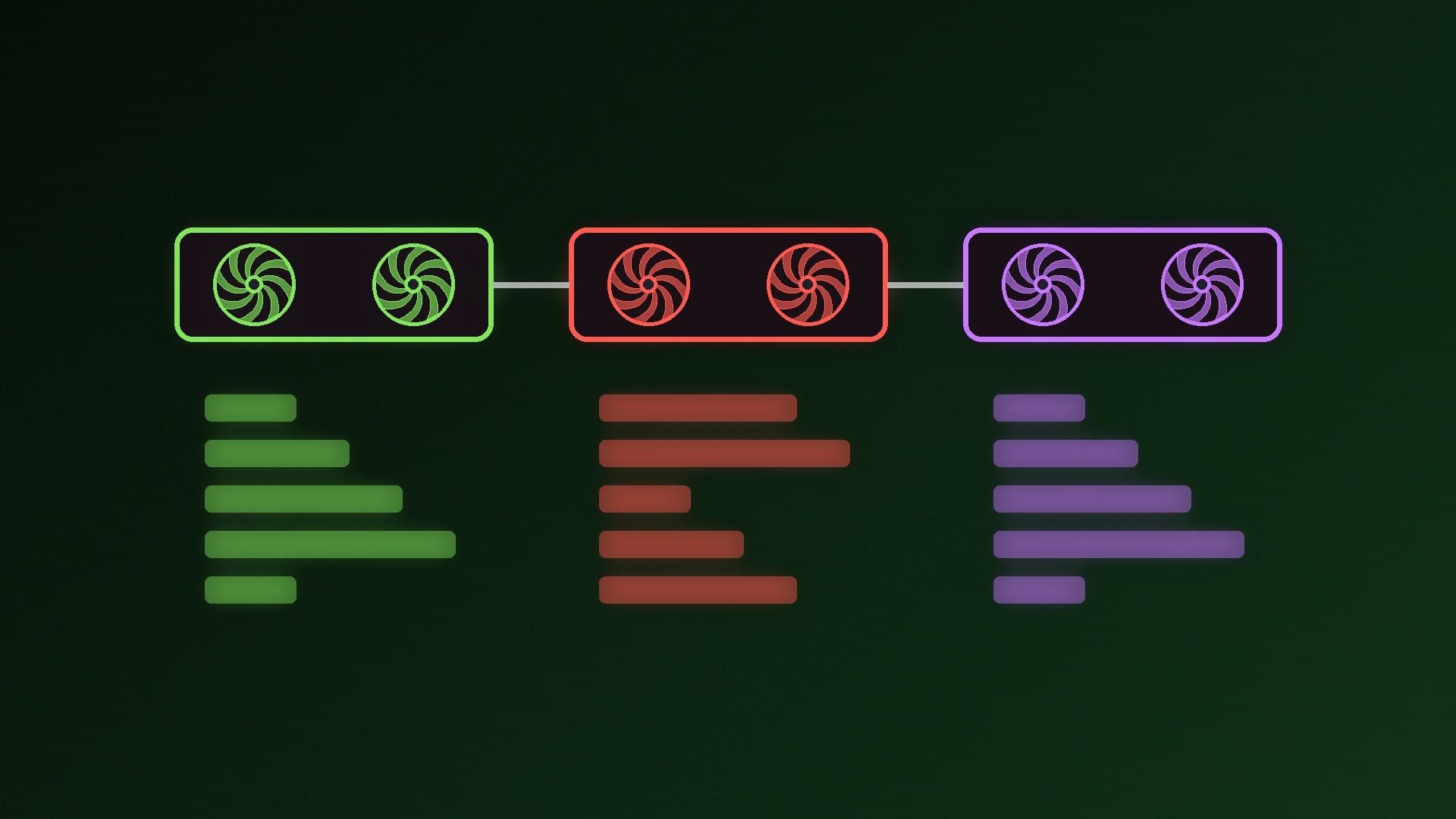
When you run a local LLM in Ollama or llama.cpp, the app has to talk to your graphics card through a compute backend. The three you'll see most are NVIDIA's CUDA, AMD's ROCm (with its HIP programming layer) and Vulkan, the cross-vendor graphics and compute API. Picking the right one decides whether your GPU is used at all. This comparison is based on the official Ollama, llama.cpp and AMD documentation; Forge PC hasn't benchmarked the backends against each other, so we don't quote speed differences.
The short version
| CUDA | ROCm / HIP | Vulkan |
|---|
Made by | NVIDIA | AMD | Cross-vendor standard API |
GPUs | NVIDIA only | AMD only (listed models) | Most modern GPUs from any vendor |
Ollama on Windows | NVIDIA cards with compute capability 5.0+ and driver 550 or newer | Listed Radeon RX 7000 and Radeon PRO W7000 cards | Enabled by default; most Windows GPU drivers include Vulkan |
Extra setup in Windows | NVIDIA driver | ROCm 7 / HIP 7-capable driver stack | Usually none |
Best for | Any supported NVIDIA card | Radeon cards on the ROCm lists | GPUs the other two don't cover, including integrated graphics |
CUDA: the default for NVIDIA cards
Ollama's hardware page says it supports NVIDIA GPUs with compute capability 5.0 and newer on driver version 550 or later (cards with compute capability 5.0 to 6.2 need driver 570 or newer). Ollama's compute-capability table runs from the GTX 750 Ti (5.0) to the RTX 50 series (12.0). llama.cpp also has a dedicated CUDA build. If you have a supported NVIDIA card, CUDA is the natural backend. Our guide to checking your CUDA version on Windows helps if an app complains about drivers.
ROCm: AMD's own stack, with a narrower support list
ROCm is AMD's compute platform, and HIP is the layer apps such as llama.cpp build against. Support depends on the exact GPU:
Ollama on Linux needs the AMD ROCm v7 driver and lists Radeon RX 9000, RX 7000 and some RX 6000 cards, plus Radeon PRO and Ryzen AI chips.
Ollama on Windows needs an AMD ROCm v7 / HIP 7-capable driver stack and lists the Radeon RX 7900 XTX, 7900 XT, 7900 GRE, 7800 XT, 7700 XT, 7600 XT and 7600, plus Radeon PRO W7000 cards.
AMD's HIP SDK for Windows 7.2.0 system requirements list Radeon RX 9000 and RX 7000 cards as supported, but mark the RX 6000 series as unsupported.
AMD's latest driver news is in our Adrenalin 26.11.2 and ROCm 10.2 report. Always check the current lists before relying on ROCm, because they change between releases.
Vulkan: the fallback that works almost everywhere
Ollama says additional GPU support on Windows and Linux comes through Vulkan, that Vulkan is enabled by default when the backend is installed, and that on Windows most GPU vendors' drivers already include Vulkan support with no extra setup. Linux usually needs extra packages. Ollama notes that additional AMD GPU support is provided through Vulkan, which makes it the practical route for AMD cards missing from the ROCm lists (such as the RX 6000 series in AMD's Windows HIP SDK list) and for other GPUs, including integrated graphics; see how to run a local LLM on integrated graphics.
Ollama also documents two useful switches: set GGML_VK_VISIBLE_DEVICES to choose which Vulkan GPU it uses (handy on PCs with both an iGPU and a graphics card), or set OLLAMA_VULKAN=0 to turn Vulkan off if it causes problems.
Which should you use?
NVIDIA card: CUDA.
AMD card on ROCm's supported lists: ROCm. If ROCm gives you trouble, Vulkan is a sensible fallback.
AMD card not on the lists, or other GPUs including integrated graphics: Vulkan.
If you're still choosing a card for AI, our NVIDIA vs AMD for local AI comparison and best GPU for local LLMs guide go further.
Our verdict
CUDA wins on simplicity because every recent NVIDIA card is supported out of the box. ROCm is AMD's best option on the cards it lists, but its support list is narrower, especially on Windows. Vulkan is the universal fallback: on by default in Ollama, built into most Windows drivers and the way to use GPUs the other two don't cover. Match the backend to your card rather than chasing one "best" option.