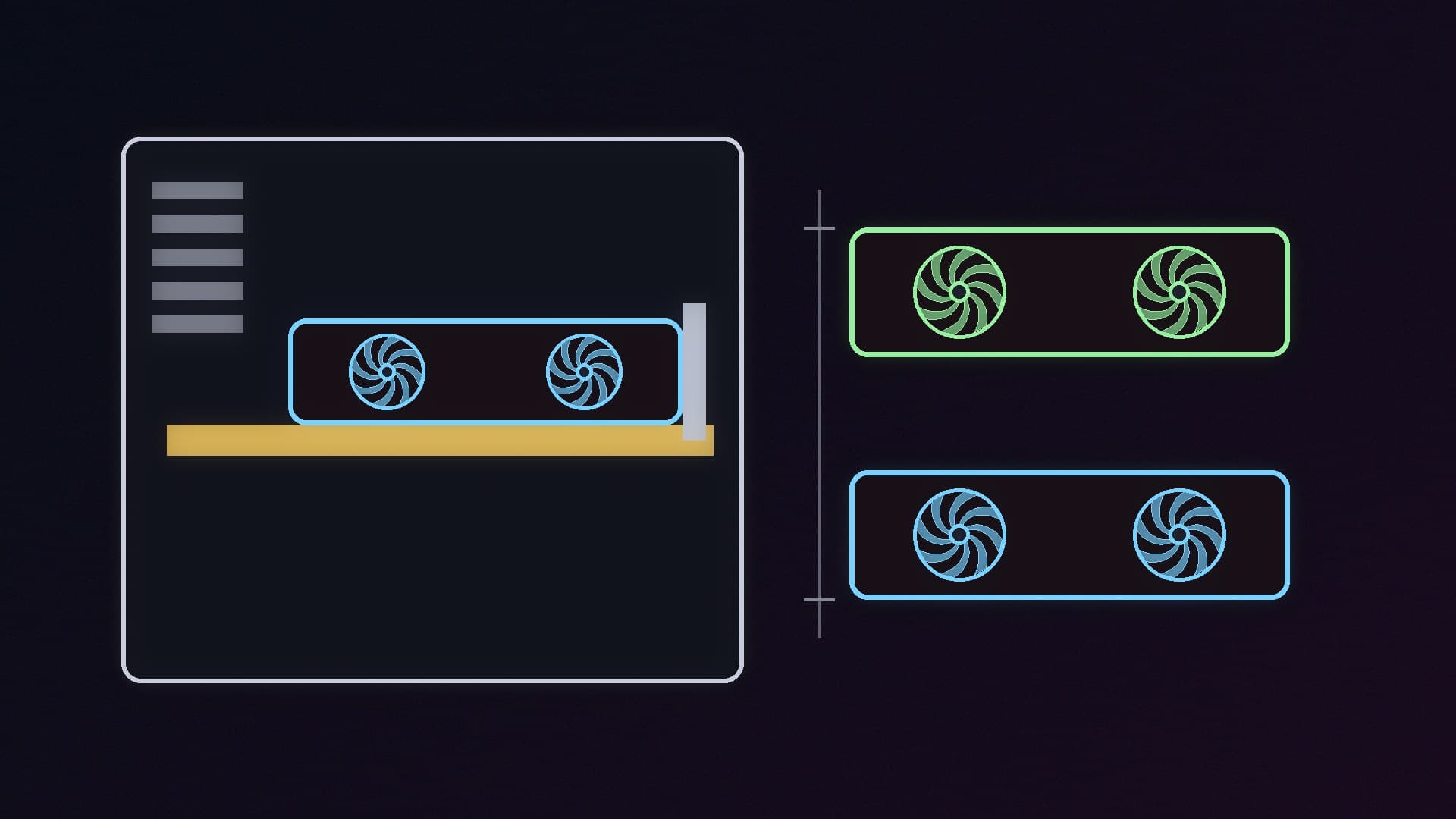
Slim desktops are everywhere: ex-office small form factor (SFF) machines, compact media PCs and tiny home servers. Most of them can't take a normal graphics card because the expansion slots are only half height. A low-profile card is built for exactly that, with a short board and a half-height bracket in the box. The catch is that "low profile" only describes the height. The cards below still differ a lot in thickness, power draw and whether they need a separate power cable, and that decides whether they will actually work in your PC.
This guide compares official specification pages from Gigabyte, Intel and NVIDIA, read on 24 November 2026. We haven't quoted frame rates. The one price we mention comes from the SpecPrice UK tracker and is an approximate figure from 24 November 2026; check current UK stock and prices before you buy.
If you're new to this kind of upgrade, read our step-by-step guide to checking a graphics card fits your case first. For full-size cards, our best budget graphics card guide is the better starting point.
Our picks at a glance
Award | Card | Memory | Power | Size (official) |
|---|
Best for gaming | Gigabyte GeForce RTX 5060 OC Low Profile 8G | 8GB GDDR7 | 1x 8-pin, 550W PSU recommended | 182 x 69 x 36mm |
Best value gaming | Gigabyte GeForce RTX 5050 OC Low Profile 8G | 8GB GDDR6 | 1x 8-pin, 550W PSU recommended | 182 x 69 x 36mm |
Best with no power cable | Intel Arc Pro B50 | 16GB GDDR6 | 70W, no connector, 280W PSU minimum | 6.6 x 2.7in, dual slot |
Best for pro and AI work | NVIDIA RTX PRO 2000 Blackwell | 16GB GDDR7 with ECC | 70W maximum | 2.7 x 6.6in, dual slot |
Before you buy: the three things that matter
1. Power cable or no power cable. This is the biggest split in the list. Both Gigabyte GeForce cards need one 8-pin PCIe power connector, and Gigabyte recommends a 550W power supply. Slim office PCs may have low-wattage or non-standard power supplies, so check yours has a spare 8-pin PCIe lead and enough wattage before you buy. Intel's Arc Pro B50 reference card needs no power connector at all, and Intel lists a 280W minimum power supply. NVIDIA rates the RTX PRO 2000 at 70W maximum power consumption.
2. Thickness. All four take up two slots: Intel and NVIDIA list their cards as dual slot, and Gigabyte's 36mm thickness also needs two slot widths. In a slim case, that means the slot next to the graphics card slot must be free, and nothing on the motherboard can be in the way. Gigabyte's 36mm thickness figure is the one to measure against.
3. Length and height. Gigabyte lists 182mm long and 69mm high for both of its low-profile cards. Intel and NVIDIA both list 6.6in long and 2.7in high (about 168mm by 69mm) for their workstation cards. Measure the free space from the back of the case to the nearest obstruction, such as a drive cage or the power supply.
Best for gaming: Gigabyte GeForce RTX 5060 OC Low Profile 8G
If your slim PC has the power supply for it, this is the most capable low-profile gaming card in this guide. Gigabyte's specification page lists:
GPU: GeForce RTX 5060 with 3,840 CUDA cores and a 2,512MHz core clock (the reference card is 2,497MHz).
Memory: 8GB of GDDR7 at 28Gbps on a 128-bit bus.
Interface: PCIe 5.0.
Size: L=182mm, W=69mm, H=36mm.
Power: one 8-pin connector; Gigabyte recommends a 550W power supply.
Outputs: two DisplayPort 2.1b, one DisplayPort 1.4a and one HDMI 2.1b, with up to four displays.
In the box: a low-profile bracket.
NVIDIA's own figures for the RTX 5060 add the context: 145W total graphics power, 550W required system power, and support for DLSS 4 with Multi Frame Generation, Reflex 2, ninth-generation NVENC and AV1 encoding. In a small case, make sure there's some airflow around the card. If you're weighing it against a step-up card, our RTX 5060 vs RTX 5060 Ti 16GB comparison covers the differences.
Choose it if: you want the most gaming capability that fits a half-height slot, and your power supply has an 8-pin PCIe connector and the wattage Gigabyte recommends.
Best value gaming: Gigabyte GeForce RTX 5050 OC Low Profile 8G
The RTX 5050 version uses the same 182 x 69 x 36mm low-profile design with a slower GPU and GDDR6 memory. Gigabyte lists:
GPU: GeForce RTX 5050 with 2,560 CUDA cores and a 2,587MHz core clock (reference 2,572MHz).
Memory: 8GB of GDDR6 at 20Gbps on a 128-bit bus.
Power: one 8-pin connector, 550W power supply recommended.
Outputs: one DisplayPort 2.1b, one DisplayPort 1.4a and two HDMI 2.1b, so it suits setups with two HDMI monitors or TVs.
In the box: a low-profile bracket.
NVIDIA rates the RTX 5050 at 130W total graphics power, 15W lower than the RTX 5060, with the same 550W system power requirement. In its July 2025 launch announcement, Gigabyte said the card uses a copper plate and composite heat pipes.
On price, the SpecPrice UK tracker showed this card at £379.99 at Scan on 24 November 2026 (approximate, Nov 2026). SpecPrice also recorded a 30-day low of £319.99 and flagged that the price had gone up before Black Friday, so it's worth watching rather than buying in a hurry.
Choose it if: you want a low-profile GeForce for 1080p gaming and media and the RTX 5060 version costs too much more where you shop.
Best with no power cable: Intel Arc Pro B50
Most slim office PCs don't have a spare PCIe power lead, and that rules out both GeForce cards above. The Arc Pro B50 is the most practical answer here. Intel's specification page for the reference card lists:
Power: 70W total board power, no power connector required, 280W minimum power supply.
Memory: 16GB of GDDR6 with ECC support on a 128-bit bus, 224GB/s of bandwidth.
GPU: 16 Xe2 cores, 16 ray tracing units, 128 XMX AI engines, up to 2,600MHz.
Interface: PCIe 5.0 x8.
Outputs: up to four displays, DisplayPort 2.1.
Size: 6.6 x 2.7in, two slots, 330g.
Media and features: H.264, HEVC and AV1 hardware encode and decode, DirectX 12 Ultimate, XeSS, OpenVINO and oneAPI support, and a three-year warranty.
The B50 belongs to Intel's Arc Pro workstation range rather than its gaming line, so treat any gaming as a bonus. Its 16GB of memory is twice what the GeForce cards above offer, which helps with large projects and local AI models.
Choose it if: your PC has no PCIe power cable or a small power supply, or you want 16GB of graphics memory in a half-height slot.
Best for pro and AI work: NVIDIA RTX PRO 2000 Blackwell
NVIDIA's RTX PRO 2000 Blackwell is the other 70W workstation option, aimed at compact professional machines. NVIDIA's product page lists:
Memory: 16GB of GDDR7 with error-correcting code (ECC) and 288GB/s of bandwidth.
Power: 70W maximum power consumption.
Size: 2.7in high and 6.6in long, dual slot, with an active cooler.
Outputs: four Mini DisplayPort 2.1b connectors.
Other features: Blackwell architecture with fifth-generation Tensor cores, fourth-generation RT cores, one ninth-generation NVENC encoder and one sixth-generation NVDEC decoder, and PCIe Gen 5.
It shares the B50's 70W budget but adds faster GDDR7 memory and NVIDIA's professional driver and software support, which matters if your CAD, rendering or AI software is built around NVIDIA hardware. Note the Mini DisplayPort outputs: you'll need the right cables or adapters for your monitors.
Choose it if: you're building a compact workstation and your applications favour NVIDIA's professional cards.
What about older low-profile cards?
Gigabyte's low-profile range still lists older GeForce RTX 4060 and GTX 1650 models alongside the RTX 50 cards. If you find one cheaply, the same checks apply: bracket height, two-slot thickness, length and the power connector. For a new purchase in late 2026, we'd start with the cards above.
Fitting tips for slim PCs
Swap the bracket before fitting. The low-profile bracket comes in the box with the Gigabyte cards; it's a couple of screws.
Check the second slot. A dual-slot card covers the slot beside it, so anything already fitted there has to move.
Plan the power. If a card needs an 8-pin lead and your power supply doesn't have one, don't rely on cheap adapters from SATA or Molex connectors. Choose a 70W card instead, or move the parts to a case with a standard power supply. Our PSU wattage guide explains how to size one.
Update the BIOS. It's worth running the latest firmware before fitting a new card, especially in an older machine. See how to update your BIOS safely.
Cooling the CPU too? If you're rebuilding a small PC, our best low-profile CPU cooler guide covers the other half of the job.
Our verdict
For gaming in a slim PC with an 8-pin power lead and a suitable power supply, the Gigabyte GeForce RTX 5060 OC Low Profile 8G is the low-profile card to get, with 3,840 CUDA cores and 8GB of GDDR7 in a 182mm half-height design. The Gigabyte RTX 5050 OC Low Profile 8G is the cheaper alternative with the same size and power connector, but SpecPrice showed its price had risen before Black Friday, so watch for a drop. If your PC has no PCIe power lead, the Intel Arc Pro B50 is the most practical choice: 70W, no power connector and 16GB of memory. Creative and AI professionals should look at the NVIDIA RTX PRO 2000 Blackwell instead.