The specifications come from Intel's official Arc Pro B50 specification page and NVIDIA's official UK RTX 5060 family page, and software support comes from Ollama's hardware documentation, all read on 24 November 2026. We haven't quoted prices because they change often, so compare current UK listings before you buy.
If you want 16GB of video memory for running local AI models, the GeForce RTX 5060 Ti 16GB is the obvious starting point. But Intel's Arc Pro B50 offers the same amount of memory in a very different package: a small workstation card that draws 70W and doesn't need a power cable from the PSU at all.
That makes this less a question of which card is "faster" and more a question of which PC you're putting it in. Here's how they compare. If you're looking at Intel's bigger 24GB workstation card instead, read our Arc Pro B60 vs RTX 5060 Ti 16GB comparison.
Specs at a glance
| Intel Arc Pro B50 | NVIDIA GeForce RTX 5060 Ti 16GB |
|---|
Architecture | Xe2 (Battlemage) | Blackwell |
GPU cores | 16 Xe-cores, 128 XMX AI engines | 4,608 CUDA cores, 5th-gen tensor cores |
Peak AI figure (vendor) | 170 TOPS (INT8) | 759 "AI TOPS" |
Memory | 16GB GDDR6, ECC supported | 16GB GDDR7 |
Memory interface | 128-bit | 128-bit |
Memory bandwidth (vendor) | 224GB/s | Not listed on NVIDIA's spec table |
Board power | 70W (TBP) | 180W (total graphics power) |
Power connector | None required | 1x PCIe 8-pin, or a 300W-plus PCIe Gen 5 cable |
Recommended PSU | 280W minimum | 600W |
PCI Express | PCIe 5.0 x8 | PCIe Gen 5 |
Reference card size | 6.6in x 2.7in, two slots | Varies by manufacturer |
Display outputs | 4 displays, DisplayPort 2.1 | Up to 4 displays |
Warranty (Intel) | 3 years | Varies by card maker |
Vendor AI figures aren't comparable with each other. Intel quotes INT8 TOPS, while NVIDIA's AI TOPS is its own marketing measure. Our TOPS vs TFLOPS explainer explains why you shouldn't line them up side by side.
VRAM: a tie, with one difference
Both cards have 16GB of video memory on a 128-bit bus, so they can hold the same size of models. That's enough for popular mid-size LLMs at sensible quantisation levels, plus a reasonable amount of context, and for most image generation workflows. Our guide to checking whether your PC can run a local LLM helps you work out what will fit.
The difference is the memory type. The Arc Pro B50 uses GDDR6 at 14Gbps, which Intel says gives 224GB/s of bandwidth. The RTX 5060 Ti uses newer GDDR7. NVIDIA doesn't put a bandwidth figure on its spec table, but GDDR7 is the faster generation of memory (see our GDDR7 vs GDDR6 explainer). Because LLM text generation leans heavily on memory bandwidth, as our memory bandwidth explainer explains, the RTX 5060 Ti should have the advantage for chat speed. We can't say by how much without testing, so look for independent reviews that measure both.
The Arc Pro B50 does have one thing the GeForce card doesn't list: ECC memory support. Error-correcting memory matters more for long-running professional work than for home chatbots, but it's a genuine workstation feature.
Power and size: the B50's big advantage
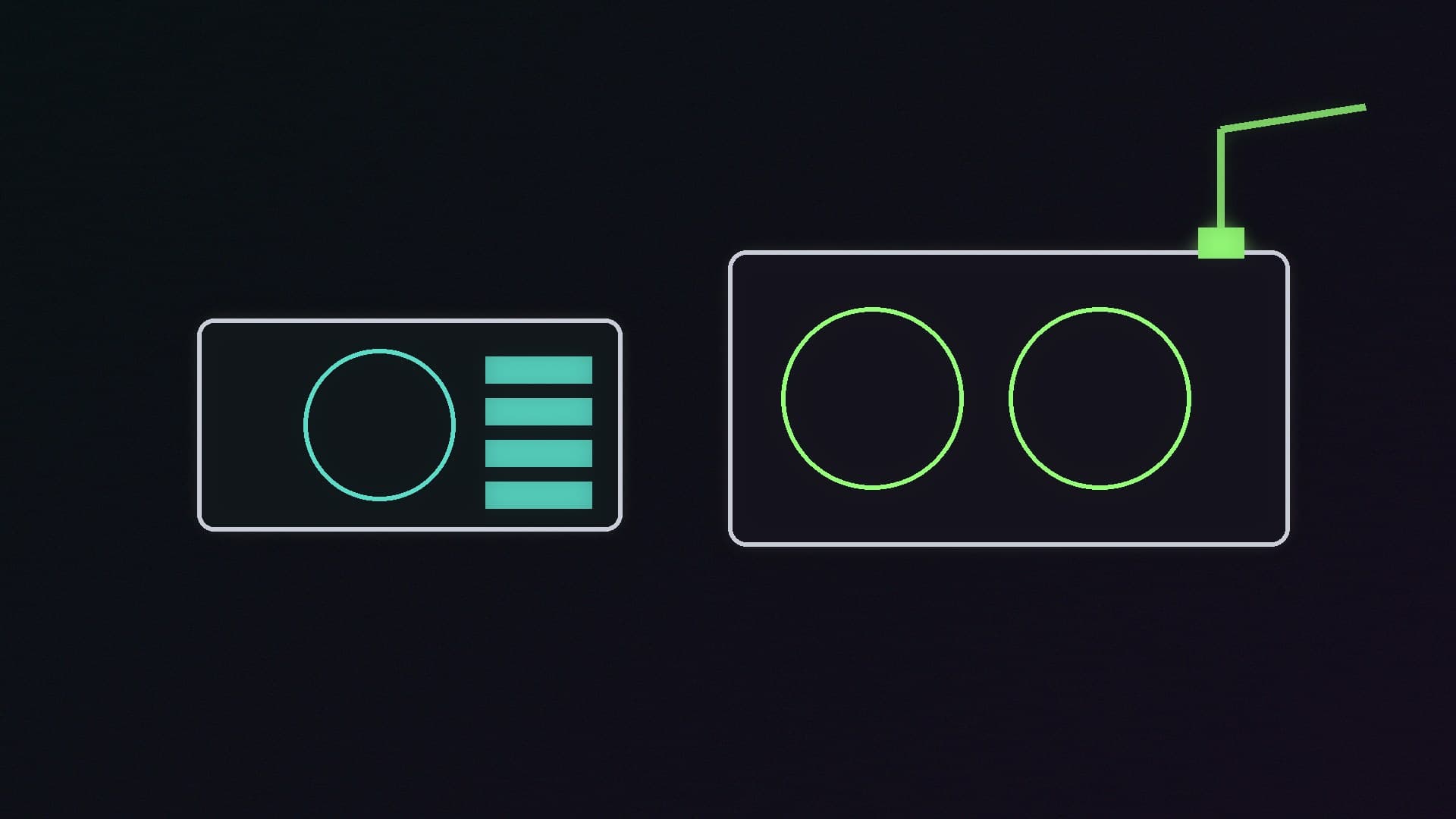
This is where the cards are furthest apart. Intel rates the Arc Pro B50 at 70W total board power, says no power connector is required and lists a 280W minimum power supply. The reference card is 6.6 inches long and two slots thick.
NVIDIA rates the RTX 5060 Ti at 180W, recommends a 600W system power supply and needs an 8-pin PCIe power cable (or a 300W-plus PCIe Gen 5 cable) on its reference design.
That makes the Arc Pro B50 an option for PCs that can't take a normal gaming card:
Small office desktops and workstations with low-wattage PSUs and no spare PCIe power cables.
Compact cases where a long, triple-fan card won't fit.
Always-on home servers where you care about power draw.
If you're adding a GPU to an old office PC to run AI jobs, our guide to choosing a PSU for a local AI PC explains how to check what your power supply can handle. Our local AI electricity cost guide shows how to work out running costs from a card's power draw.
One thing to check: Intel lists the B50's PCI Express configuration as PCIe 5.0 x8. It will work in a full-length x16 slot, but in an older PC it'll run at that board's PCIe generation.
Software: CUDA vs Intel's stack
This is the RTX 5060 Ti's biggest advantage. NVIDIA's CUDA platform is the default for most local AI software. Ollama's documentation lists the RTX 5060 Ti under compute capability 12.0, with support for NVIDIA GPUs from compute capability 5.0 and driver 550 upwards. Most AI tools, tutorials and ComfyUI workflows assume an NVIDIA card.
The Arc Pro B50 relies on Intel's software. Intel lists oneAPI, OpenVINO, the Intel Extension for PyTorch (IPEX), Vulkan 1.4 and OpenCL 3.0 support. In Ollama, Intel GPUs aren't covered by the dedicated NVIDIA (CUDA) or AMD (ROCm) sections. Instead, Ollama's docs say additional GPU support on Windows and Linux comes through Vulkan, which is enabled by default and usually needs no extra setup on Windows. Linux users need to install additional components, and Ollama links to Intel's GPU driver documentation.
So the B50 can run local AI, but expect more variation between apps and more time reading documentation. Our guides to running local AI on an Intel Arc GPU and to CUDA vs ROCm vs Vulkan cover what to expect.
Gaming and display use
The RTX 5060 Ti is a GeForce card, with DLSS 4 and NVIDIA's Game Ready drivers, so it's the obvious choice if the same PC is also for gaming. The Arc Pro B50 is a workstation card. Intel lists DirectX 12 Ultimate and XeSS support, and up to four DisplayPort 2.1 displays, which suits multi-monitor office and design setups. But it's aimed at workstations rather than gamers.
Both cards support hardware AV1 encoding, and Intel also lists H.264 and HEVC encode and decode for the B50.
Which should you choose?
Choose the Intel Arc Pro B50 if:
Your PC has a small or low-wattage PSU, or no spare PCIe power cables.
You need a compact card for a small case or office desktop.
Low power draw for an always-on AI box matters more than speed.
You're happy to work with Vulkan, OpenVINO or Intel's PyTorch support.
Choose the RTX 5060 Ti 16GB if:
Your PC has a 600W PSU with an 8-pin cable.
You want the widest software support with the least fuss.
You want faster GDDR7 memory for chat speed.
The PC is also for gaming.
We have several RTX 5060 Ti 16GB cards in our database, including the ASUS Dual RTX 5060 Ti 16GB OC and the MSI RTX 5060 Ti 16GB Ventus 2X OC Plus. If you're choosing between the 8GB and 16GB versions, our RTX 4060 Ti 16GB vs RTX 5060 Ti 16GB comparison and best GPU for local LLMs guide can help.
Our verdict
The Arc Pro B50 and RTX 5060 Ti 16GB both give you 16GB of VRAM on a 128-bit bus, so they can run the same size of local AI models. The RTX 5060 Ti is the better all-rounder for most home PCs, with faster GDDR7 memory, CUDA support in virtually every AI app and gaming features, but it needs 180W, an 8-pin cable and a 600W PSU. The Arc Pro B50 is the specialist pick: at 70W with no power connector and a 280W minimum PSU, it can add 16GB of AI memory to small and office PCs that couldn't take a GeForce card, as long as you're comfortable with Intel's software stack.