Graphics card spec sheets now split into two camps: NVIDIA's GeForce RTX 50 Series cards such as the RTX 5060 family use GDDR7 memory, while cards such as NVIDIA's RTX 4060 and RTX 4060 Ti and AMD's Radeon RX 9060 XT use GDDR6. GDDR7 is faster, but memory type is only one part of a card's memory system, and it's not the first thing to look at when you buy. Forge PC hasn't measured the performance effect of memory type; the figures here come from JEDEC, NVIDIA, AMD and TechSpot's published specifications.
What changed with GDDR7
GDDR7 is defined by the JEDEC standard JESD239. JEDEC says it offers double the bandwidth of GDDR6, up to 192GB/s per memory device. The main changes, according to JEDEC, are:
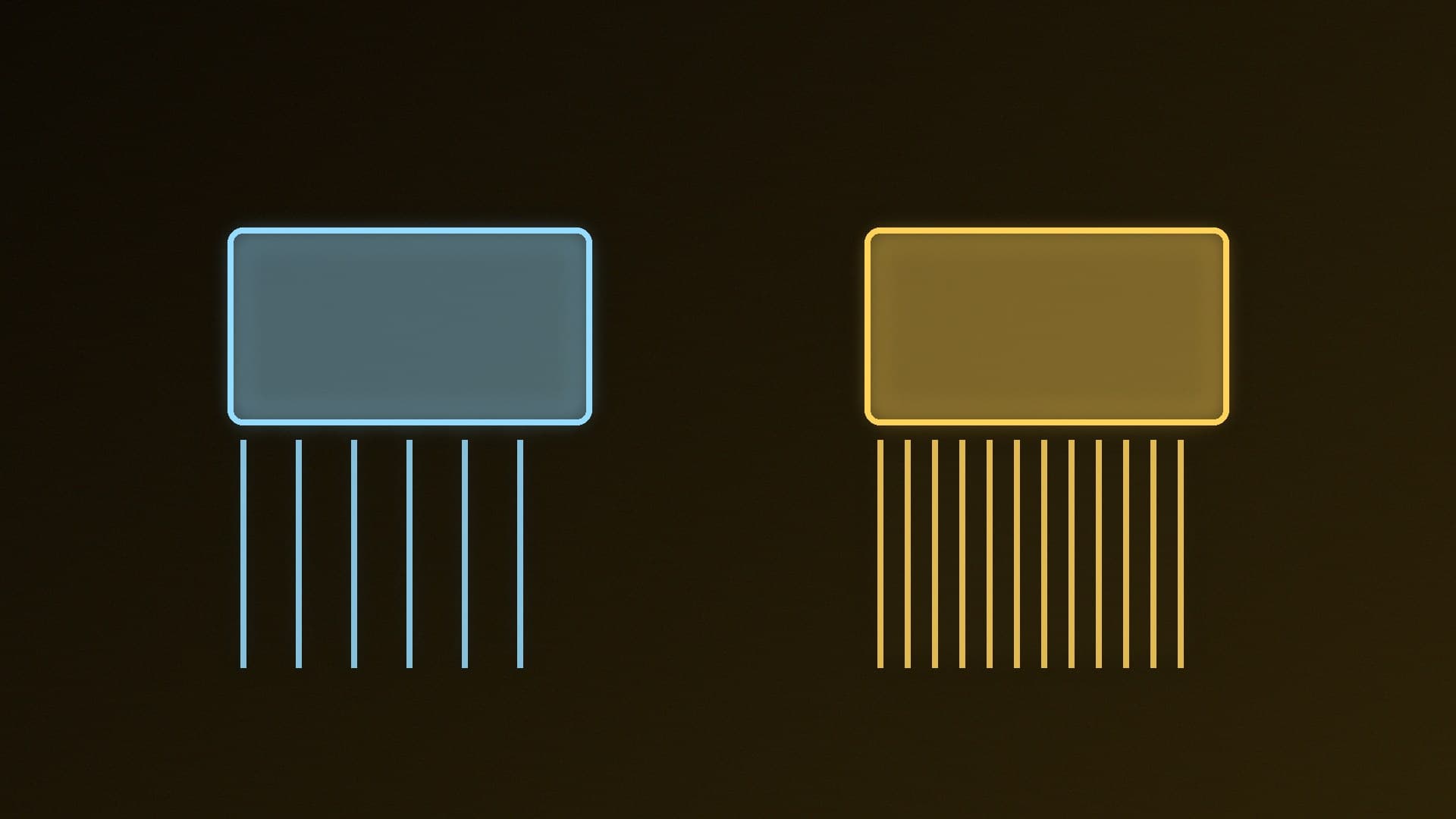
PAM3 signalling. GDDR7 is the first JEDEC-standard DRAM to use pulse amplitude modulation. PAM3 uses three signal levels to send 3 bits over two cycles, where GDDR6's traditional NRZ signalling sends 2 bits over two cycles.
More channels. The number of independent channels per device doubles from two in GDDR6 to four in GDDR7.
Higher densities. The standard supports 16Gbit to 32Gbit chips.
Reliability features, including on-die ECC with real-time reporting, which JEDEC says helps GDDR7 serve uses such as AI and cloud gaming.
What it looks like on real cards
Bandwidth on a graphics card depends on two things: the memory's speed per pin and the width of the memory bus. Multiply the bus width (in bits) by the speed (in Gbps) and divide by 8 to get GB/s. That's why a card with fast memory on a narrow bus can end up with less bandwidth than a card with slower memory on a wider one.
Here are three 128-bit cards, so the bus width is the same and only the memory differs:
Card | Memory | Speed per pin | Bus | Bandwidth |
|---|
GeForce RTX 5060 Ti | GDDR7 | 28Gbps | 128-bit | 448GB/s |
GeForce RTX 4060 Ti | GDDR6 | 18Gbps | 128-bit | 288GB/s |
Radeon RX 9060 XT | GDDR6 | Up to 20Gbps | 128-bit | Up to 320GB/s |
RTX figures from TechSpot's RTX 5060 Ti review specification table; RX 9060 XT figures from AMD.
On the same 128-bit bus, the RTX 5060 Ti's GDDR7 gives it about 56% more bandwidth than the RTX 4060 Ti's GDDR6 (448 vs 288GB/s). TechSpot's table shows the same pattern one tier down, with 448GB/s for the RTX 5060 against 272GB/s for the RTX 4060.
AMD also lists 32MB of AMD Infinity Cache, a large on-chip cache, for the RX 9060 XT. That cache isn't part of the memory bandwidth figure, and NVIDIA's cards have their own L2 cache, so raw bandwidth figures don't tell the whole story between brands.
Does it matter for gaming?
Memory bandwidth is one of many factors in game performance, alongside the GPU's shader count, clocks and cache. You can't work out a card's frame rates from its memory type, so compare independent reviews of the cards you're considering, such as those in our RX 9060 XT vs RTX 5060 Ti 16GB comparison, rather than choosing on GDDR7 alone.
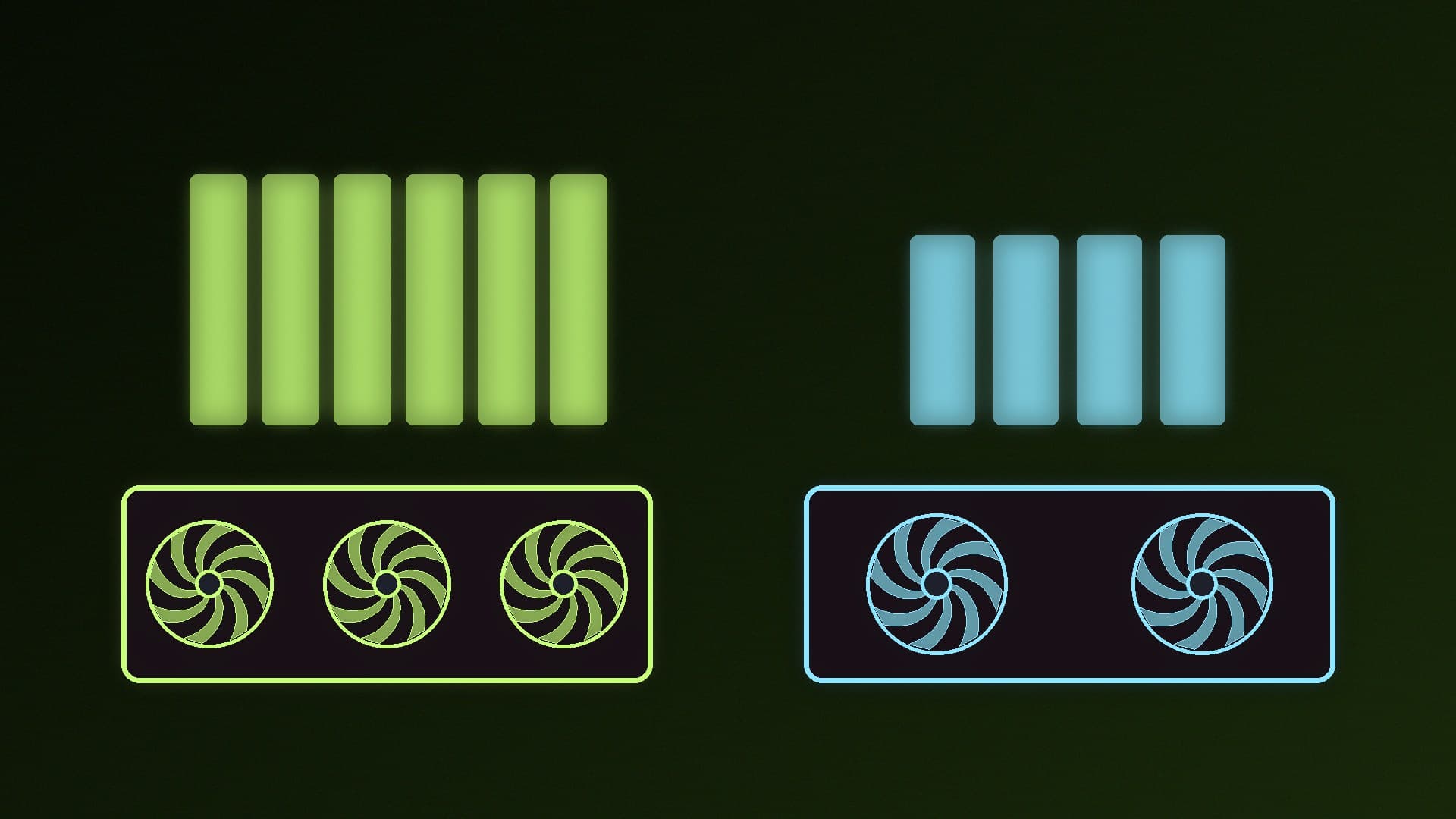
Capacity usually matters more than type. As our VRAM guides explain, when a game needs more memory than the card has, data has to come from much slower system RAM instead. That's why the 16GB version of a card can behave very differently from the 8GB version with identical GDDR7: see RTX 5060 Ti 8GB vs 16GB and how much VRAM you need for gaming.
Does it matter for local AI?
For running local AI models, capacity comes first again: the model has to fit in VRAM, or most of it, to run well. Our guides to context length and VRAM and FP4 vs FP8 vs FP16 explain how much memory different models and formats need.
Once a model fits, bandwidth becomes much more important. NVIDIA's technical blog on LLM inference says model execution is "frequently memory-bandwidth bound", in particular "bandwidth-bound in the weights". That's one reason AI-focused comparisons, such as our RTX 5060 Ti 16GB vs RTX 5070 for local AI, list memory bandwidth alongside capacity. Between two cards with the same capacity, the one with more bandwidth generally has an advantage for generating text, though software support and compute matter too.
Our verdict
GDDR7 is a genuine upgrade: JEDEC rates it at double GDDR6's per-device bandwidth, and on the same 128-bit bus the RTX 5060 Ti has 448GB/s against the RTX 4060 Ti's 288GB/s. But don't buy a card for its memory type. Check capacity first (16GB if you can), then total bandwidth, and judge gaming performance from independent reviews. Forge PC hasn't measured the effect of memory type; figures come from JEDEC, AMD, NVIDIA and TechSpot.