An uninterruptible power supply (UPS) keeps your PC running long enough to save your work and shut down safely when the power fails. The two designs you'll see for desktop PCs are line-interactive and online (also called double-conversion). This guide explains the difference using UPS makers' own technical explanations from Eaton and CyberPower.
The short answer
For most gaming PCs and home workstations, a line-interactive UPS with pure sine wave output is the sensible choice. An online UPS is for very sensitive equipment, places with poor or unstable mains power, or kit that can't tolerate any switchover delay, and it usually costs more.
How a line-interactive UPS works
Eaton says a line-interactive UPS passes filtered mains power to your equipment during normal operation and only switches to battery when the input frequency is wrong or the voltage falls outside the range it can correct. It regulates voltage by boosting or reducing it, often by switching transformer taps; this is usually called automatic voltage regulation (AVR).
CyberPower describes the same thing: its line-interactive models use an autotransformer to correct brownouts and voltage swells without switching to battery. CyberPower lists PCs, gaming systems, home cinema equipment, network equipment and entry-to-mid-range servers as typical uses.
Two details matter:
Transfer time. When the power fails, a line-interactive UPS has to switch to battery. Eaton puts the transfer time at around 10ms or less, which it says most IT equipment is designed to tolerate.
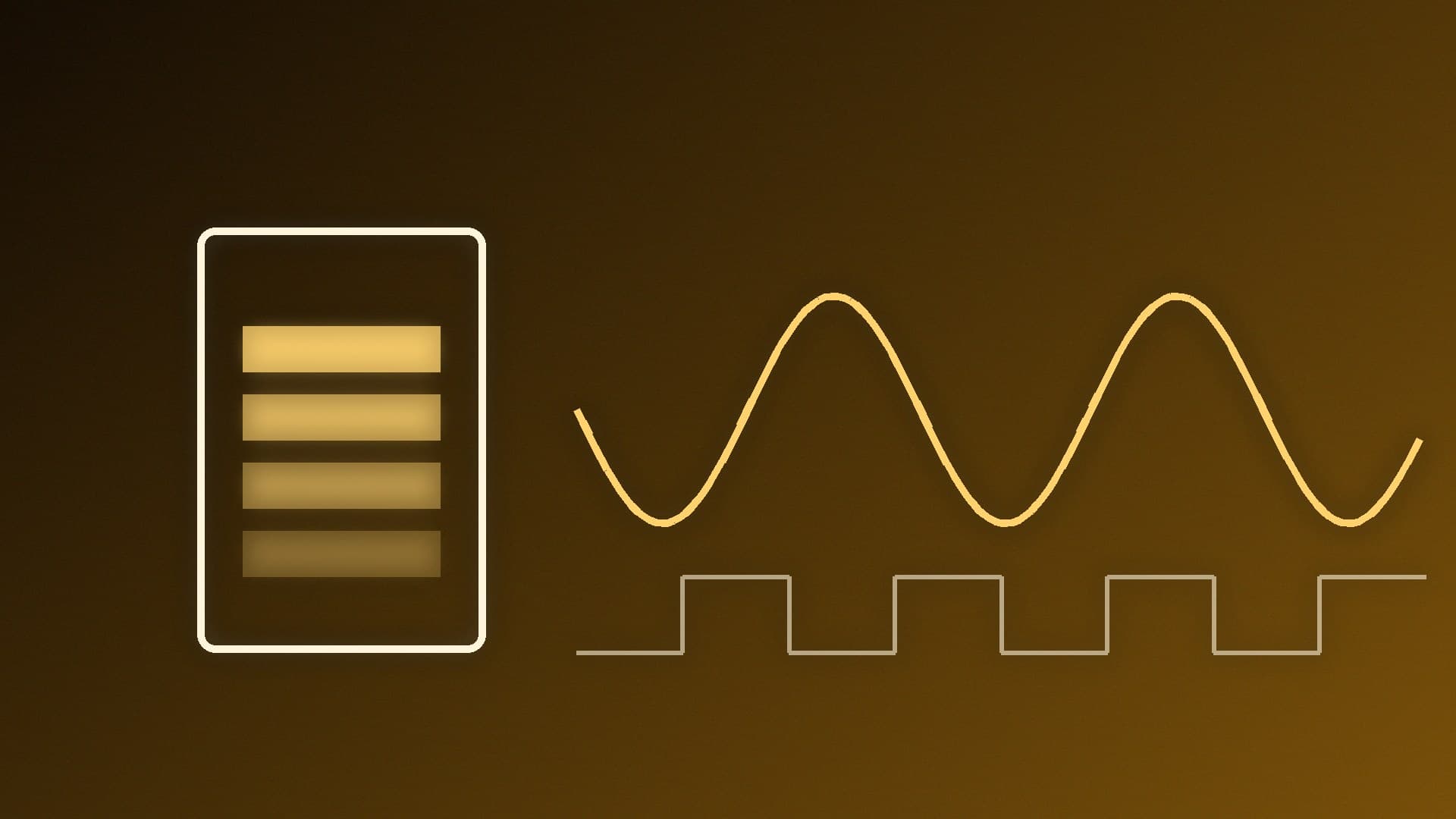
Waveform. Some line-interactive UPSs output a pure sine wave on battery, while cheaper ones use a simulated (stepped) sine wave. Eaton says pure sine wave models offer wider compatibility with power factor corrected (PFC) power supplies, and CyberPower says sine wave output ensures equipment with Active PFC power supplies doesn't shut down when switching from mains to battery.
Many PC power supplies use Active PFC (check your PSU's specification), so look for a UPS that lists pure sine wave output, not just "line-interactive".
How an online (double-conversion) UPS works
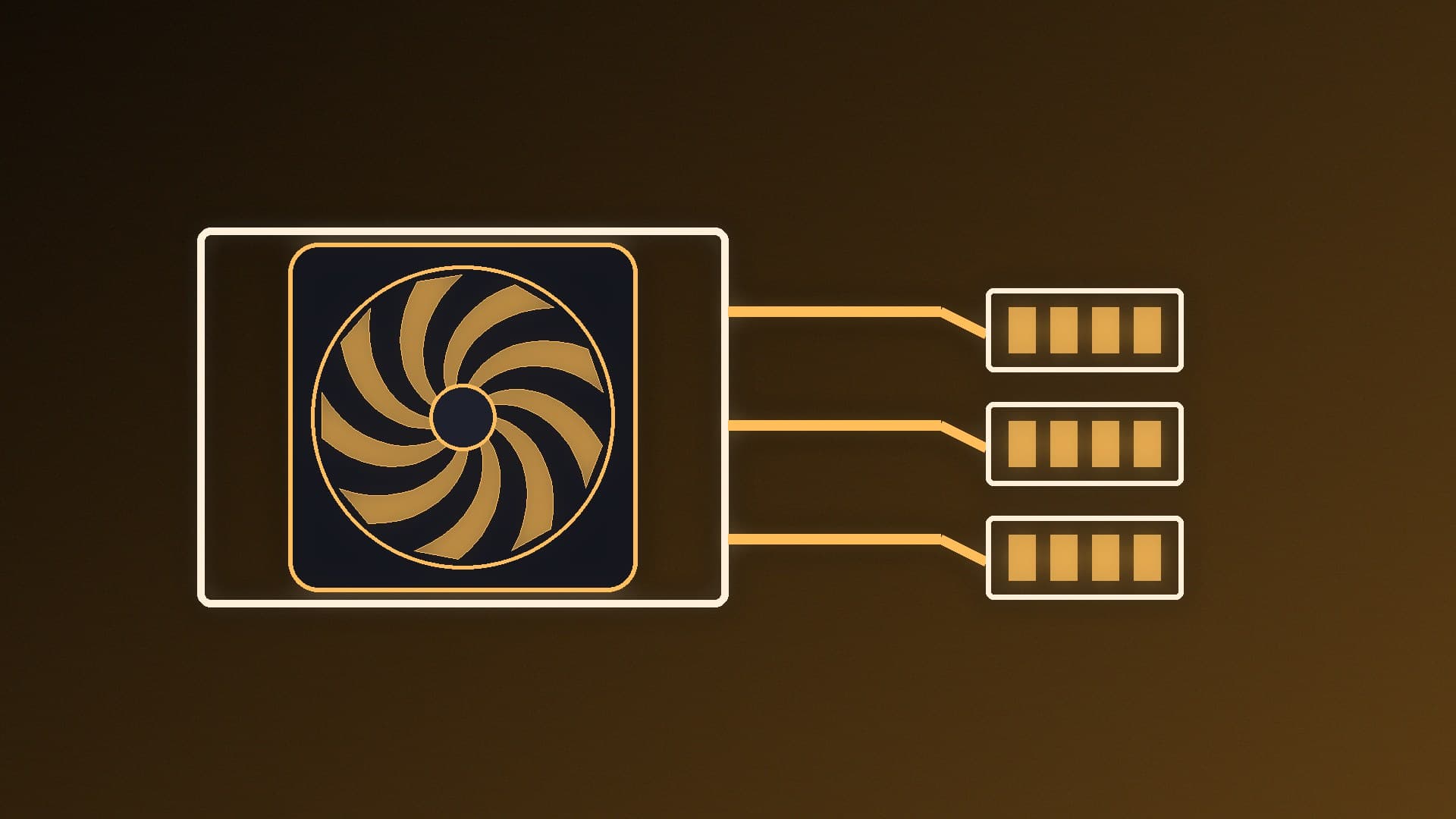
An online UPS converts incoming AC power to DC and back to AC all the time, so your equipment always runs from the UPS's inverter. Eaton says this gives zero transfer time to battery, filters even fast power disturbances and copes with a wide range of input voltage and frequency. CyberPower says double-conversion systems produce consistent, clean power regardless of the incoming supply.
The downsides, according to Eaton, are that the design is more complex and the price is usually higher than standby or line-interactive models. CyberPower aims its double-conversion units at mission-critical IT, data centres, high-end servers and storage.
Side by side
| Line-interactive | Online (double-conversion) |
|---|
Normal operation | Filtered mains, with voltage regulation (AVR) | Always runs through the inverter (AC to DC to AC) |
Switch to battery | About 10ms or less (Eaton) | Zero transfer time |
Brownouts and swells | Corrected without using the battery, within its range | Handled continuously |
Waveform on battery | Pure or simulated sine wave, depending on model | Output always recreated by the inverter |
Typical use (makers' guidance) | PCs, gaming systems, network kit, small servers | Sensitive IT, servers, storage, poor mains power |
Cost | Moderate | Usually higher |
What about standby UPSs?
The cheapest type is a standby (offline) UPS. Eaton says it switches to battery for sags as well as outages and uses a simulated sine wave on battery, and it doesn't recommend standby units for high-end workstations because some modern computers can't operate properly from that waveform. They're better suited to routers, modems and monitors.
Battery life
Eaton notes that lead-acid UPS batteries are typically rated for three to five years, and that frequent switching to battery and high temperatures shorten that. Line-interactive units use AVR to avoid draining the battery during small voltage dips, and online units only draw on the battery when the input is very poor or fails completely.
Which should you buy?
Choose a line-interactive UPS (pure sine wave) if you're protecting a gaming PC, a home office PC, a router and a monitor. It corrects brownouts within its range without using the battery, and Eaton says most IT equipment is designed to tolerate its transfer time of about 10ms or less.
Choose an online UPS if your mains supply is unreliable or noisy, you're running a home server or NAS that must never see a switchover, or you're protecting equipment that can't tolerate even a brief transfer.
Whichever you pick, size it for your PC's real power draw plus your monitor and network kit. Our best UPS for a PC guide covers specific models and sizing, and our guide to calculating how much power your PC uses explains how to measure it. A UPS doesn't replace a good power supply, so see our guide to choosing a PSU too.
Our verdict
For a gaming PC or home workstation, a line-interactive UPS with pure sine wave output is the best balance of protection and cost. An online double-conversion UPS gives cleaner power and zero transfer time, but you only need it for sensitive equipment, servers or areas with poor mains power. Avoid simulated sine wave units for PCs with Active PFC power supplies.