The Samsung 9100 Pro is the company's PCIe 5.0 NVMe SSD, and the 990 Pro is its PCIe 4.0 predecessor. Samsung sells both with and without a heatsink. This comparison uses the 2TB heatsink versions, which are both in our product database. Forge PC hasn't benchmarked either drive; the figures below are Samsung's ratings.
Specs compared (2TB with heatsink)
Spec | Samsung 9100 Pro 2TB with Heatsink | Samsung 990 Pro 2TB with Heatsink |
|---|
Interface | PCIe 5.0 x4, NVMe 2.0 | PCIe 4.0 x4, NVMe 2.0 |
Sequential read | Up to 14,700MB/s | Up to 7,450MB/s |
Sequential write | Up to 13,400MB/s | Up to 6,900MB/s |
Random read | Up to 1,850,000 IOPS | Up to 1,400,000 IOPS (4KB, QD32) |
Random write | Up to 2,600,000 IOPS | Up to 1,550,000 IOPS (4KB, QD32) |
NAND | Samsung V-NAND TLC | Samsung V-NAND 3-bit MLC (TLC) |
DRAM cache | 2GB LPDDR4X | 2GB LPDDR4 |
Average power (system level) | Read 8.1W / write 7.9W | 5.5W (8.5W maximum in burst mode) |
Endurance | 1,200TBW | 1,200TBW |
Warranty | 5 years or TBW limit | 5 years or TBW limit |
Size with heatsink | Max 80.15 x 25 x 8.88mm | 80 x 24.3 x 8.2mm |
Weight | Max 30g | Max 28g |
Samsung's 990 Pro listing doesn't state endurance, so the 990 Pro TBW and warranty figures come from Samsung's 990 Pro brochure. Samsung says performance varies with system hardware and configuration.
Speed
On paper the 9100 Pro roughly doubles the 990 Pro's sequential speeds, and Samsung's marketing describes it as "two times faster than 990 PRO". Random read and write ratings are also higher. Bear in mind these are peak ratings: Samsung notes that its write figures were measured with Intelligent Turbo Write, which only operates within a specific data transfer size.
How much of that you notice depends on what you do. Sequential ratings describe large, continuous transfers such as copying big files. For games, our PCIe 4.0 vs PCIe 5.0 SSD explainer looks at how much the extra bandwidth matters.
You need a PCIe 5.0 slot
To get the 9100 Pro's rated performance, Samsung says to check that your system supports PCIe 5.0. Not every motherboard has a PCIe 5.0 M.2 slot, and on some boards the slot's speed depends on the CPU you use. Our guide to checking which M.2 slot is fastest shows how to read your board's spec sheet. If you don't have a PCIe 5.0 slot, the 990 Pro makes more sense.
Power and heat
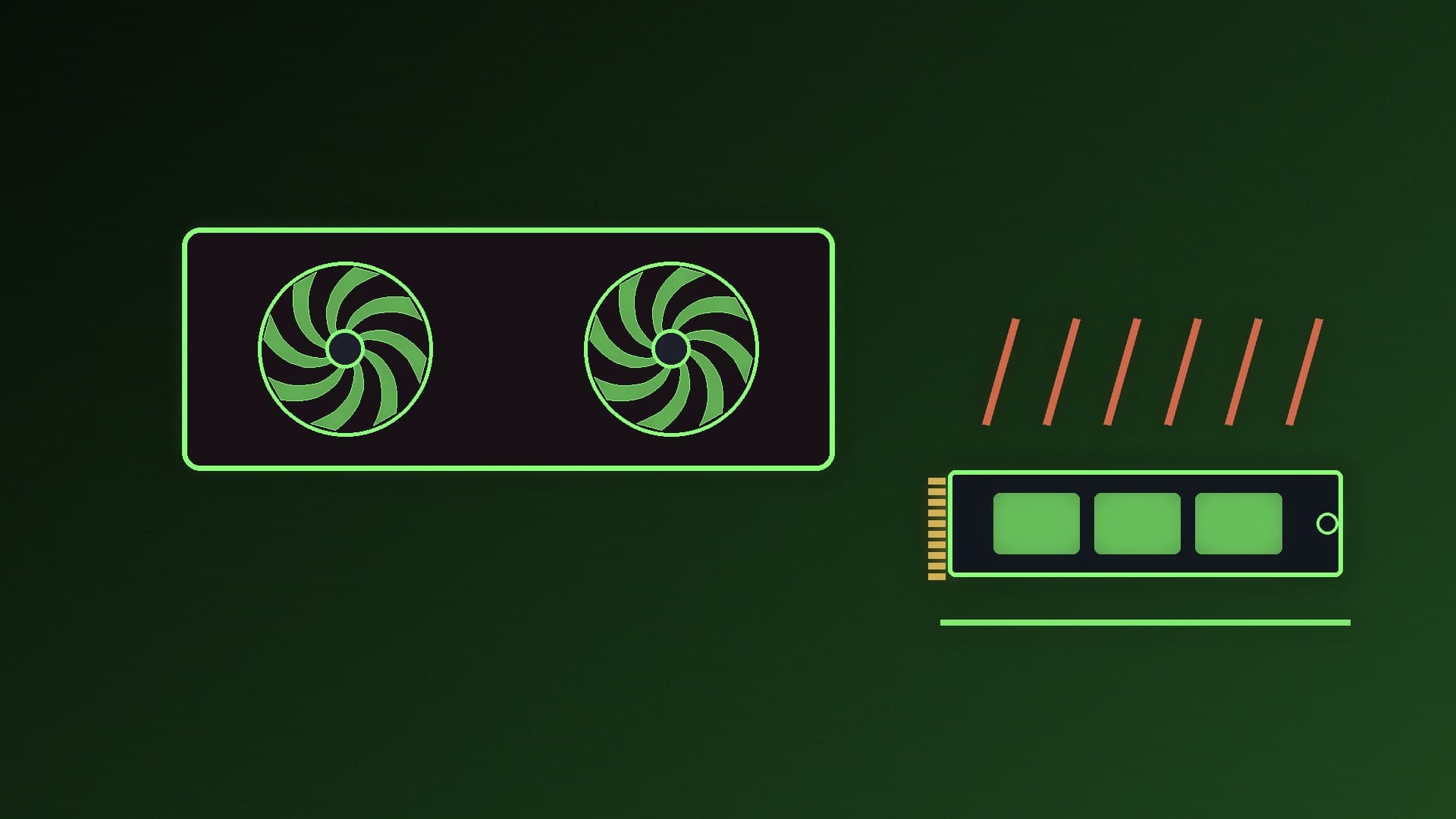
Samsung lists higher average power for the 9100 Pro (8.1W read, 7.9W write) than the 990 Pro (5.5W average). Samsung also says the 9100 Pro's 5nm controller is up to 49% more power-efficient than the 990 Pro's, measured as speed per watt in its own tests on the 2TB models. In other words, it does more work per watt but can draw more power in total. Both heatsink versions are rated for 0 to 70°C. Our SSD heatsink vs no heatsink guide explains when you need one.
Fit and PS5
Both heatsink drives are under 9mm thick. Samsung says the 1TB, 2TB and 4TB 9100 Pro heatsink models (8.8mm) fit laptops, desktop PCs and PlayStation 5 consoles, while the 8TB heatsink model is 11.25mm and fits PS5. Samsung's spec page lists both drives for client PCs and game consoles.
Endurance and warranty
At 2TB, both are rated for 1,200TB written with a five-year warranty, whichever comes first, so there's nothing to choose between them on paper.
Which should you buy?
Choose the 9100 Pro if your motherboard has a PCIe 5.0 M.2 slot that runs at 5.0 with your CPU, and you regularly move large files where sequential speed matters.
Choose the 990 Pro if you're on a PCIe 4.0 platform, want the lower-power drive, or the price gap is big enough to buy more capacity instead.
For more options, see our best PCIe 5.0 SSDs, best PCIe 4.0 SSDs and best 2TB SSDs. Fitting one? See how to install an M.2 SSD.
Our verdict
The Samsung 9100 Pro is the faster drive, rated for about twice the 990 Pro's sequential speeds, but it needs a PCIe 5.0 slot to deliver that and draws more power. With the same 1,200TBW endurance and five-year warranty at 2TB, the 990 Pro remains the sensible choice for PCIe 4.0 systems and anyone who'd rather spend less.