It's based on NVIDIA's official product pages and datasheet, plus Ollama's hardware support documentation, all read on 24 November 2026.
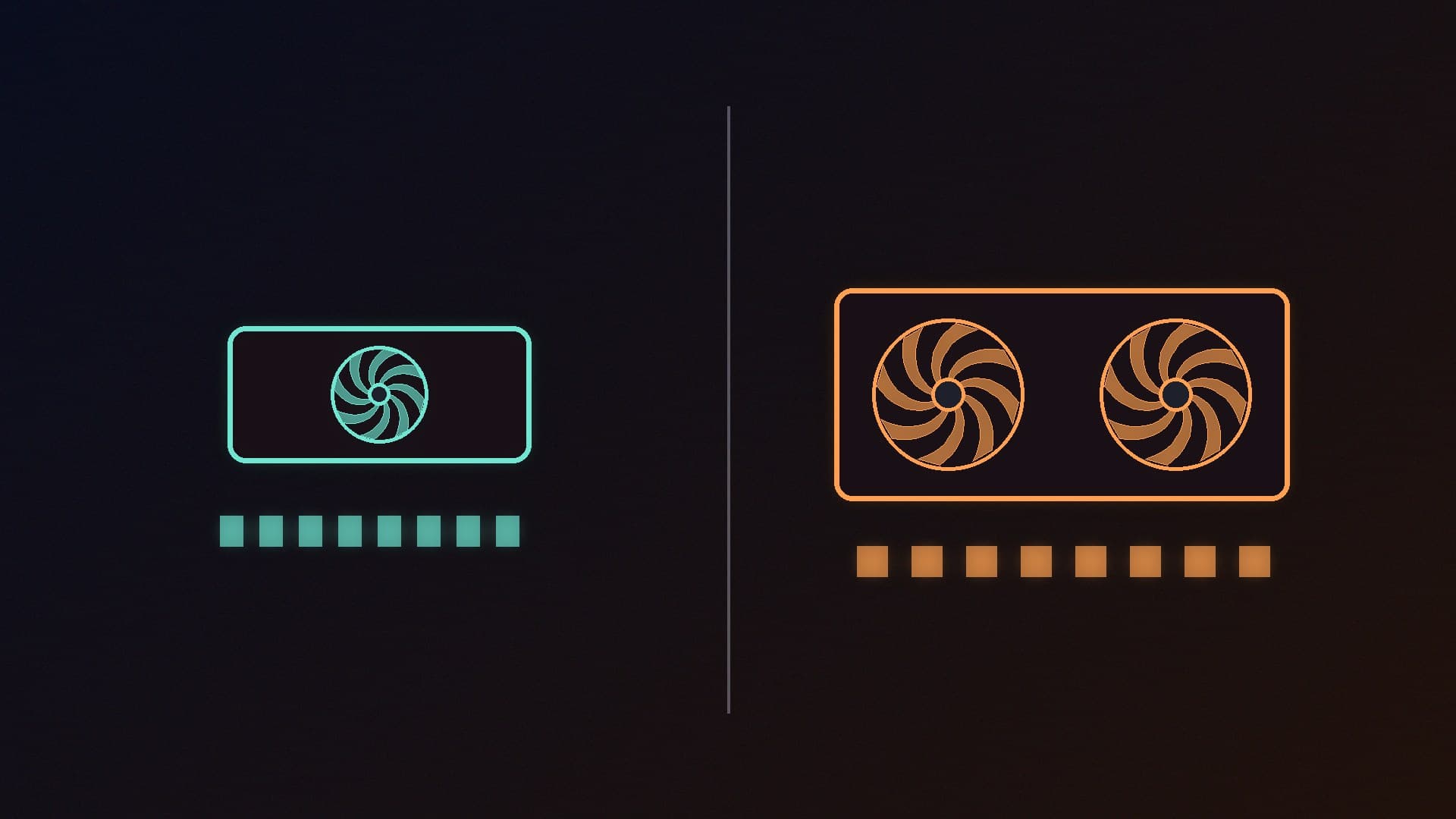
If you want 16GB of graphics memory for running local AI models on a recent NVIDIA card, two Blackwell options look very similar on paper: the GeForce RTX 5060 Ti 16GB and the professional RTX PRO 2000 Blackwell. Both have 16GB of GDDR7 on a 128-bit memory interface. The big differences are power, size and the kind of PC each one is designed for.
Specs compared
| RTX PRO 2000 Blackwell | GeForce RTX 5060 Ti 16GB |
|---|
Architecture | Blackwell | Blackwell |
CUDA cores | 4,352 | 4,608 |
Memory | 16GB GDDR7 with ECC | 16GB GDDR7 |
Memory interface | 128-bit | 128-bit |
Memory bandwidth | 288GB/s | Not listed on NVIDIA's GeForce page |
AI TOPS (NVIDIA figure) | 545 | 759 |
Power | 70W maximum | 180W total graphics power |
Required system power | Not listed | 600W |
Power connector | None listed in the datasheet | 1x PCIe 8-pin or a 300W+ PCIe Gen 5 cable |
Size | 2.7in x 6.6in, dual-slot | Varies by manufacturer |
Display outputs | 4x Mini DisplayPort 2.1b | 3x DisplayPort, 1x HDMI |
PCIe | Gen 5 | Gen 5 |
All figures are from NVIDIA. The RTX 5060 Ti figures are for NVIDIA's reference specification. Partner cards' size, cooling and clock speeds vary.
Memory capacity is the most important spec for local LLMs, because it decides which models fit on the card. Here the two cards are level, with 16GB each, so the same models will fit on both. Our guide to how much VRAM you need explains which model sizes fit into 16GB.
The RTX PRO 2000 adds error-correcting code (ECC) memory, which the GeForce card's specifications don't list. Our ECC vs non-ECC RAM explainer covers what ECC does and who needs it.
NVIDIA lists 288GB/s of memory bandwidth for the RTX PRO 2000 but doesn't list a bandwidth figure on its GeForce RTX 5060 Ti page, so we can't compare the two directly from official specs. Bandwidth matters because it has a big effect on how quickly an LLM generates text. Our explainer on memory bandwidth and local LLM speed explains why.
AI compute
The RTX 5060 Ti has slightly more CUDA cores (4,608 vs 4,352) and a higher AI TOPS rating (759 vs 545). NVIDIA's RTX PRO 2000 datasheet says its figure is effective FP4 TOPS with sparsity. The GeForce page doesn't state what precision its figure is based on, so treat the comparison with care. Our explainer on TOPS vs TFLOPS covers how these numbers are calculated.
On paper, the RTX 5060 Ti has more CUDA cores and a much higher power budget. We haven't measured how that translates into AI speed, and real-world results depend on the model and the app.
Power, size and heat
This is where the two cards are very different.
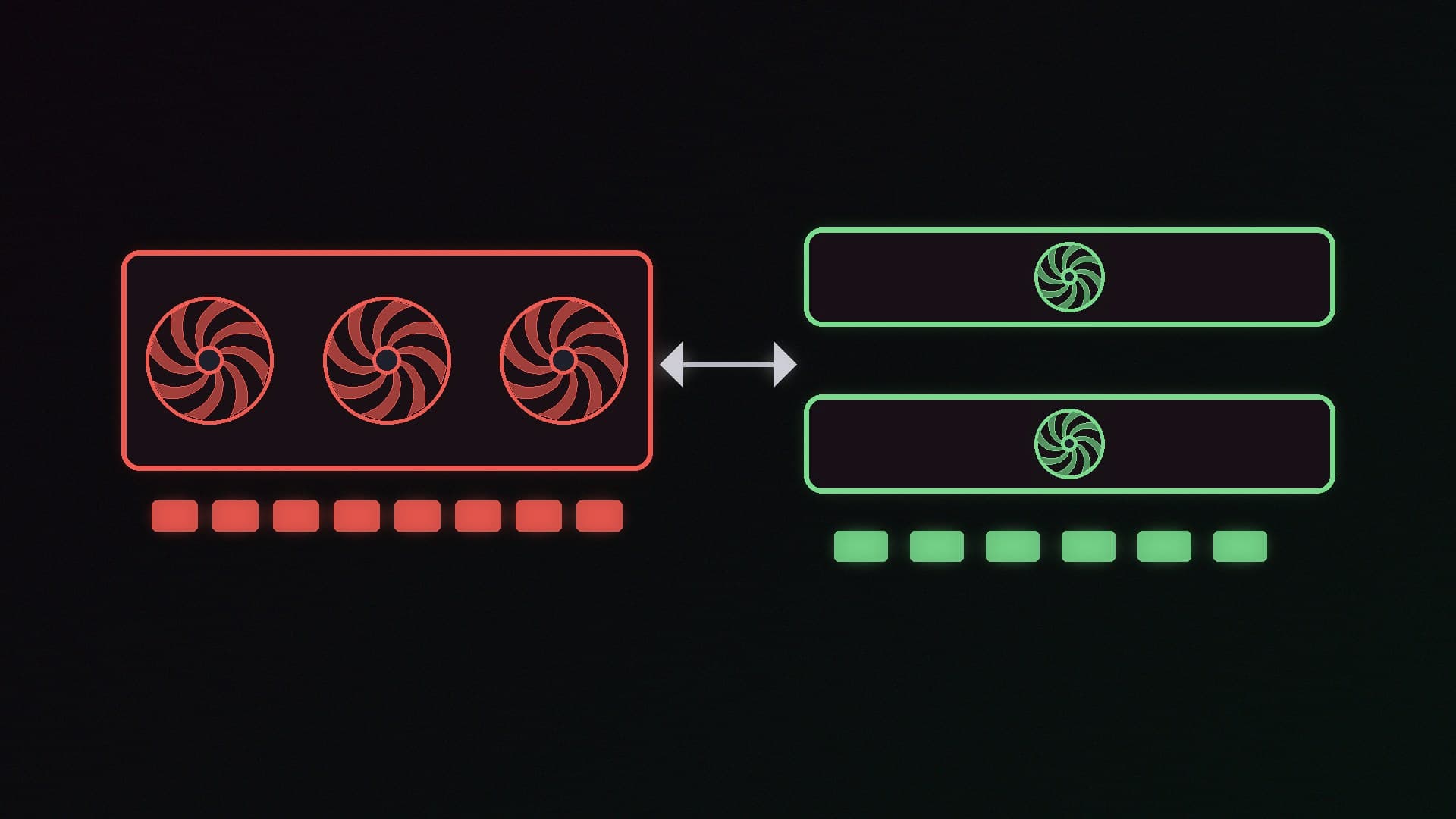
RTX PRO 2000 Blackwell: 70W maximum power consumption, 2.7in tall and 6.6in long, dual-slot, with active cooling. NVIDIA's datasheet doesn't list a supplementary power connector.
RTX 5060 Ti: 180W total graphics power, a required system power of 600W, and one 8-pin PCIe connector or a 300W or greater PCIe Gen 5 cable. Card size varies by manufacturer.
If you want a compact AI box that runs all the time, the RTX PRO 2000's 70W rating means less heat, a smaller power supply and lower running costs. Our guide to calculating the electricity cost of local AI shows how to estimate the difference for your own use. If you already have a standard ATX desktop with a decent power supply, the RTX 5060 Ti's higher power draw is less of a problem, and you can cap it with nvidia-smi's power limit if you want.
Software support
Both cards use NVIDIA's Blackwell architecture. Ollama's hardware support page lists the RTX 5060 Ti at compute capability 12.0. It doesn't name the RTX PRO 2000 Blackwell, but it lists other RTX PRO Blackwell cards (the RTX PRO 4000, 4500, 5000 and 6000 Blackwell) at the same compute capability 12.0.
The RTX 5060 Ti is also a gaming card, with GeForce features such as DLSS 4 Multi Frame Generation and Reflex 2, according to NVIDIA. If you want one card for both gaming and AI, that matters.
Which should you buy?
Choose the RTX PRO 2000 Blackwell if you're building a small, low-power AI machine or upgrading a compact office PC, want ECC memory, or need four DisplayPort outputs for a workstation.
Choose the RTX 5060 Ti 16GB if you have a normal desktop PC, want a card for both gaming and AI, and want the higher CUDA core count and AI TOPS rating.
If you're weighing up other 16GB cards, see our comparisons of the RTX 5060 Ti 16GB vs RTX 5070 for local AI and Arc Pro B50 vs RTX 5060 Ti 16GB.
Our verdict
The RTX PRO 2000 Blackwell and GeForce RTX 5060 Ti 16GB both give you 16GB of GDDR7 on a 128-bit bus, so the same models will fit on either. The RTX 5060 Ti has more CUDA cores and a higher AI TOPS rating, and doubles as a gaming card, making it the better choice for a standard desktop. The RTX PRO 2000 is the one to pick for a compact or always-on AI box, thanks to its 70W rating, small dual-slot design and ECC memory.