ECC (error-correcting code) memory can detect and fix small memory errors before they crash a program or quietly corrupt a file. It's standard in servers, but it's increasingly talked about for home PCs too, especially for workstations, home servers and AI machines that run for long periods.
DDR5 confuses things, because every DDR5 module already has a feature called "on-die ECC". This guide explains the difference, which platforms support real ECC memory, and who should pay for it. Forge PC hasn't tested ECC memory itself; the details come from Kingston's technical guides and AMD, Intel and ASUS specifications.
The short answer
| Non-ECC DDR5 UDIMM | ECC DDR5 UDIMM | ECC DDR5 RDIMM |
|---|
On-die ECC inside each chip | Yes | Yes | Yes |
Extra chips for system-level ECC | No | Yes | Yes |
Data width per rank (Kingston) | 64-bit | 72-bit (2 x 36-bit) | 80-bit (2 x 40-bit) |
Fits a normal desktop DDR5 slot | Yes | Yes, if the board supports it | No (different key) |
Typical use | Gaming and home PCs | Workstations, home servers | Servers |
For a gaming PC, non-ECC memory is the normal and sensible choice. ECC UDIMMs make sense in a workstation or always-on machine where silent data corruption would be costly, but only if your CPU and motherboard both support ECC.
What ECC memory actually does
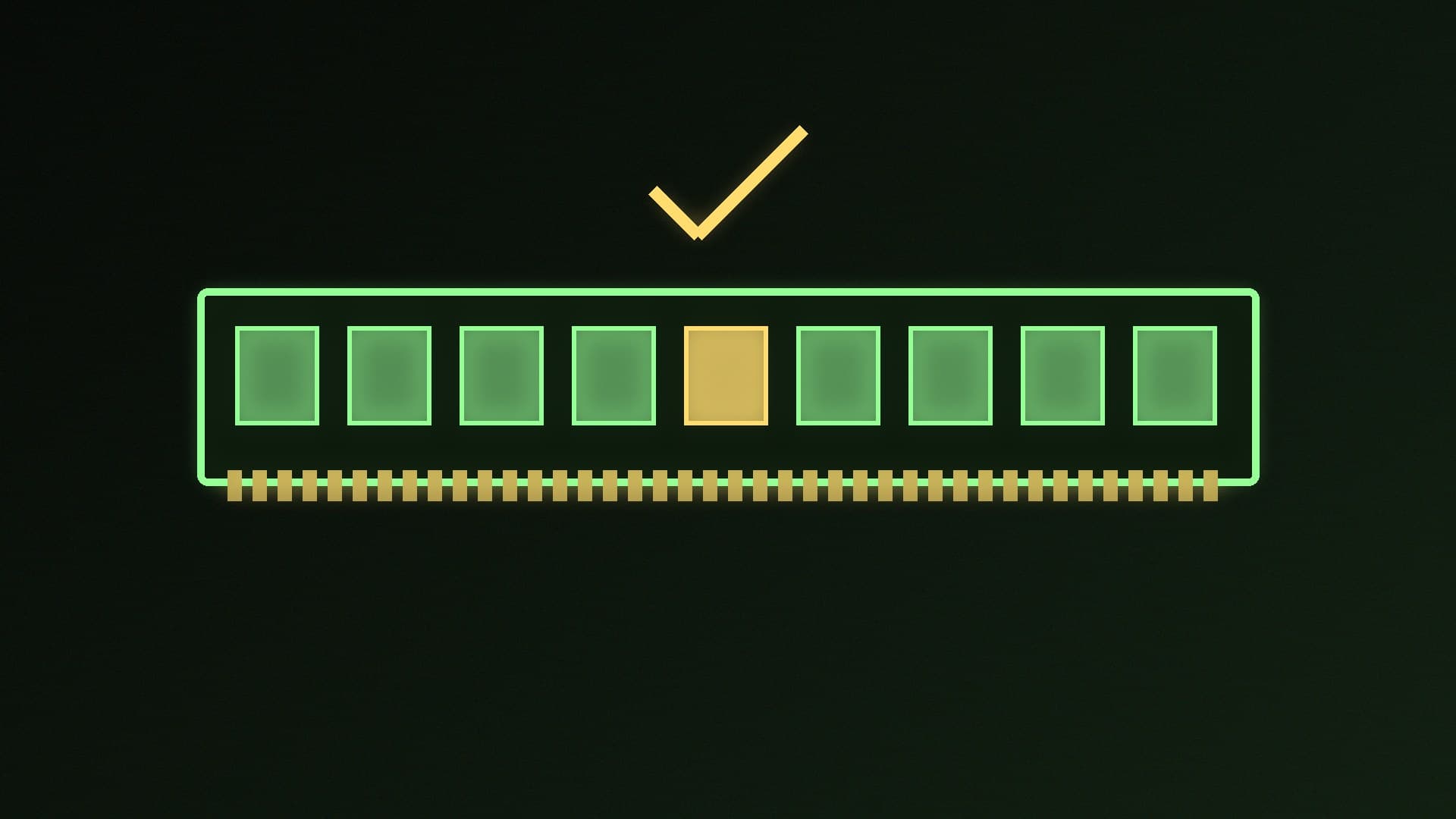
Kingston explains that ECC memory uses extra parity bits, stored on additional DRAM chips on the module, to check every data word. When data is written, the memory controller in the processor generates an error-correcting code and stores it with the data. When the data is read back, it recalculates the code and compares the two. If a single bit has flipped, the controller corrects it automatically; if more bits are wrong, it flags the error so the system knows the data can't be trusted.
Kingston calls this "single error correct, double error detect" (SECDED) behaviour. You can see the extra chips in Kingston's datasheets. Its Server Premier 16GB DDR5-5600 ECC UDIMM (KSM56E46BS8KM-16HA) is a 72-bit, single-rank module built from ten 2G x 8-bit DRAM chips, while each 16GB module in its non-ECC FURY Beast DDR5-6400 kit (KF564C32BBEAK2-32) is 64-bit and uses eight chips of the same 2G x 8-bit size.
The key point from Kingston is that for ECC to work, "both the CPU and the motherboard must support ECC mode". Fitting ECC modules to a board that doesn't support ECC won't give you error correction.
DDR5 on-die ECC is not the same thing
Kingston's DDR5 overview describes on-die ECC as a feature that corrects bit errors inside each DRAM chip. It was added because, as chips become denser, the risk of errors rises. But Kingston is clear about its limits: on-die ECC "cannot correct errors outside of the chip or those that occur on the bus between the module and memory controller housed within the CPU".
In other words, on-die ECC makes DDR5 chips themselves more reliable, but it doesn't report errors to your system or protect data travelling to the CPU. Full system-level ECC needs the extra DRAM bits found on ECC-class modules: ECC unbuffered, registered and load-reduced DIMMs.
UDIMM vs RDIMM: they aren't interchangeable
ECC memory comes in two main desktop-relevant forms:
ECC UDIMMs are unbuffered, like normal desktop memory, with the extra ECC chips added. They fit standard DDR5 desktop slots.
RDIMMs (registered DIMMs) are server modules. Kingston notes that for DDR5, RDIMMs and other server types "are not socket compatible" with ECC or non-ECC UDIMMs, because the key notch differs between module types.
So if you're buying ECC memory for an AM5 or LGA 1851 PC, you need ECC UDIMMs, not server RDIMMs. For more on desktop module types, see CUDIMM vs UDIMM DDR5.
AMD AM5. AMD's specification page for the Ryzen 7 9700X lists ECC support as "Yes (Requires mobo support)". So the CPU supports it, but you need to check that your motherboard does too, ideally in its manual or memory support list.
Intel LGA 1851. Intel's specification page for the Core Ultra 9 285K lists "ECC Memory Supported: Yes", but again the board matters. Workstation boards built on Intel's W880 chipset, such as the ASUS Pro WS W880-ACE SE, list support for "ECC and Non-ECC Un-buffered" DDR5 as well as CUDIMMs.
Always check the motherboard's specifications before buying ECC memory, because Kingston says ECC only works when both the CPU and the motherboard support ECC mode.
The trade-offs
Speed. Kingston's Server Premier ECC UDIMMs, for example, run at the JEDEC standard DDR5-5600 CL46 at 1.1V, while its FURY Beast gaming kit above is rated at DDR5-6400 CL32 at 1.4V using an EXPO or XMP profile. If you want to understand what those timings mean, see DDR5 CL30 vs CL36.
Choice. Kingston sells its ECC UDIMMs in its Server Premier server memory line rather than its FURY gaming range, so expect plain modules rather than heatsinks and RGB.
Compatibility checking. You have to confirm both CPU and motherboard support.
Who should use ECC memory?
Choose ECC UDIMMs if you're building a workstation for work where a silent error would be costly, a home server or NAS that runs around the clock, or a machine that holds large amounts of data in memory for long periods, and your CPU and motherboard support ECC.
Stick with non-ECC if you're building a gaming PC or a general home PC. DDR5's on-die ECC already improves chip-level reliability, and you get faster, cheaper and far more widely available kits. If you suspect bad memory, test it with MemTest86 rather than switching to ECC. For gaming memory picks, see the best DDR5 RAM.
Our verdict
True ECC memory adds extra DRAM chips so the CPU's memory controller can correct single-bit errors and flag bigger ones; DDR5's on-die ECC only fixes errors inside each chip and can't protect the path to the CPU. ECC only works when the CPU and motherboard both support it: AMD lists ECC support for Ryzen 9000 with a compatible board, and Intel W880 workstation boards list ECC UDIMM support. For gaming, non-ECC DDR5 is the right choice; ECC UDIMMs suit workstations and always-on home servers. Forge PC hasn't tested ECC memory itself.