Skip to content

Author / Senior Hardware Editor / 158 articles

Callum Reid

Callum leads GPU, CPU and platform architecture coverage at Forge PC. Before joining the editorial desk, he spent nine years specifying, assembling and stress-testing custom gaming and workstation systems in the UK, with a focus on PCIe bandwidth, VRM thermal design, DDR5 memory tuning and 1440p/4K frame-time consistency.

  • RTX PRO 6000 vs RTX 5090 for Local AI: Is 96GB of VRAM Worth It?

    Versus

    RTX PRO 6000 vs RTX 5090 for Local AI: Is 96GB of VRAM Worth It?

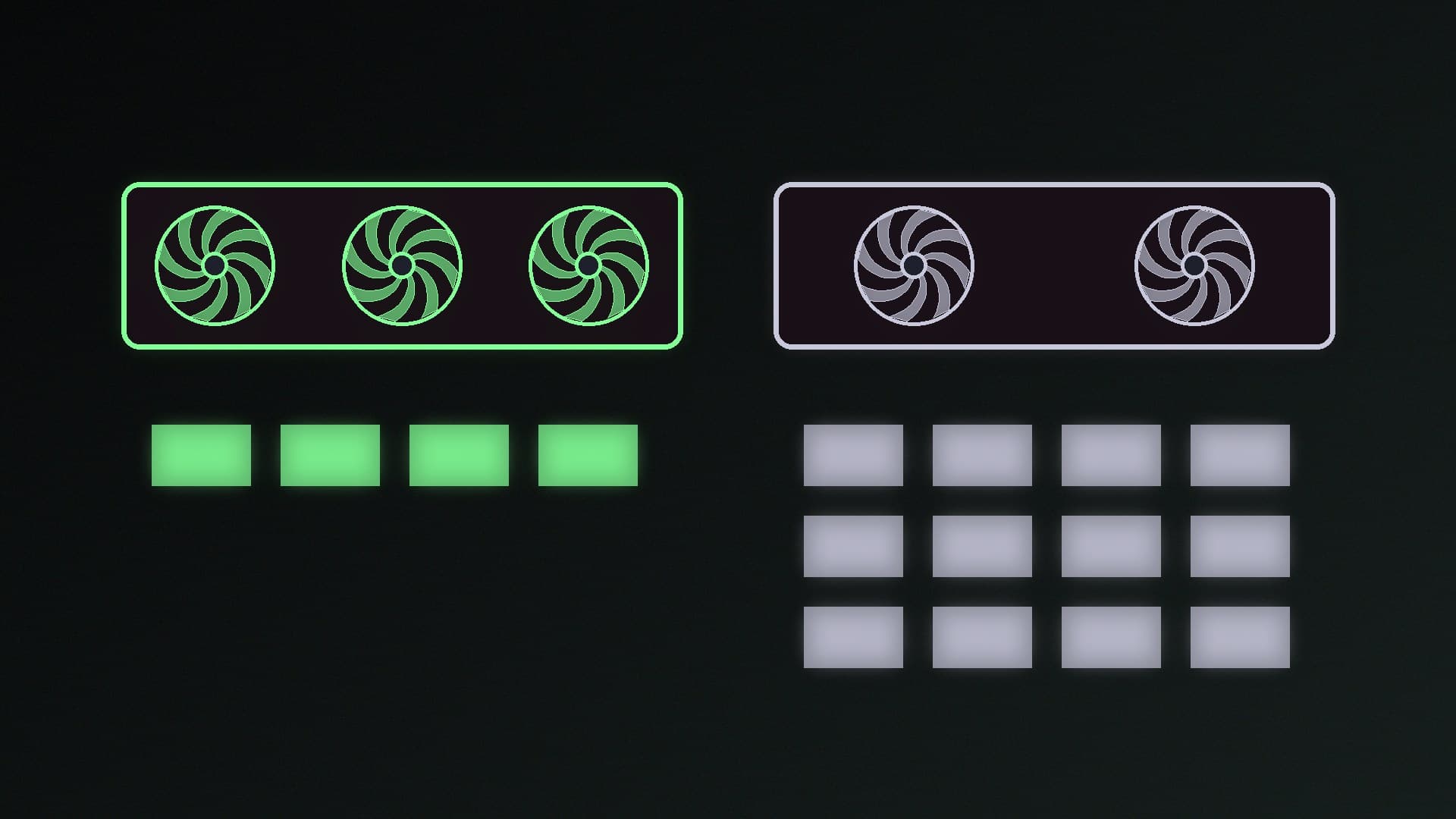
    The RTX PRO 6000 Blackwell has 96GB of ECC GDDR7 to the RTX 5090's 32GB, so it can run 70B-class models such as Llama 3.3 70B (43GB) and gpt-oss 120B (65GB) on one card, and adds MIG for sharing. The 5090 suits models such as gpt-oss 20B and doubles as a gaming card. UK: 5090 from about £7,600; PRO 6000 is quote-only at Scan.

    Callum Reid4 min
  • ARGB vs RGB: 5V 3-Pin and 12V 4-Pin Headers Explained (and How Not to Fry Them)

    Versus

    ARGB vs RGB: 5V 3-Pin and 12V 4-Pin Headers Explained (and How Not to Fry Them)

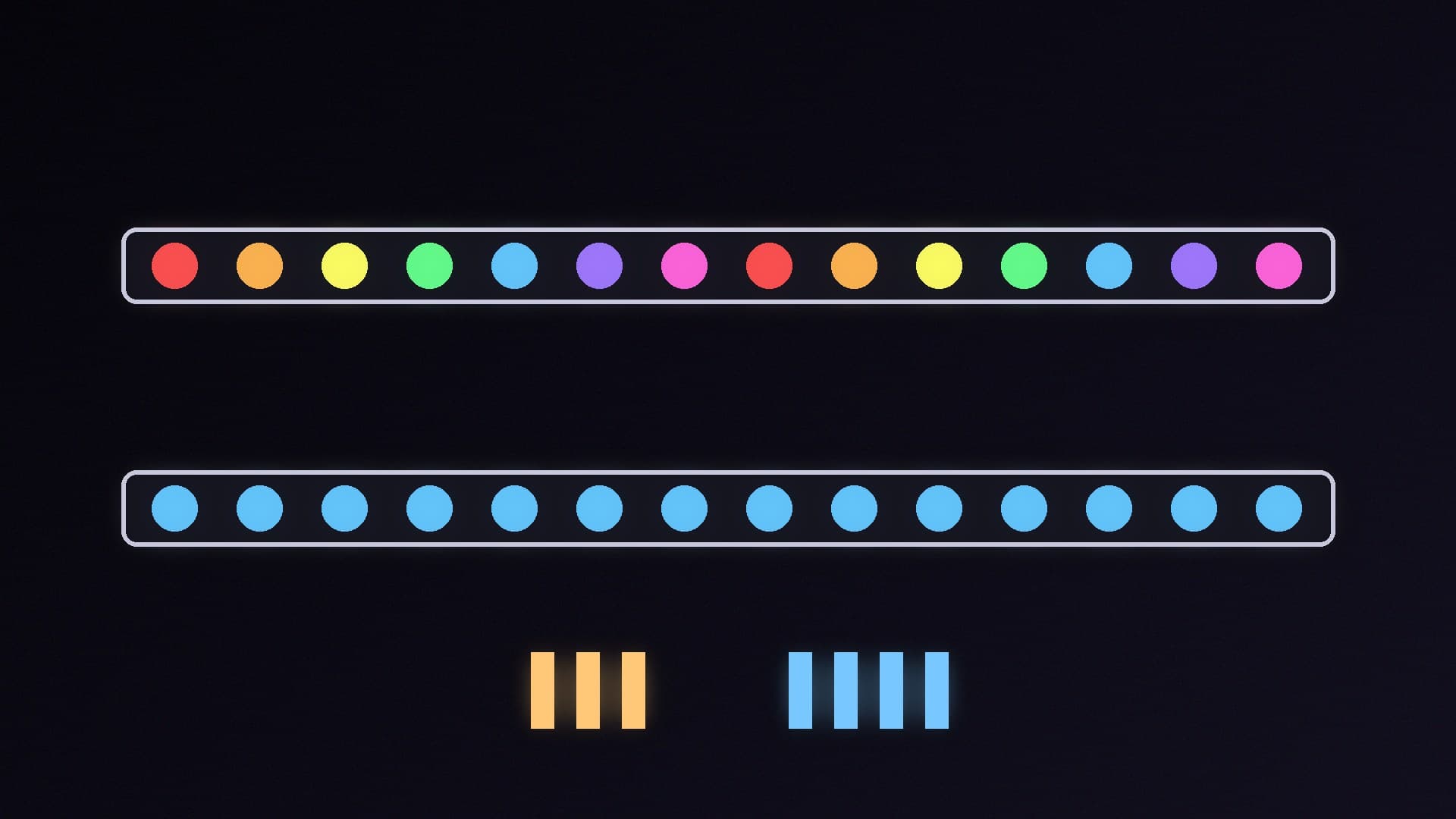
    5V ARGB uses a 3-pin header and controls each LED individually for animations and gradients; 12V RGB uses a 4-pin header and shows one colour at a time. They aren't interchangeable, and plugging either into the wrong header can permanently damage the lighting, the motherboard or both. Check the pin count and the board label, and use a controller if needed.

    Callum Reid4 min

  • WD_BLACK SN8100 vs SN850X: Is the PCIe 5.0 Upgrade Worth It?

    Versus

    WD_BLACK SN8100 vs SN850X: Is the PCIe 5.0 Upgrade Worth It?

    The PCIe 5.0 WD_BLACK SN8100 is rated at up to 14,900MB/s reads, about twice the PCIe 4.0 SN850X's 7,300MB/s, and independent reviewers found it runs cool and efficient. But it needs a PCIe 5.0 slot to benefit, and the SN850X stays close in gaming tests and offers heatsink versions for PS5. Buy the SN8100 for heavy file work, the SN850X for value.

    Callum Reid3 min

  • HWiNFO vs HWMonitor: Which Free PC Monitoring Tool Should You Use?

    Versus

    HWiNFO vs HWMonitor: Which Free PC Monitoring Tool Should You Use?

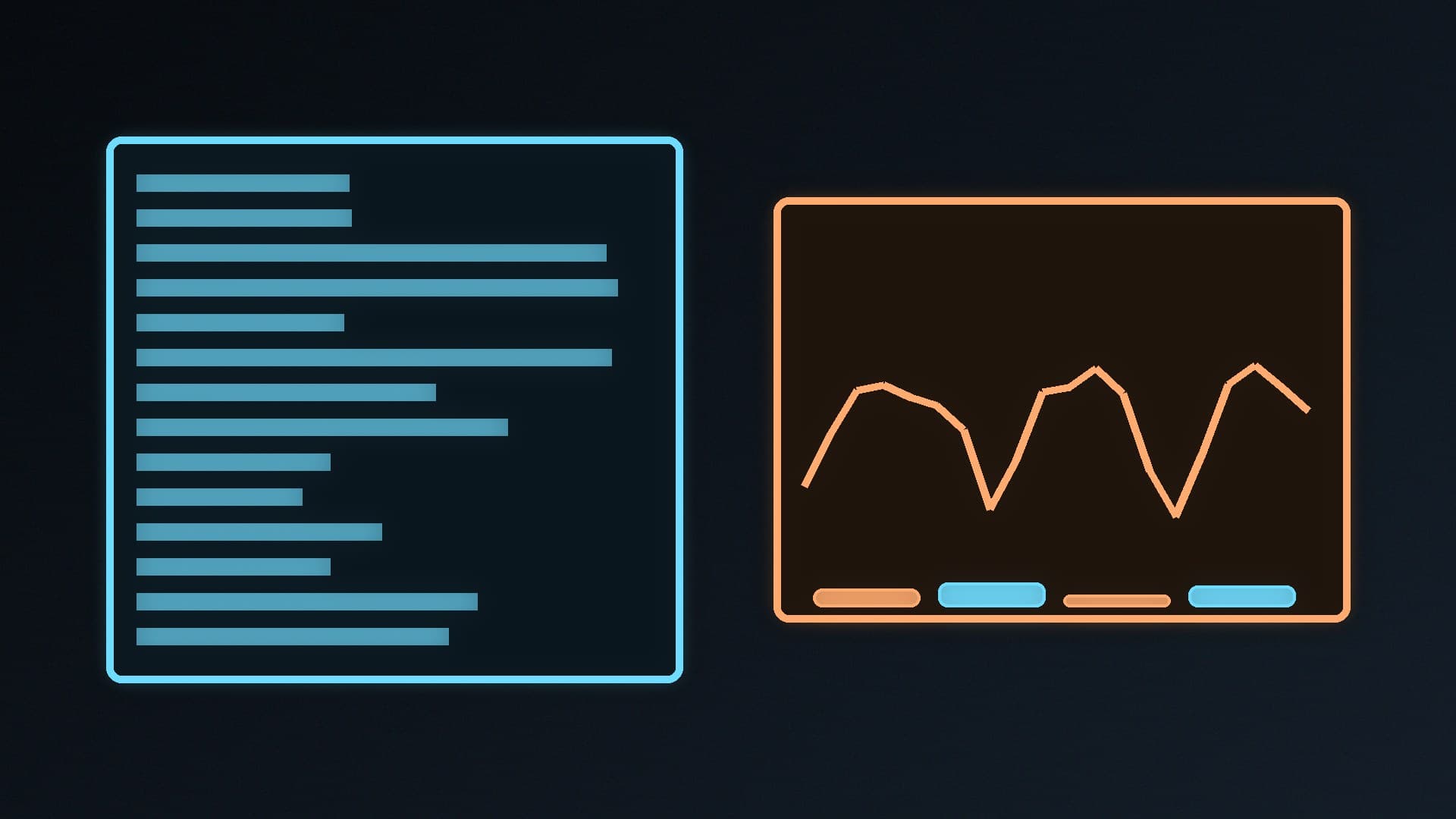
    HWMonitor is the quicker, simpler way to check temperatures, voltages and fan speeds, with basic CSV logging and graphs. HWiNFO goes much deeper, adding detailed hardware reports, custom alerts, an on-screen display and sensor sharing with other apps, though the free version limits shared memory to 12 hours. Both are free for home use; HWiNFO suits enthusiasts.

    Callum Reid4 min

  • SSD Heatsink vs No Heatsink: Does Your M.2 NVMe Drive Need One?

    Versus

    SSD Heatsink vs No Heatsink: Does Your M.2 NVMe Drive Need One?

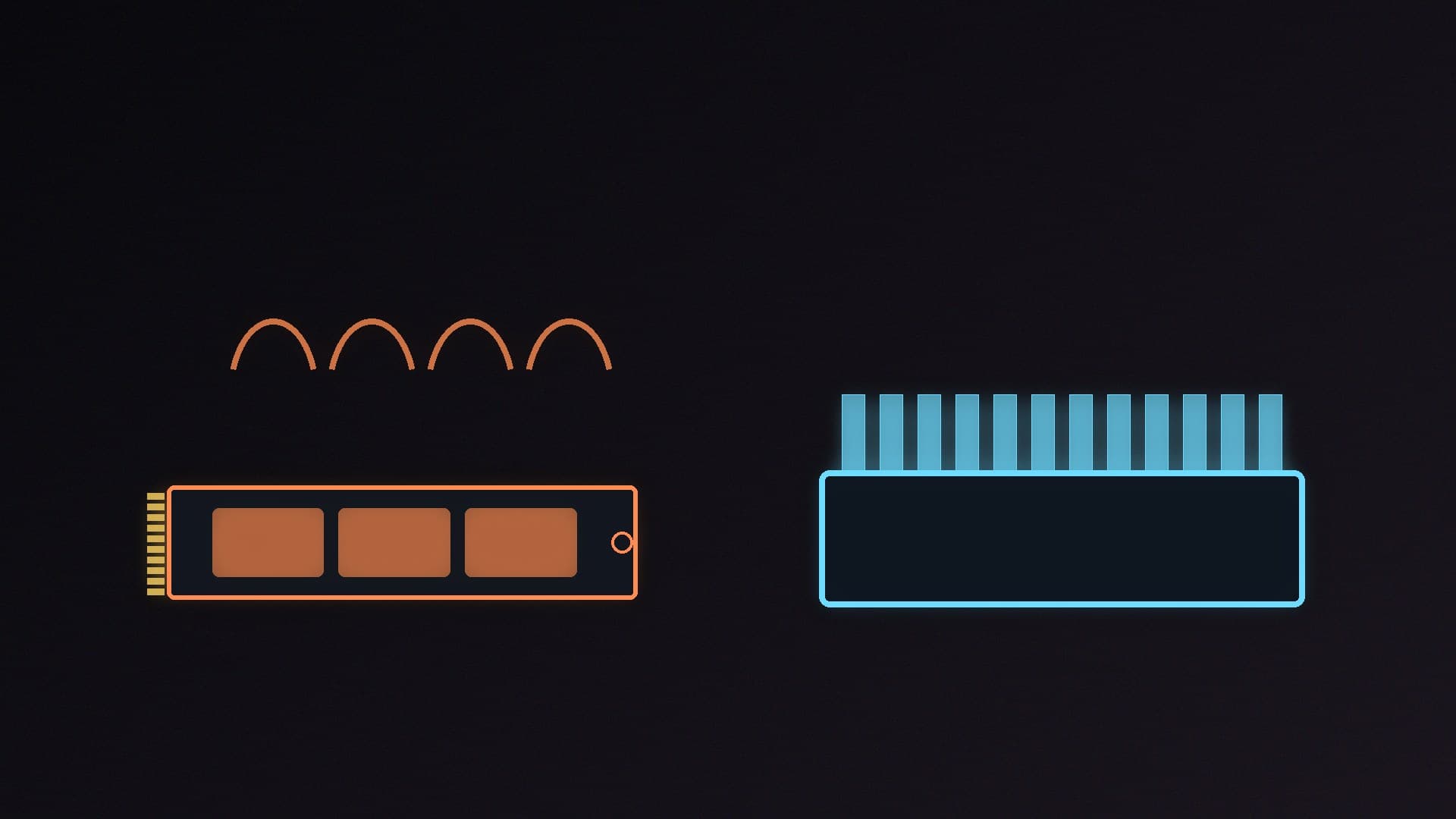
    Most PCIe 4.0 SSDs used for gaming are fine under a motherboard M.2 heatsink, and SATA SSDs need no cooling. PCIe 5.0 drives, PS5 upgrades and heavy sustained transfers need a heatsink. Tom's Hardware found only six of 20 motherboard M.2 heatsinks made good contact, so check yours, or buy a drive with a heatsink built in.

    Callum Reid4 min

  • QD-OLED vs WOLED: Which OLED Gaming Monitor Panel Should You Buy?

    Versus

    QD-OLED vs WOLED: Which OLED Gaming Monitor Panel Should You Buy?

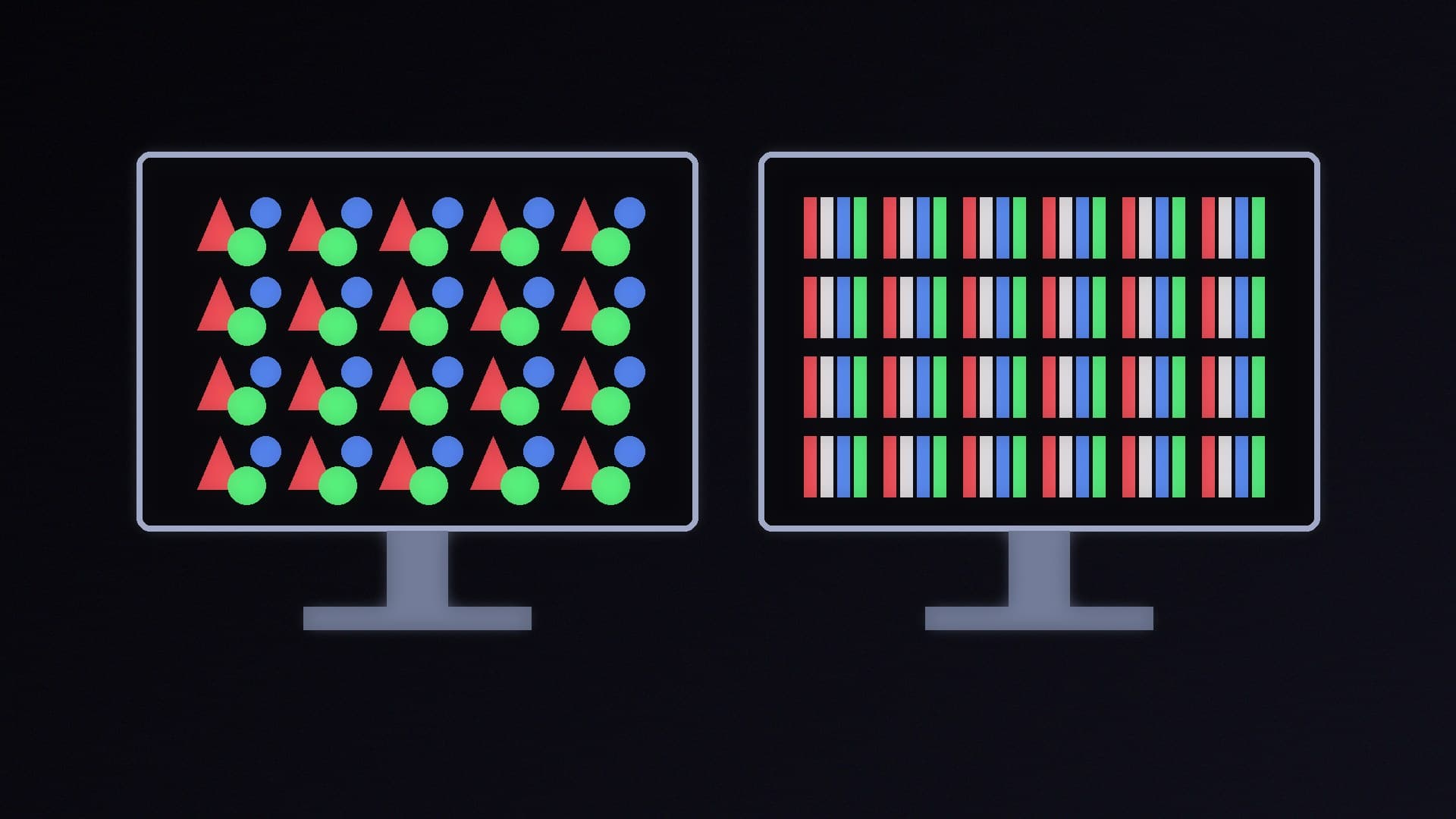
    QD-OLED panels offer wider colour and brighter HDR, but their blacks turn greyish in a well-lit room; TFTCentral found matte WOLED panels about twice as good at holding black depth. WOLED's white subpixel can cause text fringing and wash out bright colours. New RGB-stripe panels fix most fringing, at a brightness cost on WOLED. Pick QD-OLED for dim rooms, WOLED for bright ones.

    Callum Reid4 min

  • vLLM vs Ollama: Which Local LLM Server Should You Run?

    Versus

    vLLM vs Ollama: Which Local LLM Server Should You Run?

    Ollama is the better choice for most Windows PC owners: a native Windows app that supports NVIDIA cards from compute capability 5.0 and AMD cards via ROCm or Vulkan. vLLM is a Linux-first, high-throughput serving engine that needs WSL on Windows and an NVIDIA GPU with compute capability 7.5 or newer, built for many simultaneous requests and multi-GPU serving.

    Callum Reid4 min

  • Cybenetics vs 80 PLUS: Which PSU Efficiency Rating Should You Trust?

    Versus

    Cybenetics vs 80 PLUS: Which PSU Efficiency Rating Should You Trust?

    80 PLUS sets minimum efficiency at a few fixed loads; a UK 230V Gold unit must hit 90%, 92% and 89% at 20%, 50% and 100% load. Cybenetics ETA averages efficiency across more than 1,450 load combinations and adds power factor and standby limits, while its LAMBDA rating covers noise. Use both, and LAMBDA for a quiet PC.

    Callum Reid4 min

  • PWM vs DC Fans: 4-Pin or 3-Pin Case Fans, and Which Should You Buy?

    Versus

    PWM vs DC Fans: 4-Pin or 3-Pin Case Fans, and Which Should You Buy?

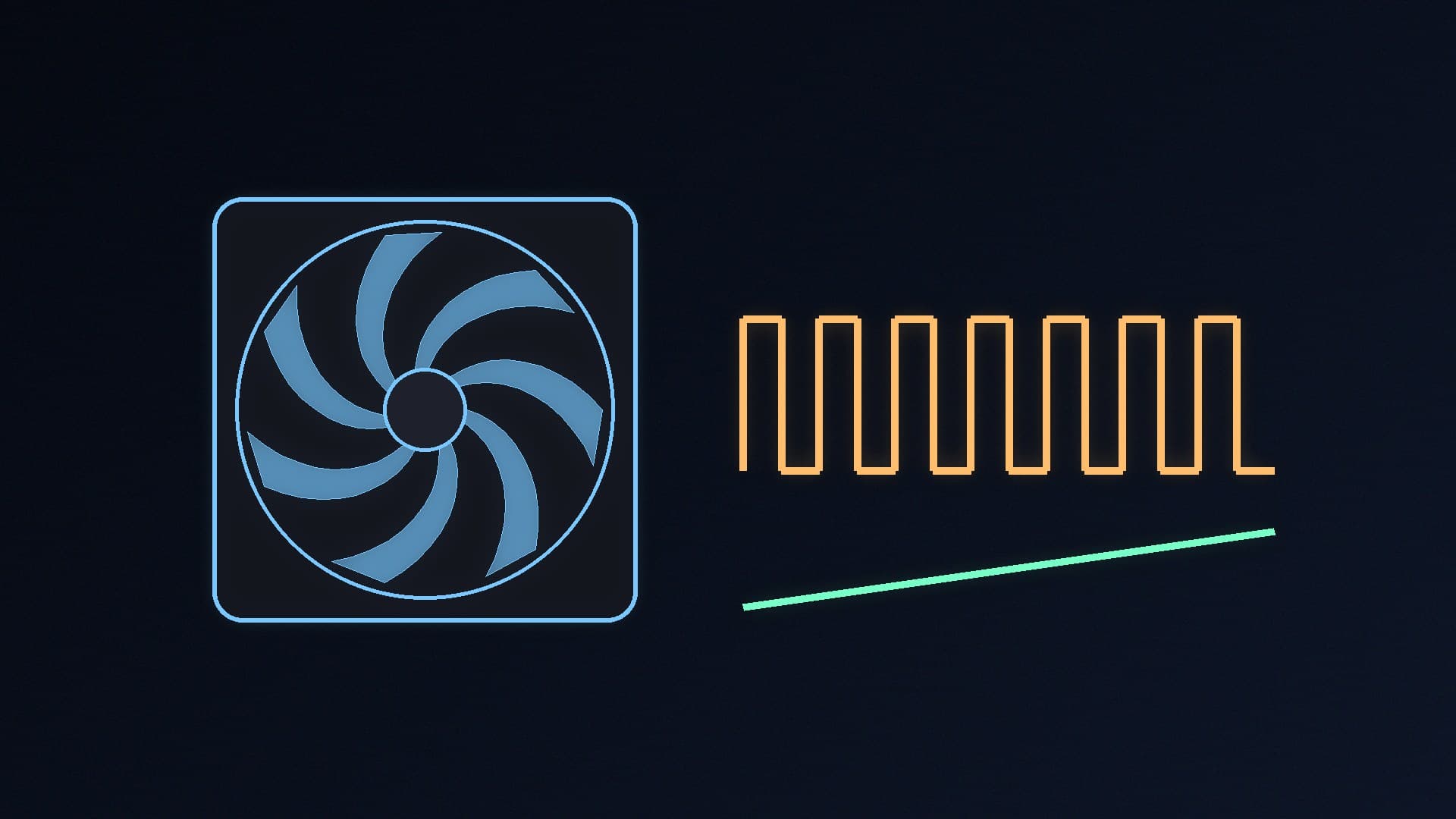
    DC (3-pin) fans change speed by varying voltage, so control is coarser and minimum speed higher. PWM (4-pin) fans keep a constant 12V and use a control signal, so they can run slower and more precisely; ARCTIC's P14 Pro PST runs from 400 to 2,500rpm. You can mix both, but set each header to the right mode.

    Callum Reid4 min

  • ECC vs Non-ECC RAM: Do You Need Error-Correcting Memory in a Home PC?

    Versus

    ECC vs Non-ECC RAM: Do You Need Error-Correcting Memory in a Home PC?

    True ECC RAM adds extra DRAM chips so the CPU's memory controller can correct single-bit errors; DDR5's on-die ECC only fixes errors inside each chip. ECC needs CPU and motherboard support, such as Ryzen 9000 with a compatible board or Intel W880 workstation boards. Gamers should buy non-ECC DDR5; ECC suits workstations and home servers.

    Callum Reid5 min

  • SDXL vs FLUX.2 [klein]: Which Local AI Image Model Should You Run?

    Versus

    SDXL vs FLUX.2 [klein]: Which Local AI Image Model Should You Run?

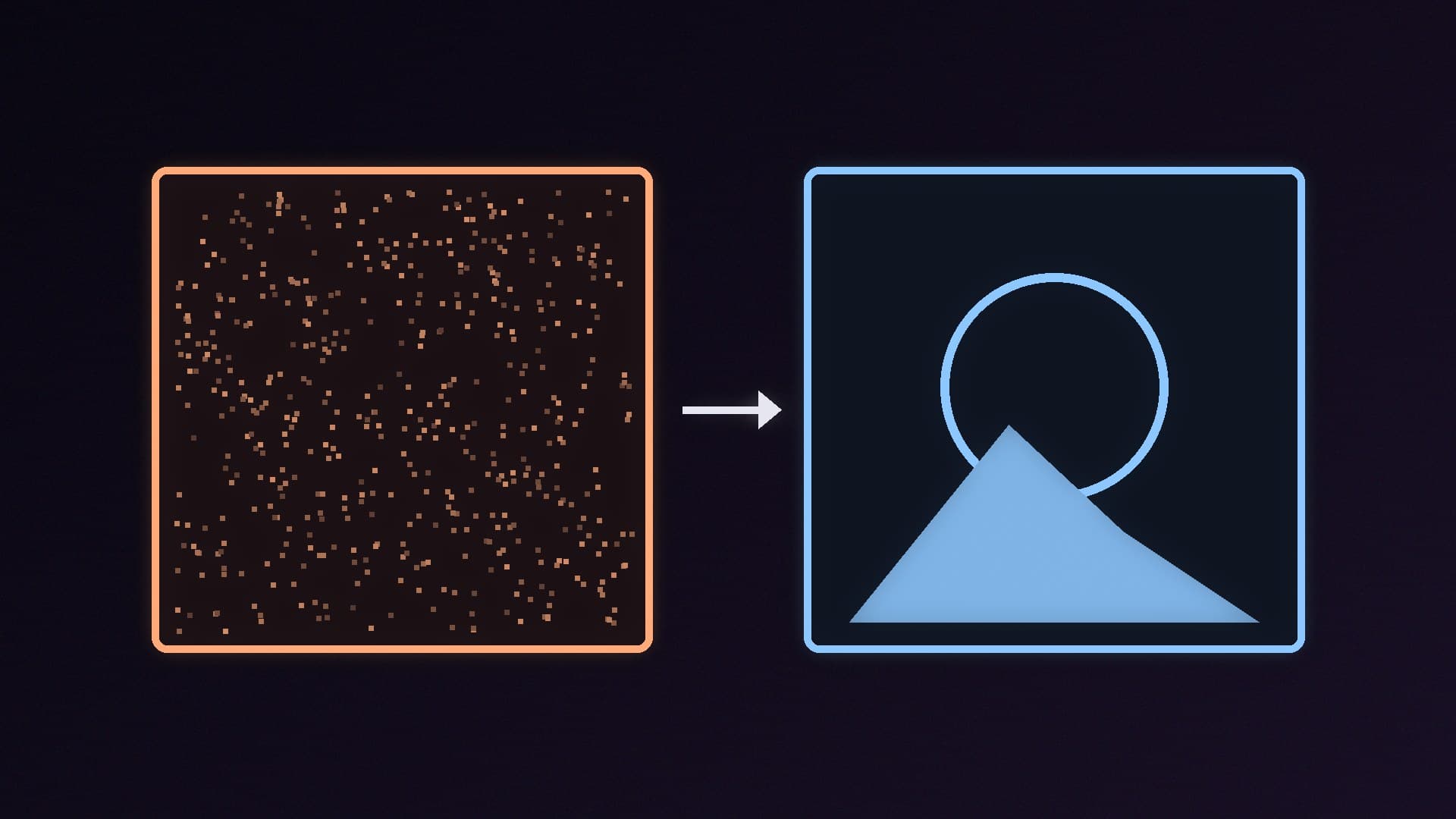
    SDXL runs in apps needing as little as 4GB of NVIDIA VRAM and has a vast LoRA library under the CreativeML Open RAIL++-M licence. FLUX.2 [klein] 4B combines generation, editing and multi-reference, needs about 13GB of VRAM and is Apache 2.0; the 9B version needs about 24GB and is non-commercial.

    Callum Reid5 min

  • TLC vs QLC SSD: Which NAND Type Should You Buy in 2026?

    Versus

    TLC vs QLC SSD: Which NAND Type Should You Buy in 2026?

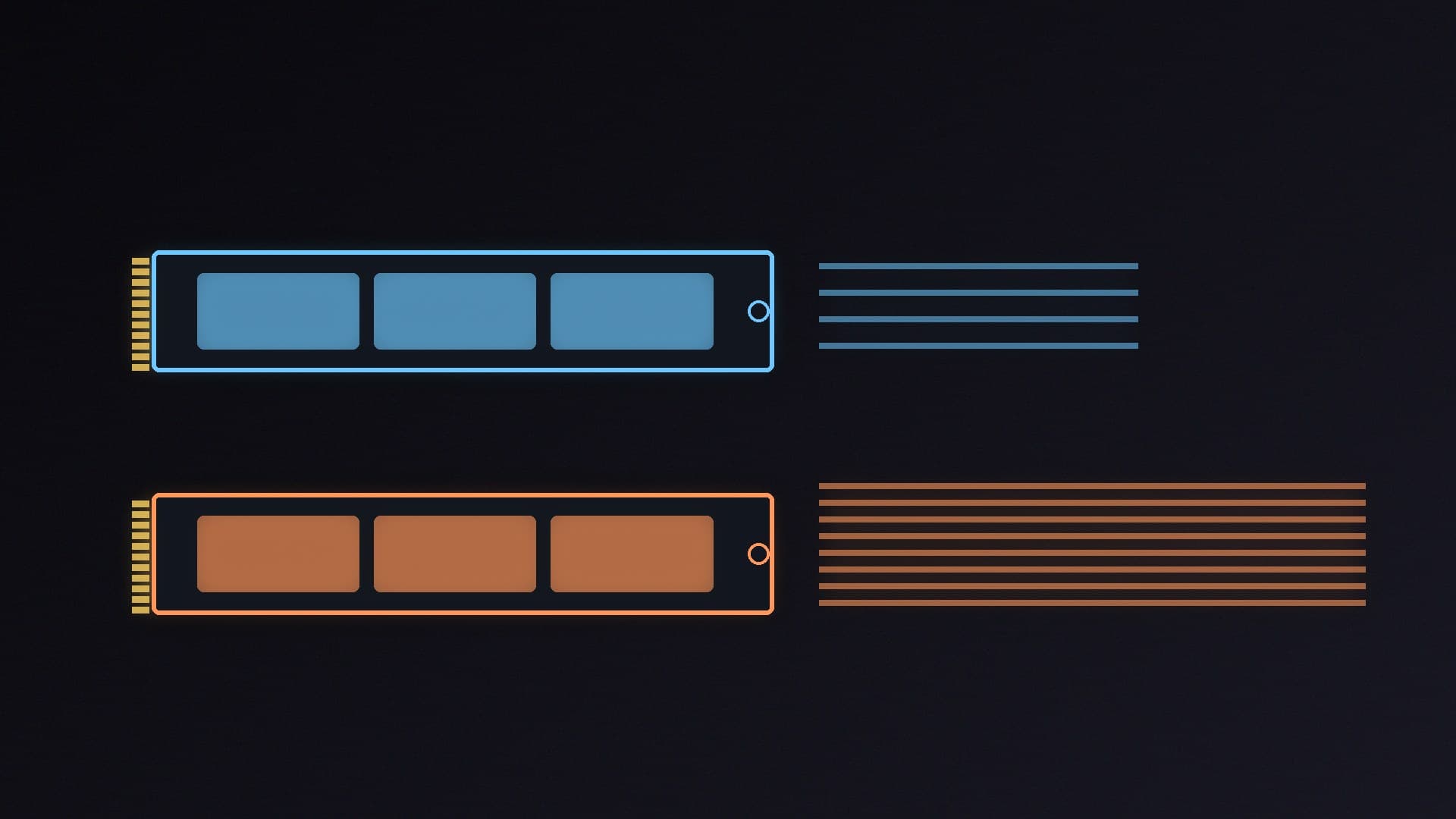
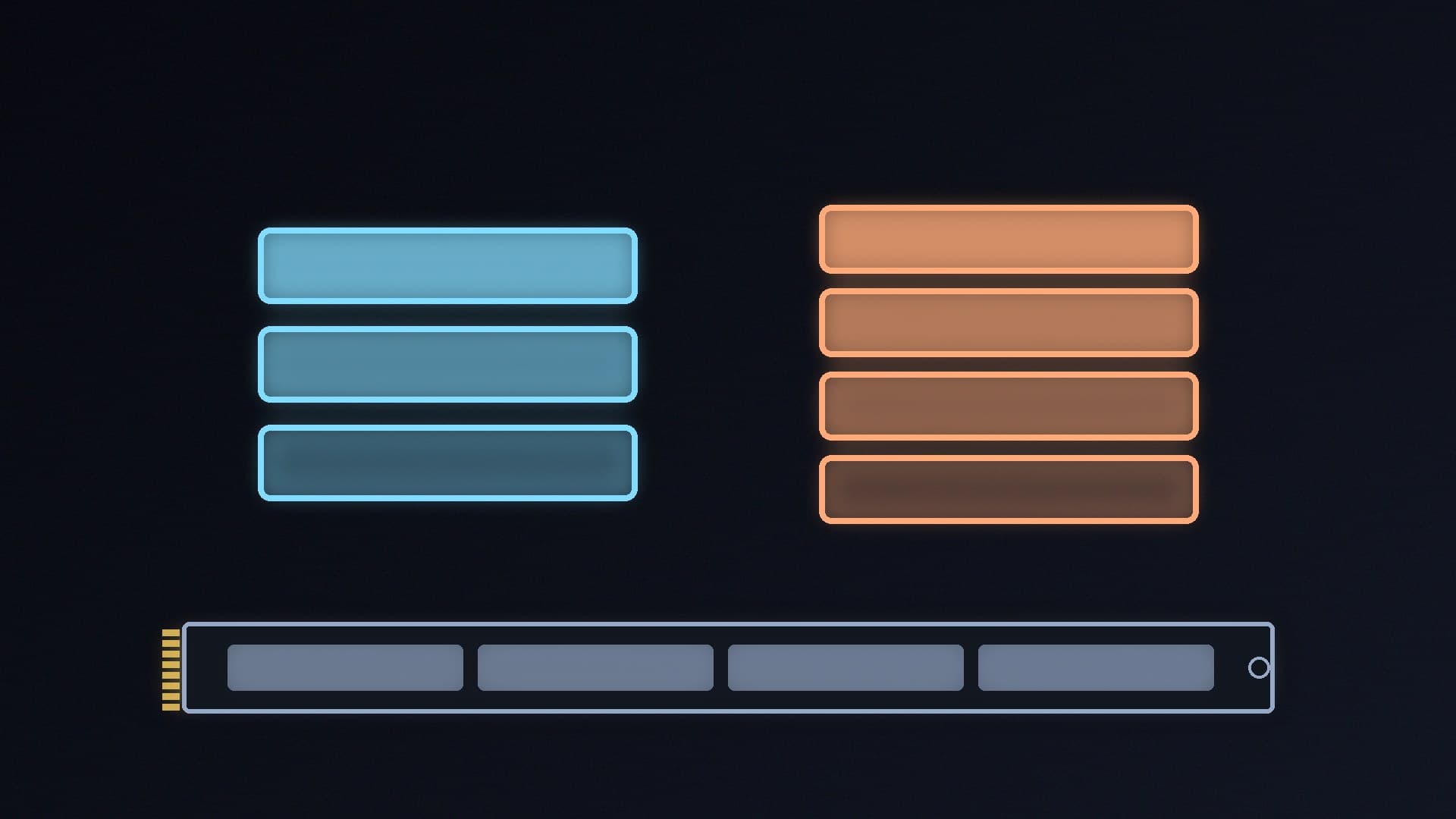
    TLC NAND stores three bits per cell and QLC four, so QLC is cheaper per terabyte but has lower endurance and slower sustained writes. Kingston puts QLC at about 1,000 P/E cycles against 3,000 to 5,000 for TLC, and Samsung's QLC 870 QVO is rated for 60% of the TLC 870 EVO's TBW. Use QLC for game and media libraries.

    Callum Reid5 min

  • USB4 vs Thunderbolt 5: What's the Difference for PCs, Docks and External SSDs?

    Versus

    USB4 vs Thunderbolt 5: What's the Difference for PCs, Docks and External SSDs?

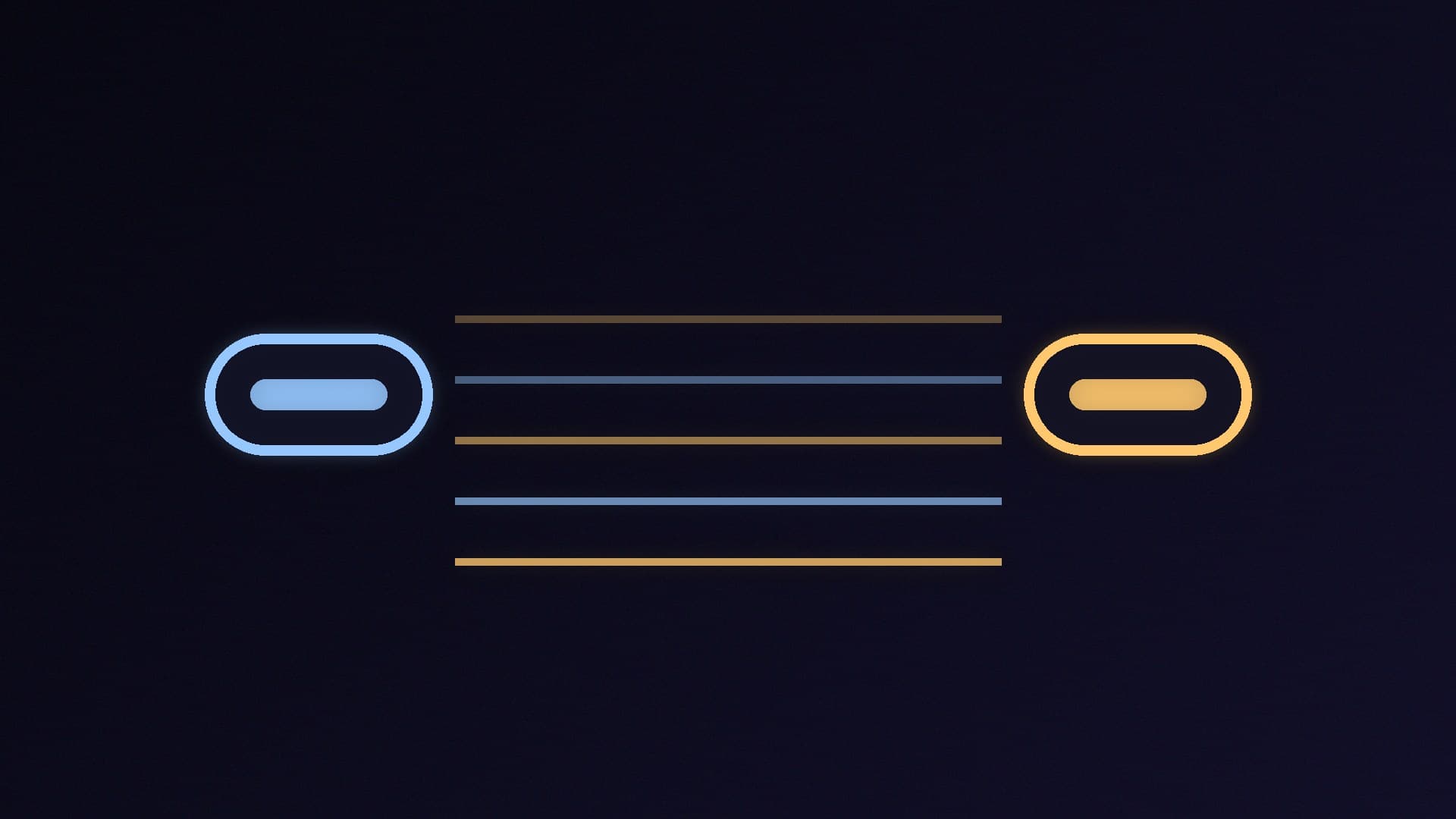
    USB4 and Thunderbolt 5 share the USB-C connector, and Thunderbolt 5 is built on USB4 Version 2.0. Thunderbolt 5 guarantees 80Gbps with a 120Gbps boost, 64Gbps of PCIe data, 15W for accessories, 140W charging on at least one port and certified cables; USB4 can be as slow as 20Gbps, so check the advertised speed.

    Callum Reid5 min

  • GtG vs MPRT: What Monitor Response Times Actually Mean

    Versus

    GtG vs MPRT: What Monitor Response Times Actually Mean

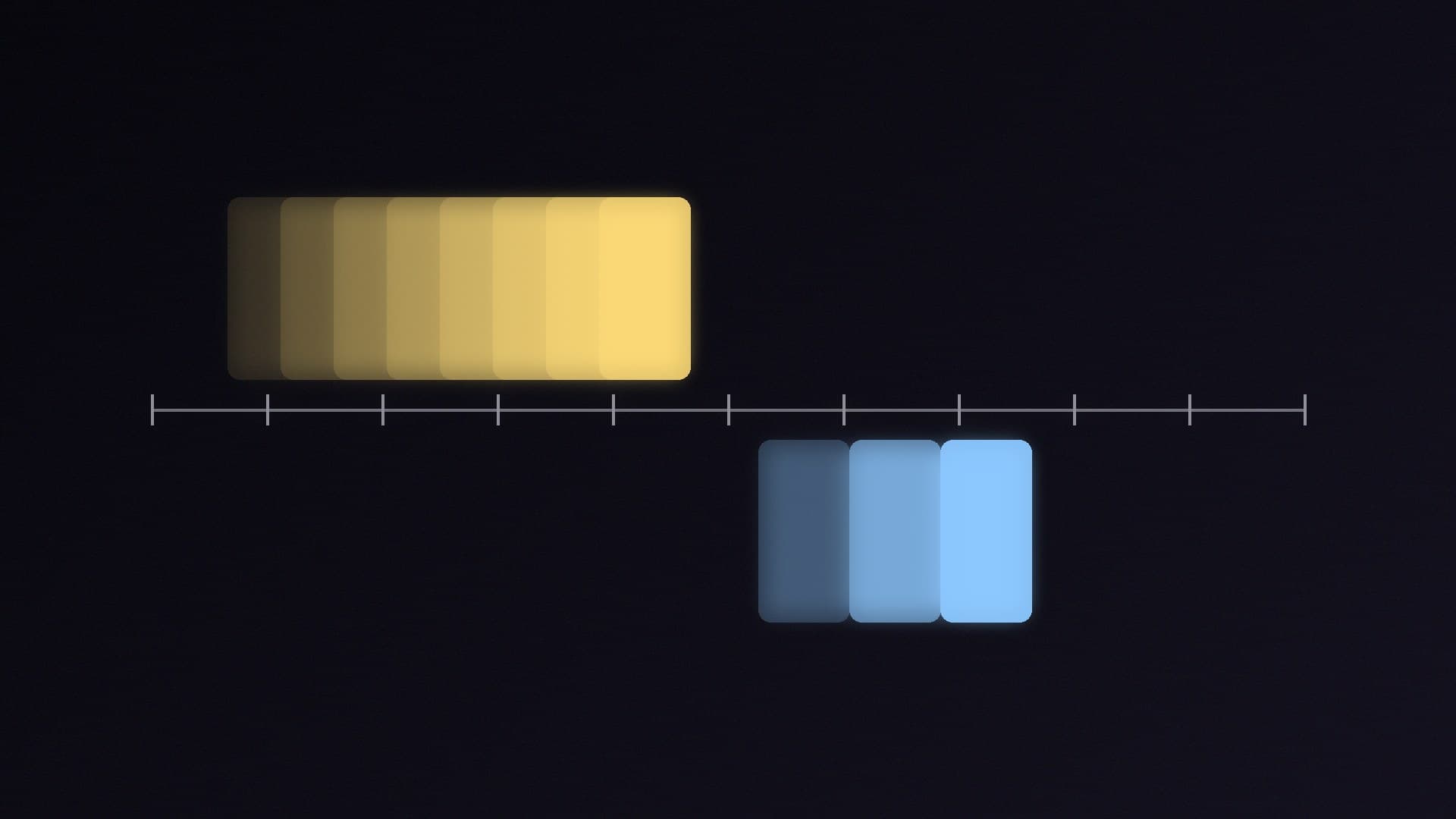
    GtG measures how quickly a monitor's pixels change colour; MPRT measures how long each frame stays visible. Fast GtG prevents smearing and ghosting, but motion blur on sample-and-hold screens is set mainly by refresh rate and frame rate: 60Hz means at least 16.7ms MPRT. Treat 1ms claims with caution.

    Callum Reid4 min

  • OpenRGB vs SignalRGB: Which Free App Should Control Your PC's RGB?

    Versus

    OpenRGB vs SignalRGB: Which Free App Should Control Your PC's RGB?

    OpenRGB is free, open-source (GPL v2), lightweight RGB control for Windows, Linux and macOS, with an SDK and plugins; version 1.0 arrived in September 2026. SignalRGB is a polished free Windows app (Linux in beta) with effects, fan control and monitoring, plus a paid Pro tier for game integrations and more.

    Callum Reid4 min

  • Full-Size vs TKL vs 75% Keyboard: Which Size Is Best for Gaming?

    Versus

    Full-Size vs TKL vs 75% Keyboard: Which Size Is Best for Gaming?

    Full-size keyboards have 104-108 keys including the number pad, tenkeyless (TKL) boards drop the number pad for 87-88 keys, 75% boards pack the TKL keys tighter into 81-84, and 65% boards drop the function row. For most gamers TKL is the best balance; UK buyers should check for an ISO layout.

    Callum Reid3 min

  • ATX 3.1 vs ATX 3.0 Power Supplies: What Changed and Does It Matter?

    Versus

    ATX 3.1 vs ATX 3.0 Power Supplies: What Changed and Does It Matter?

    ATX 3.1 replaces ATX 3.0's 12VHPWR socket with the 12V-2x6 design, which has longer power pins and shorter sense pins so a loose plug delivers no power, and relaxes hold-up time to 12ms at full load. The cables are the same design, so a good ATX 3.0 PSU is still fine; buy ATX 3.1 if you're buying new.

    Callum Reid3 min