Look at almost any gaming monitor listing and you'll see "1ms response time". But that 1ms might be a GtG figure or an MPRT figure, and they measure different things. Neither tells you on its own how sharp moving images will look. Understanding the difference helps you see past the marketing.
Forge PC hasn't measured monitor response times itself. This explainer is based on Blur Busters' GtG vs MPRT FAQ by Mark Rejhon and TFTCentral's article on response time testing by Simon Baker, two of the most widely cited independent sources on display motion.
The short version
| GtG (grey-to-grey) | MPRT (moving picture response time) |
|---|
What it measures | How long a pixel takes to change from one shade to another | How long each frame stays continuously visible |
Mainly limited by | Panel technology and overdrive | Refresh rate, frame rate and strobing |
How to improve it | Faster panel, sensible overdrive setting | Higher refresh rate and fps, or a backlight strobing mode |
What a bad figure causes | Ghosting, smearing, overshoot halos | Motion blur from "sample-and-hold" |
GtG: how fast pixels change
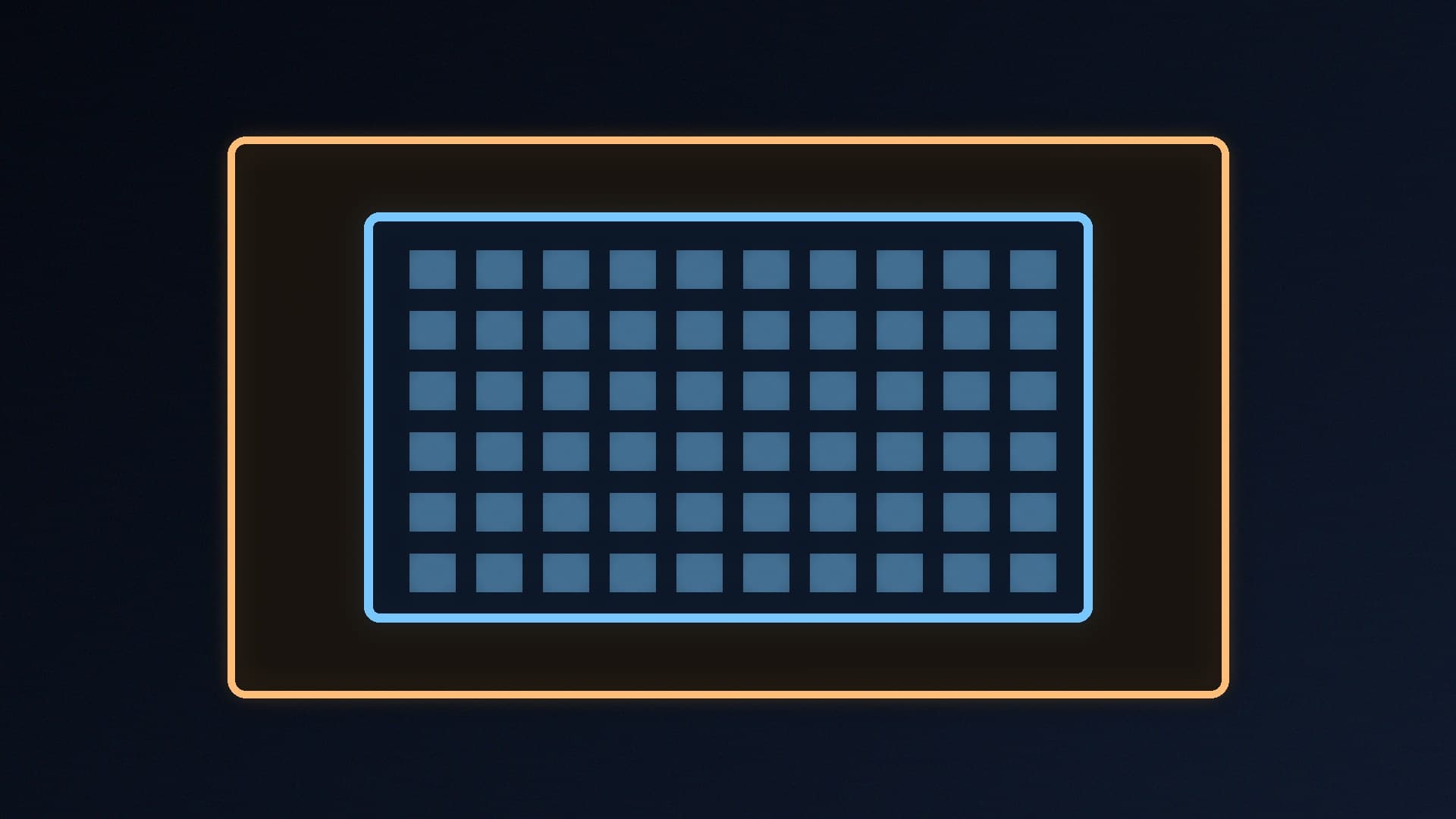
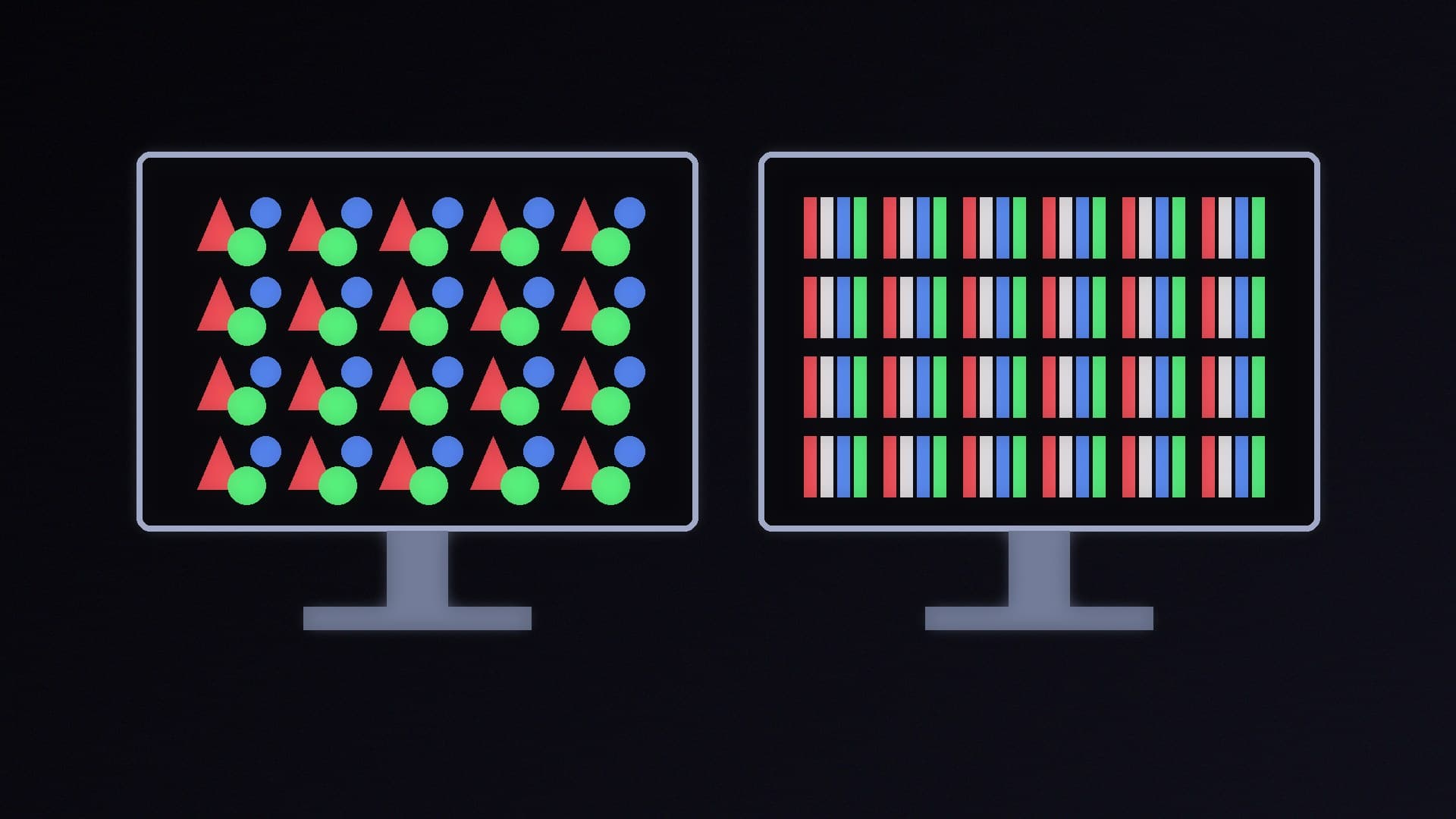
Blur Busters defines GtG as how long it takes a pixel to change between two colours. It's called grey-to-grey because LCD subpixels are monochrome; colour comes from filters in front of them.
Both Blur Busters and TFTCentral explain that manufacturers normally measure GtG from 10% to 90% of a transition, using the VESA method, rather than the whole change, partly because measuring the very start and end of a transition accurately is difficult. TFTCentral warns that manufacturer response time specs should be taken "with a pinch of salt", as they usually refer to the best-case figure, hence all the "1ms" marketing, or figures only possible in unrealistic or unusable settings.
Why GtG still matters
If pixels can't finish changing before the next frame arrives, you get smearing. TFTCentral gives the maths: at 144Hz a new frame arrives every 6.94ms, so response times need to be reliably faster than that; at 360Hz they need to be reliably 2.78ms or better. That's why fast pixels matter more on high refresh rate monitors. TFTCentral also highlights "black smearing", where dark-to-grey changes are slow, as a common problem on many VA panels.
Overdrive and overshoot
Monitors use overdrive to speed up pixel transitions by applying extra voltage. TFTCentral explains that if overdrive is too aggressive, the pixel overshoots the target shade before settling back, leaving pale or dark halos ("coronas" or inverse ghosting) behind moving objects, which can be more distracting than the blur it was meant to fix. Some monitors' fastest overdrive modes are so aggressive that they're unusable. Don't assume the fastest-sounding mode is best: if an independent review recommends a specific overdrive mode for your model, use that.
MPRT: how long each frame is visible
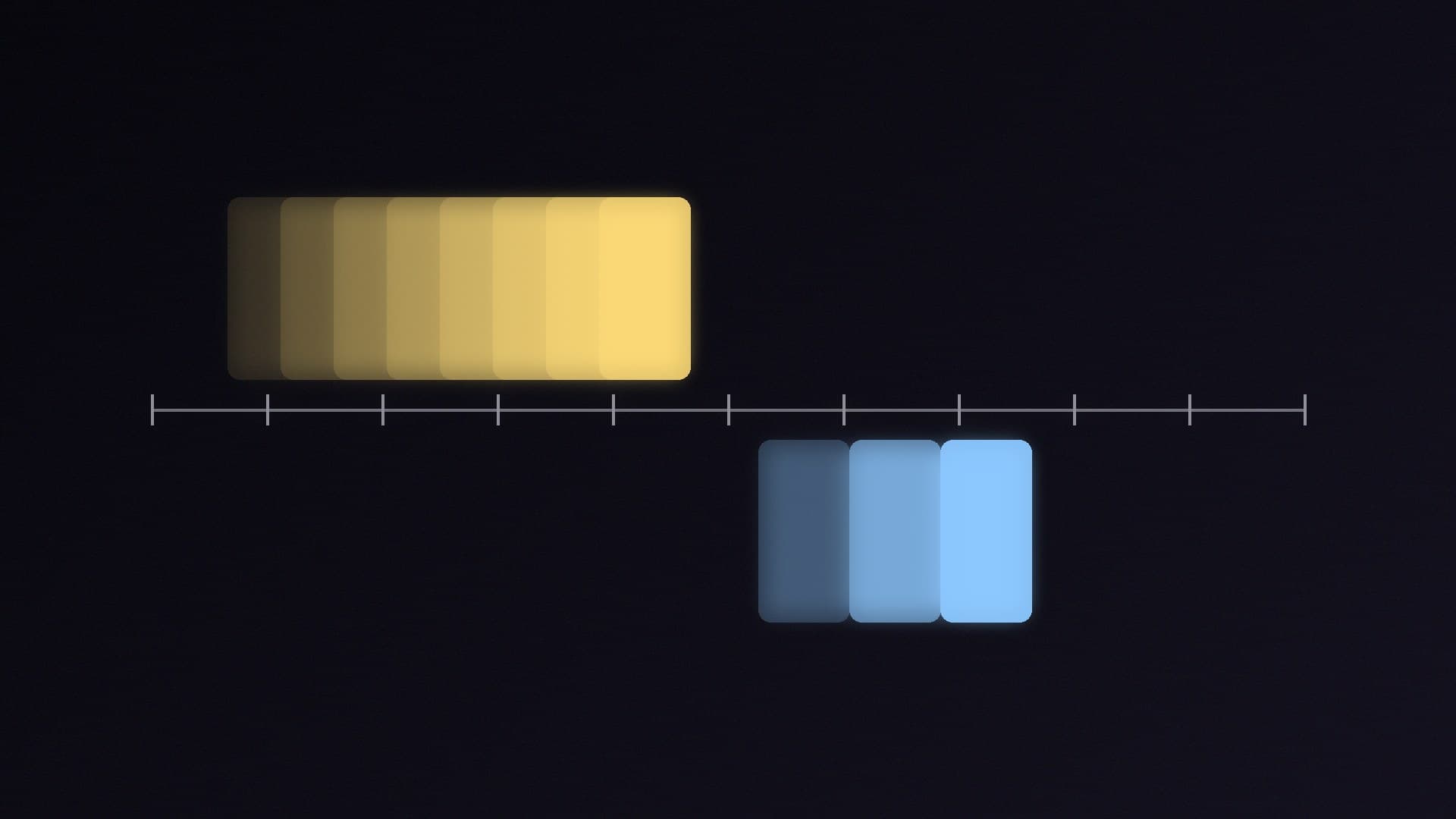
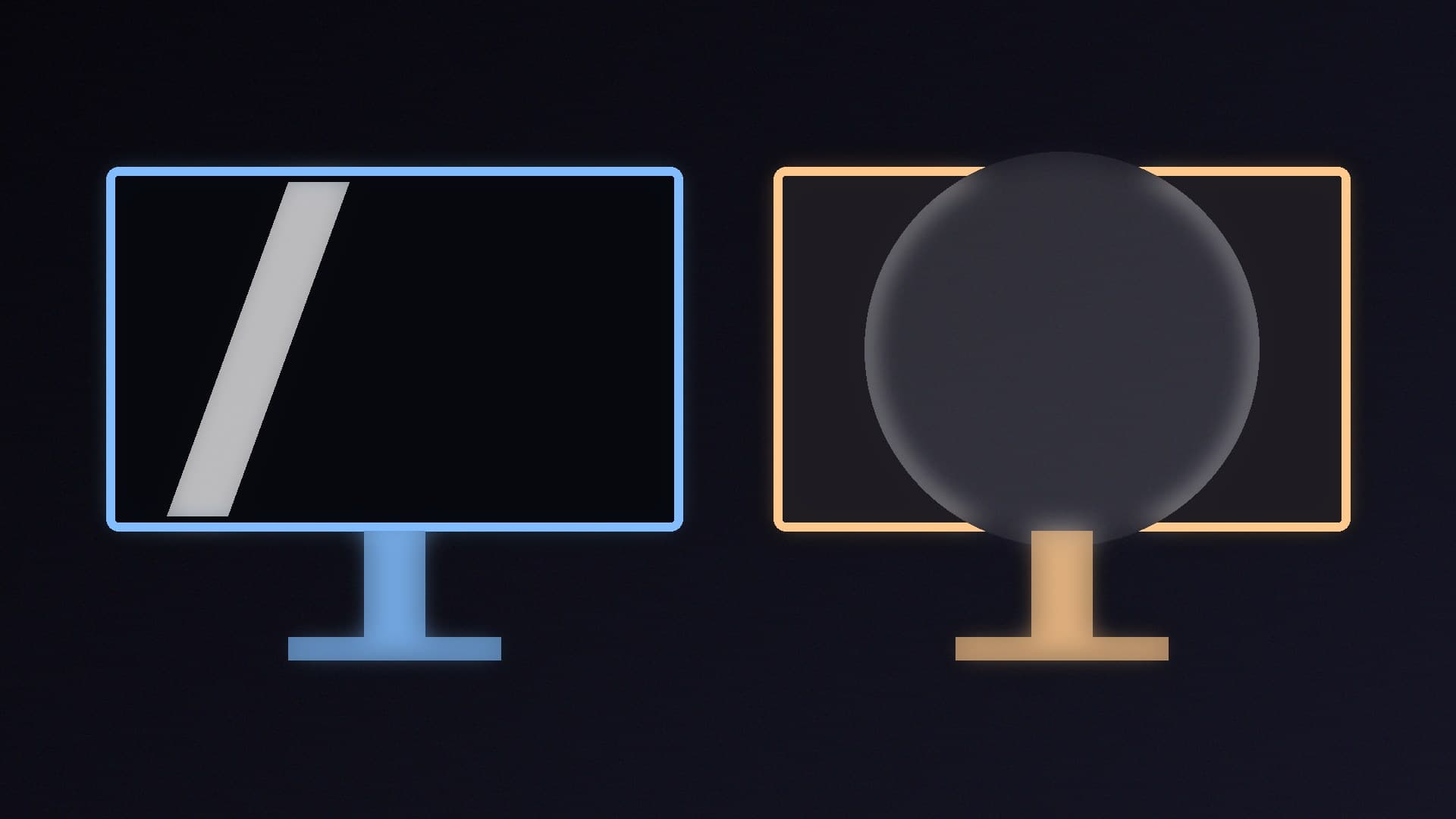
MPRT measures how long a pixel stays continuously visible, also called persistence. Most monitors are "sample-and-hold" displays: each frame stays on screen until the next one replaces it. As your eyes follow a moving object, they keep moving during that time, so the static frame smears across your vision. Blur Busters explains that this is the main cause of motion blur on modern screens.
The key point: even with instant GtG, a 60Hz display has an MPRT of at least 1/60 second, or 16.7ms. That's why a 1ms GtG monitor, or even an OLED with near-instant pixels, still shows motion blur at 60Hz.
How to reduce MPRT
Once GtG is fast, Blur Busters says there are only two ways to reduce MPRT blur:
Higher frame rates at higher refresh rates. Without strobing, doubling the frame rate and refresh rate halves motion blur, and 240fps at 240Hz can have a quarter of the motion blur of 60fps at 60Hz. Note it's the frame rate that matters: Blur Busters says 60fps looks equally blurry on a 60Hz, 120Hz or 240Hz display. So you need a graphics card fast enough to drive the refresh rate.
Backlight strobing (motion blur reduction), sold under names such as ULMB, flashes the backlight once per refresh so each frame is visible for less time. Blur Busters explains that the blur is then set by how long each flash lasts rather than by the refresh rate, and strobed monitors try to hide pixel transitions in the dark period between flashes.
Blur Busters also points out that MPRT is a measurement, not a setting, even though some monitors label their strobing mode "MPRT".
Why "1ms MPRT" and "1ms GtG" aren't comparable
On a normal sample-and-hold monitor, MPRT can't be shorter than one refresh cycle, which is still about 4.2ms at 240Hz. So a "1ms MPRT" figure generally depends on a strobing mode being switched on. TFTCentral advises looking out for manufacturers quoting MPRT figures instead of GtG. Neither number tells you about overshoot, smearing in dark scenes or how the monitor behaves at lower refresh rates with variable refresh.
What to look at instead
Independent reviews with measured response times, ideally across the refresh range and overdrive modes, plus overshoot ratings.
Refresh rate and your frame rate. For less blur, a higher refresh rate only helps if your PC can deliver the frames. See 144Hz vs 240Hz.
Panel type. OLED pixels change almost instantly, while IPS and VA vary; see IPS vs VA vs TN and OLED vs Mini-LED.
Variable refresh. G-Sync and FreeSync remove tearing at varying frame rates; see G-Sync vs FreeSync.
Ready to buy? Our best 1440p gaming monitors guide is a good place to start.
Our verdict
GtG measures how quickly pixels change colour; MPRT measures how long each frame stays visible. Fast GtG prevents smearing and ghosting, but motion blur on a normal sample-and-hold monitor is mainly set by refresh rate and frame rate: 60Hz means at least 16.7ms MPRT, however fast the pixels. Treat any "1ms" claim with caution, avoid extreme overdrive modes, and rely on independent measurements. Forge PC hasn't measured monitors itself; this explainer draws on Blur Busters and TFTCentral.