Almost every monitor listing tells you the panel type, and it is one of the most useful specs to understand. IPS, VA and TN are all types of LCD panel, but they arrange and move their liquid crystals differently, which changes how deep the blacks look, how accurate the colours are, how the picture holds up from an angle and how sharp fast motion looks.
Forge PC has not tested monitors for this explainer. It draws on TechSpot's long-running display technology guide, which is based on its own monitor testing, along with explanations from HP and Samsung. Individual monitors vary a lot, so always check reviews of the exact model you want.
The quick answer
| IPS | VA | TN |
|---|
Contrast | Around 1000:1 typical | Best: about 3000:1 typical, 2000:1 to 4500:1+ in TechSpot's testing | Lowest, around 1000:1 at best |
Viewing angles | Best | Good, with some contrast shift off-centre | Worst |
Colour | Best | Good, better than TN | Weakest |
Response times | Middle | Slowest and least consistent | Traditionally fastest |
Known weakness | "IPS glow" in dark scenes | Smearing in fast motion on slower panels | Colour and contrast shift unless viewed head-on |
Best for | Most people, gaming and colour work | Films, dark games, high contrast on a budget | Very cheap or ultra-fast esports screens |
Summary based on TechSpot's display technology guide and HP's panel types glossary.
How they differ
HP's glossary puts it simply: IPS panels offer consistent colour and wide viewing angles, VA panels offer higher contrast and deeper blacks than IPS or TN, and TN panels prioritise speed and low cost but have narrower viewing angles. All three use a backlight that is always on behind the crystals, which is why some light leaks through in black areas on every LCD.
IPS: the all-rounder
TechSpot calls IPS "a middle-ground technology" that typically has the best colour performance and viewing angles, with mid-tier response times, refresh rates and contrast. That is why it is the usual choice for creative professionals. Samsung's buying guide likewise says IPS panels are known for their superior colour accuracy and excellent viewing angles.
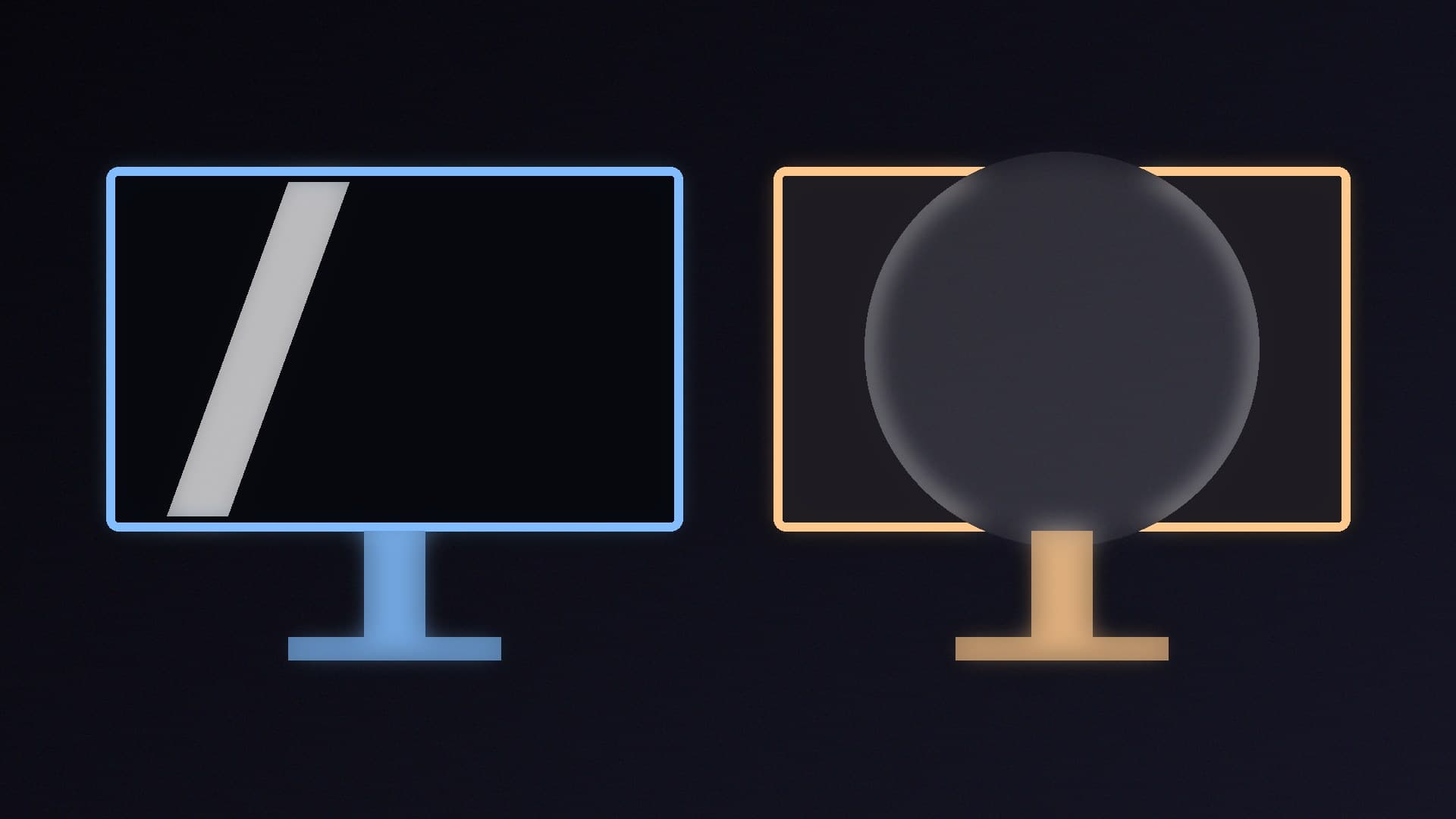
The main drawbacks are contrast and IPS glow. TechSpot says IPS and TN panels both tend to sit around 1000:1 contrast, and describes IPS glow as an apparent white glow when you view dark images at an angle. The best panels show little of it, but it affects all IPS displays to some degree. If you play mostly dark games in a dim room, you will notice it more.
VA: the contrast champion
VA's big strength is contrast. According to TechSpot, entry-level VA monitors it tested started at about 2000:1, the best easily exceeded 4500:1 and 3000:1 is typical, roughly three times what IPS manages. Blacks look deeper, which helps films and dark games. VA viewing angles are good but not as good as IPS, mainly because contrast shifts away from the centre.
The weakness is speed. TechSpot says VA panels are the slowest of the three and less consistent between transitions, and gives a useful example: a 144Hz VA panel with a 9ms response time is really delivering motion closer to a 110Hz panel, while most 144Hz IPS panels can keep up with their refresh rate. This is the smearing or ghosting you may see mentioned in reviews of cheaper VA monitors. Better VA panels are much improved, so check the specific model.
TN: fast, cheap and fading away
TN panels were historically the fastest for refresh rates and response times, but TechSpot says they have the worst viewing angles "by far", weak colour performance and usually the lowest contrast. Many entry-level TN panels are natively 6-bit and use dithering to show 8-bit colour, which can cause banding. TechSpot notes that the speed advantage has been shrinking as fast IPS panels catch up. Today, TN mainly makes sense for very cheap monitors or dedicated esports screens where only speed matters.
What about OLED and Mini-LED?
OLED is a different technology: HP says OLED panels light each pixel individually for near-perfect blacks and very fast response times. HP explains that Mini-LED is not a separate panel type but an LCD, usually IPS or VA, with a backlight split into many dimming zones. Both improve contrast well beyond a standard IPS screen. Our OLED vs Mini-LED comparison covers them in detail.
Which should you choose?
For most gamers and general use: IPS. It has the best balance of colour, viewing angles and speed.
For films, dark games and a living-room feel: VA. You get much deeper blacks for the money, but check reviews for smearing.
For a very tight budget or pure esports: TN, though fast IPS screens have largely replaced it.
When you have chosen a panel type, our best 1080p, best 1440p and best 4K gaming monitor guides list current models. After you set it up, our guides to changing your refresh rate and setting up HDR in Windows 11 help you get the most from it.
Our verdict
IPS is the right panel for most people, offering the best colour and viewing angles with good speed, but expect only around 1000:1 contrast and some IPS glow. VA is the choice if you value deep blacks for films and dark games, with about three times the contrast according to TechSpot's testing, at the cost of slower, sometimes smeary motion. TN is now a niche option for the cheapest or most speed-focused screens. Forge PC has not tested monitors for this guide; panel characteristics are from TechSpot, HP and Samsung.