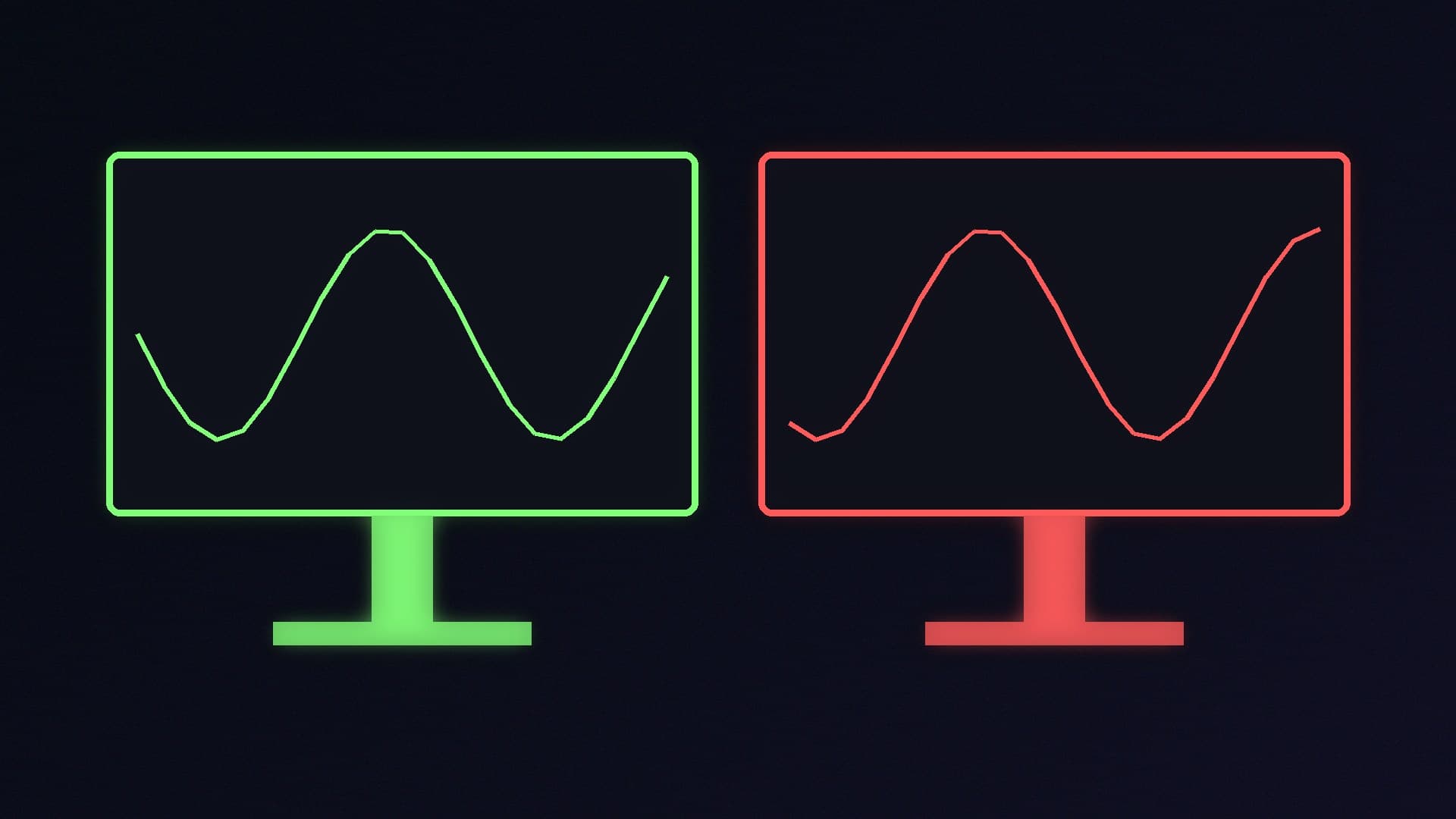
Variable refresh rate (VRR) is one of the most useful features on a gaming monitor. Instead of refreshing at a fixed rate, the screen waits for your graphics card, which avoids tearing and stutter when frame rates move around. NVIDIA calls its version G-Sync and AMD calls its version FreeSync, and both come in several tiers that make monitor listings hard to read.
Forge PC has not tested monitors for this comparison. It is based on NVIDIA's and AMD's official G-Sync and FreeSync pages and NVIDIA's announcement of its MediaTek partnership, checked on 15 November 2026.
The short version
Both do the same basic job: match the monitor's refresh rate to your frame rate.
FreeSync is built on open standards. AMD says FreeSync uses industry standards such as DisplayPort Adaptive-Sync and HDMI Variable Refresh Rate.
G-Sync (the full version) uses NVIDIA's own processor in the monitor, while G-Sync Compatible monitors don't, and are simply validated by NVIDIA.
Most gamers don't need to pay extra for either badge. Match the tier to your needs and check it works with your graphics card.
The tiers explained
NVIDIA G-Sync
NVIDIA lists three tiers:
Tier | What NVIDIA says |
|---|
G-Sync Ultimate | Uses NVIDIA's top G-Sync processors, with "ultimate HDR", contrast and colour |
G-Sync | Uses an NVIDIA G-Sync processor; full VRR range and variable overdrive |
G-Sync Compatible | Doesn't use NVIDIA processors; validated by NVIDIA for a "good, basic" VRR experience |
NVIDIA says every G-Sync and G-Sync Ultimate display is individually calibrated for colour accuracy, and that G-Sync displays go through extensive testing. Some G-Sync models add extras such as G-Sync Pulsar, which NVIDIA says uses variable-frequency backlight strobing to multiply effective motion clarity alongside VRR, and Reflex Analyzer for measuring system latency.
The old objection to G-Sync was the cost of a separate hardware module. In 2024, NVIDIA announced that it was integrating G-Sync into MediaTek monitor scalers, which it said removes the need for a separate G-Sync module and reduces costs.
AMD FreeSync
AMD's three tiers for monitors, TVs and projectors:
Tier | Tear-free and low latency | Low framerate compensation | Minimum max refresh (below 3440 wide) | HDR |
|---|
FreeSync | Yes | Yes | 144Hz | No |
FreeSync Premium | Yes | Yes | 200Hz | No |
FreeSync Premium Pro | Yes | Yes | 200Hz | AMD FreeSync HDR |
From AMD's current tier specifications. For ultrawide screens 3440 pixels wide or more, AMD's minimum for Premium and Premium Pro is 120Hz.
Low framerate compensation (LFC) is the important part for gamers: it keeps things smooth when your frame rate drops below the monitor's VRR range. AMD says every FreeSync display goes through a certification process covering refresh rates, latency and, where relevant, HDR.
Will it work with my graphics card?
AMD Radeon: AMD says FreeSync works with Radeon cards from the RX 200 series onwards and newer Radeon products. Turn it on in the monitor's menu and in AMD Software: Adrenalin Edition.
NVIDIA GeForce: AMD itself notes that GPUs such as the GeForce 10 series and newer that support DisplayPort Adaptive-Sync are expected to work with FreeSync monitors, and that's what NVIDIA's G-Sync Compatible programme validates. Check the monitor maker's and NVIDIA's information for the specific model, especially over HDMI.
Intel Arc: NVIDIA's and AMD's pages don't cover Arc, so check Intel's and the monitor maker's information for VRR support with your card.
In other words, a FreeSync or Adaptive-Sync monitor is the flexible option if you might switch graphics card brands later.
Getting it set up
Use the cable and port your monitor supports VRR on; DisplayPort is usually the simplest choice on a PC (see our DisplayPort vs HDMI comparison).
Turn on Adaptive-Sync, FreeSync or VRR in the monitor's own menu.
Make sure Windows is running at the monitor's full refresh rate, as explained in how to change your monitor's refresh rate.
Enable G-Sync or FreeSync in the NVIDIA app or control panel, or AMD Software.
AMD's advice is that if your frame rate regularly exceeds the refresh rate, you should turn on V-Sync or cap your frame rate for a tear-free experience. Our input lag guide covers frame caps in more detail.
Which should you buy?
Buy a FreeSync Premium or G-Sync Compatible monitor if: you want smooth, tear-free gaming at a sensible price. This covers most gamers, on either brand of graphics card.
Look for FreeSync Premium Pro or G-Sync Ultimate if: HDR gaming is a priority. Our HDR setup guide and OLED vs Mini LED comparison explain what makes HDR worthwhile.
Consider full G-Sync if: you have an NVIDIA card and want the extras NVIDIA lists for its G-Sync processor tiers, such as variable overdrive, factory colour calibration, Pulsar or Reflex Analyzer, and the price difference is small.
For specific models, see our best 1440p, best 4K and best 1080p gaming monitor guides, plus our 144Hz vs 240Hz comparison.
Our verdict
For most gamers, the VRR badge matters less than the monitor's panel, refresh rate and price: a FreeSync Premium or G-Sync Compatible screen gives you tear-free gaming with low framerate compensation and works with AMD and, in most cases, NVIDIA cards. Pay extra for G-Sync Ultimate or FreeSync Premium Pro only if HDR is a priority, and for full G-Sync only if you want its NVIDIA-specific extras. Forge PC has not tested monitors for this guide; tier details are from NVIDIA and AMD.