Ollama and vLLM both run open language models on your own hardware and both offer an OpenAI-compatible API, so other apps can talk to them. But they're built for different jobs. Ollama is designed to make running a model on a desktop PC as simple as possible. vLLM describes itself as "a fast and easy-to-use library for LLM inference and serving", aimed at serving many requests at once with high throughput.
Forge PC hasn't benchmarked the two against each other. This comparison is based on the official Ollama and vLLM documentation.
The short answer
| Ollama | vLLM |
|---|
Windows | Native Windows app (Windows 10 22H2 or newer) | Not supported natively; use WSL or community forks |
NVIDIA GPUs | Compute capability 5.0 and newer, driver 550+ | Compute capability 7.5 and newer (RTX 20-series onwards) |
AMD GPUs | ROCm v7 or Vulkan on Windows | ROCm on Linux, for listed GPUs including RX 7900 and RX 9000 series |
Installation | Installer, no admin rights needed | Python library (Python 3.11 to 3.14) on Linux |
Built for | One user, easy model management | High-throughput serving, many simultaneous requests |
API | OpenAI-compatible | OpenAI-compatible, plus Anthropic Messages API and gRPC |
Windows support
This is the biggest practical difference for most PC owners. Ollama "runs as a native Windows application, including NVIDIA and AMD Radeon GPU support", according to its documentation. It needs Windows 10 22H2 or newer, Home or Pro, installs in your home folder without administrator rights and needs at least 4GB of space for the program itself, plus room for models.
vLLM's installation guide is blunt: "vLLM does not support Windows natively." Its supported OS is Linux. On Windows you can use the Windows Subsystem for Linux (WSL) with a compatible distribution, or community-maintained forks. Our guide to setting up WSL2 for local AI covers the first option.
GPU requirements
Ollama supports a wider range of older hardware. Its documentation lists NVIDIA GPUs with compute capability 5.0 and newer with driver 550 or newer (cards with compute capability 5.0 to 6.2 need driver 570 or newer). On Windows, the Ollama page lists NVIDIA driver 551.61 or newer, and for AMD cards either a ROCm v7 / HIP7-capable driver or a Vulkan-capable Radeon driver. It notes that some Radeon RX 6000 systems may not expose ROCm v7 on current Windows drivers, in which case Vulkan is the recommended fallback.
vLLM needs NVIDIA GPUs with compute capability 7.5 or higher, which its documentation gives as examples including the T4 and RTX 20-series. On AMD it needs ROCm 6.3 or above and lists specific GPUs, including the Radeon RX 7900 series, RX 9000 series and Ryzen AI Max / AI 300 series. It also lists Intel Arc and Intel data centre GPUs (with Intel's vllm-xpu-kernels package), and Apple Silicon through the community vLLM-Metal plugin.
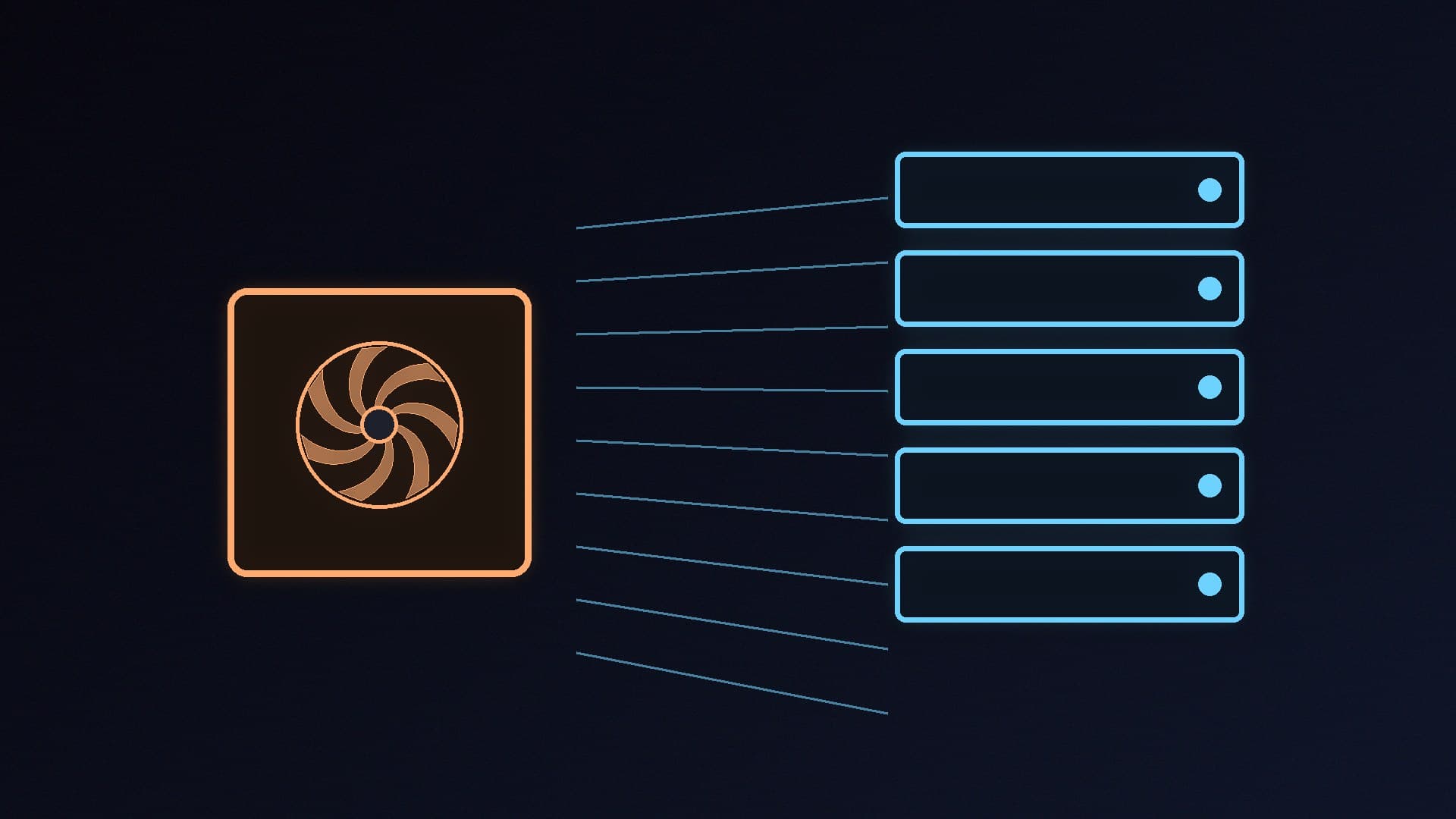
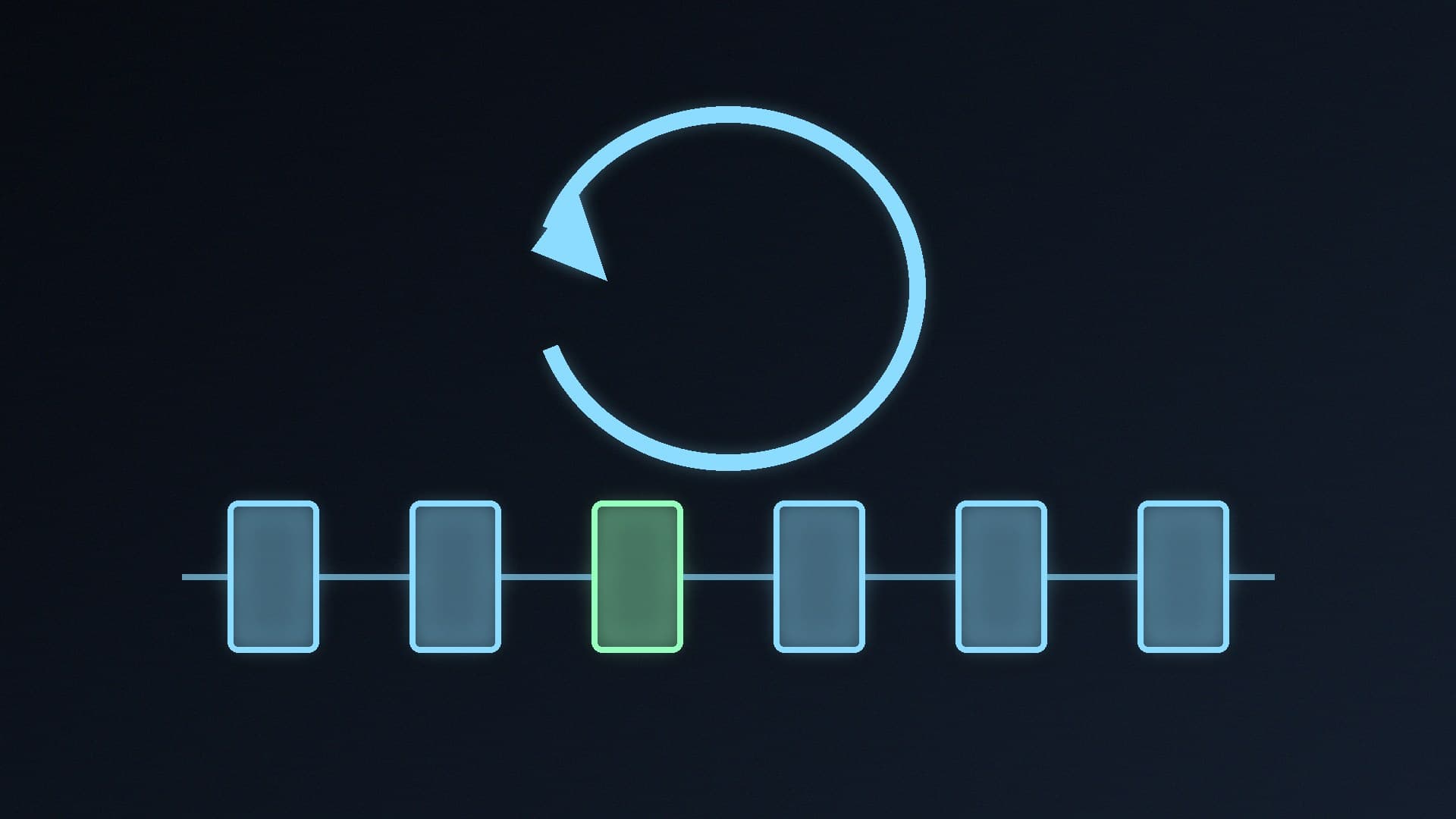
vLLM's documentation lists the features it's built around: PagedAttention for efficient management of attention key and value memory, continuous batching of incoming requests, prefix caching, and optimised CUDA and HIP execution. It also supports tensor, pipeline and other forms of parallelism for spreading a model across several GPUs, plus speculative decoding and efficient multi-LoRA serving. These features matter most when many users or agents are sending requests at the same time.
Ollama prioritises simplicity: it runs in the background on Windows with a tray app, and handles downloading, storing and loading models for you. For one person chatting with a model or connecting a single app, that's usually all you need. See how to speed up a local LLM in Ollama if you want to tune it.
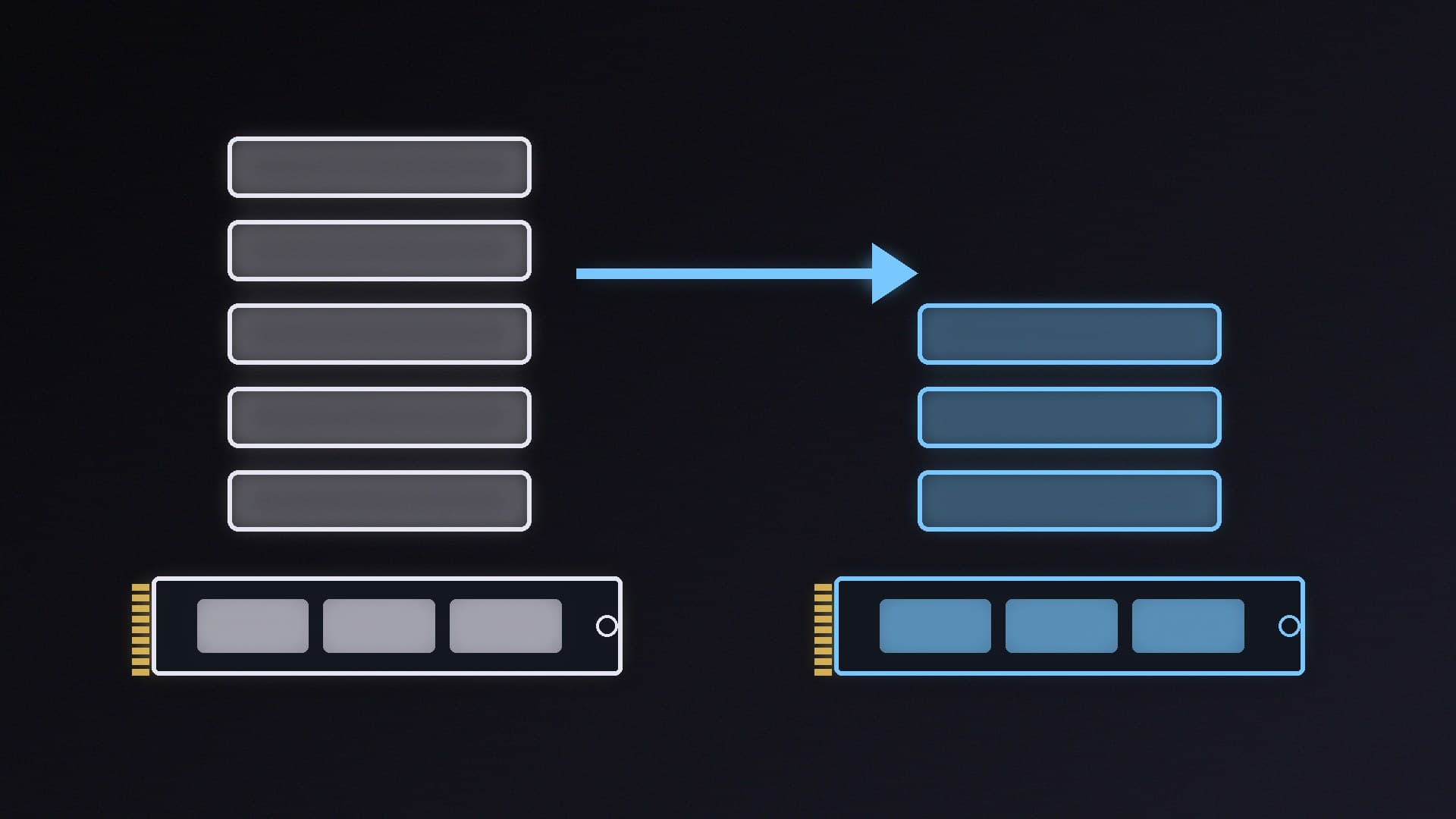
Ollama runs models from its own library and can import GGUF files through a Modelfile (its documentation notes it doesn't quantise GGUF models during import). vLLM's documentation says it supports more than 200 model architectures from Hugging Face and a long list of quantisation formats, including FP8, INT8, INT4, GPTQ, AWQ and GGUF. In practice vLLM is most at home with models in Hugging Face formats; our GGUF quantisation explainer covers what those quantisation labels mean.
Which should you choose?
Choose Ollama if you're on Windows, you want to run models for yourself or connect a few apps, or you have an older or AMD graphics card. Start with our guide to running AI models locally, and see how to use Ollama's OpenAI-compatible API to connect other tools.
Choose vLLM if you're comfortable with Linux or WSL, have an RTX 20-series or newer NVIDIA GPU (or a supported Radeon), and want to serve a model to several users, run many agent requests in parallel, or split a model across multiple GPUs. If you're comparing Ollama with its underlying engine instead, read llama.cpp vs Ollama.
Our verdict
Ollama is the better choice for most Windows PC owners: it's a native Windows app, supports NVIDIA cards back to compute capability 5.0 and AMD cards through ROCm or Vulkan, and makes model management simple. vLLM is a Linux-first serving engine that needs WSL on Windows and an NVIDIA GPU with compute capability 7.5 or newer (or a supported Radeon), but it's built for high-throughput serving with features such as PagedAttention, continuous batching and multi-GPU parallelism. Forge PC hasn't benchmarked the two itself.