Skip to content

Author / Senior Hardware Editor / 158 articles

Callum Reid

Callum leads GPU, CPU and platform architecture coverage at Forge PC. Before joining the editorial desk, he spent nine years specifying, assembling and stress-testing custom gaming and workstation systems in the UK, with a focus on PCIe bandwidth, VRM thermal design, DDR5 memory tuning and 1440p/4K frame-time consistency.

  • DisplayHDR 400 vs 600 vs 1000: What the HDR Monitor Badges Really Mean

    Versus

    DisplayHDR 400 vs 600 vs 1000: What the HDR Monitor Badges Really Mean

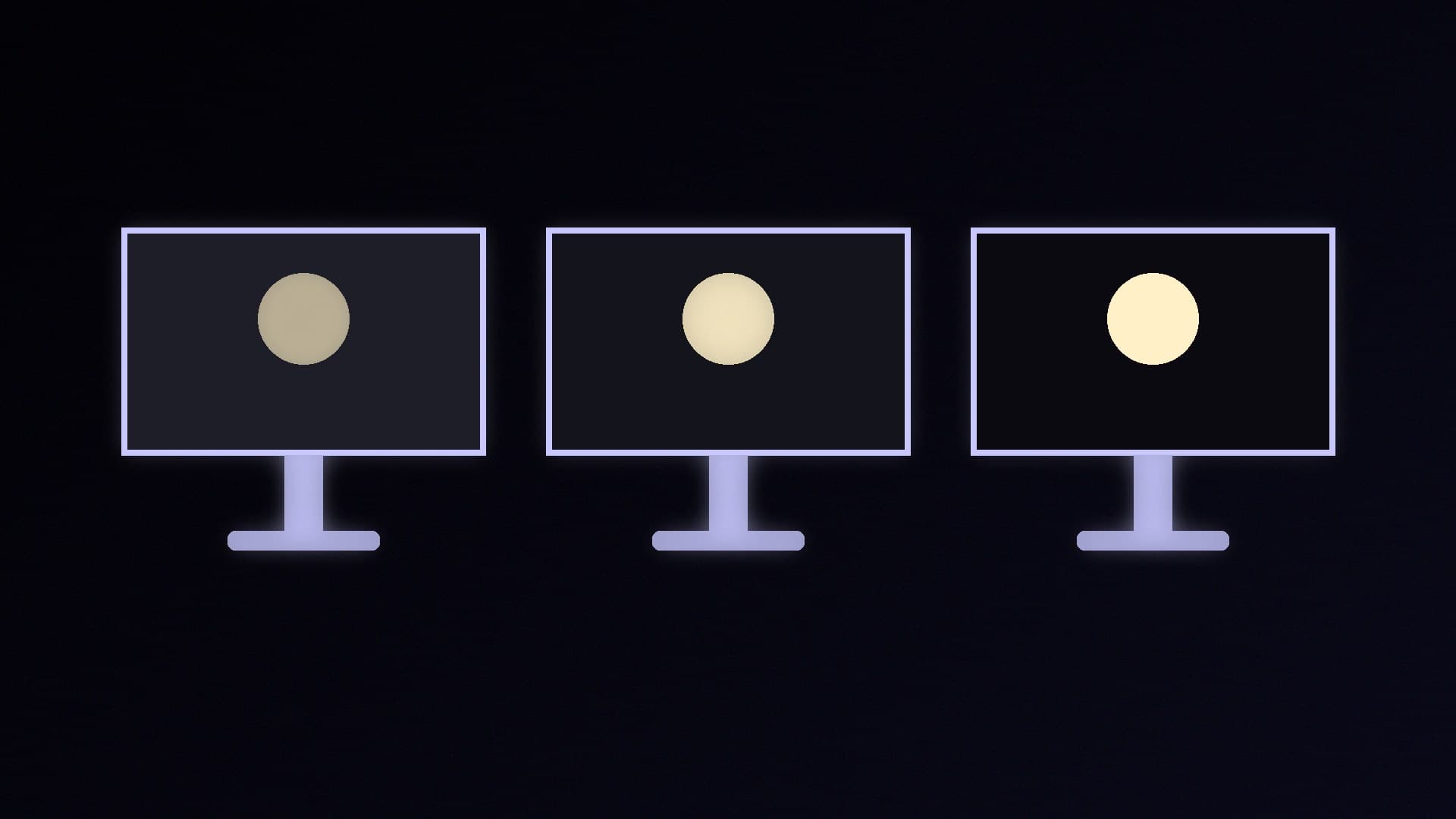
    VESA's DisplayHDR tiers set minimum brightness, black level, contrast and colour. DisplayHDR 400 needs 400 cd/m² peak and allows 0.4 cd/m² black; 600 needs 600 cd/m², 0.1 cd/m² and 8,000:1 static contrast; 1000 needs 1,000 cd/m², 0.05 cd/m² and 30,000:1. True Black tiers for OLED cap black at 0.0005 cd/m². Look for 600 or above on LCDs.

    Callum Reid4 min
  • GDDR7 vs GDDR6: Does Faster Graphics Memory Matter?

    Versus

    GDDR7 vs GDDR6: Does Faster Graphics Memory Matter?

    GDDR7, used on NVIDIA's RTX 50 cards, uses PAM3 signalling and JEDEC rates it at double GDDR6's per-device bandwidth. On the same 128-bit bus, TechSpot lists 448GB/s for the GDDR7 RTX 5060 Ti against 288GB/s for the GDDR6 RTX 4060 Ti; AMD lists up to 320GB/s for the RX 9060 XT. Capacity matters more; bandwidth matters most for local AI.

    Callum Reid4 min

  • ComfyUI vs Forge: Which Local Stable Diffusion App Should You Use?

    Versus

    ComfyUI vs Forge: Which Local Stable Diffusion App Should You Use?

    ComfyUI uses a node graph, supports the widest range of image, video, audio and 3D models and lists NVIDIA, AMD, Intel and Apple hardware, with a Comfy Desktop installer for Windows and macOS. Forge keeps AUTOMATIC1111's tabbed interface, adds NF4 and GGUF Flux support and ships a CUDA one-click package for NVIDIA cards. ComfyUI suits most people.

    Callum Reid4 min

  • Curved vs Flat Gaming Monitor: Which Should You Buy?

    Versus

    Curved vs Flat Gaming Monitor: Which Should You Buy?

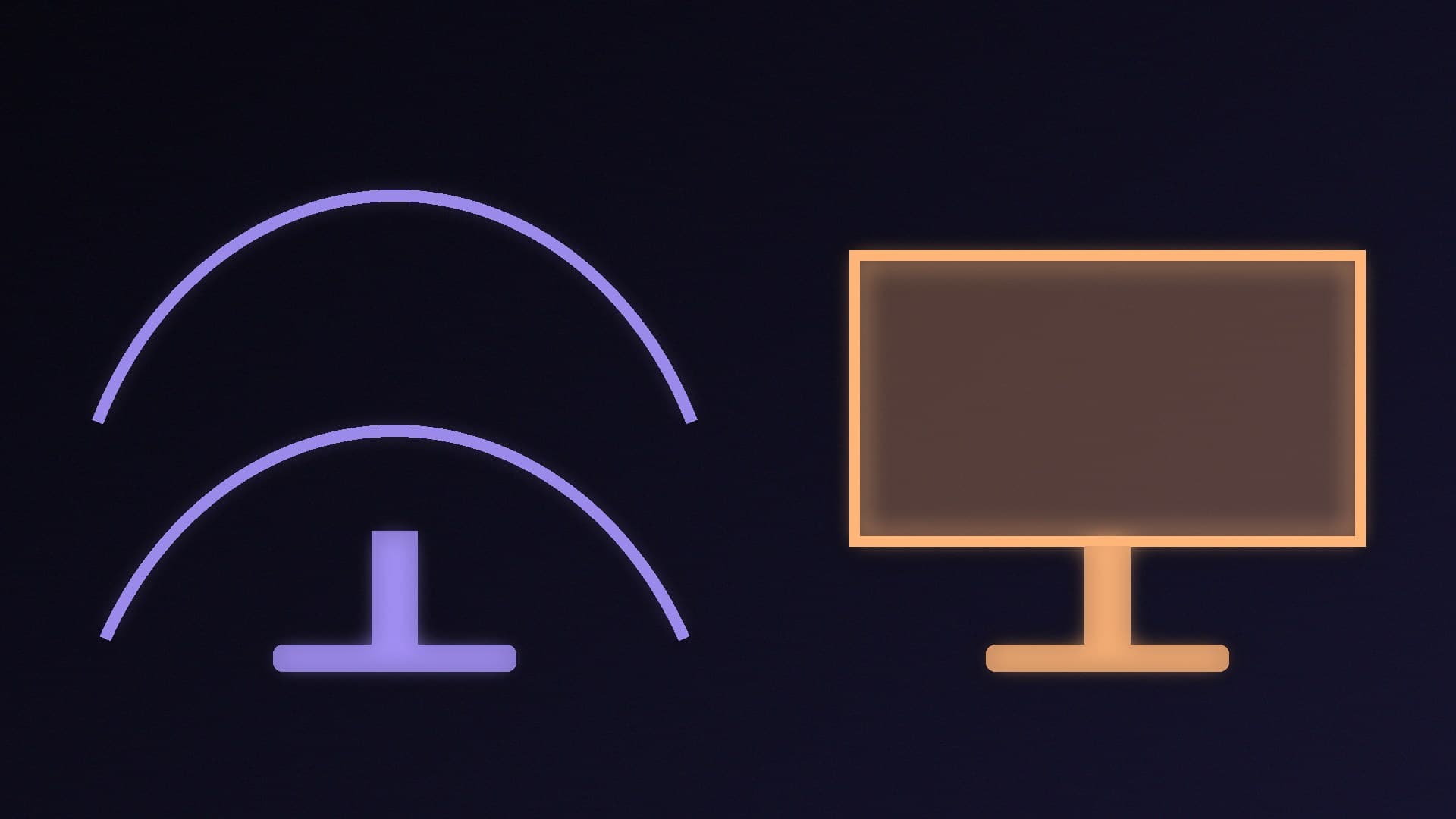
    Curved monitors keep the edges of wide screens at a more even distance and suit ultrawides, large screens and sims, according to BenQ and Samsung. Flat monitors are better for design work, multi-monitor set-ups and consoles, and a curve adds little on a 24- or 27-inch 16:9 screen. A lower R number, like 1000R, means a stronger curve.

    Callum Reid3 min

  • FP4 vs FP8 vs FP16: What AI Precision Formats Mean for Your GPU and VRAM

    Versus

    FP4 vs FP8 vs FP16: What AI Precision Formats Mean for Your GPU and VRAM

    FP16, FP8 and FP4 describe how many bits store each value in an AI model: roughly 2GB, 1GB and 0.5GB per billion parameters for weights. Lower precision saves memory and raises headline performance but risks accuracy. NVIDIA's Blackwell NVFP4 adds an FP8 scale per 16 values; NVIDIA says it cuts memory about 3.5x versus FP16.

    Callum Reid4 min

  • M.2 2230 vs 2280 SSD: What the Numbers Mean and Which Size You Need

    Versus

    M.2 2230 vs 2280 SSD: What the Numbers Mean and Which Size You Need

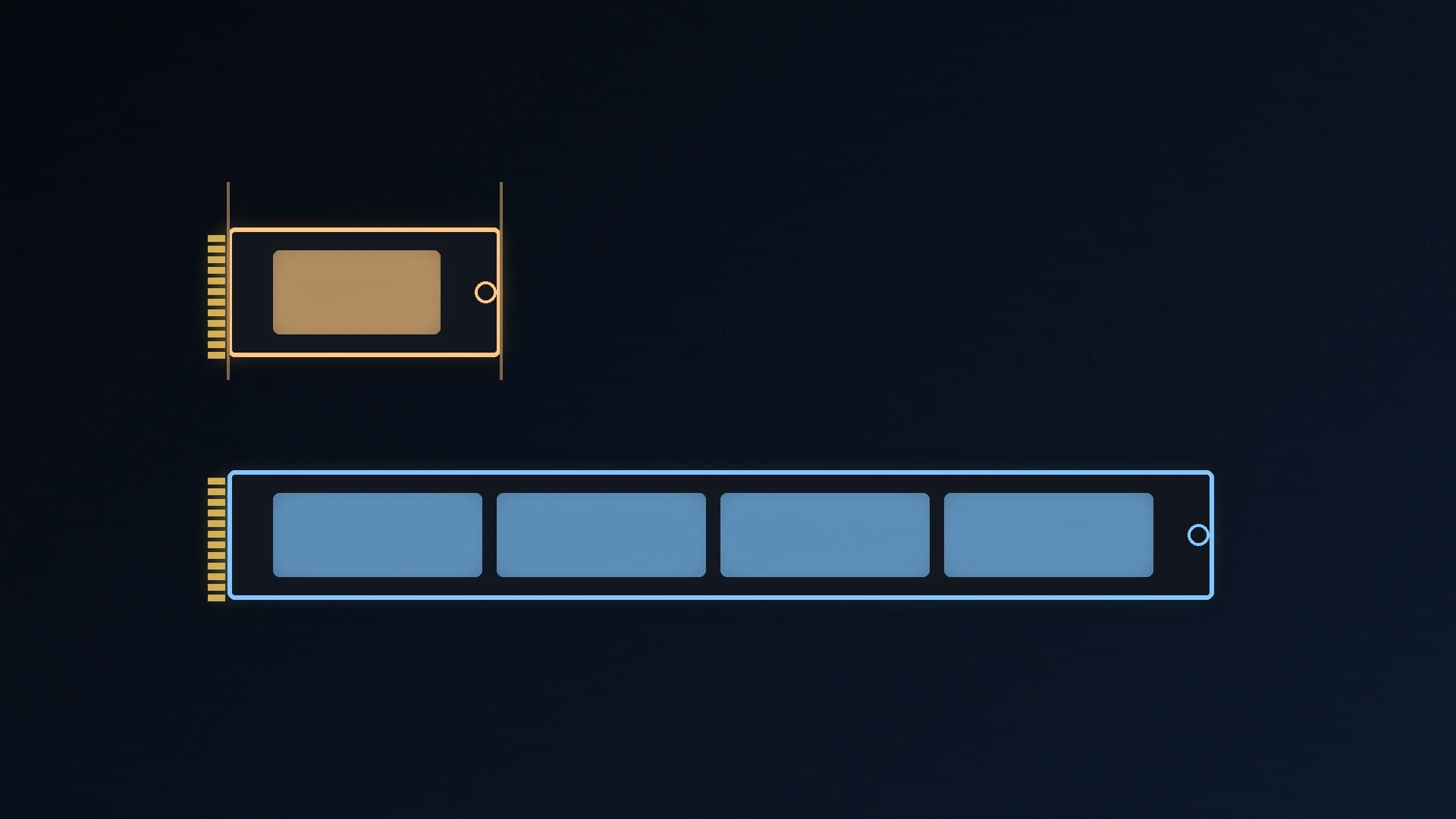
    M.2 2230 and 2280 SSDs are both 22mm wide; 2230 is 30mm long and 2280 is 80mm. Desktop PCs use 2280, the standard size with the widest choice. Handhelds like the Steam Deck, ROG Ally and MSI Claw, and some thin laptops, usually need 2230. Length doesn't set speed; SATA vs NVMe, the slot key and PCIe generation matter more.

    Callum Reid3 min

  • Ollama vs Docker Model Runner: Which Should You Use for Local AI?

    Versus

    Ollama vs Docker Model Runner: Which Should You Use for Local AI?

    Ollama is a standalone local model server on port 11434 that supports NVIDIA and, via ROCm and Vulkan, AMD GPUs on Windows. Docker Model Runner is built into Docker Desktop, serves OpenAI- and Ollama-compatible APIs on port 12434 and pulls models from Docker Hub or Hugging Face, but its Windows GPU support is NVIDIA-only.

    Callum Reid4 min

  • Wired vs Wireless Gaming Headset: Which Should You Buy?

    Versus

    Wired vs Wireless Gaming Headset: Which Should You Buy?

    Wired headsets need no charging and are simple and cheap to run. Wireless headsets give you freedom of movement; Logitech says a 2.4GHz USB dongle gives lower latency and better stability than Bluetooth, so use the dongle for games and Bluetooth for phones. Check battery life and console support before buying.

    Callum Reid3 min

  • Optical vs Mechanical Mouse Switches: Which Is Better for Gaming?

    Versus

    Optical vs Mechanical Mouse Switches: Which Is Better for Gaming?

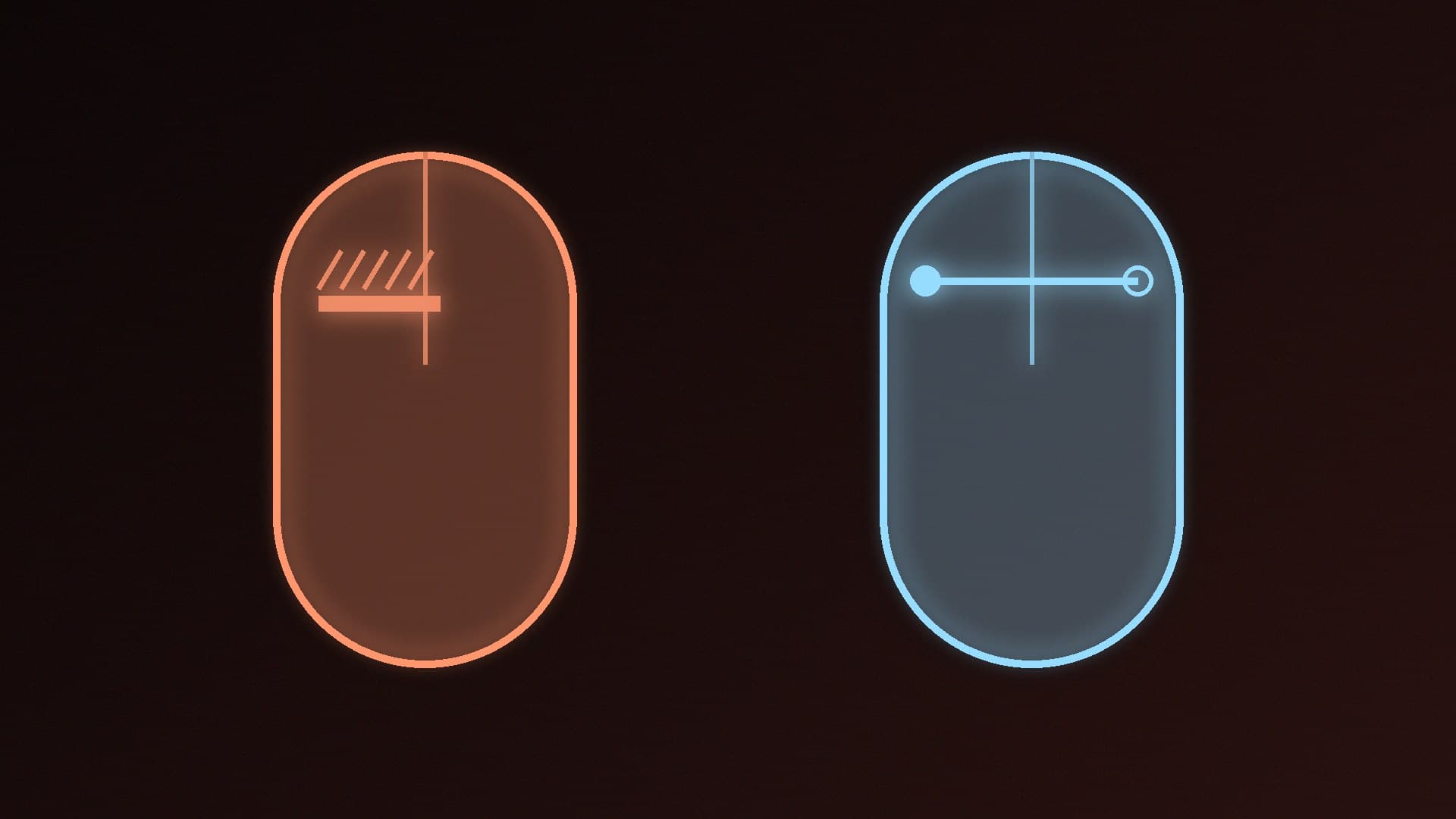
    Optical mouse switches register clicks when a light beam is unblocked, so Razer and Logitech say they need no debounce delay and avoid the contact wear behind double-clicking. Mechanical switches use metal contacts. Choose optical or hybrid for competitive play and durability; mechanical is fine for casual use.

    Callum Reid3 min

  • HDD vs SSD for a Gaming PC: Which Do You Need in 2026?

    Versus

    HDD vs SSD for a Gaming PC: Which Do You Need in 2026?

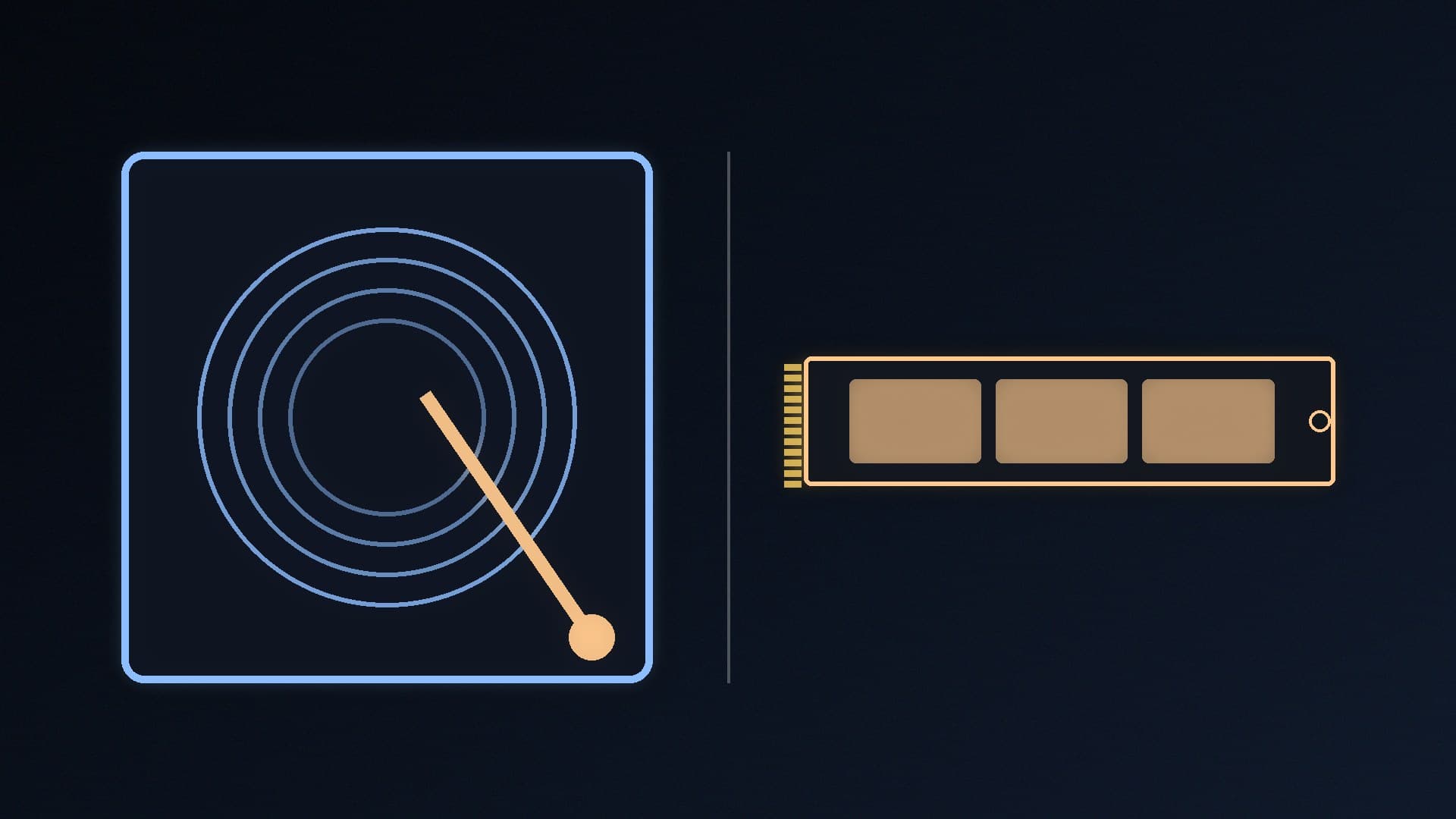
    SSDs have no moving parts and are much faster to boot and load, so use one for Windows, apps and games. Hard drives still win on capacity and cost per gigabyte, which suits media libraries and backups. For most gaming PCs, one NVMe SSD is enough, with a hard drive added only for bulk storage.

    Callum Reid4 min

  • Dynamic vs Condenser Microphone: Which Is Better for Streaming, Podcasts and Calls?

    Versus

    Dynamic vs Condenser Microphone: Which Is Better for Streaming, Podcasts and Calls?

    Condenser mics capture more detail and higher output but need power and pick up more room and mouth noise. Dynamic mics are rugged, need more gain and, as Shure puts it, naturally mask room noise. For streaming or podcasting in an untreated room, choose a cardioid dynamic mic; choose a condenser for quiet, treated spaces.

    Callum Reid3 min

  • Membrane vs Mechanical Keyboard: Which Should You Buy for Gaming and Work?

    Versus

    Membrane vs Mechanical Keyboard: Which Should You Buy for Gaming and Work?

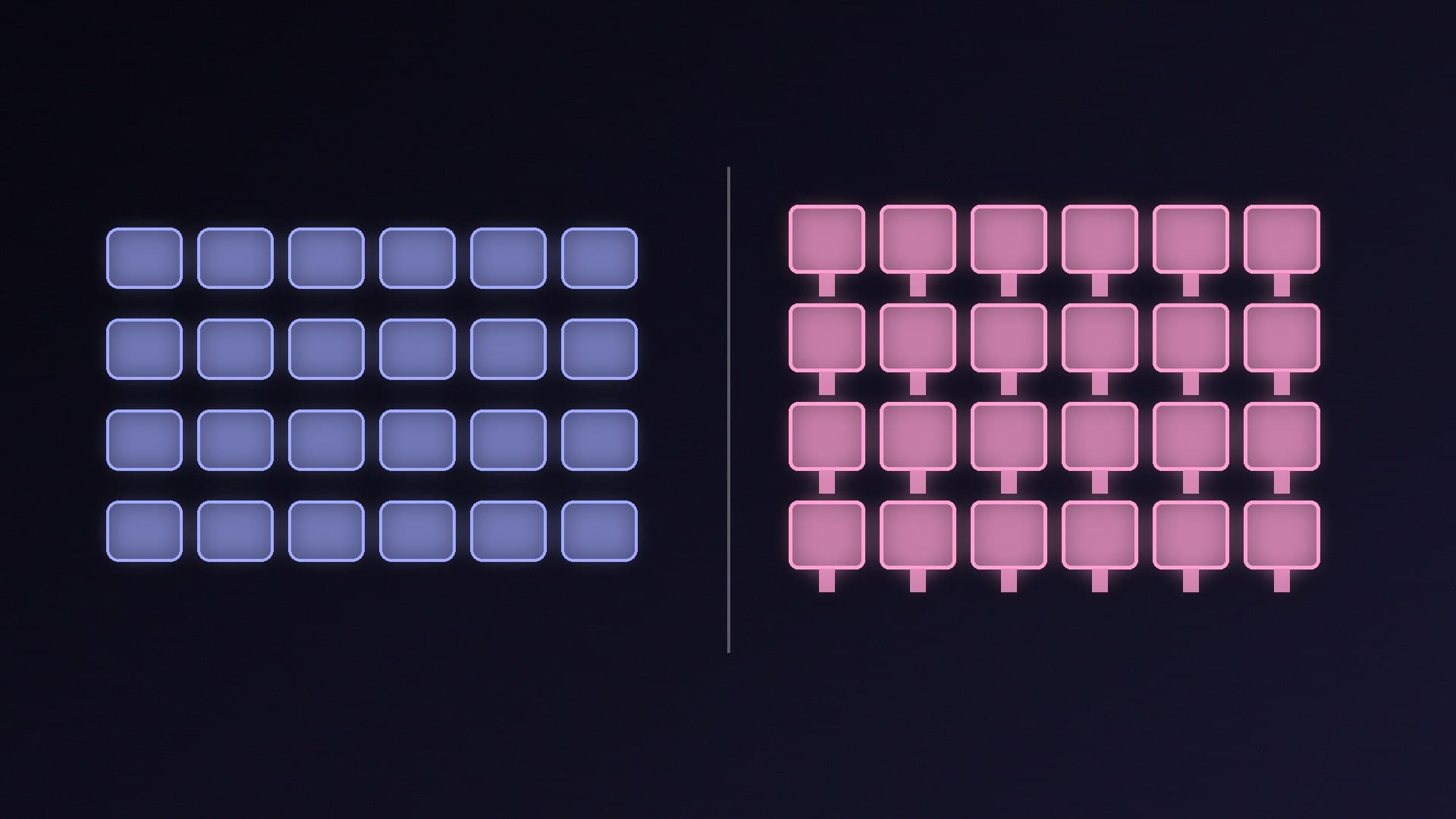
    Mechanical keyboards use a switch under every key, giving clearer feedback, switches rated for up to 50-100 million keystrokes (per Logitech) and easy keycap swaps. Membrane keyboards use rubber domes, so they're softer, quieter, cheaper and more spill-resistant, but the domes can wear. Buy mechanical for heavy gaming and typing, membrane for quiet spaces and tight budgets.

    Callum Reid3 min

  • Single-Rail vs Multi-Rail PSU: What the Difference Really Means for Your PC

    Versus

    Single-Rail vs Multi-Rail PSU: What the Difference Really Means for Your PC

    Single-rail and multi-rail PSUs differ in how 12V over-current protection is split, not in total power. Single-rail shares one OCP limit across all connectors and is simplest for most gaming PCs; multi-rail gives each group its own limit, which suits workstations with several heavy loads but may need load balancing. Build quality matters more than rail design.

    Callum Reid4 min

  • 27-inch vs 32-inch Monitor: Which Size Is Better for Gaming and Work?

    Versus

    27-inch vs 32-inch Monitor: Which Size Is Better for Gaming and Work?

    A 32-inch 16:9 monitor has about 40% more screen area than a 27-inch one, but it only looks sharp at 4K (about 138 PPI); 32-inch 1440p drops to about 92 PPI. Buy 27-inch for 1440p, competitive gaming and desks under about 80cm deep, and 32-inch 4K for immersive games and productivity if you can sit around 80-100cm away.

    Callum Reid3 min

  • Two vs Four RAM Sticks for DDR5: Why 2x32GB Usually Beats 4x16GB

    Versus

    Two vs Four RAM Sticks for DDR5: Why 2x32GB Usually Beats 4x16GB

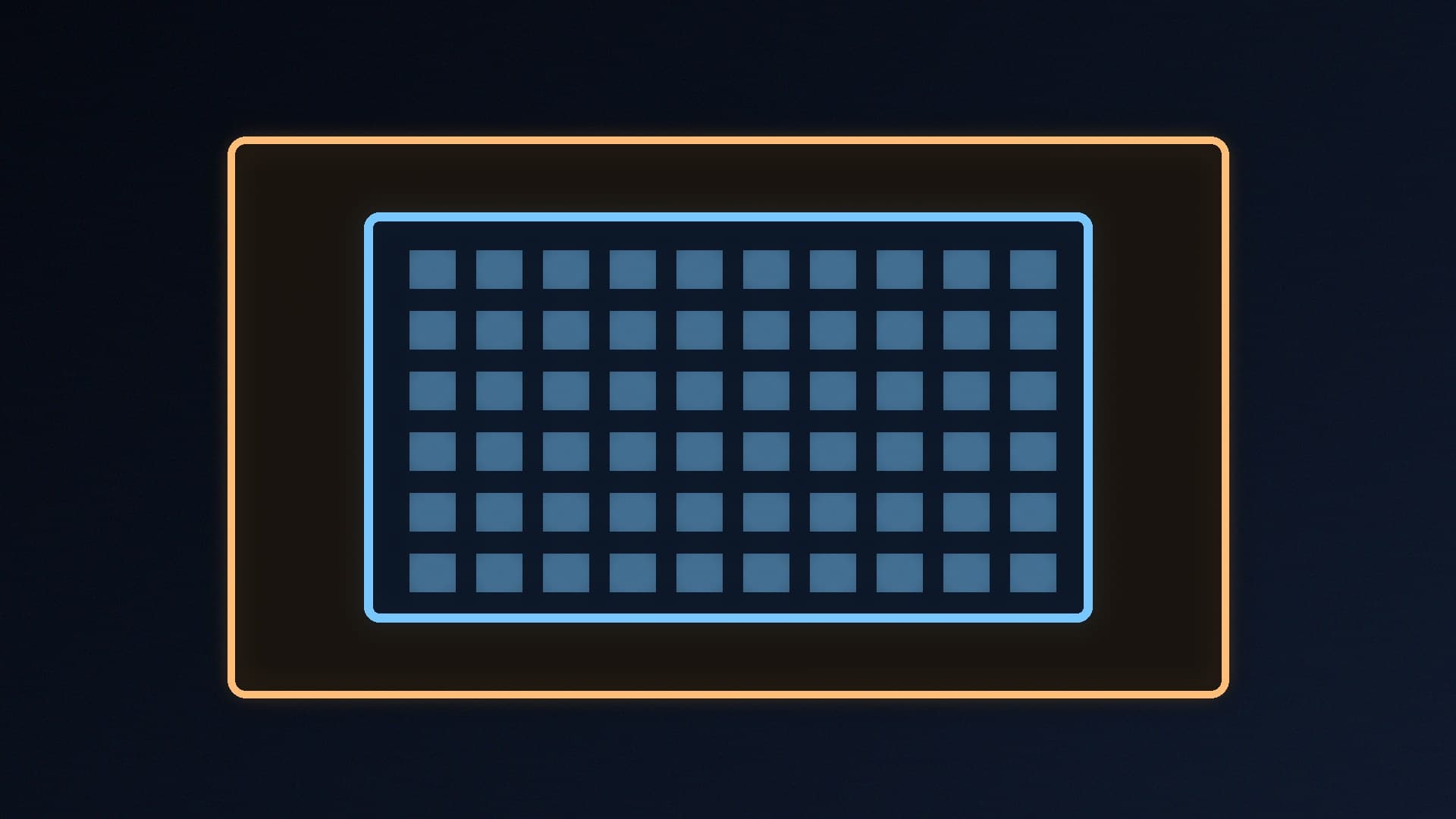
    Two DDR5 sticks are better for most builds. AMD lists DDR5-5600 as the AM5 maximum with two modules but DDR5-3600 with four, and XMP or EXPO speeds above that are overclocking and not guaranteed. Buy 2x16GB or 2x32GB for 32GB or 64GB, and use four sticks, ideally a matched kit, only if you need 128GB or more.

    Callum Reid3 min

  • Glossy vs Matte Monitor: Which Screen Finish Is Better for Gaming?

    Versus

    Glossy vs Matte Monitor: Which Screen Finish Is Better for Gaming?

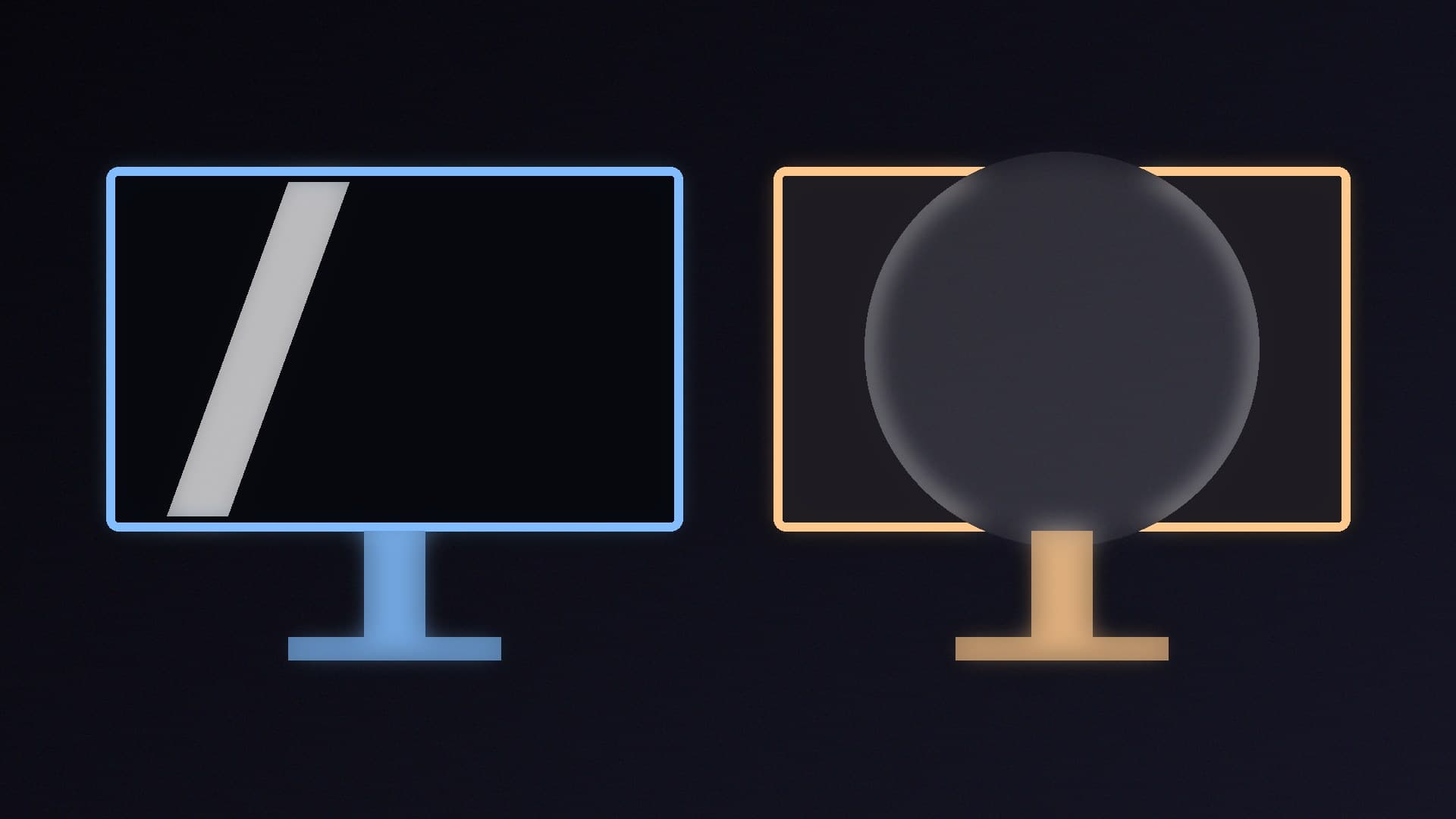
    Matte anti-glare screens handle windows and lamps far better, so they suit bright rooms and daytime use. Glossy and semi-glossy screens look clearer and, in TFT Central's OLED tests, kept blacks 10-15% deeper in a lit room, so they suit evening gaming where you control the light. On OLED, panel type affects black depth in a lit room more than the coating.

    Callum Reid3 min

  • SFX vs SFX-L vs ATX Power Supply: Which PSU Size Do You Need?

    Versus

    SFX vs SFX-L vs ATX Power Supply: Which PSU Size Do You Need?

    ATX power supplies are 150 x 86mm with a depth of 140mm or more; SFX units are 125 x 63.5 x 100mm and SFX-L units are 125 x 63.5 x 130mm. Buy ATX for normal towers, SFX for compact mini-ITX cases and SFX-L only if your case supports it. An SFX unit can fit an ATX case with a bracket, but an ATX unit won't fit an SFX-only case.

    Callum Reid4 min

  • Liquid Metal vs Thermal Paste: Is Liquid Metal Worth the Risk for Your CPU?

    Versus

    Liquid Metal vs Thermal Paste: Is Liquid Metal Worth the Risk for Your CPU?

    Thermal paste is the right choice for almost everyone: it's cheap, easy and non-conductive. Liquid metal such as Thermal Grizzly Conductonaut targets maximum heat transfer but is electrically conductive, must never touch aluminium, can react with bare copper and needs insulation and checking. Use it only if you're experienced, ideally on nickel-plated copper or direct-die setups.

    Callum Reid4 min